Can I Get a 286 To Run Like a 386 - Part 5
26th August 2026
After a discussion with DOS Days' contributor, Steve Wolf, I wanted to revisit this article. He had provided me with some links to 286 overclocking projects that had actually been done before I had written this one in 2021, and I must have missed them!
There were also some tests that could have answered some of my earlier questions: were those new DRAMs actually 60ns ones? Do they need the 1-bit parity ICs as well? Is cooling an issue? Do I need to replace the BIOS with a later one? I also wanted to increase the number of benchmark utilities being run from 10 to 24 (to help others compare using their favourite tools). I also didn't have a video capture setup back then, so screenshots were of the screen itself and no videos were recorded.
Looking back to Part 4, these were the fastest benchmark results I got, which were achieved by using a 50 MHz crystal with 1 wait state on RAM, or a 40 MHz crystal with 0 wait states on RAM (a 48 MHz crystal with 0WS would fail to POST, just like the 50). Numbers in bold are the best:
| Test Program | 25 MHz CPU clock (1WS) | 20 MHz CPU clock (0WS) |
|---|---|---|
| Landmark 0.99 | 25.5 MHz (15.8x) | 26.7 MHz (16.5x) |
| Landmark 2.00 (LM60) | 25.95 MHz | 25.68 MHz |
| Maxum MaxSpeed | 25 MHz | 20 MHz |
| PC Tools R4.22 | 1180% | 1150% |
| Norton SI v4.5 | 26.0 | 22.0 |
| Norton SI v5.00 | 14.0 | 15.0 |
| USpeed | 1345% | 1230% |
| Check-It 3.0 | CPU: 4702 Dhrystones (13.67x) Math: 92.4 KWhetstones (14.1x) |
CPU: 4911 Dhrystones (14.28x) Math: 94.1 KWhetstones (14.26x) |
| AGSI | CPU: 4866.0 Dhrystones FPU: 71.1 KWhetstones RAM: 7763 KB/s |
CPU: 5094.3 Dhrystones FPU:70.7 KWhetstones RAM: 9187 KB/s |
| NSSI | 4791 Dhrystones | 4981 Dhrystones |
| Wolf3D Timedemo | 14.8 fps (ET4000, 80ns) | 13.9 fps (ET4000, 80ns) |
In this part, I want to answer those earlier questions and record some video as well.
Unfortunately the AMI BIOS on this motherboard is pretty inflexible, with just one performance-related option available, aside from ROM shadowing: "0 Wait State Option" which is for the RAM and can be set to 1 (Disabled) or 0 (Enabled):
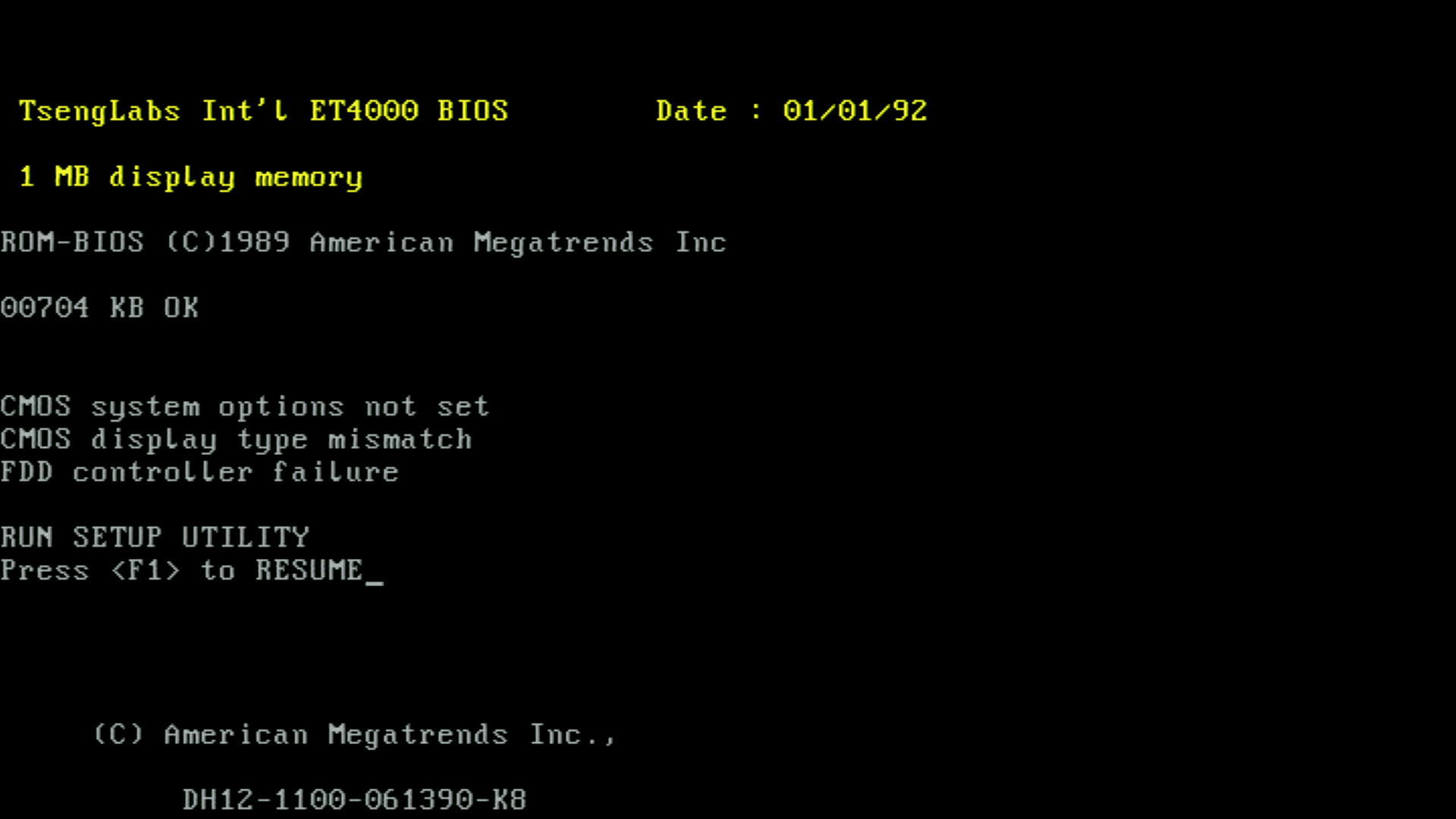
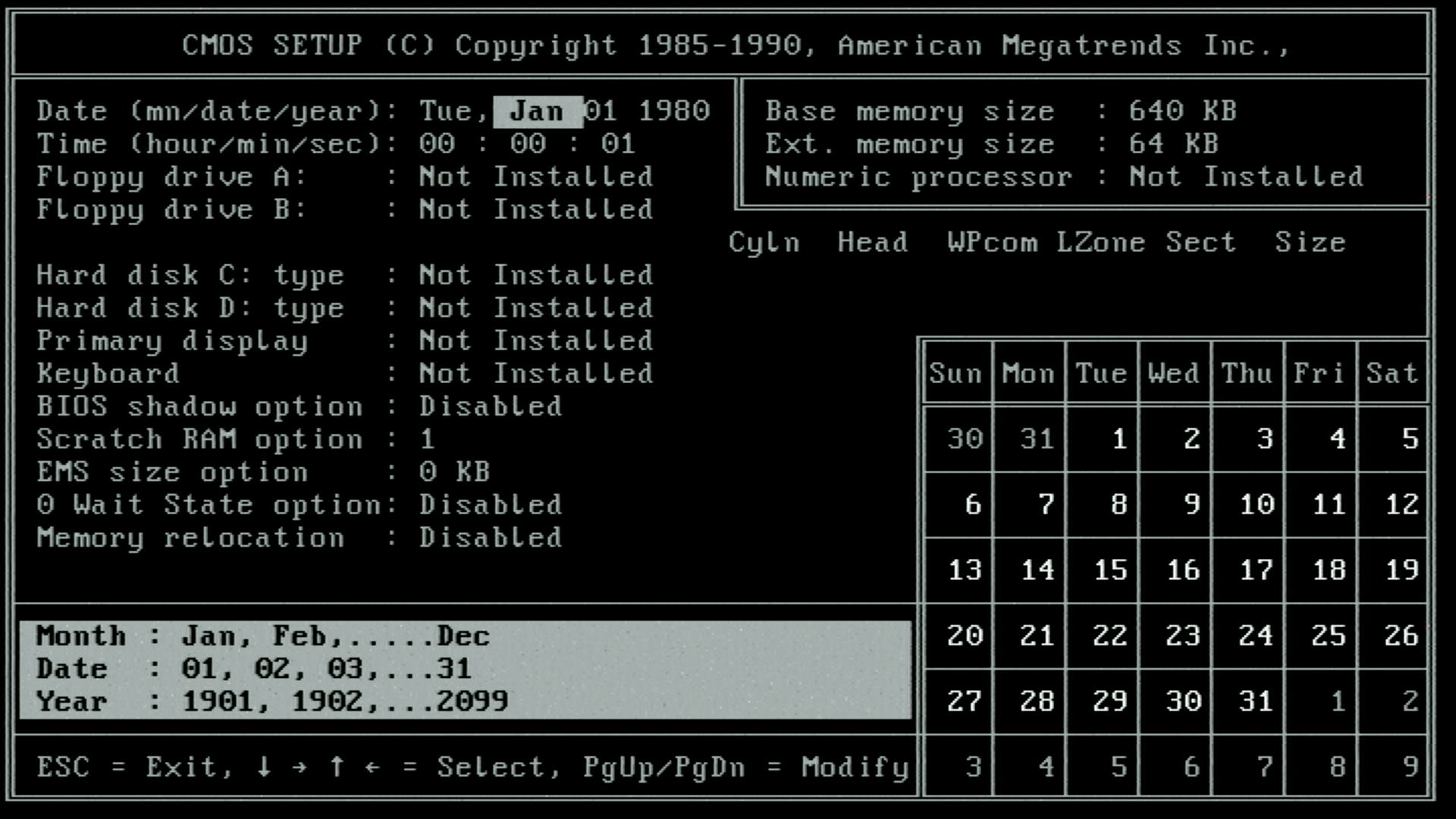
The boot screen, and the only BIOS configuration page - there is a built-in Diagnostics option too
20 MHz, 1 Wait State, 60ns DRAM DIPs
I started with the 40 MHz crystal installed and the BIOS set to 1 WS, and with those new 60ns DRAMs I had bought. Landmark 2.00 (LM60) reported a CPU clock of 19.548 MHz with the machine performing like an AT at 22.43 MHz. Compare that to the same test from Part 4 using the 70ns SIMMs (LM60=20.48 MHz), and this is an improvement, given the 20 MHz crystal. With the ET4000 (1 MB of 80ns Sanyo DRAMs), the video speed was 6261.40 chr/ms.
20 MHz, 0 Wait State, 60ns DRAM Dips
I then switched to 0WS, but the machine failed to POST.
20 MHz, 1 Wait State, 70ns SIMMs for main memory, 60ns DRAM DIPs on video card
Back to 1WS, I decided at this point to switch back to using 2 MB of 70ns SIMMs on the motherboard and put the questionable 60ns DRAMs onto the ET4000 card. The goal here was to see if the ET4000 video speed would then improve (though I may hit another bottleneck like ISA bus speed). The machine booted just fine in this configuration, but showed identical results in Landmark 2.00 (LM60).
20 MHz, 0 Wait State, 70ns SIMMs for main memory, 60ns DRAM DIPs on video card
It POSTed without issue. Landmark 2.00 (LM60) of course reported a similar CPU clock (19.550 MHz) with the machine performing like an AT at 30.29 MHz! A marked increase from the same test almost 5 years ago. Video speed was as before, 6261.40 chr/ms.
So running with 70ns SIMMs appears to be faster than the assumed-to-be 60ns DIPs. The fact the video speed is unchanged implies the 60ns DIPs are not actually 60ns DIPs (probably 80ns like the Sanyos). Temperature check.... the SIMMs feel pretty warm, as does the Harris-25. Headland HT12/A is warm but less so than the Harris. After being switched off overnight, I powered up and left it to idle for 10 minutes. Using a small laser infrared reader, the CPU was at 37.7 °C (about 10-11 degrees above ambient), the chipset was at 33.5°, and SIMMs at 32.7°. While I was scanning around, the ET4000's RAMDAC was at 47°, the ET4000 itself was at 46°, the BIOS was 38° and the video RAM at 35°. My infrared thermal camera reported higher readings: CPU = 53.6°, chipset = 48.2°, the BIOS was cold but oddly the keyboard BIOS was 51.0°, RAM ICs on the SIMMS between 44.5° and 51.2°. This was all with the machine idling at the C: prompt.
3DBench v1.0 with the ET4000 fitted with those newly-installed '60ns' DRAMs returned 8.0. 3DBench v1.0c returned 7..
Wolf3D timedemo returned 13.7 fps (slightly slower than the 13.9 we got in Part 4 with the Sanyo 80ns DRAMs - evidence again that the new DRAMs are probably actually 80ns at best).
I also ran the F1Bench1 (Formula One Grand Prix CPU occupancy test), and it sat at around 124% - 143%.
Since we're back to where we were in 2021 (actually better), here are the screenshots and below them some videos:
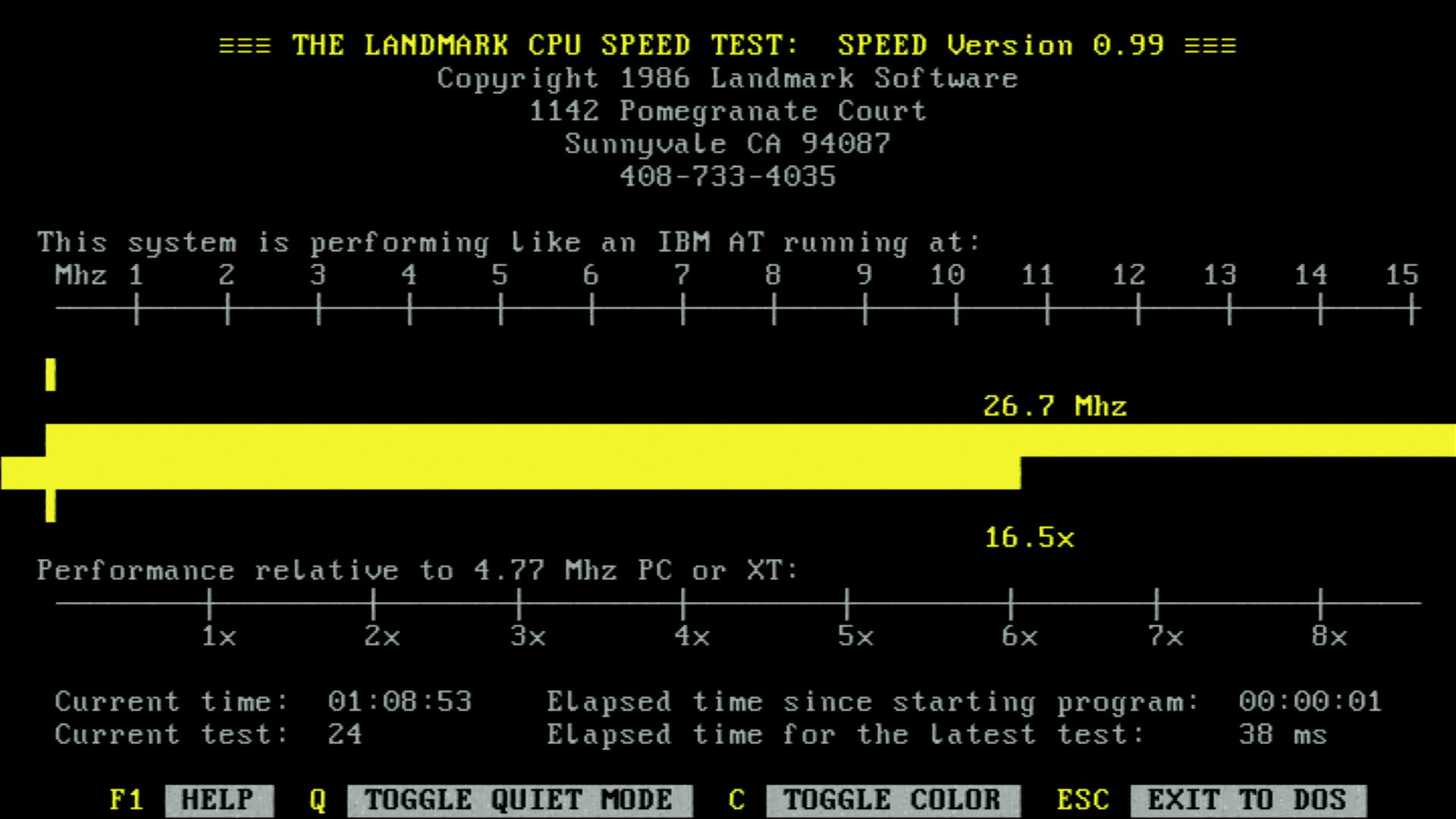
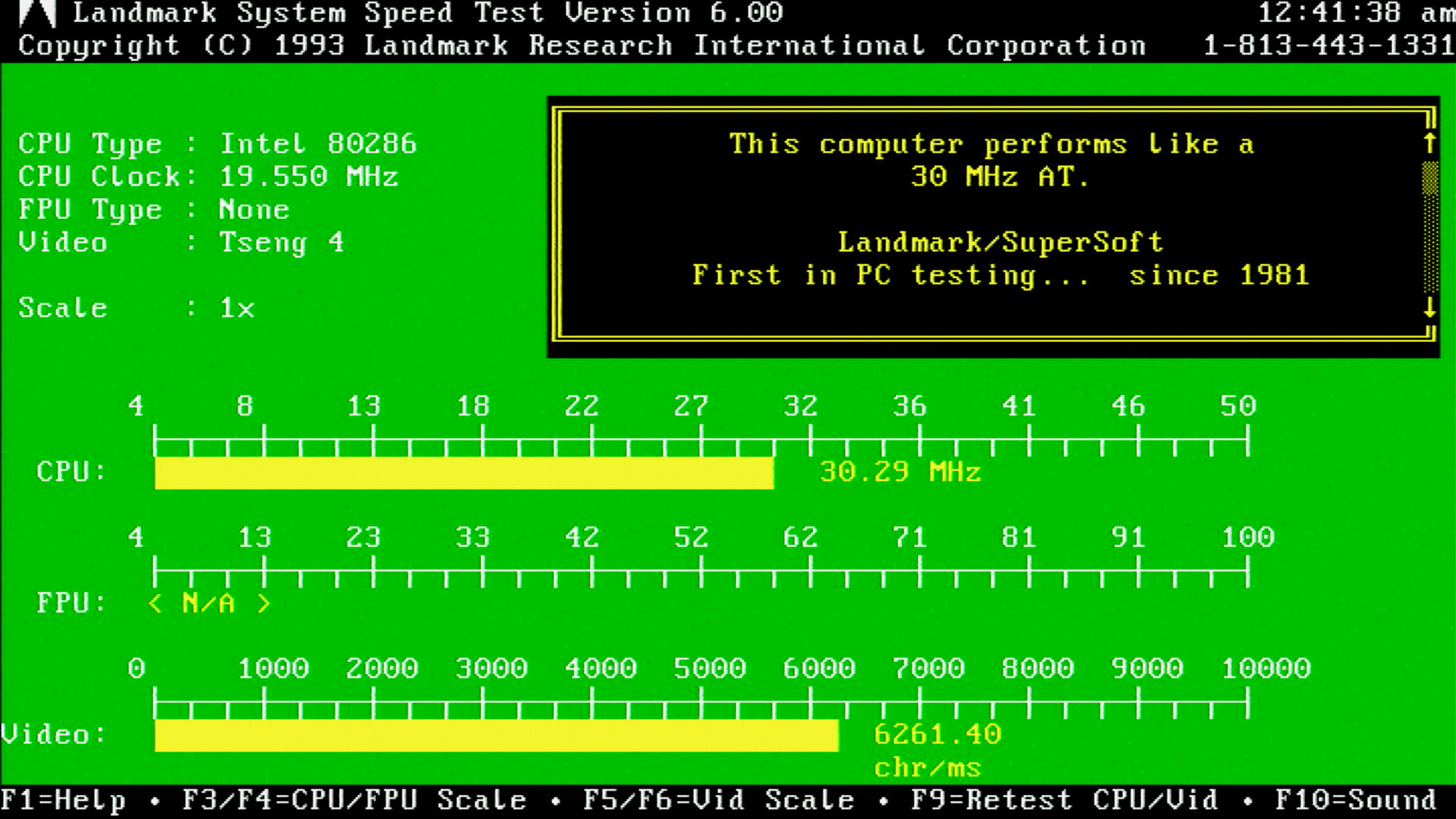
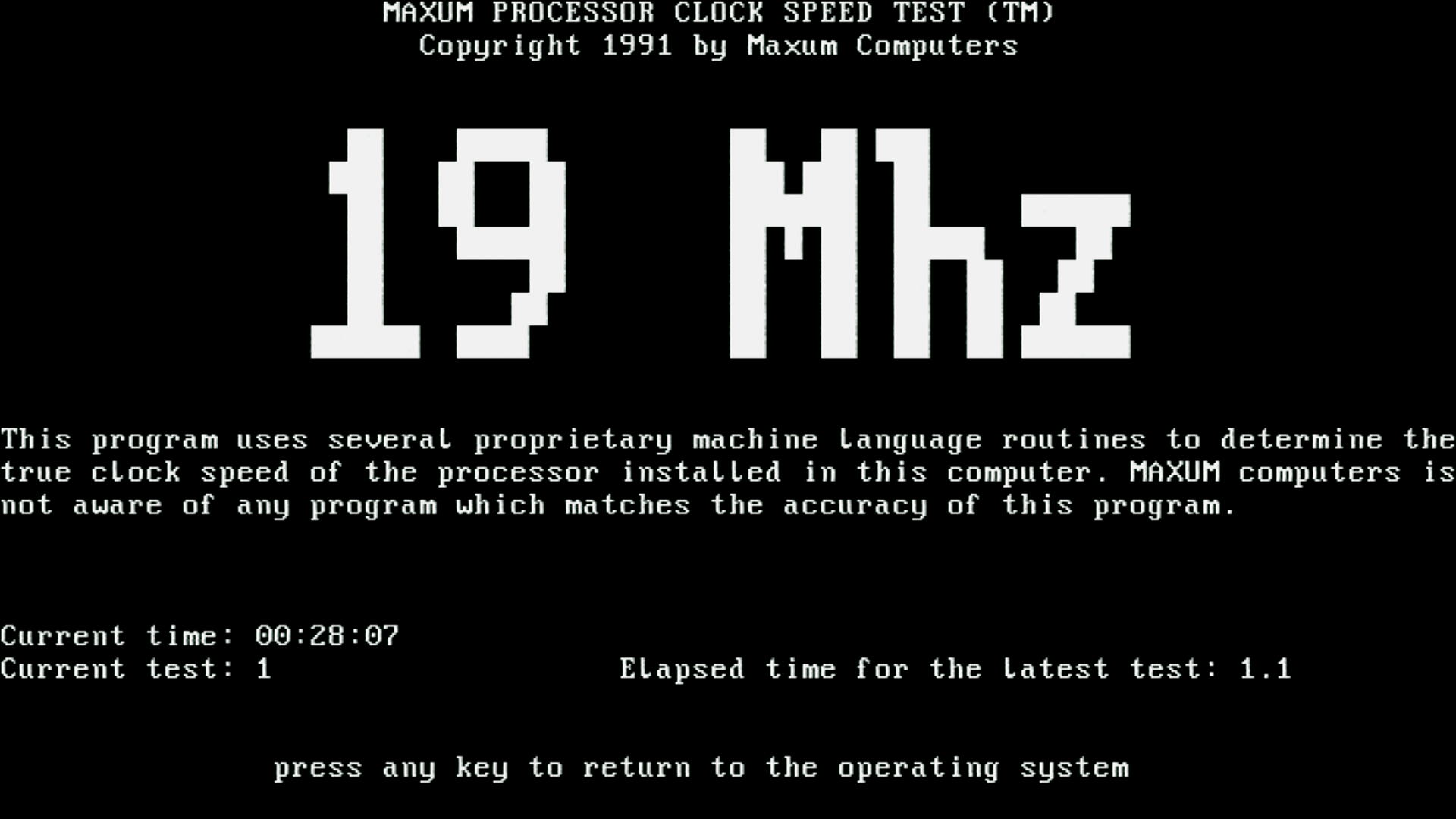
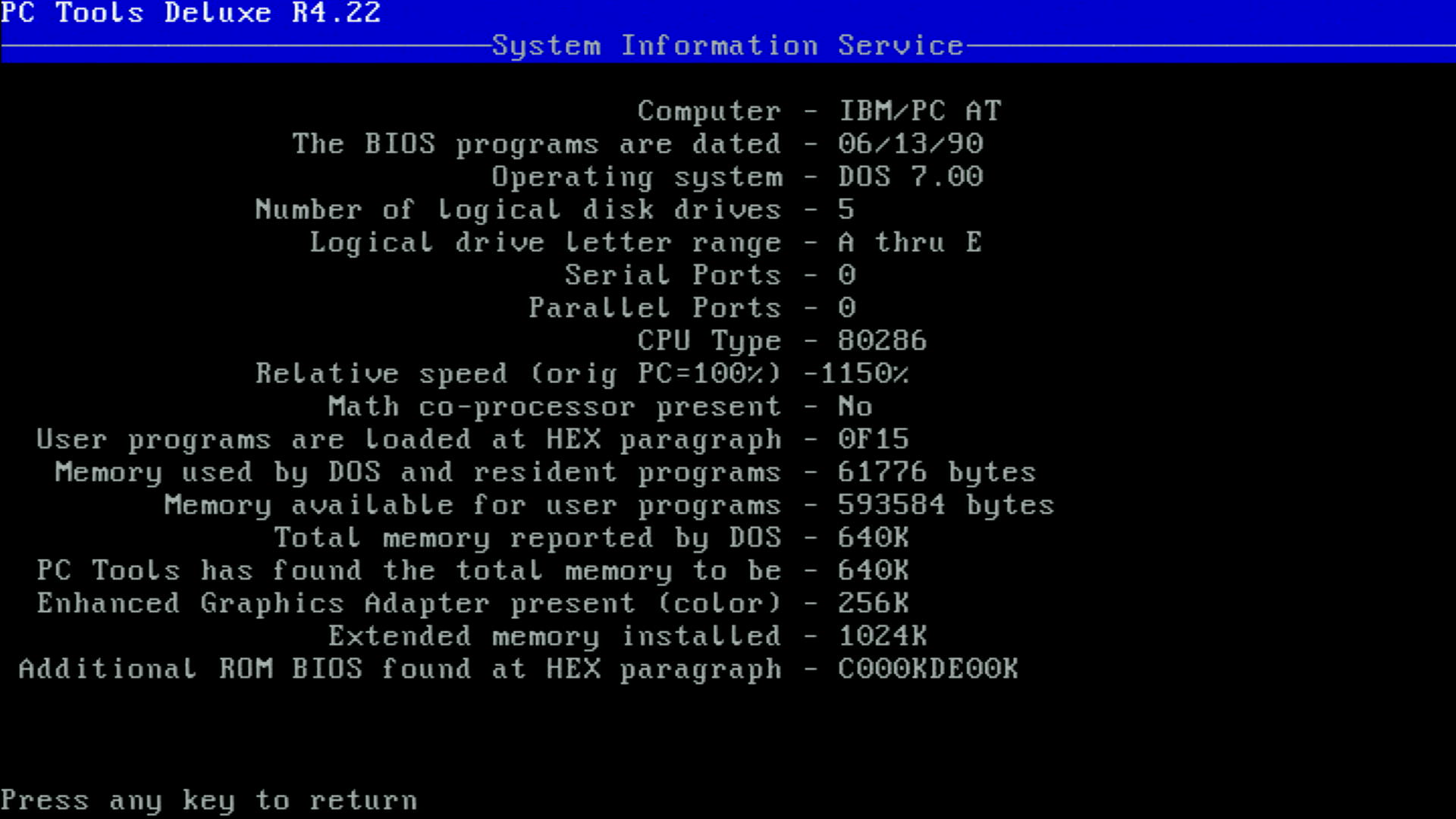
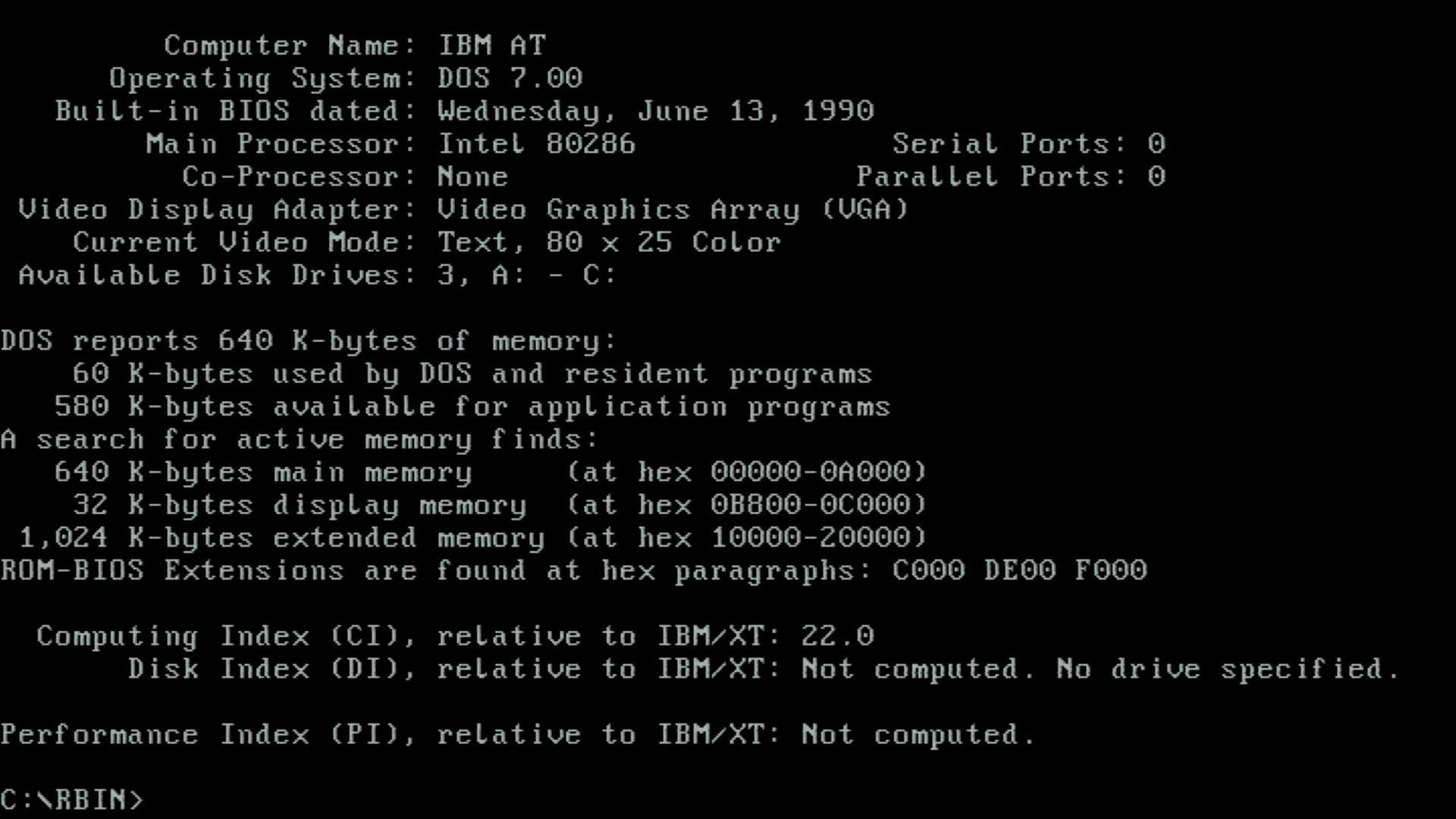
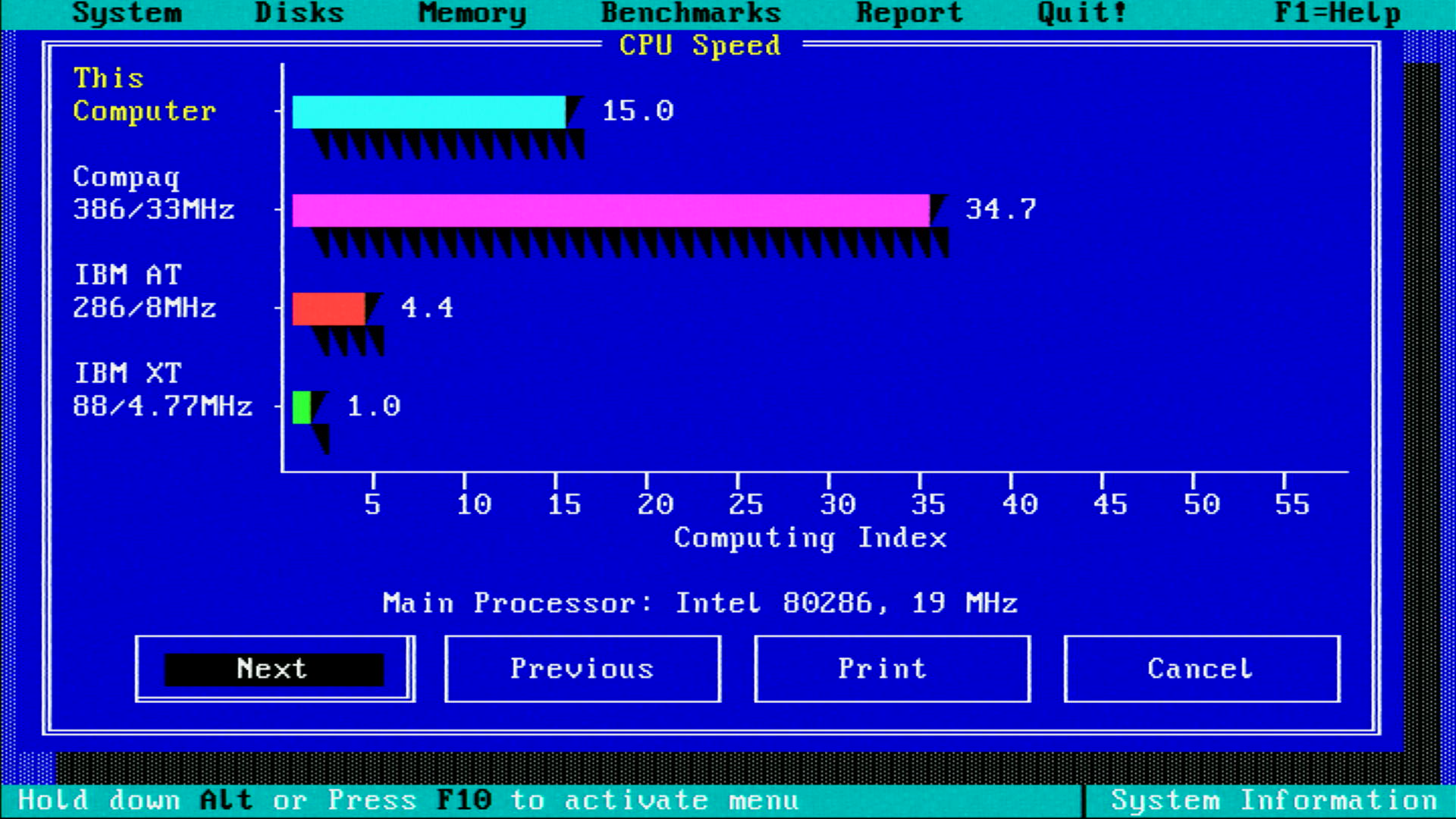
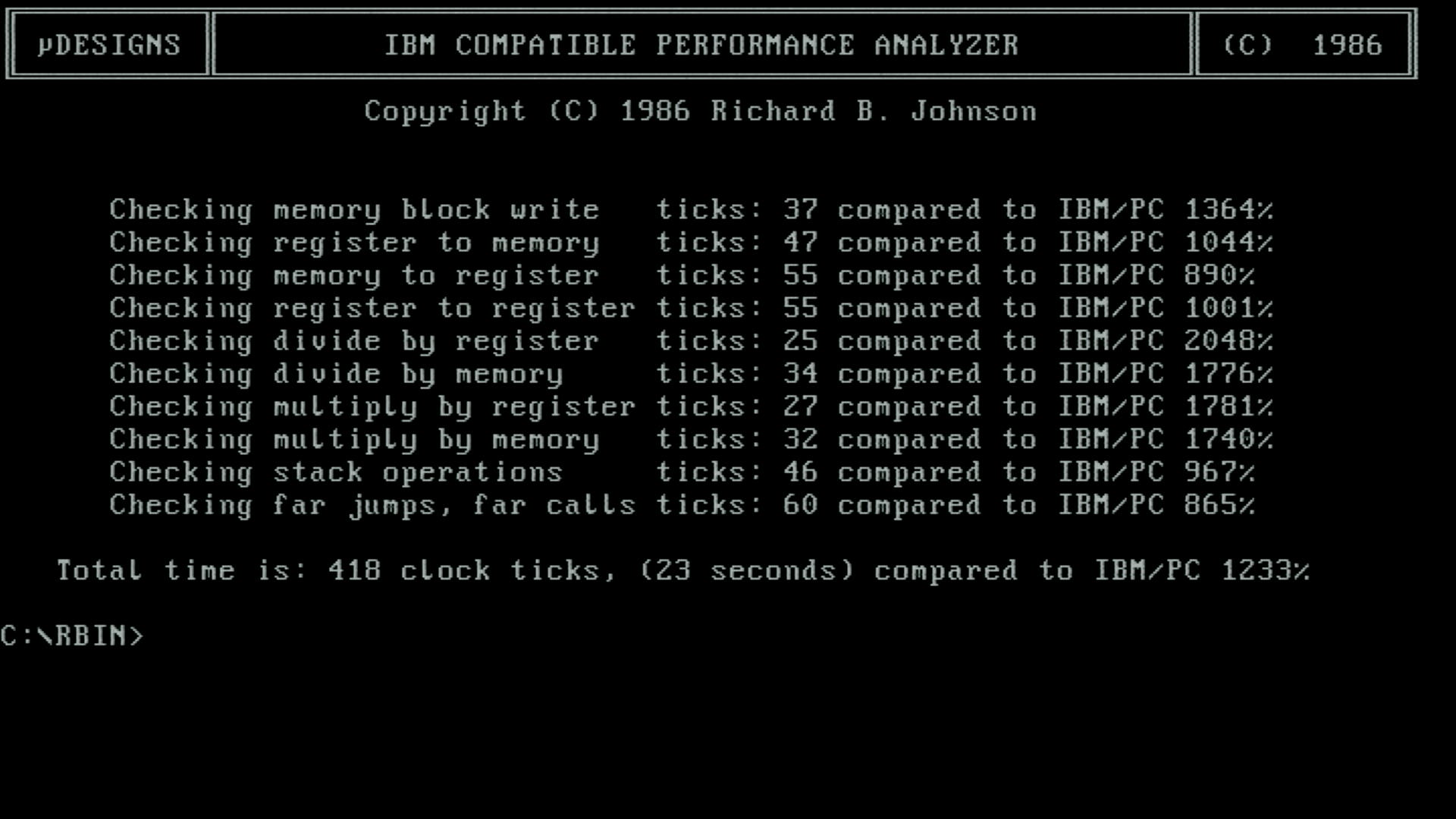
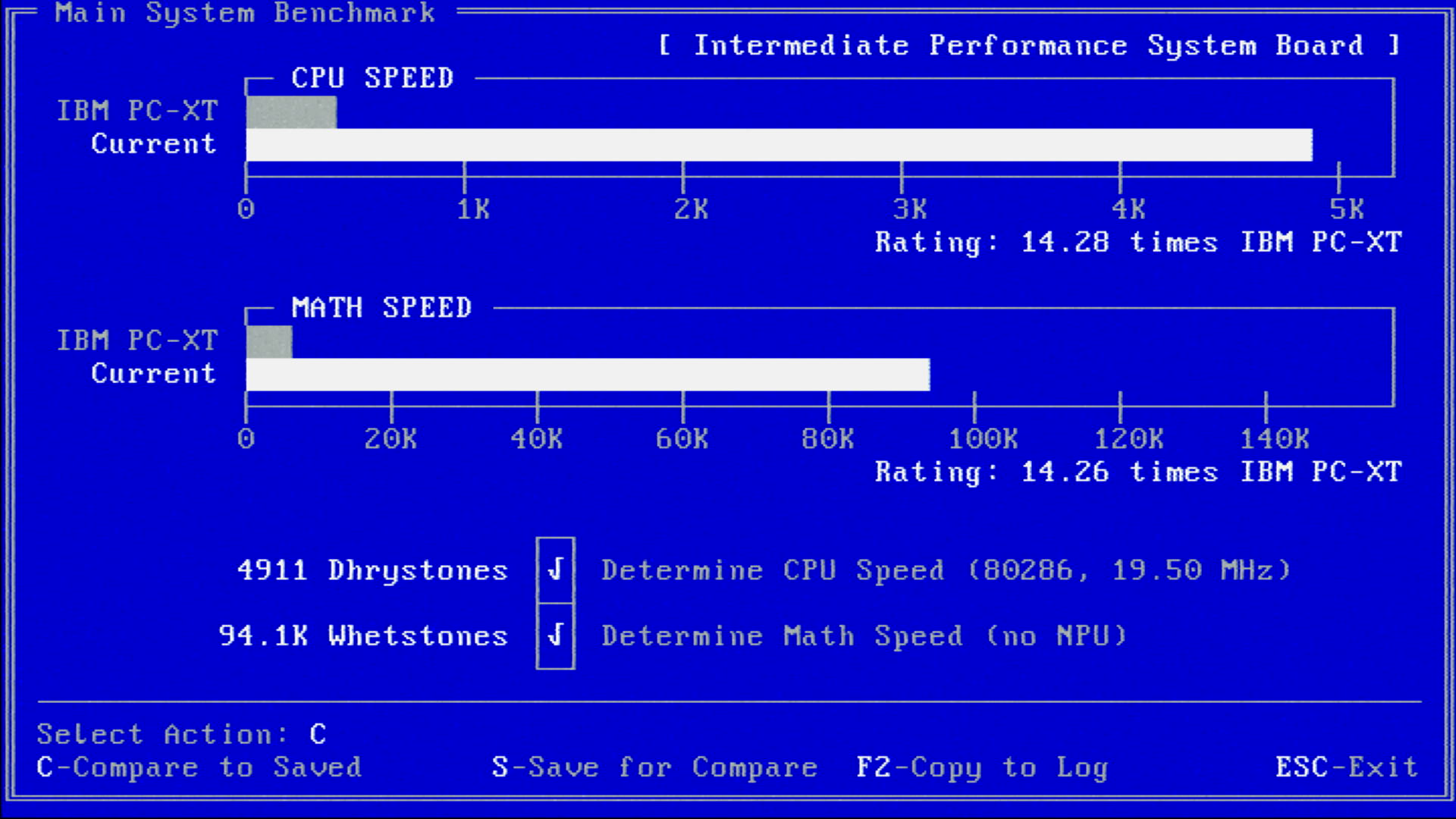
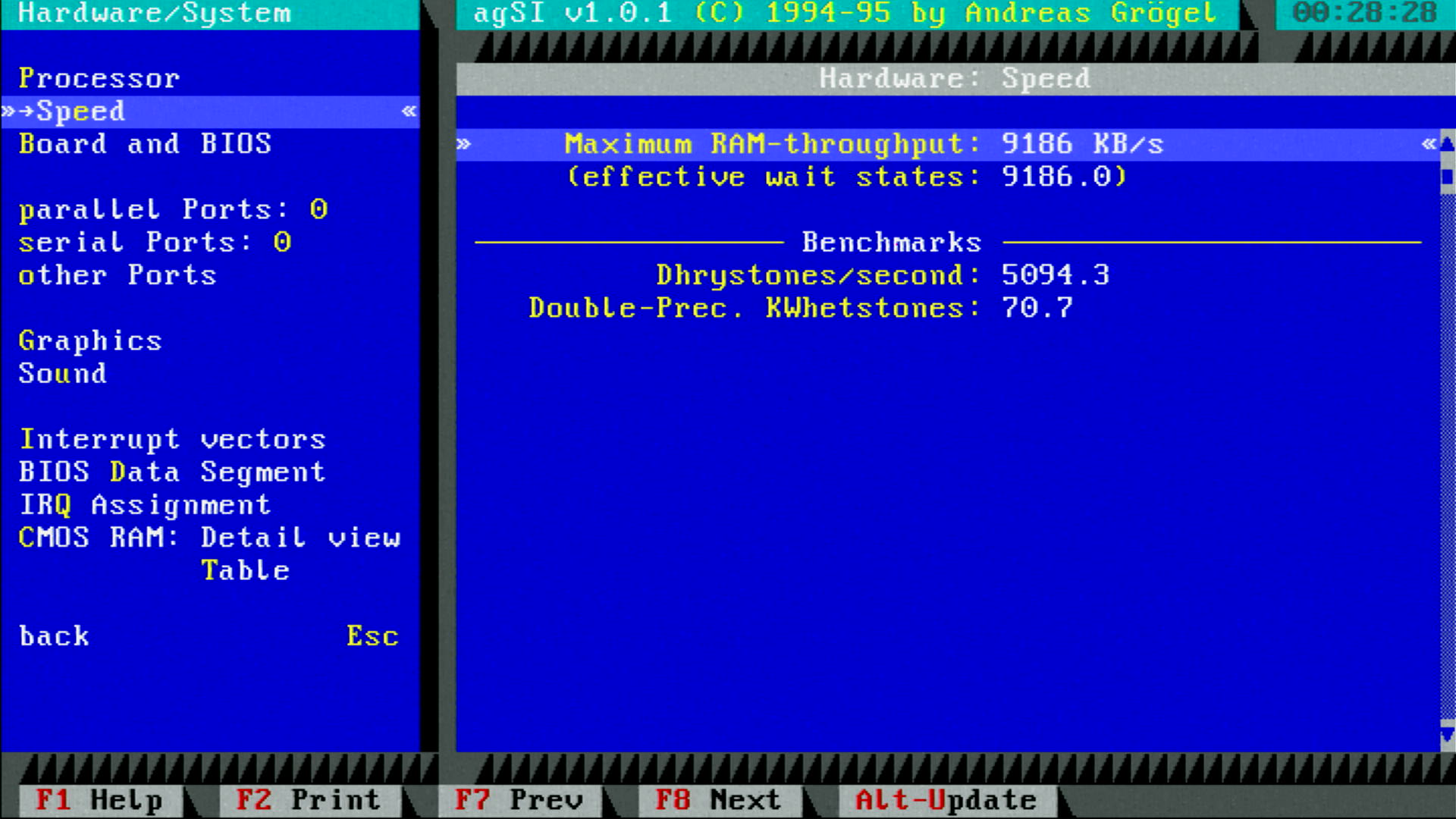
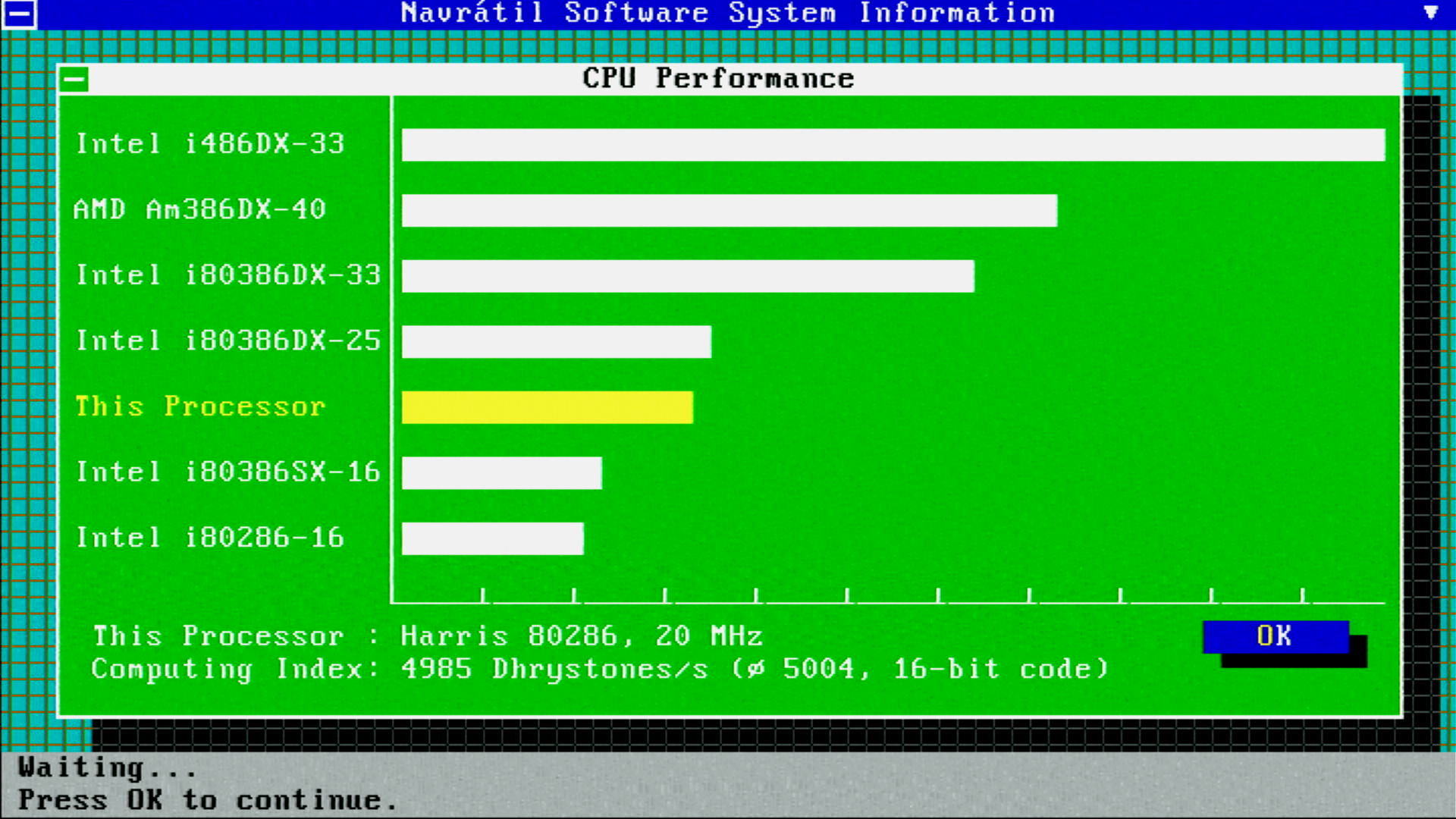
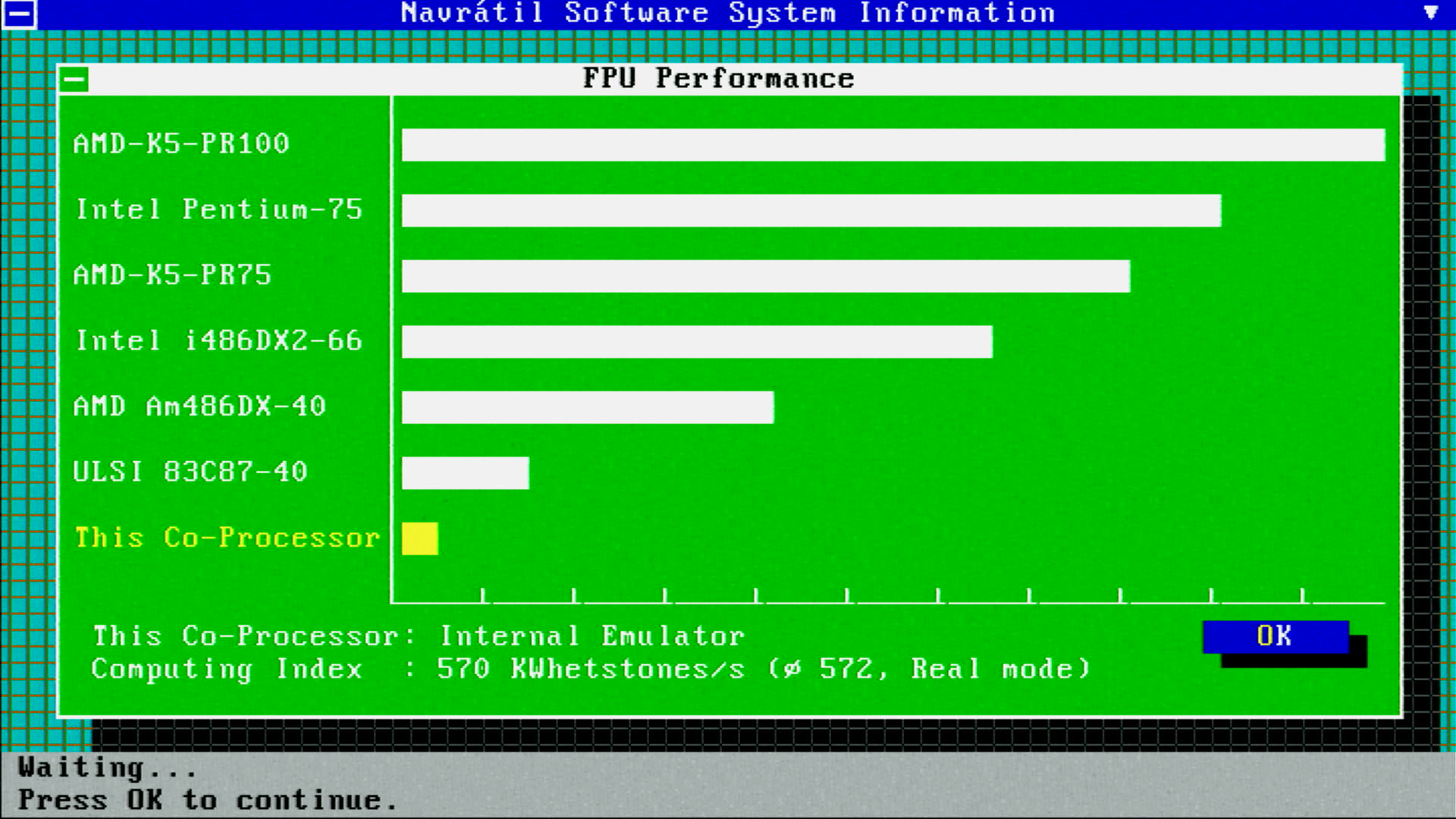
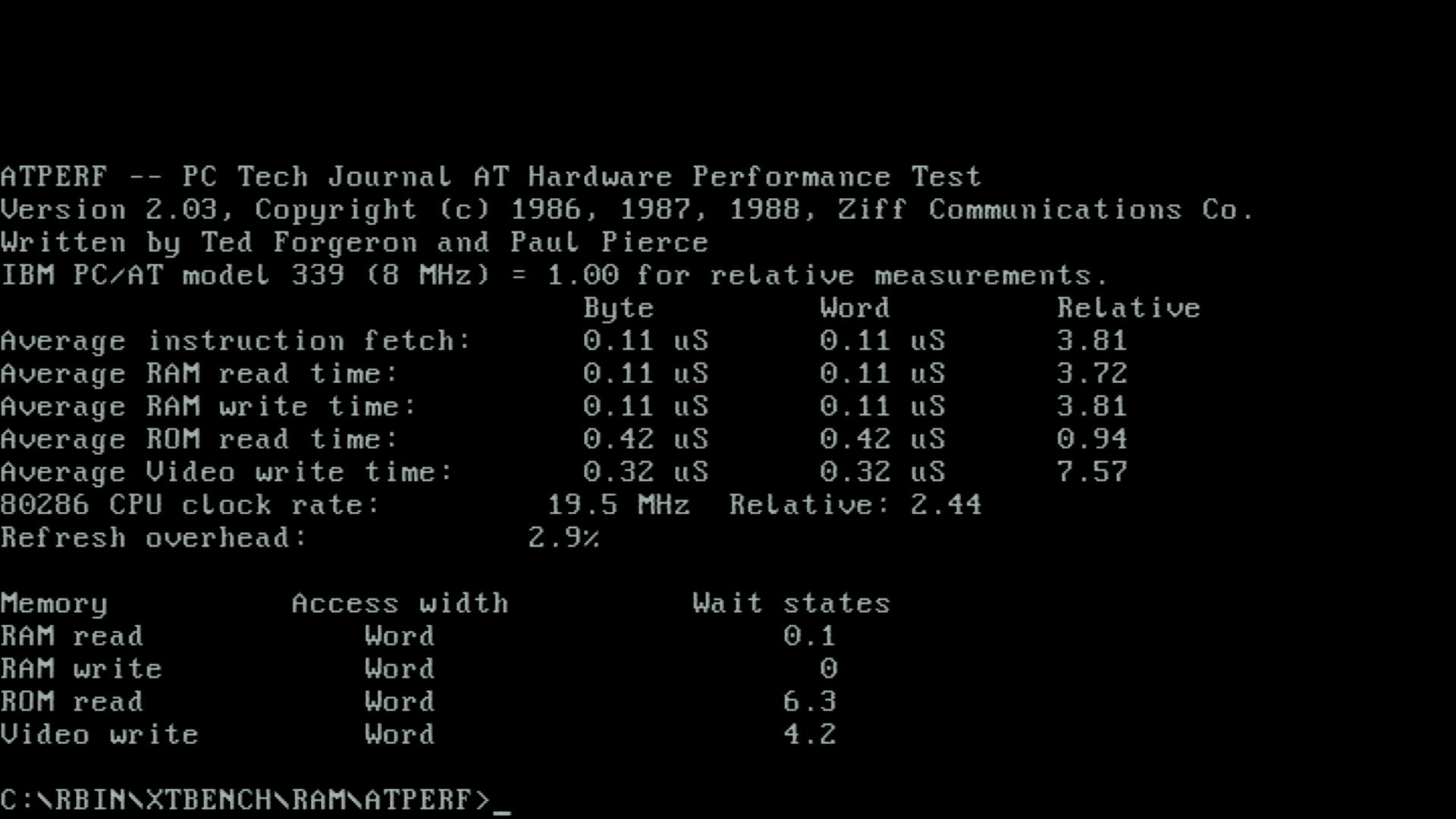
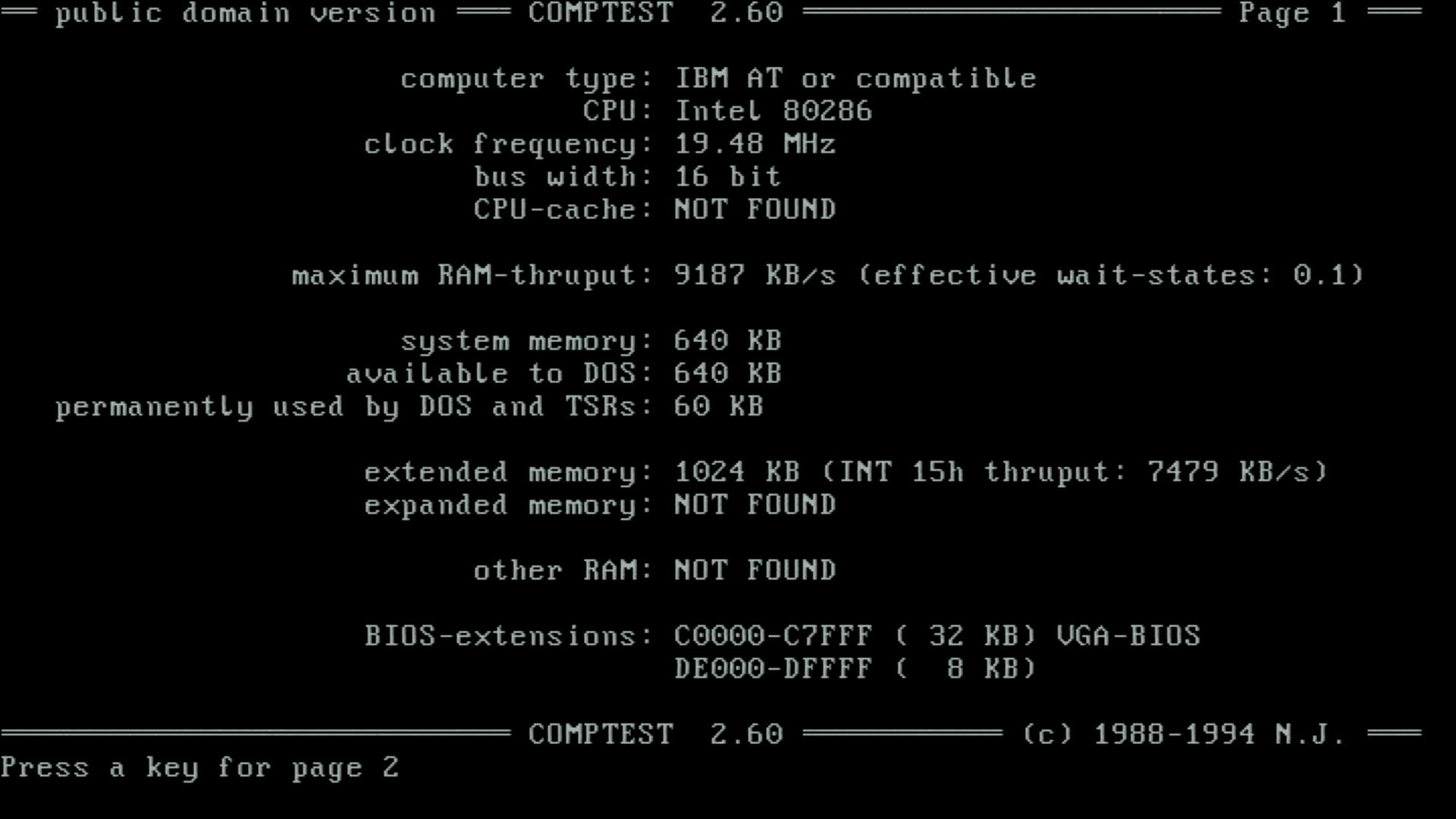
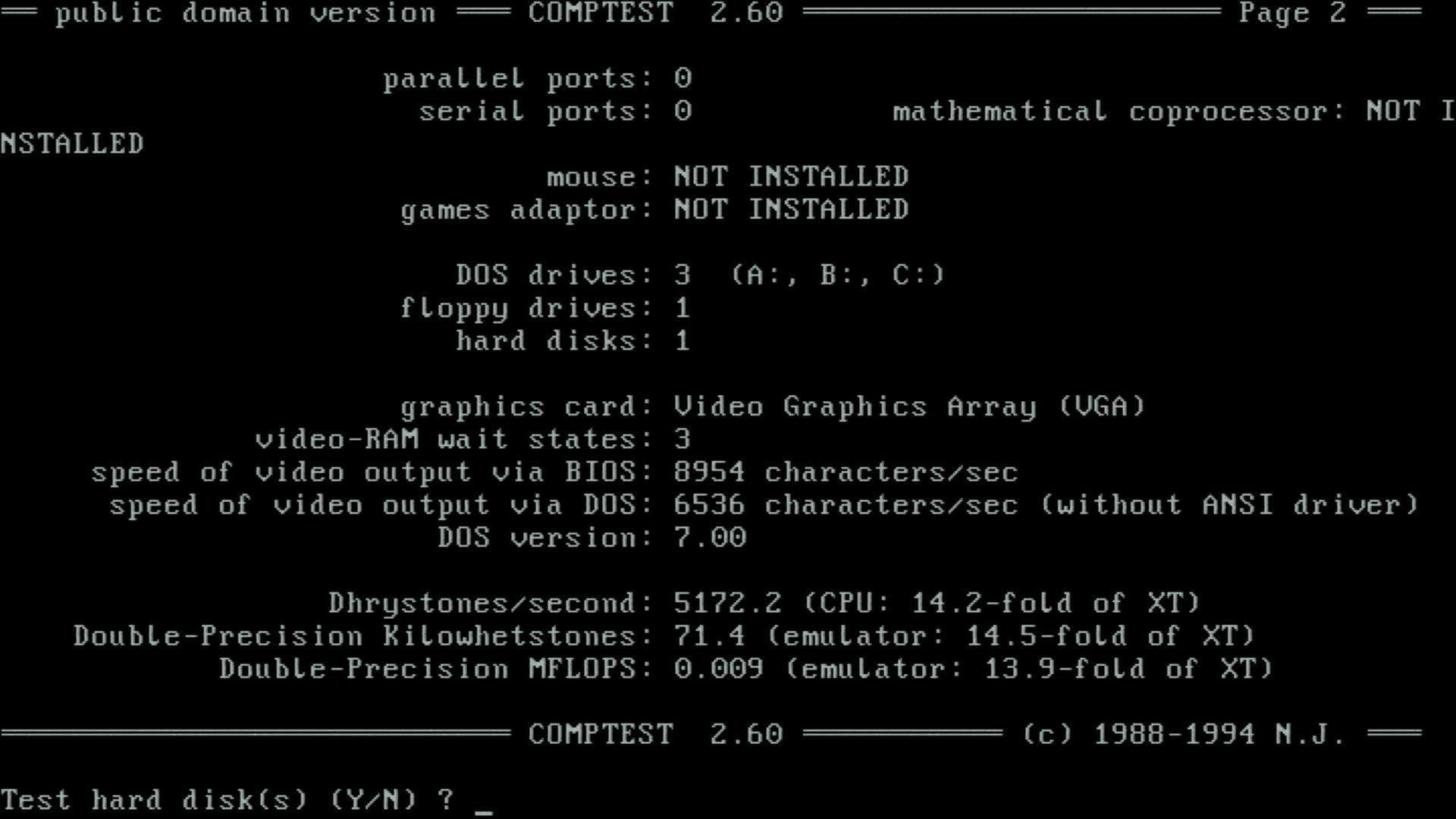
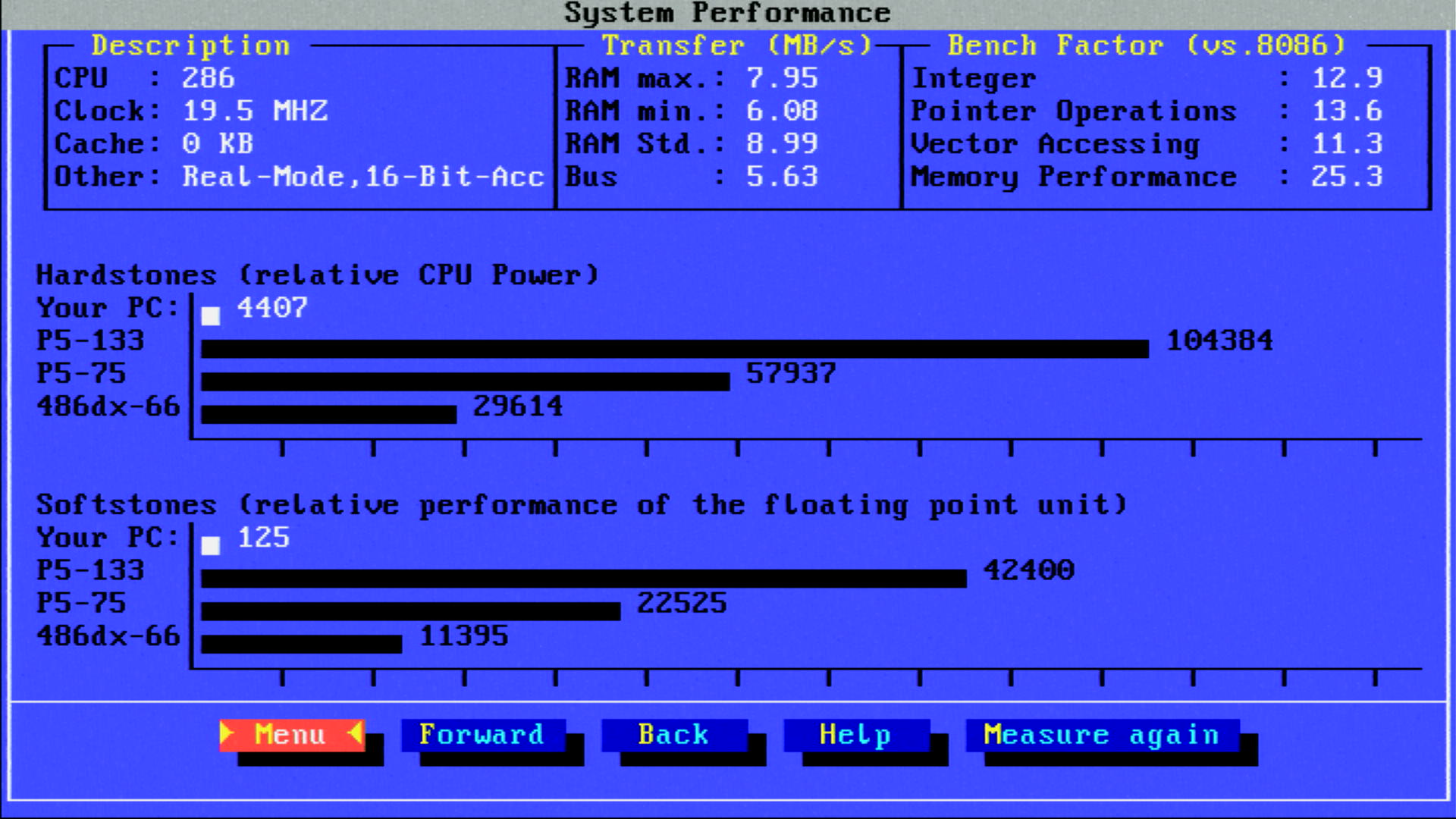
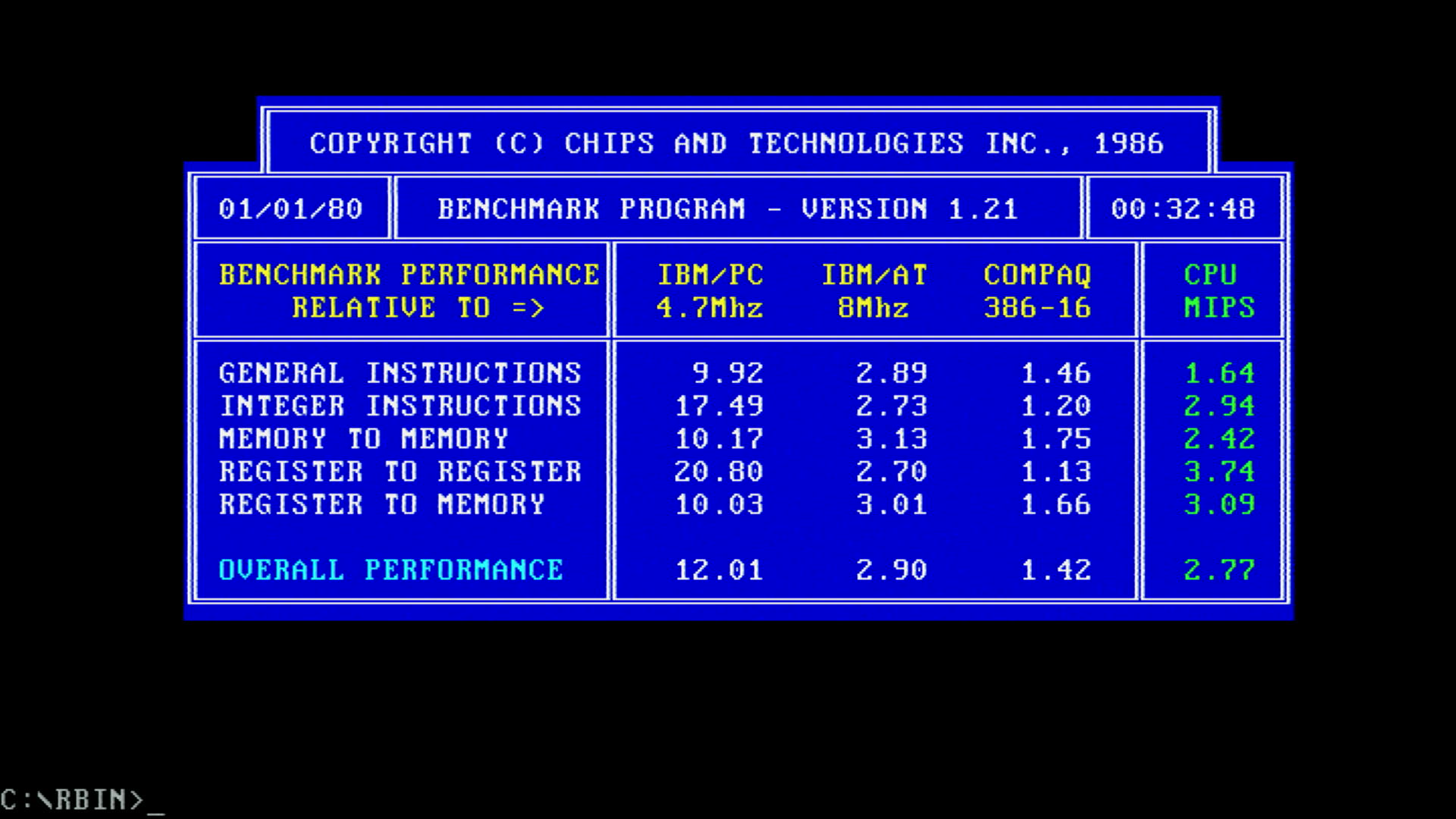
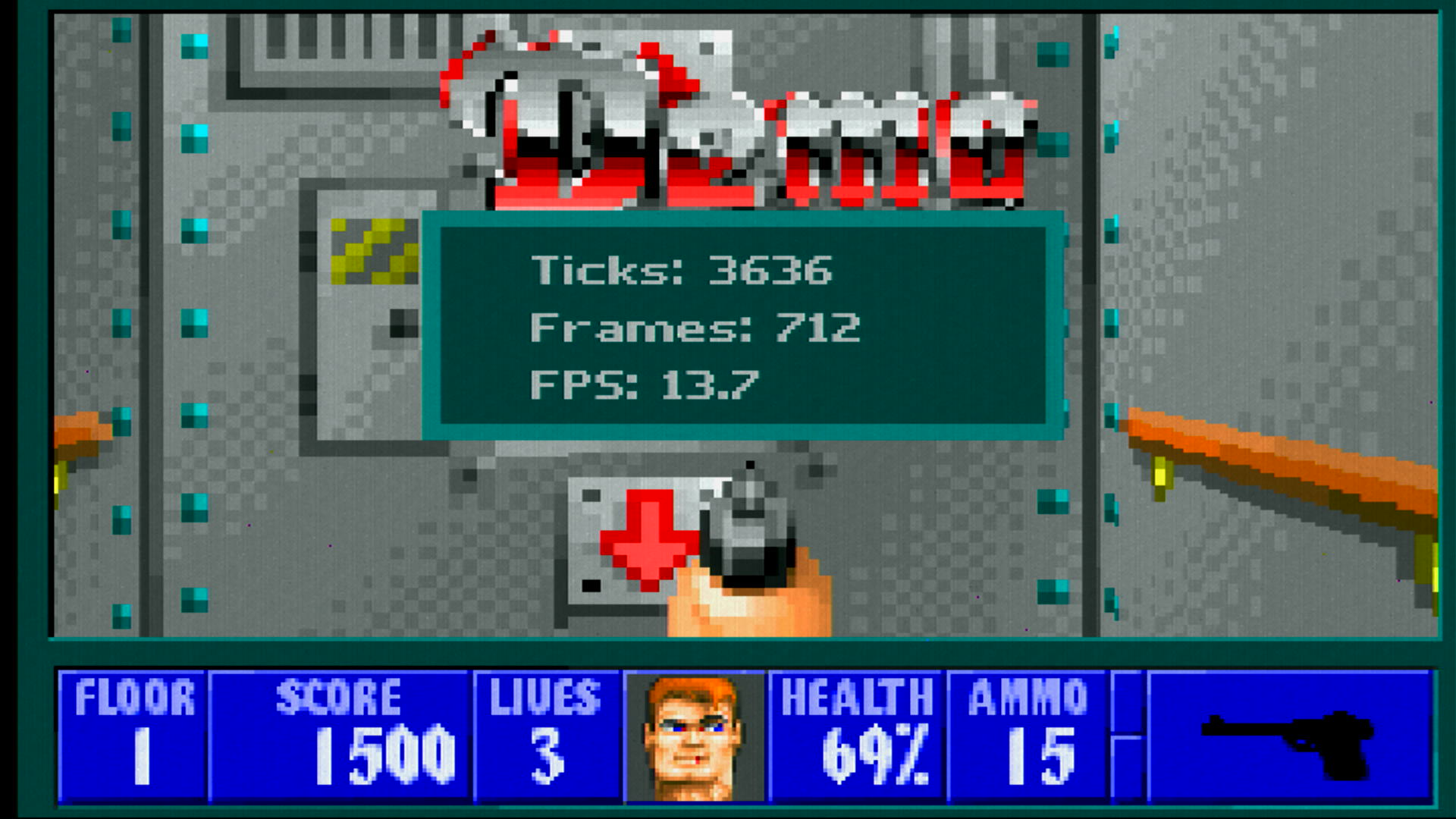
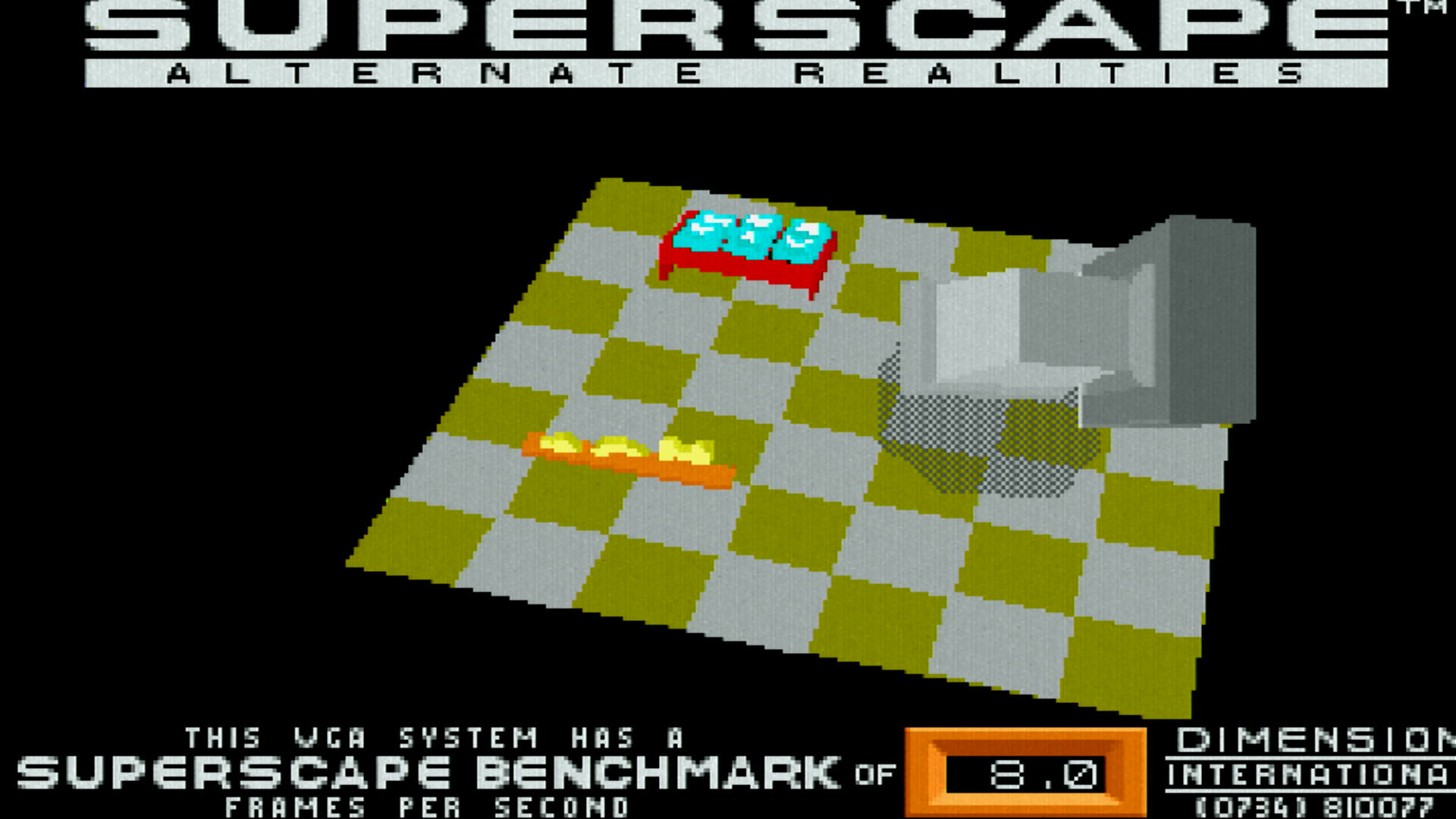
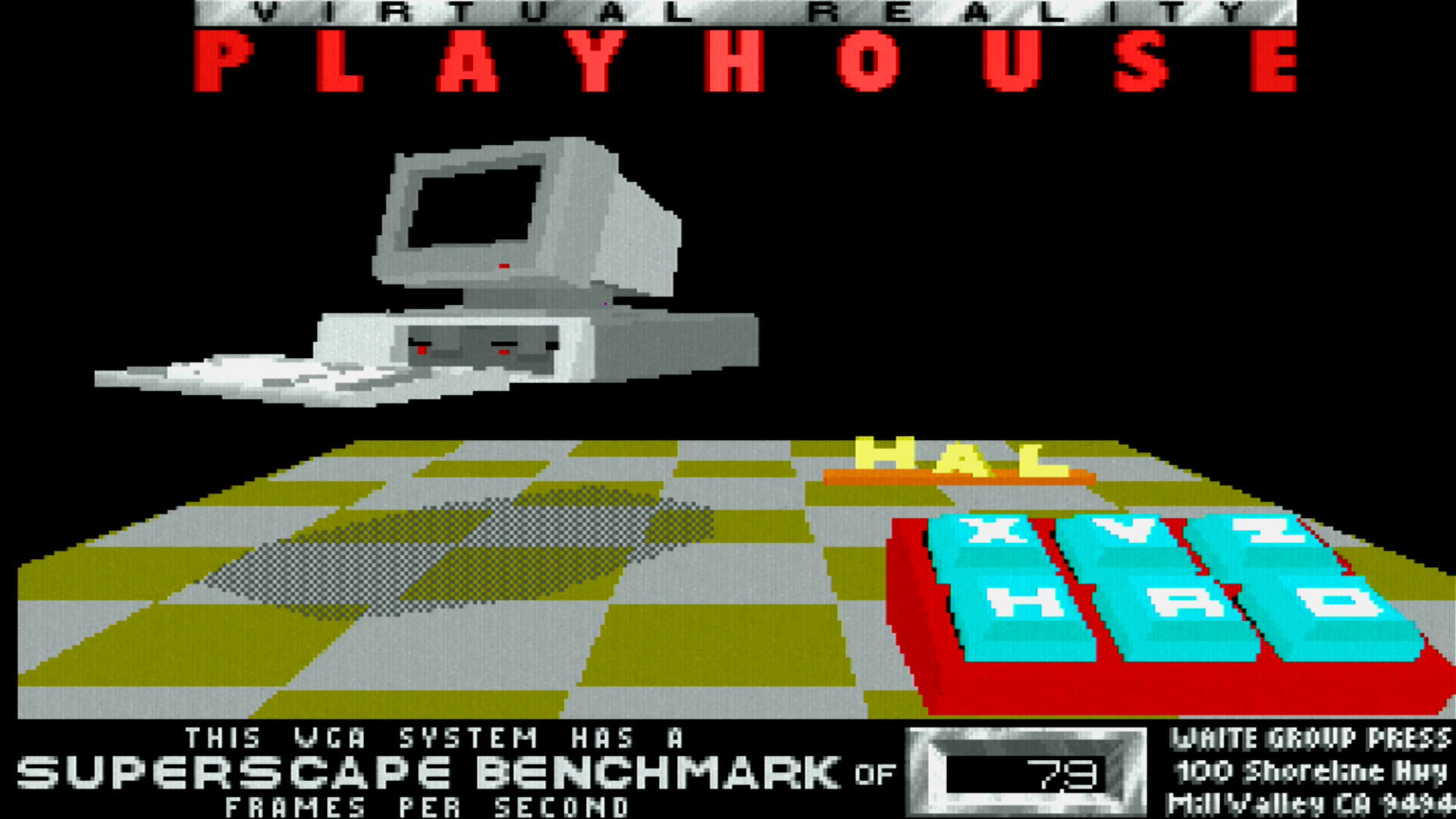
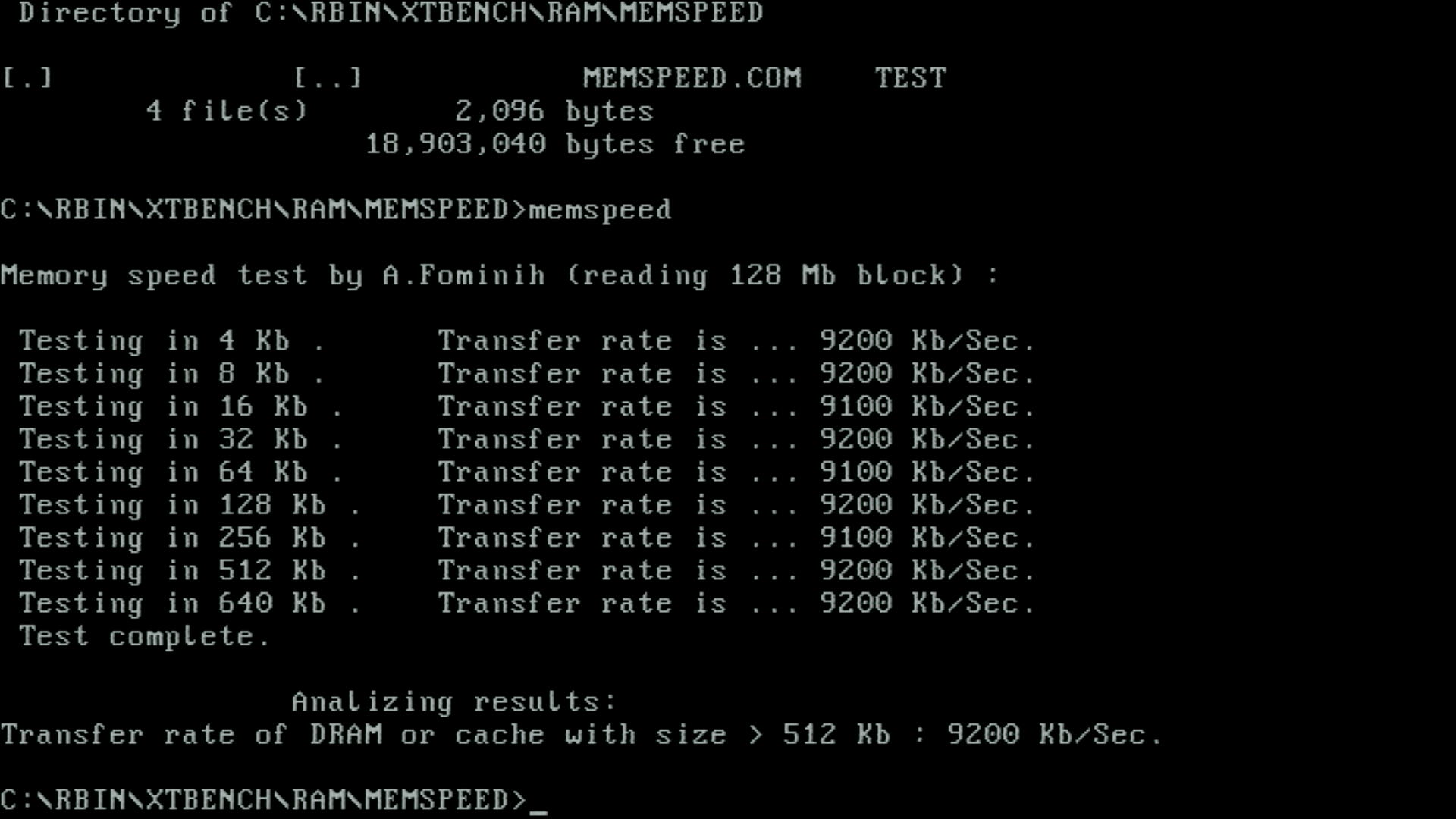
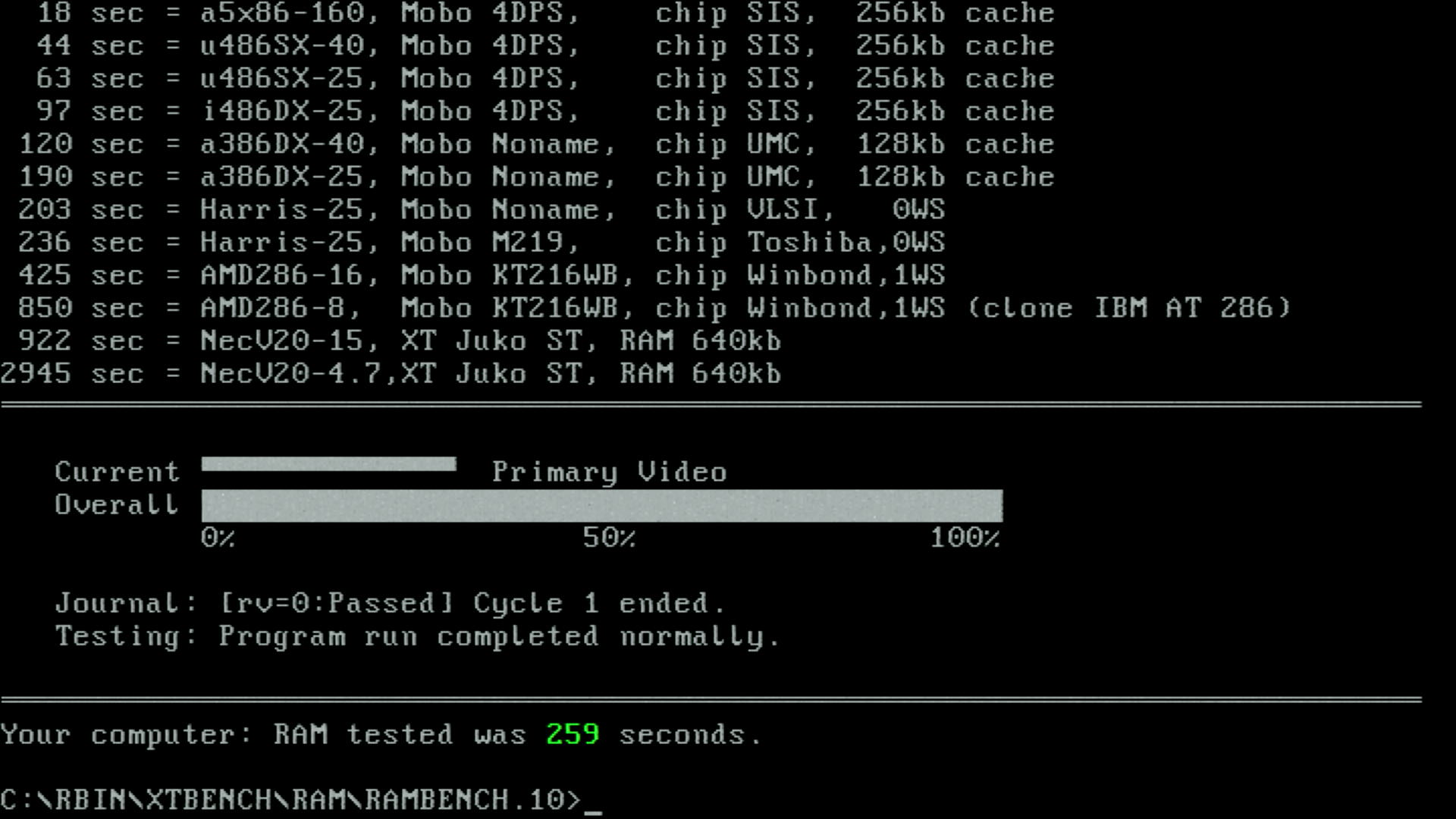
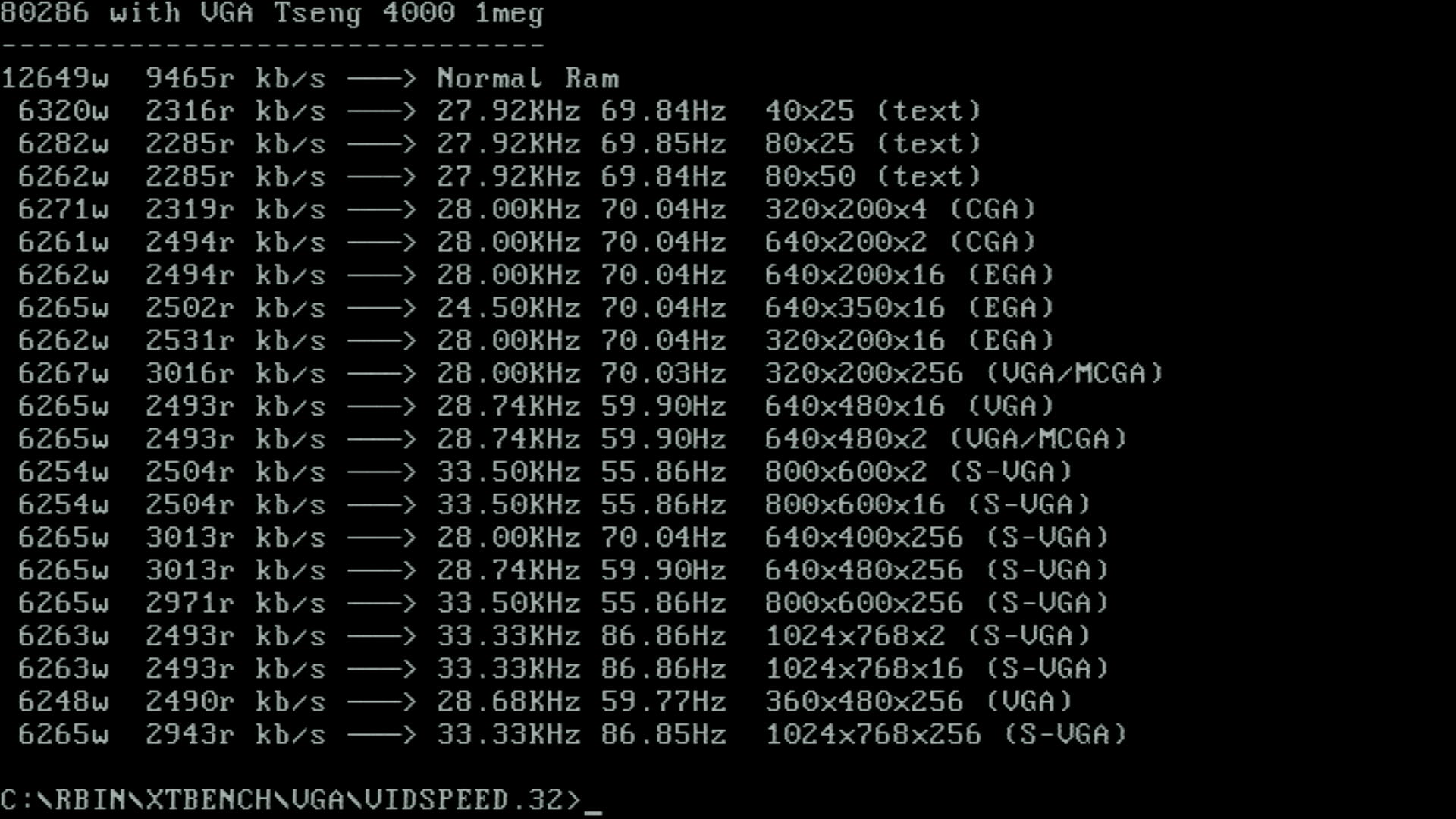
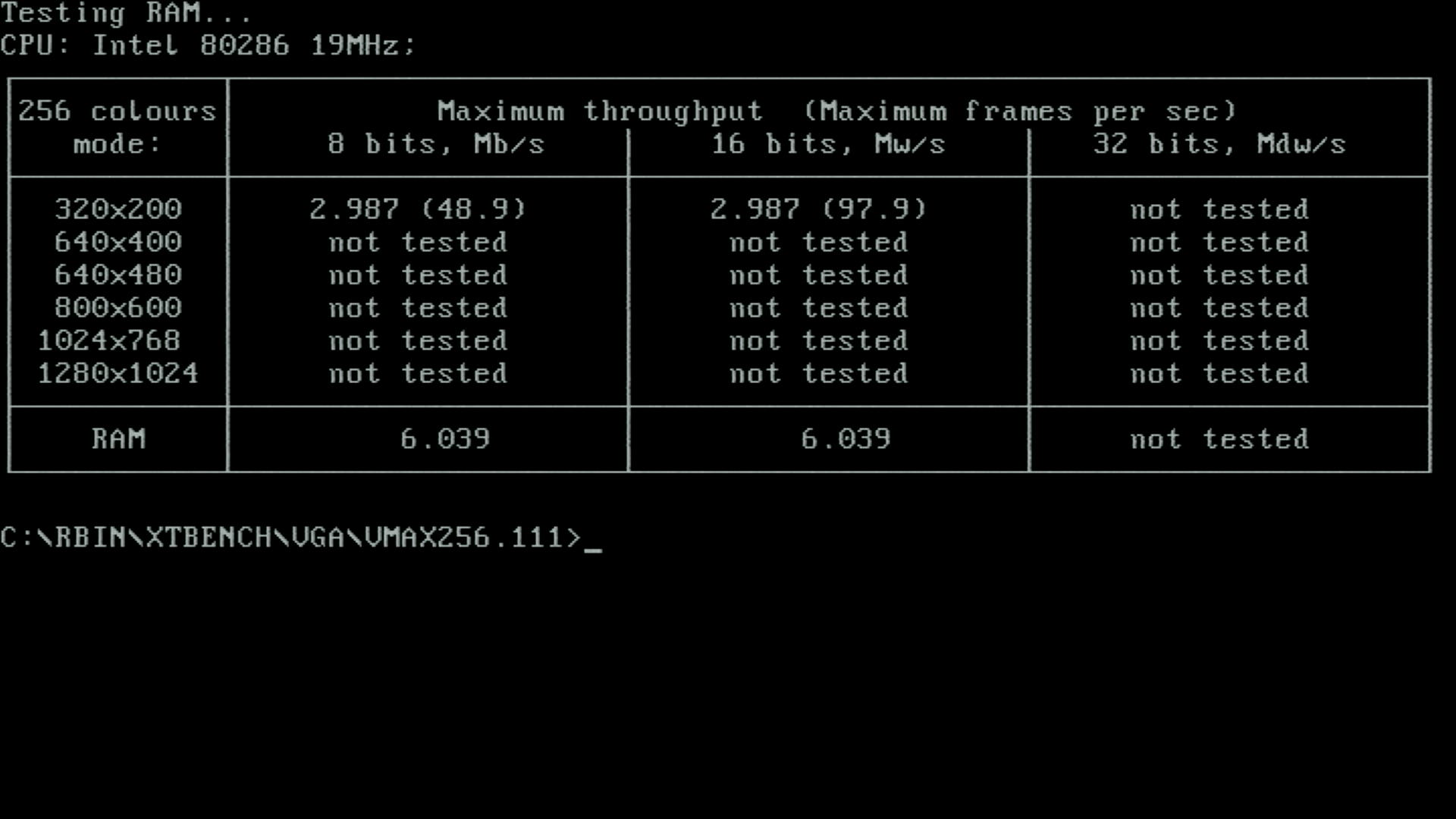
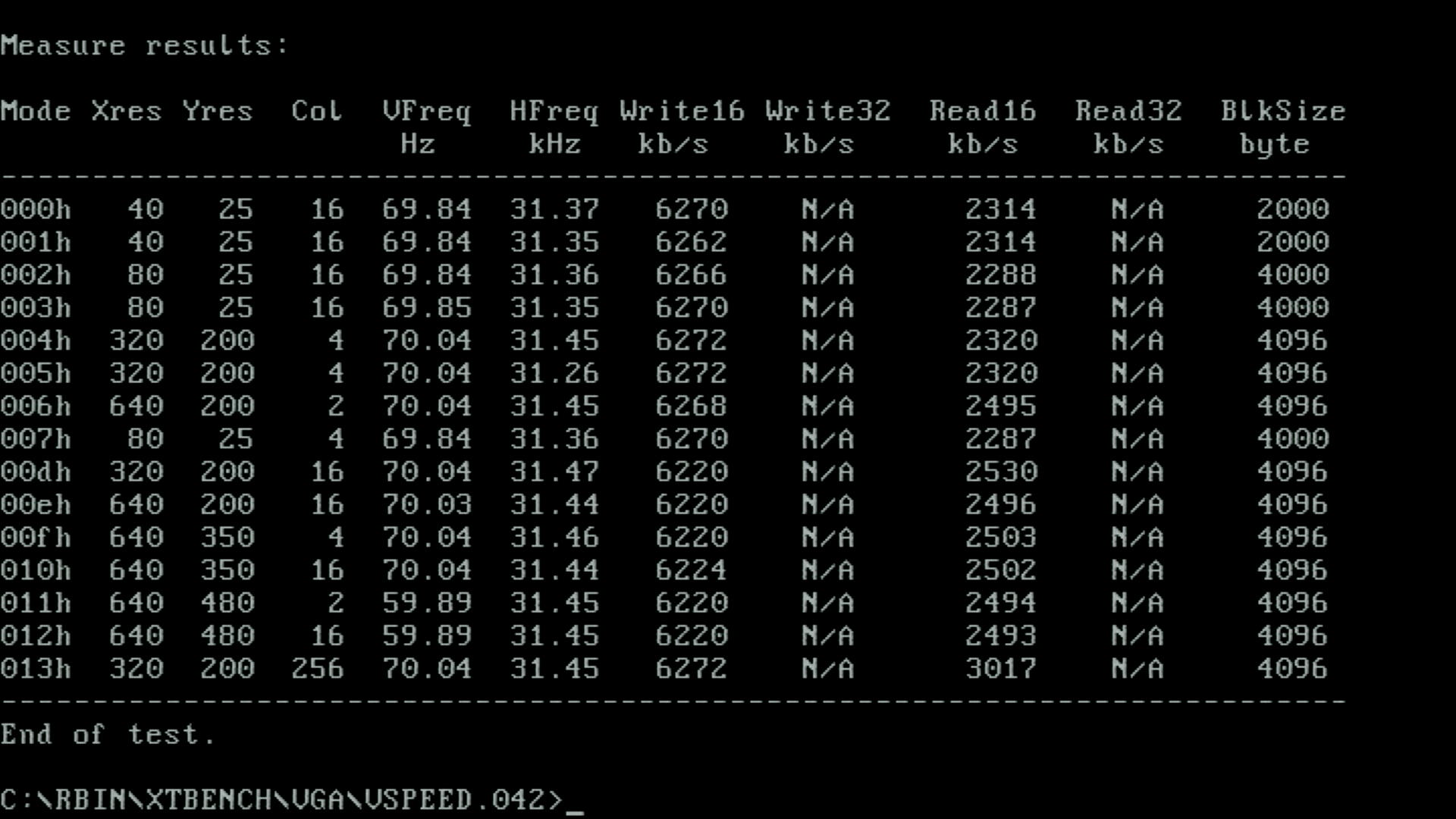
Benchmark Videos: Landmark 0.99, Landmark 2.00, Wolf3D timedemo, and F1Bench1
24 MHz, 1 Wait State, 70ns SIMMs
I then swapped the 40 MHz crystal for a 48 MHz one, and changed the BIOS to 1 wait state. This booted just fine. I gathered some screenshots, but it's slower than the ones above so won't include them here.
24 MHz, 0 Wait State, 70ns SIMMs
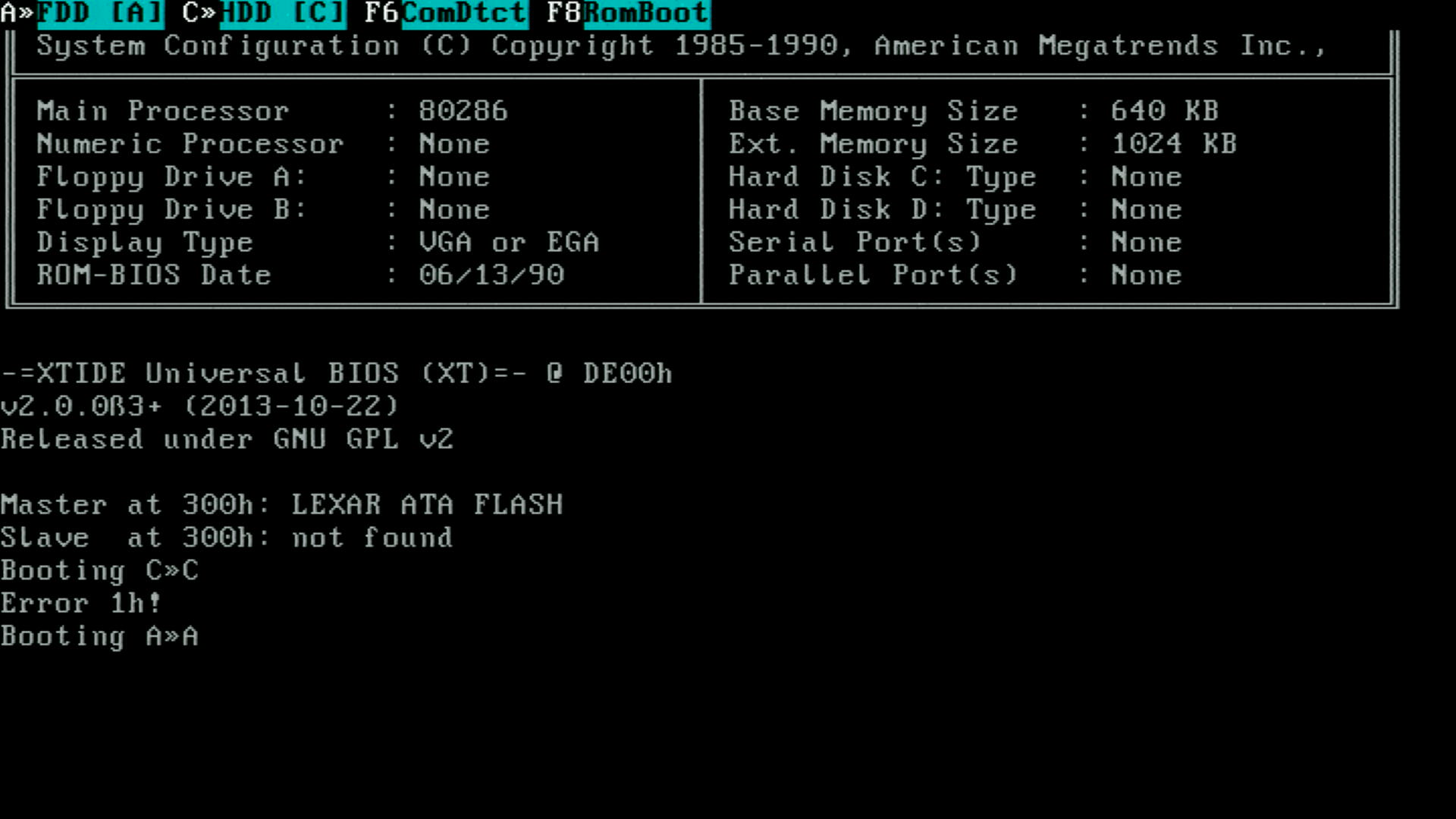
I enabled 0WS in the BIOS and initially it would try to boot but fail with an " Error 1h" when attempting to access the CF card. This, I suspect, is because the ISA bus is being driven at CLK/2, which is now 12 MHz with no wait states - too much for many cards, including it seems, the XT-IDE CF card adapter.
I tried another four IDE/Floppy controller cards with similar results - most would get past POST and even seek the floppy, but fail to boot with a known-good boot disk (usually hanging). Other times I would get a hang with this:
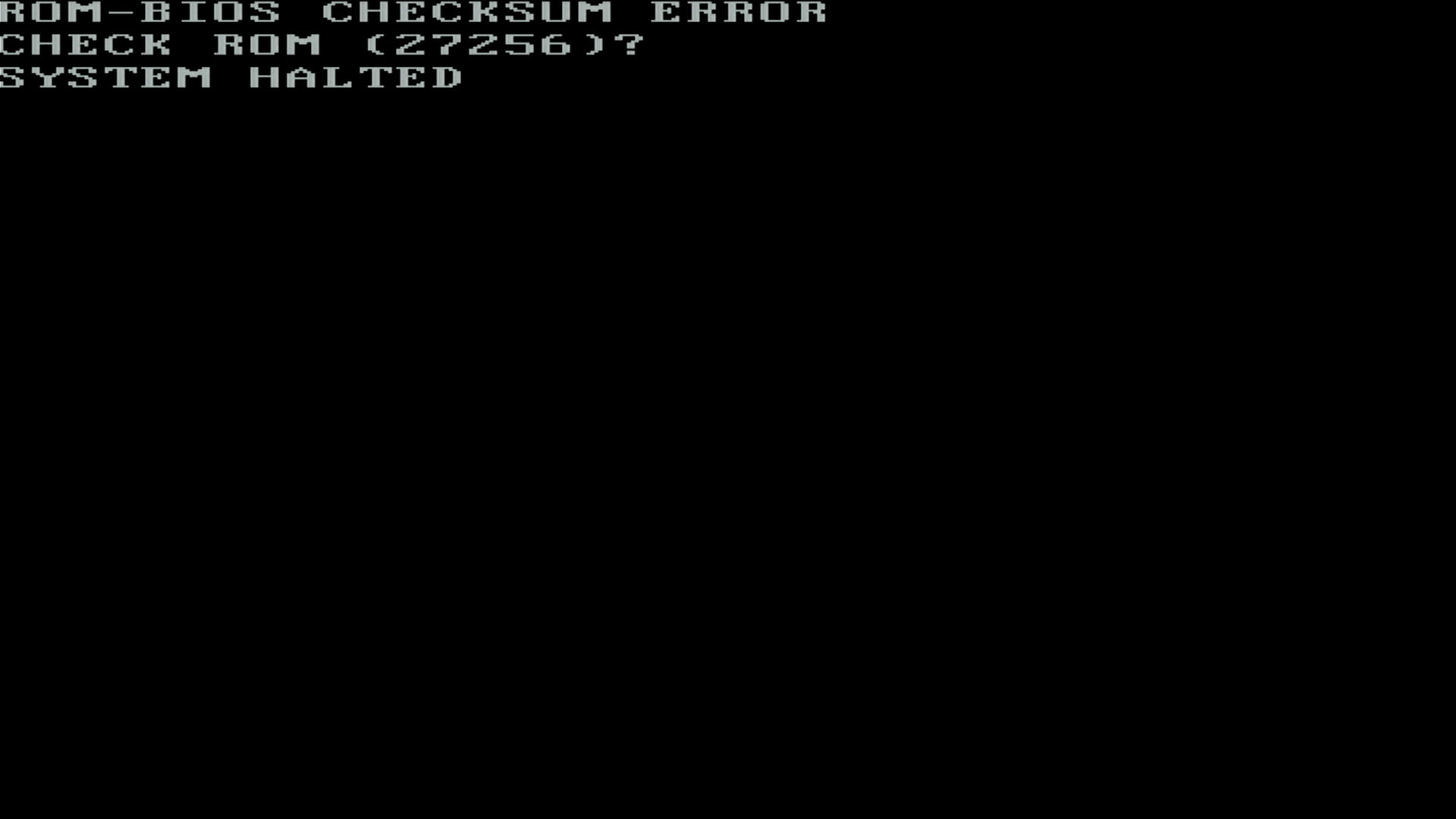
OK, so perhaps the BIOS ICs are just not fast enough. I have found a more recent BIOS for the Headland HT/12A chipset - it's a Micronics one (MR BIOS), which I love. They're fast and offer much more tweaks than the traditional American Megatrends ones these boards usually had. The EEPROMs I chose are fast at 45ns.
On this motherboard, the BIOS is in two 32 KB 8-bit EPROM ICs, both 28-pin DIPs: U14 (Low) and U15 (High). The Low (lower data lines D0-D7) will store the even-numbered bytes and the High (upper data lines D8-D15) stores the odd-numbered bytes.
So we're burning two new EEPROMs - I only have Winbond W27C512s in stock, which are double the capacity of the originals. That's ok though, we just need to duplicate the data in the first half and second half with a simple binary copy at the command prompt, like this:
copy /b even.bin+even.bin even64.bin
copy /b odd.bin+odd.bin odd64.bin
and then burn even64.bin to one of the EEPROMs and odd64.bin to the other. Once burned, the even IC goes into U14 and the odd IC goes into U15, and we can fire it up.
I put in the 40 MHz crystal (so the Harris is running at 20 MHz) for its first startup - no need to stress it too much on the first try...
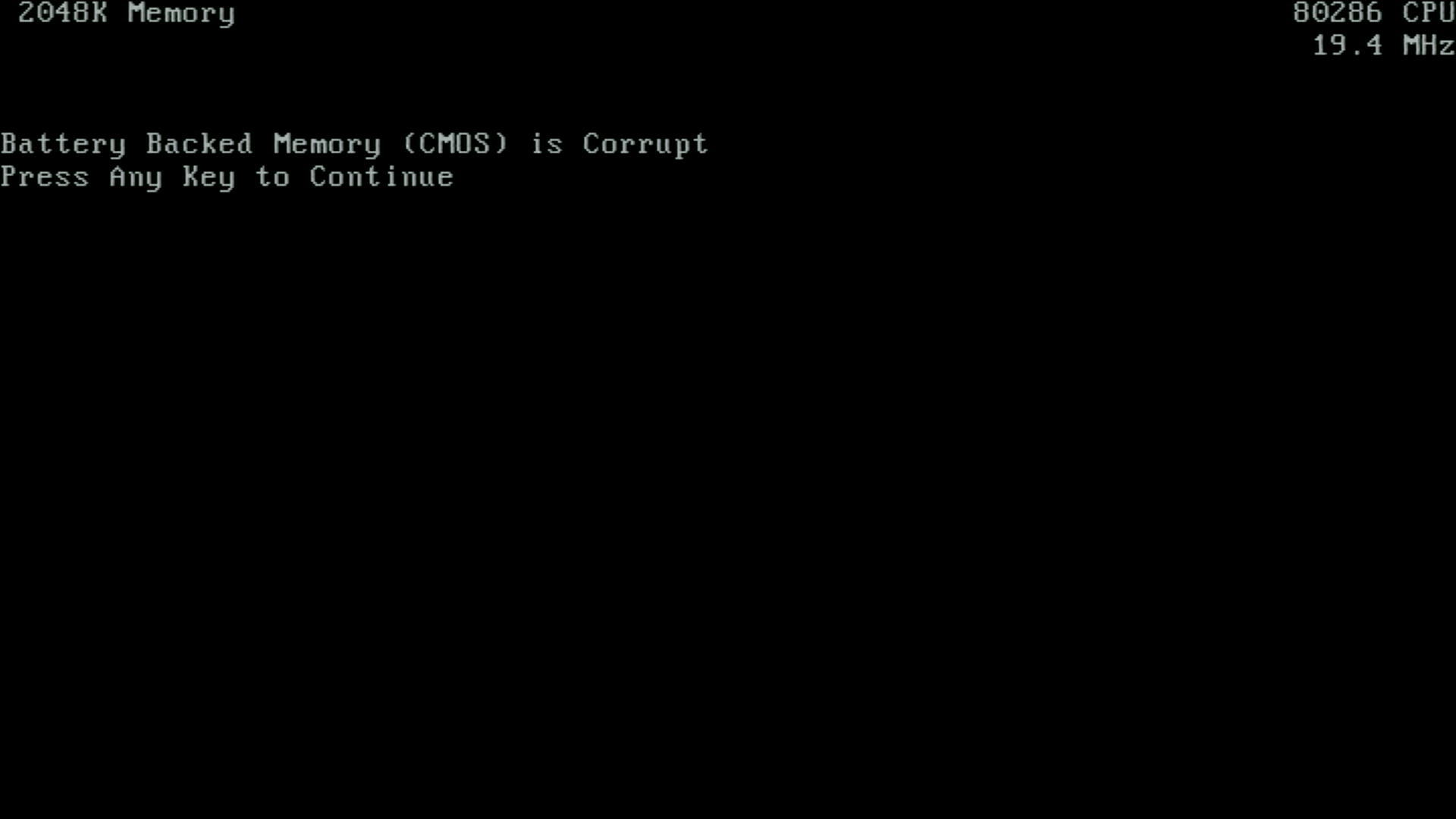
Looks promising...
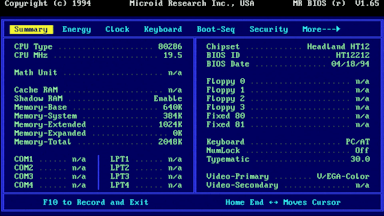
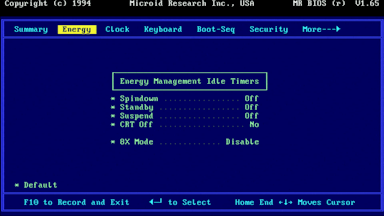
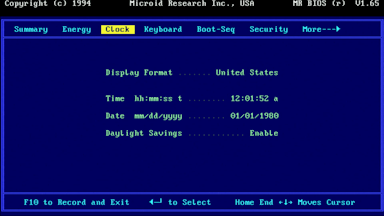
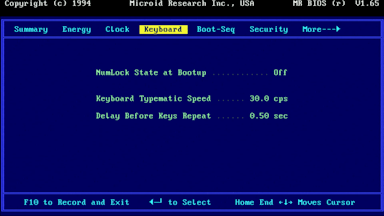
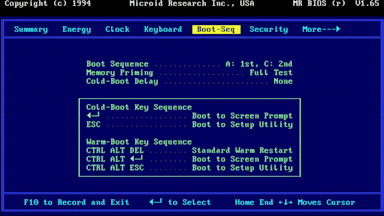
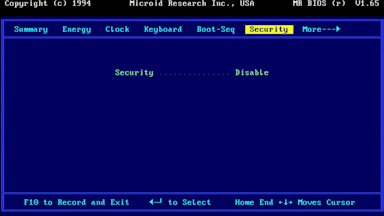
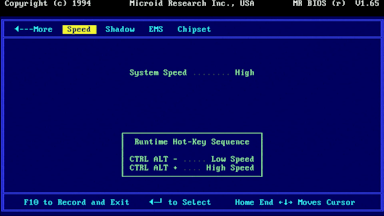
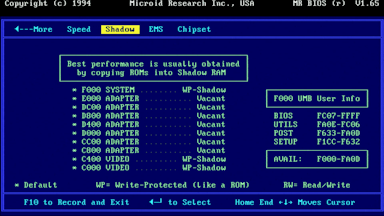
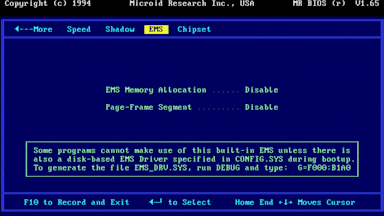
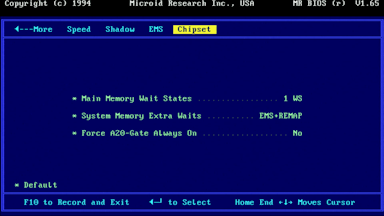
The MR BIOS menus
OK, this is an older MR BIOS (the BIOS date is 18th April 1994) than the one I've used on my hybrid 386/486 board, but still adds a lot of options compared to the single-screen AMI BIOS we had before. It's the same as the one called 'HT12212' in some lists online. Sadly, setting the ISA bus clock divider isn't on there. I assume the HT12/A and motherboard don't have the capability to generate anything apart from CLK/2 for the bus - there's no clock generator IC, but wait states would still be something controllable in the firmware.
20 MHz, 0 Wait State, 70ns SIMMs, MR BIOS
Running some benchmarks with these default settings showed identical results as we got with the AMI BIOS under the same conditions (20 MHz, 1WS, 70ns SIMMs), so I got rid of both the wait states (setting them to "0" and "None"):
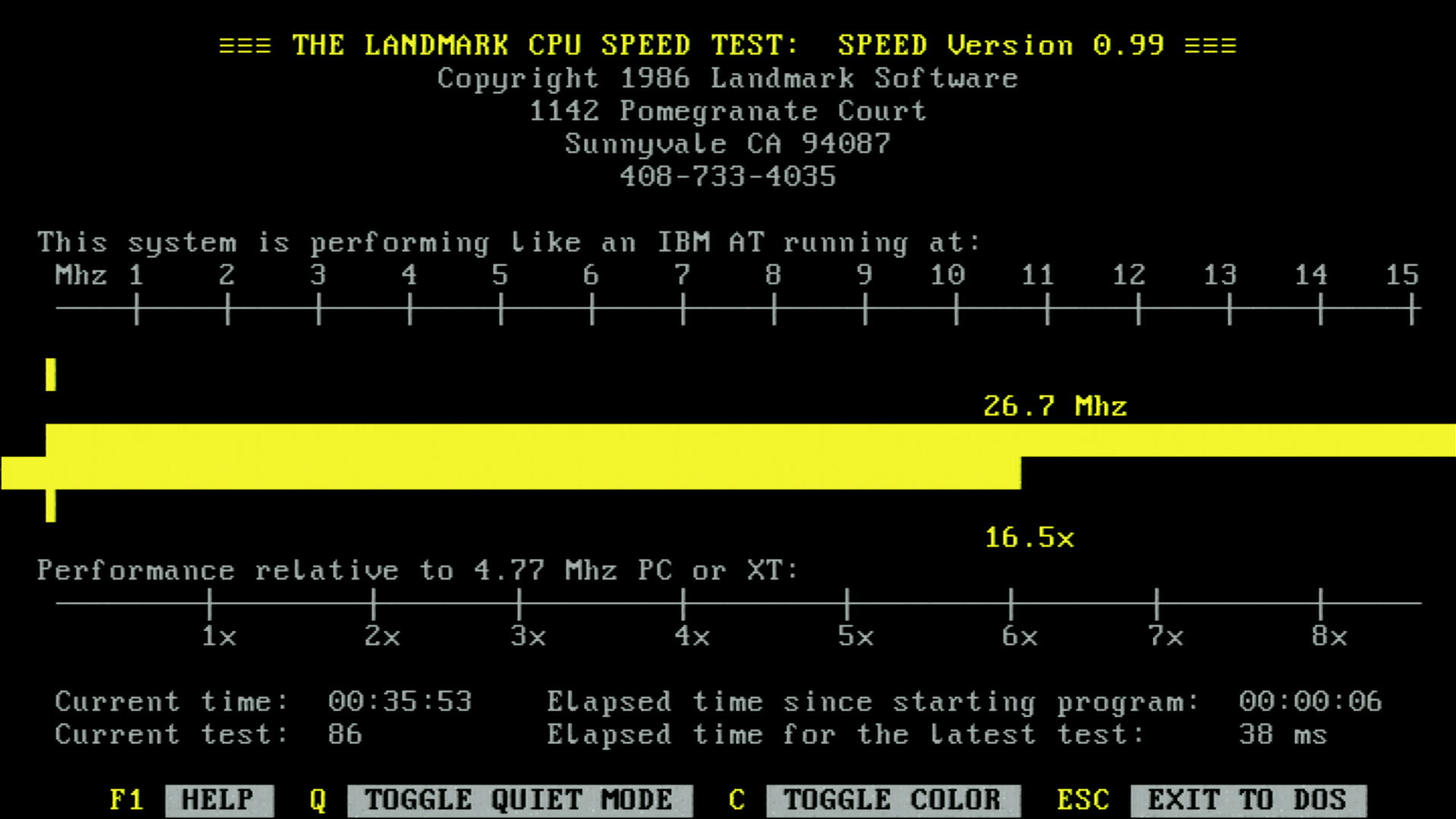
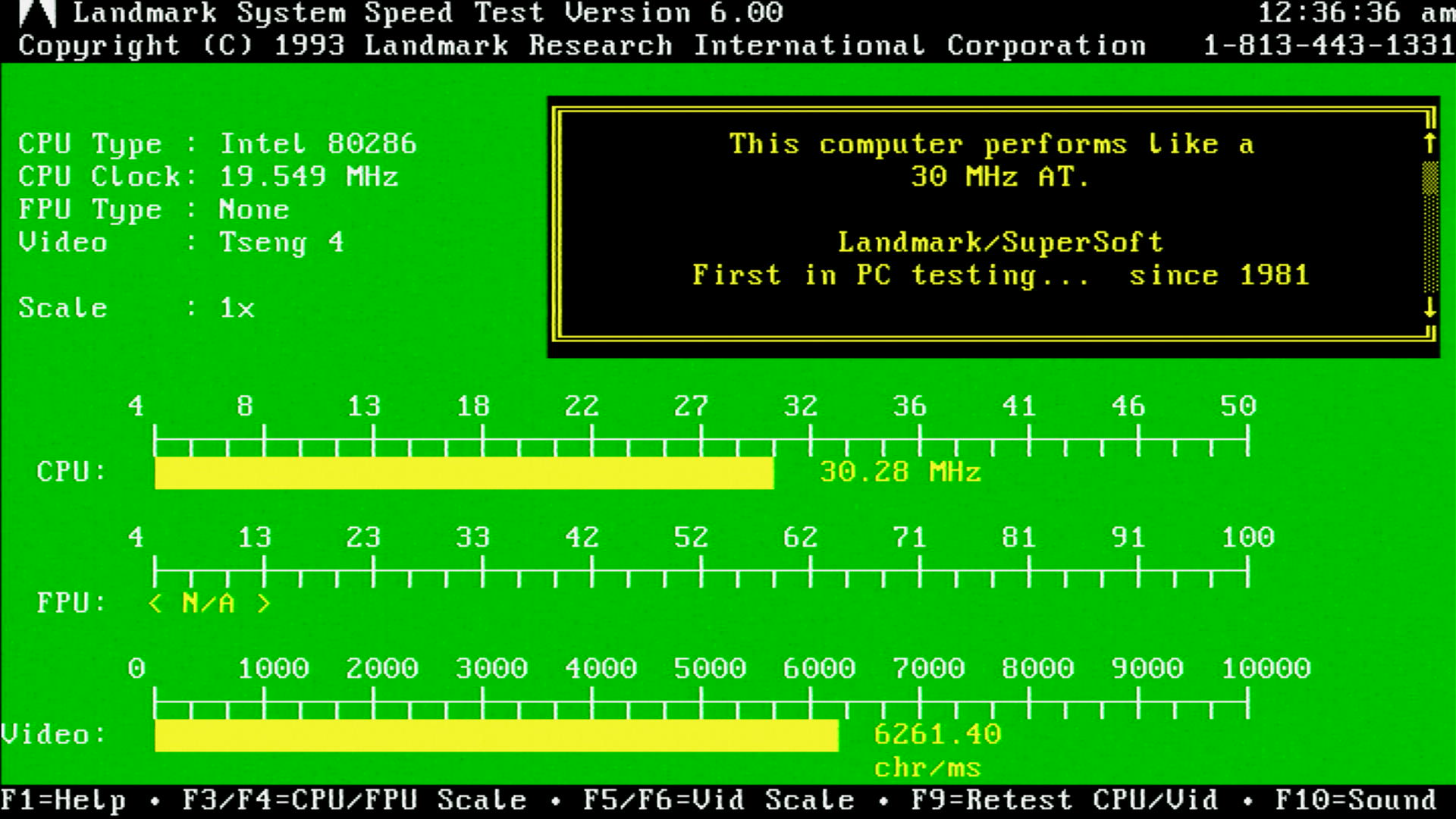
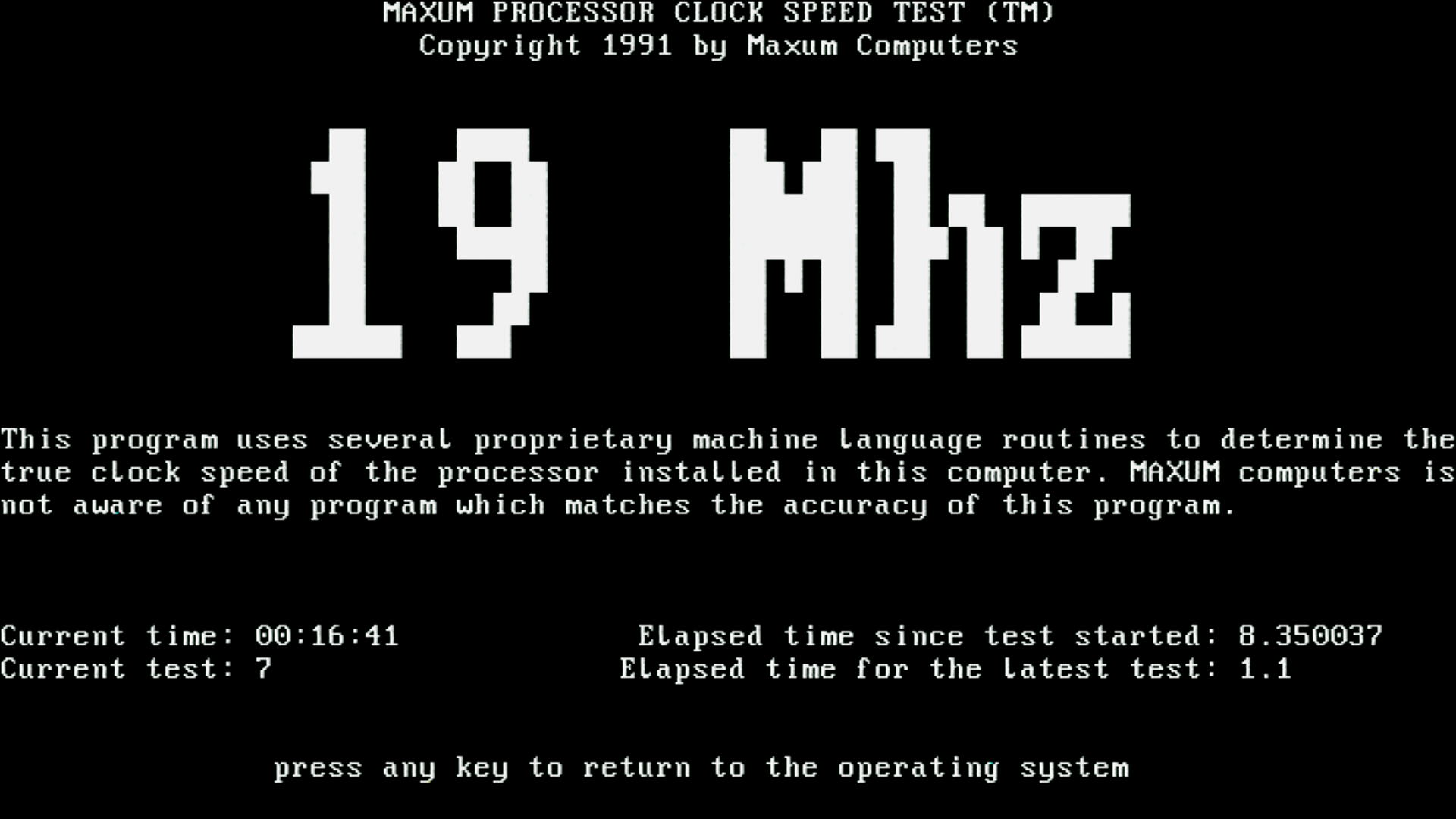
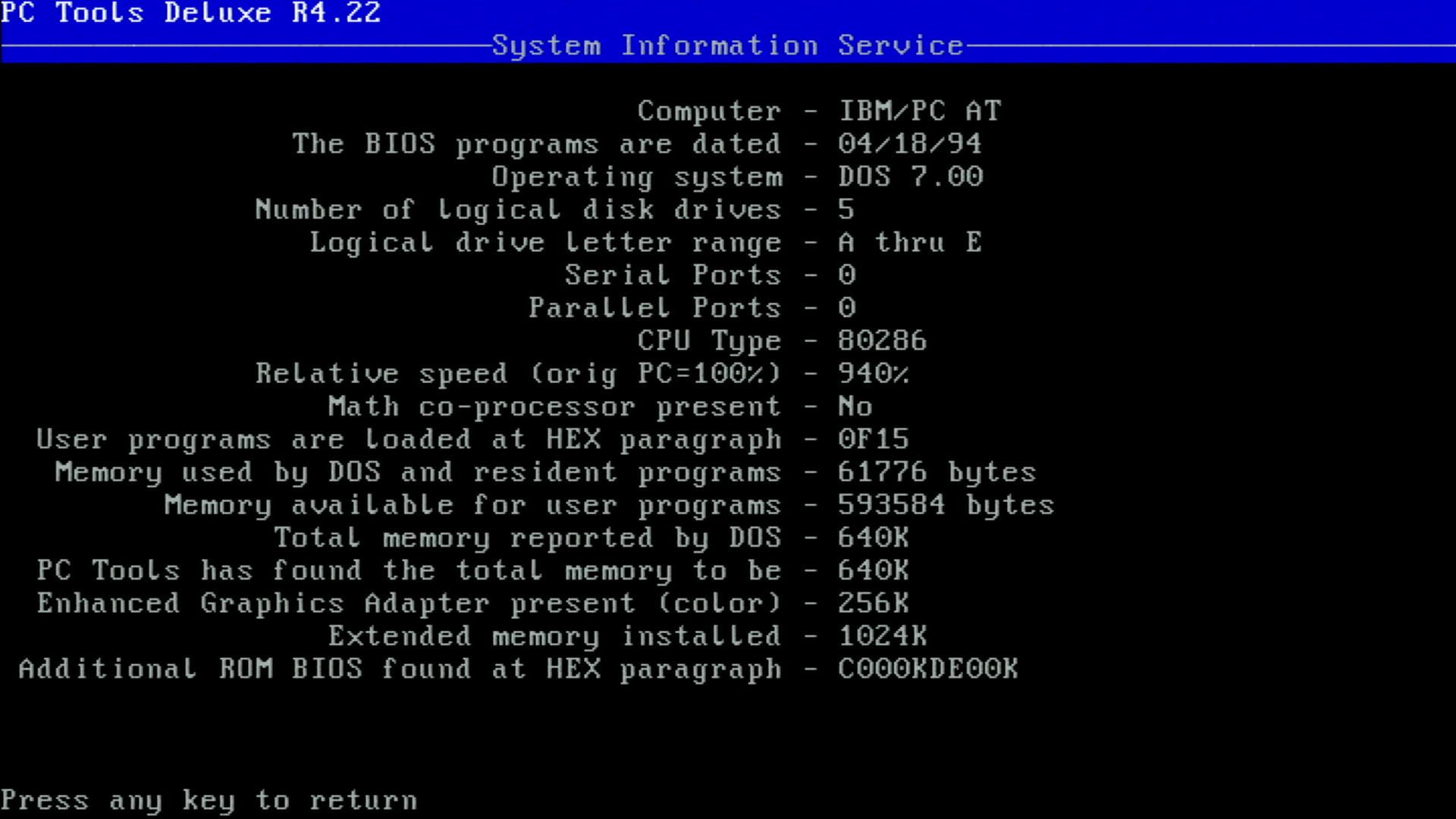
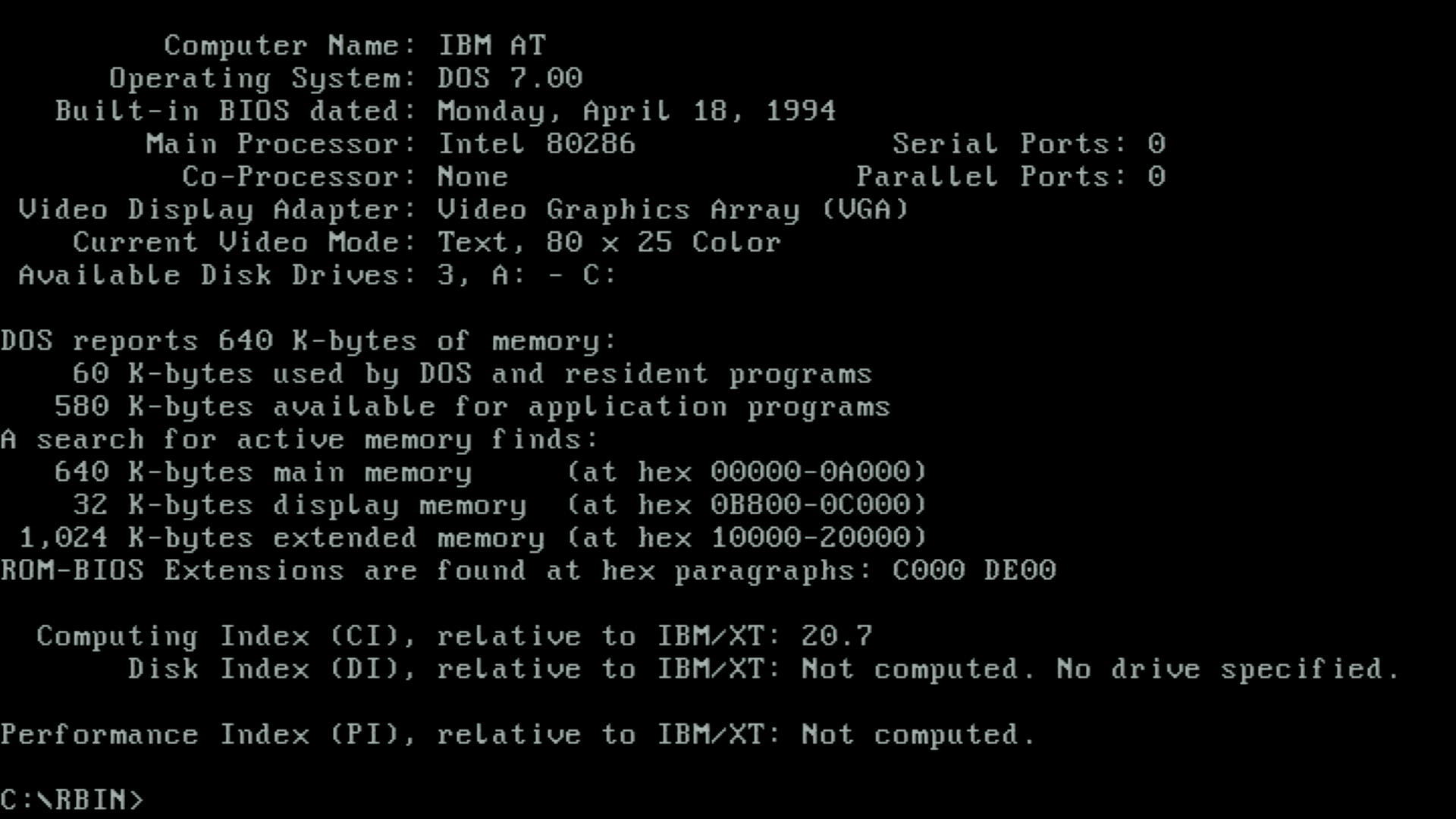
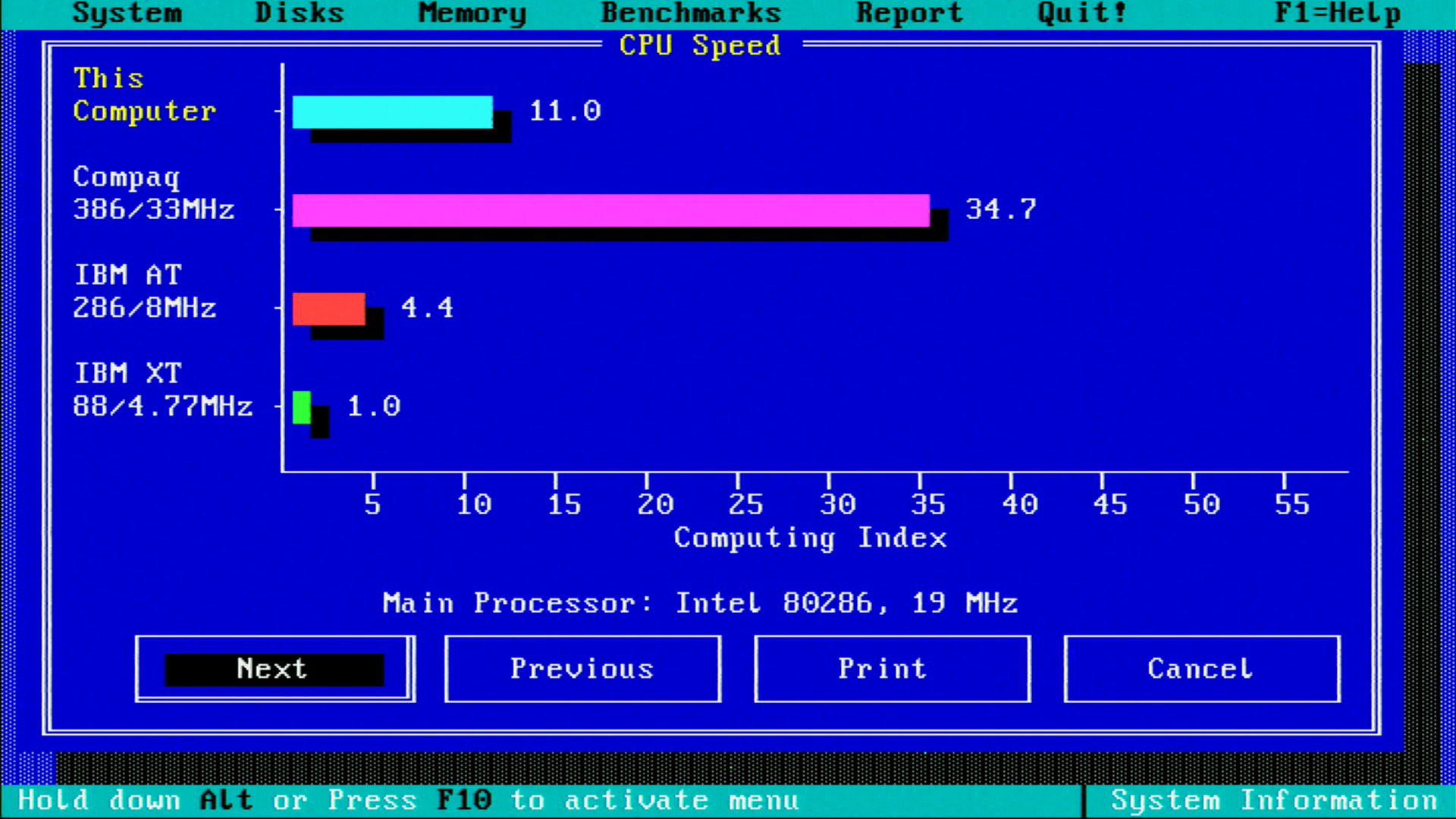
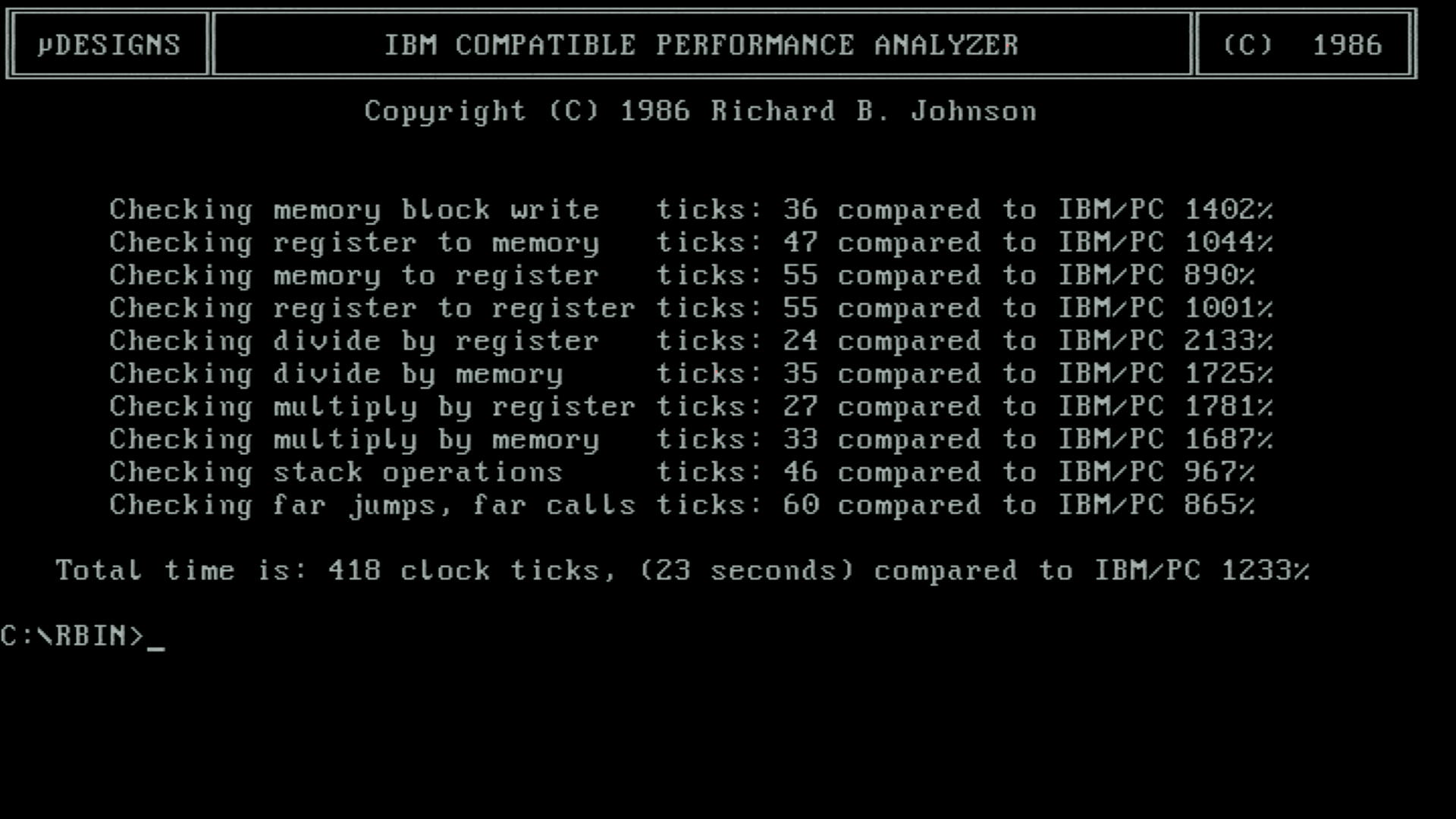
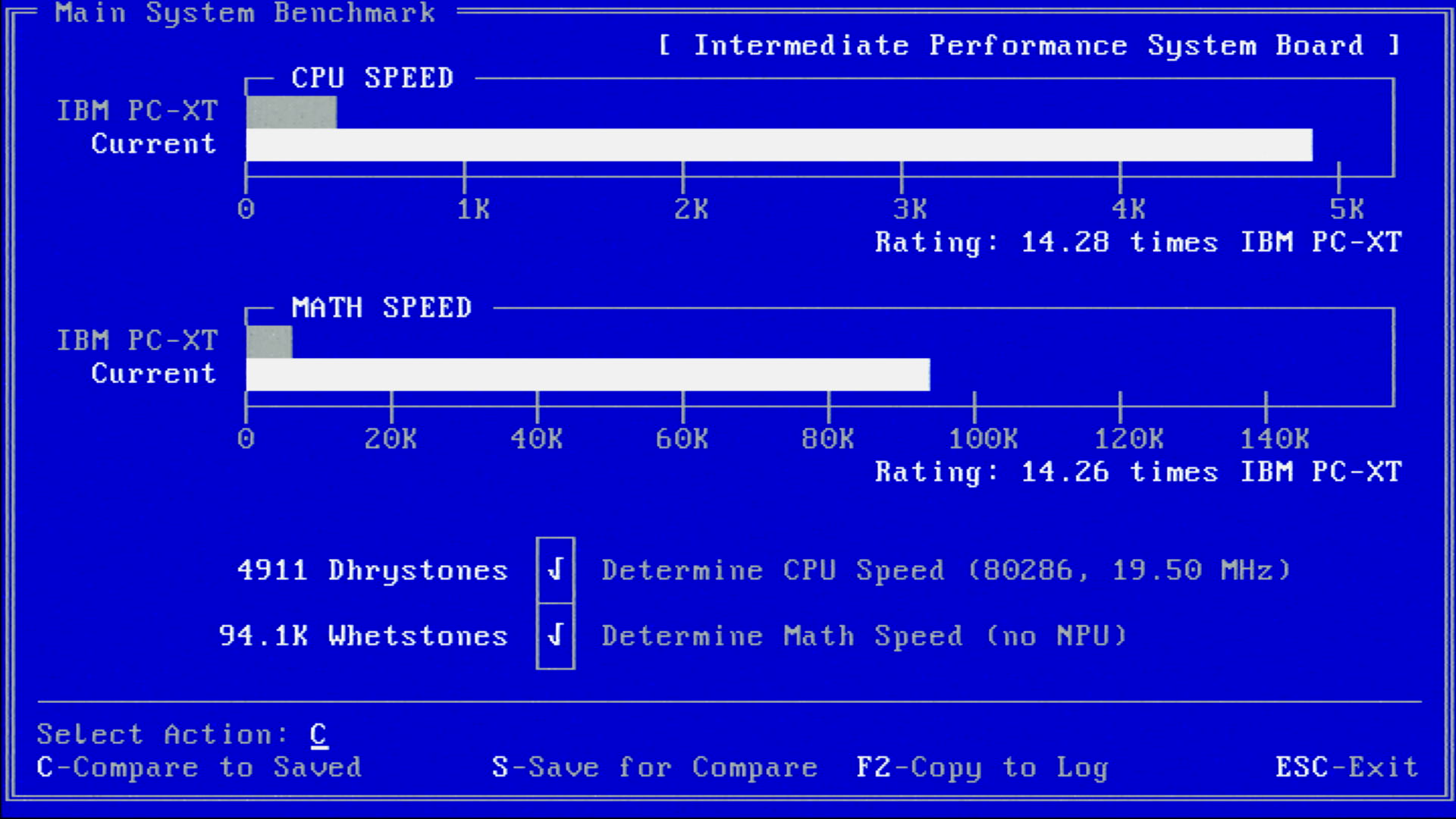
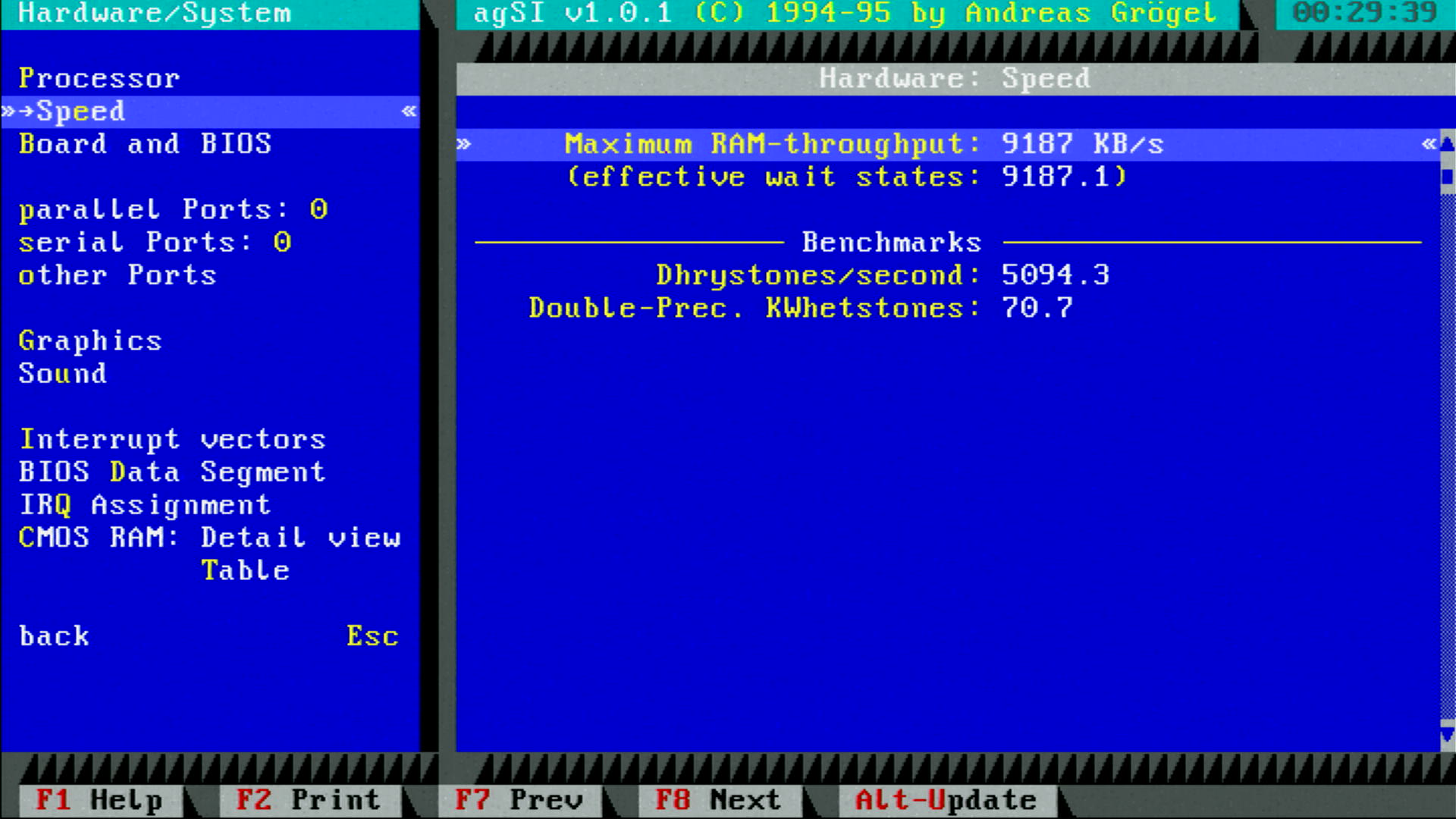

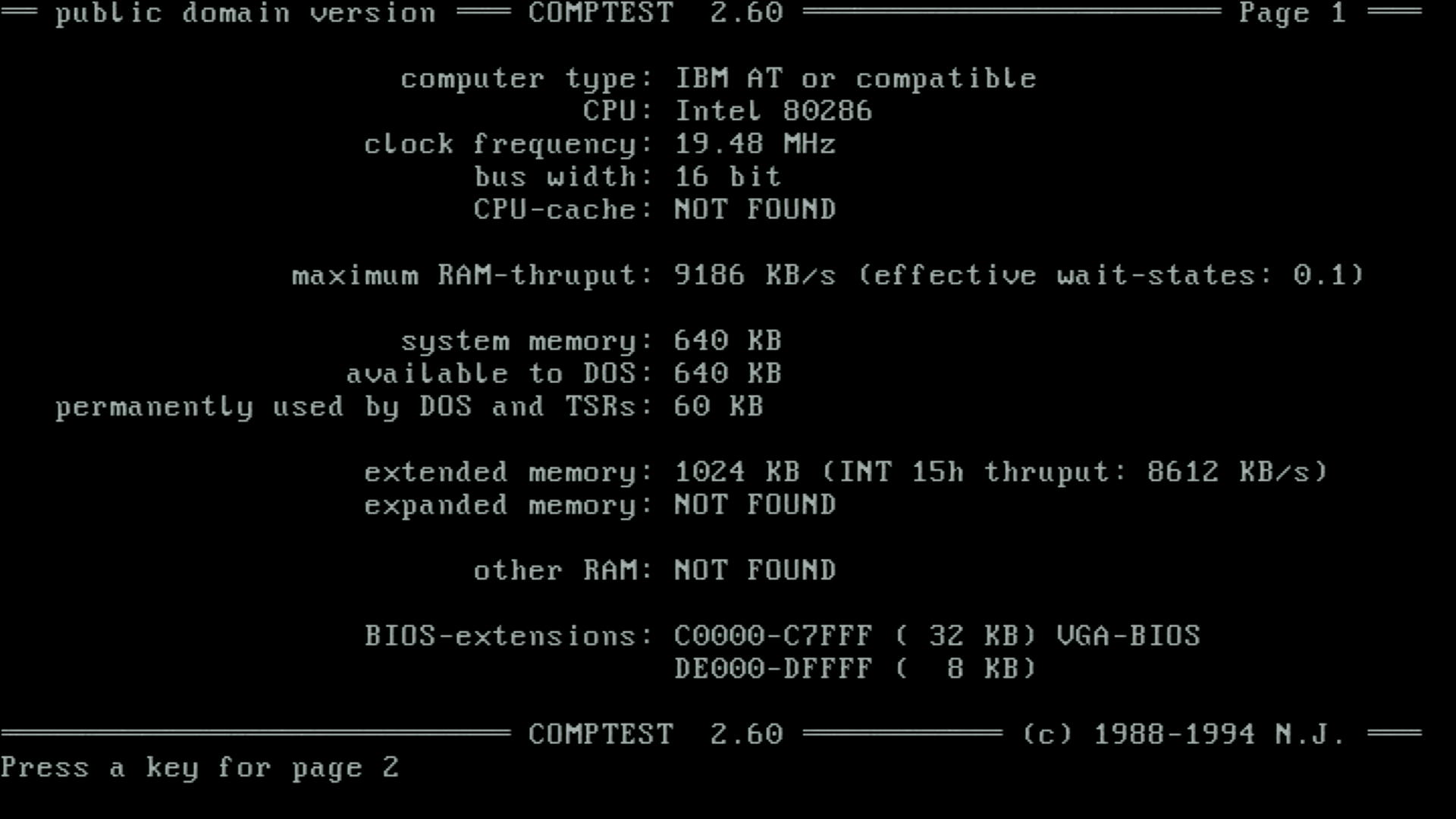
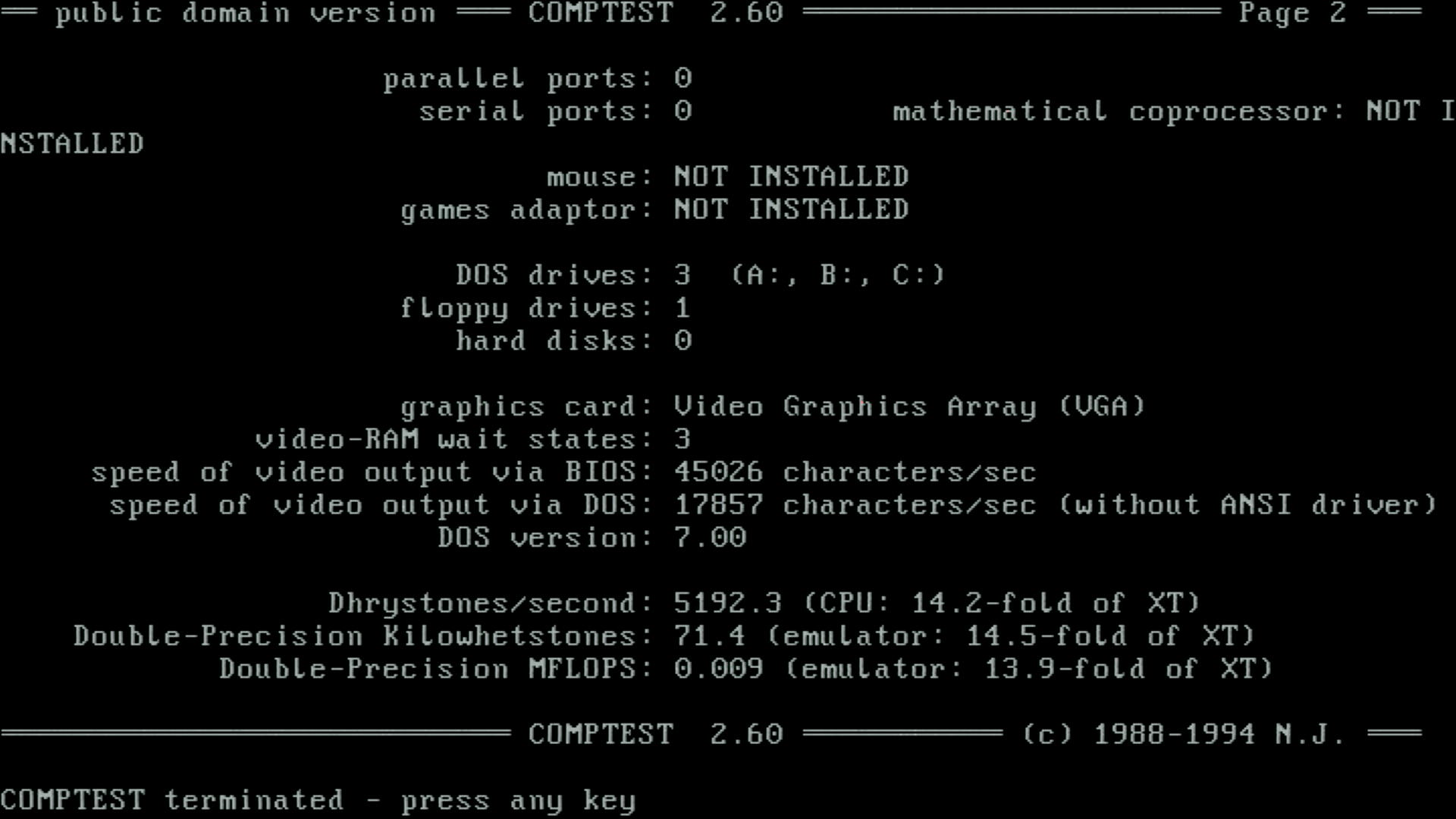
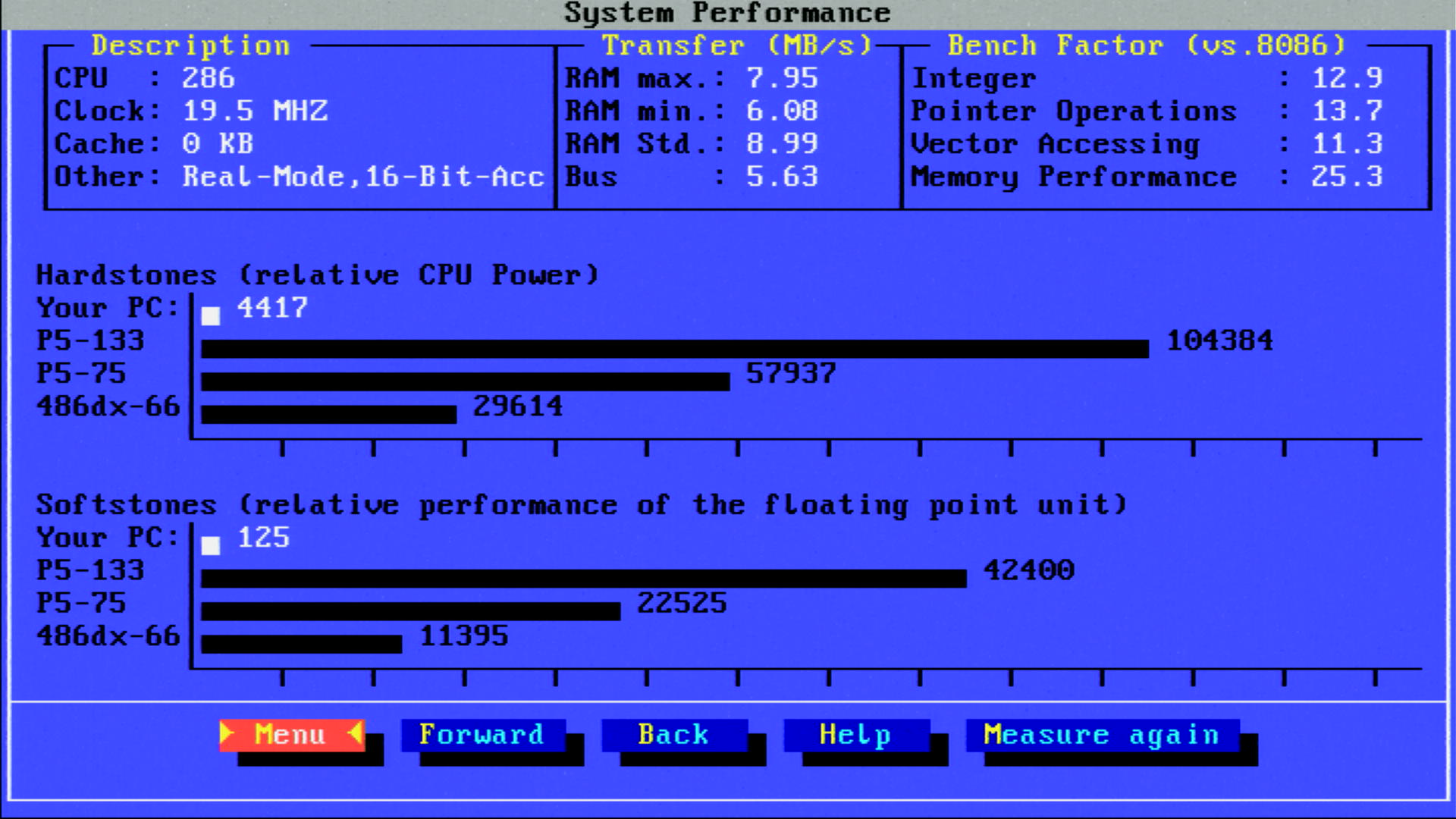
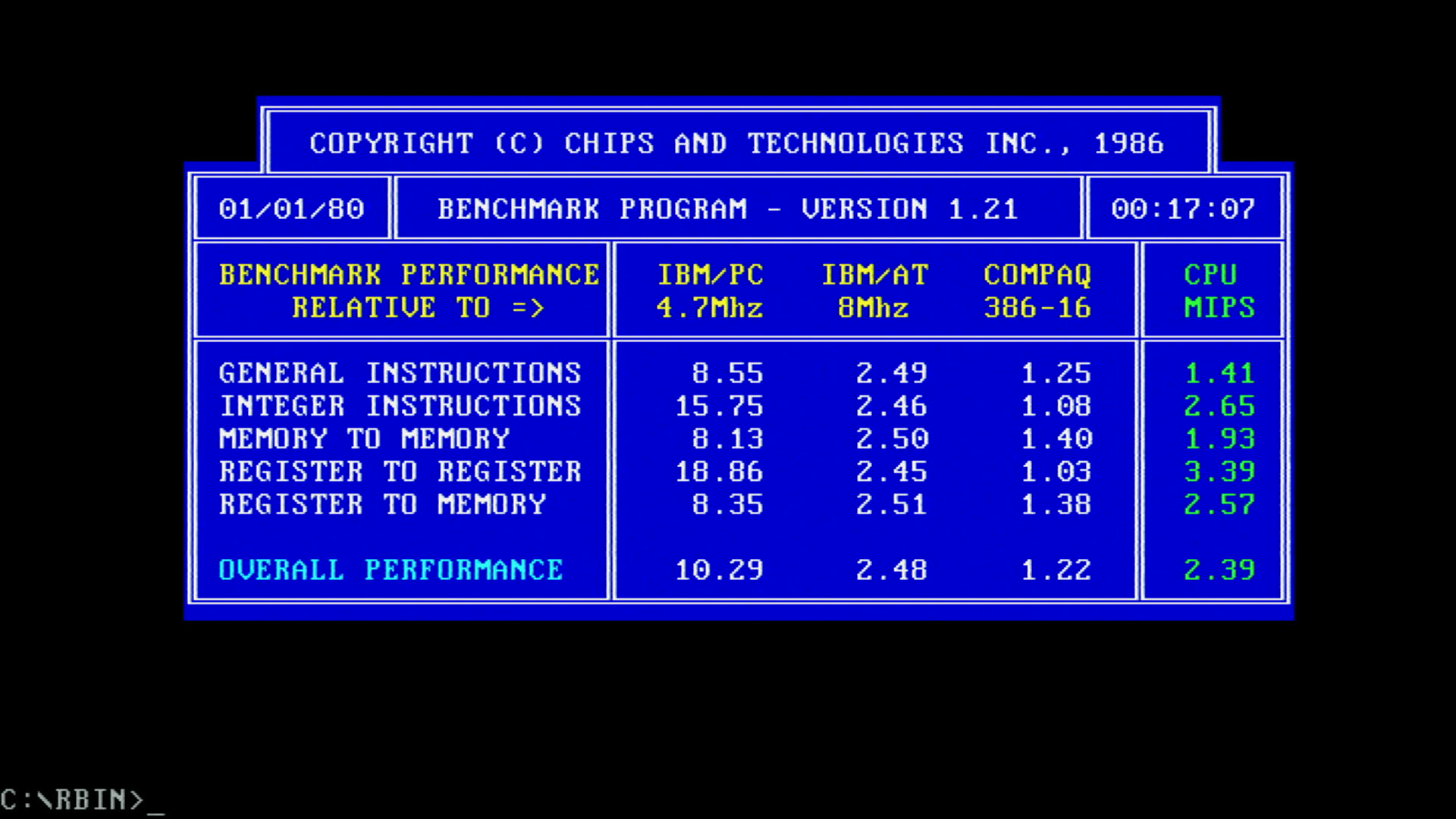

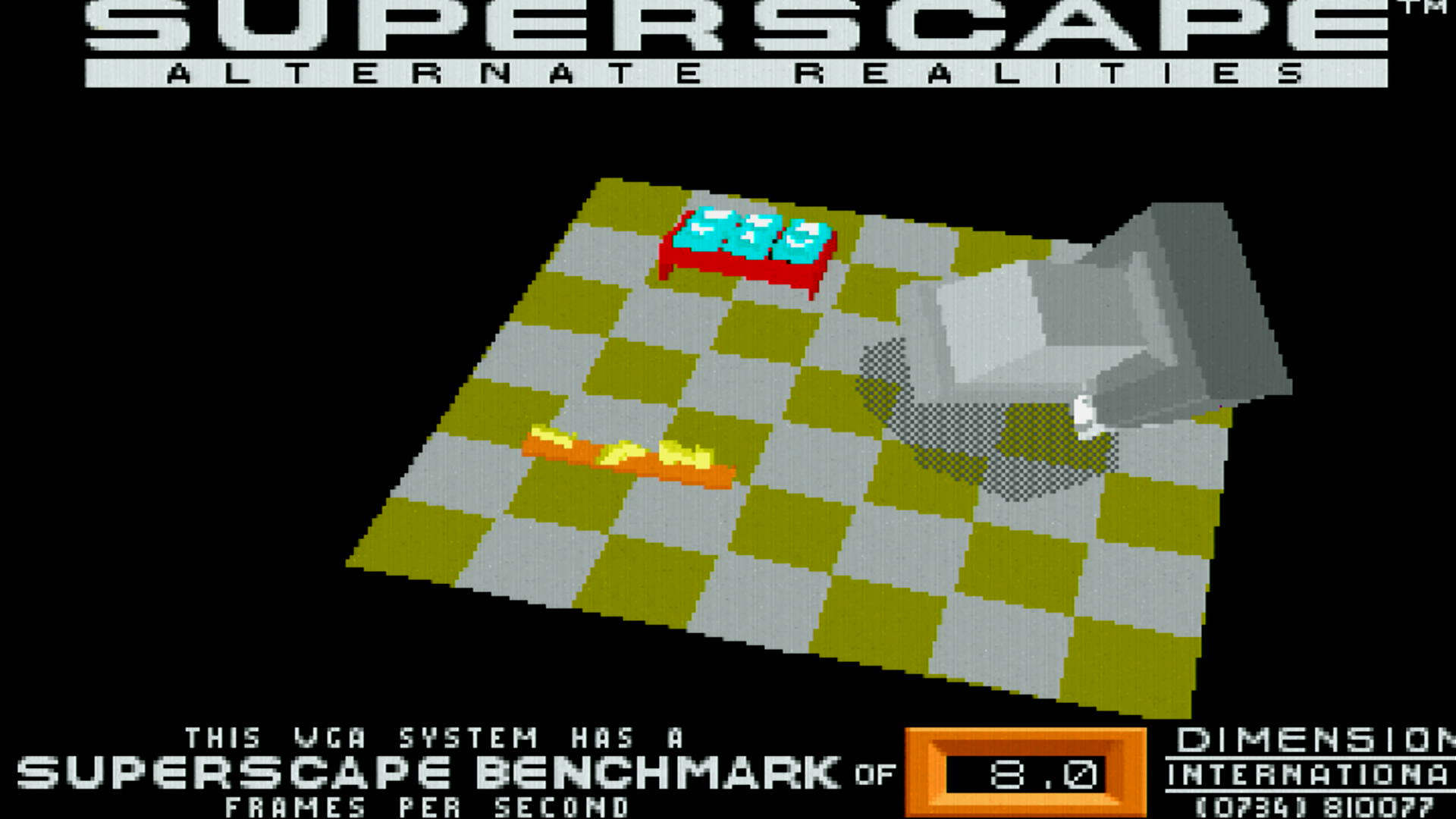
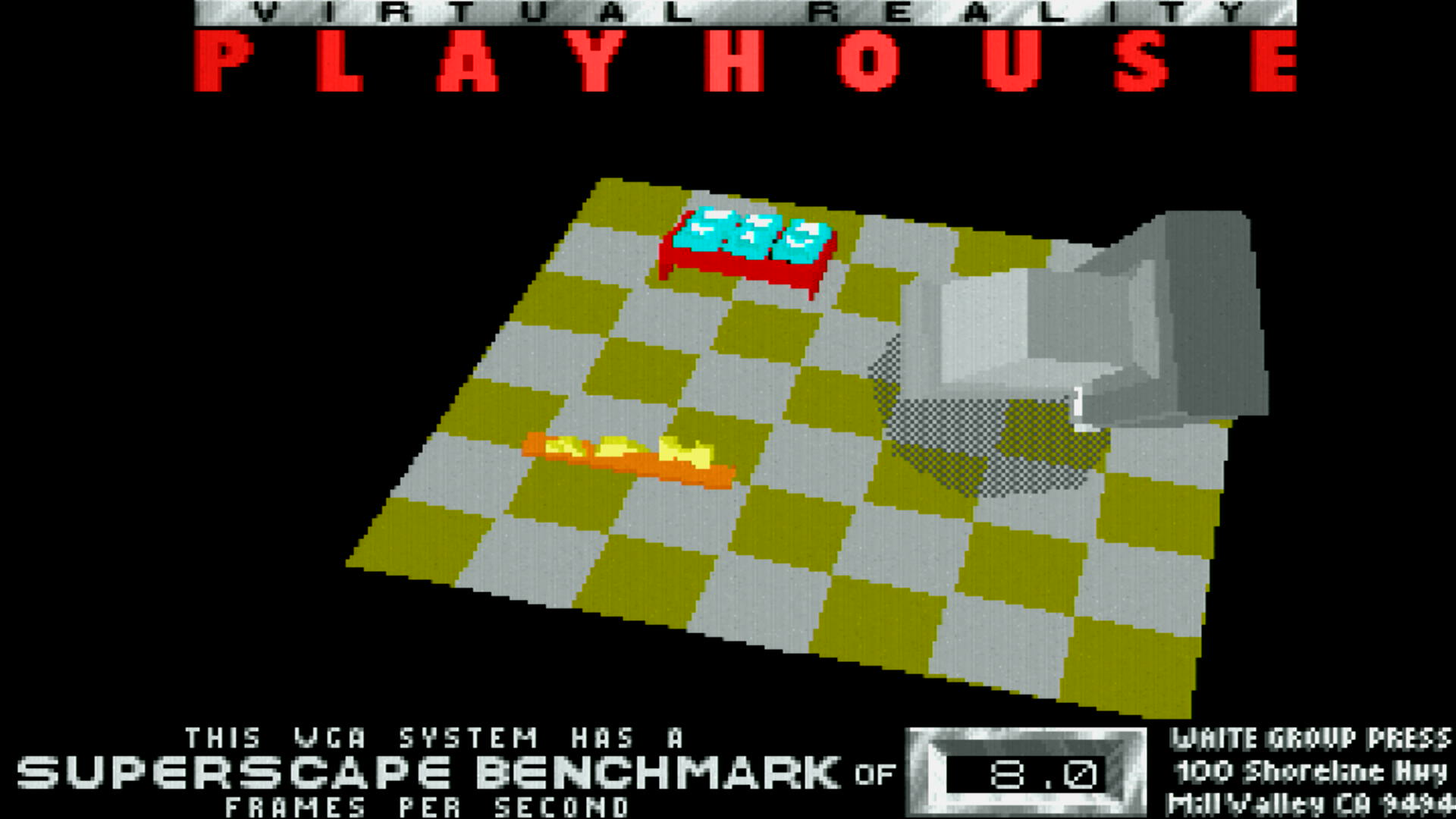
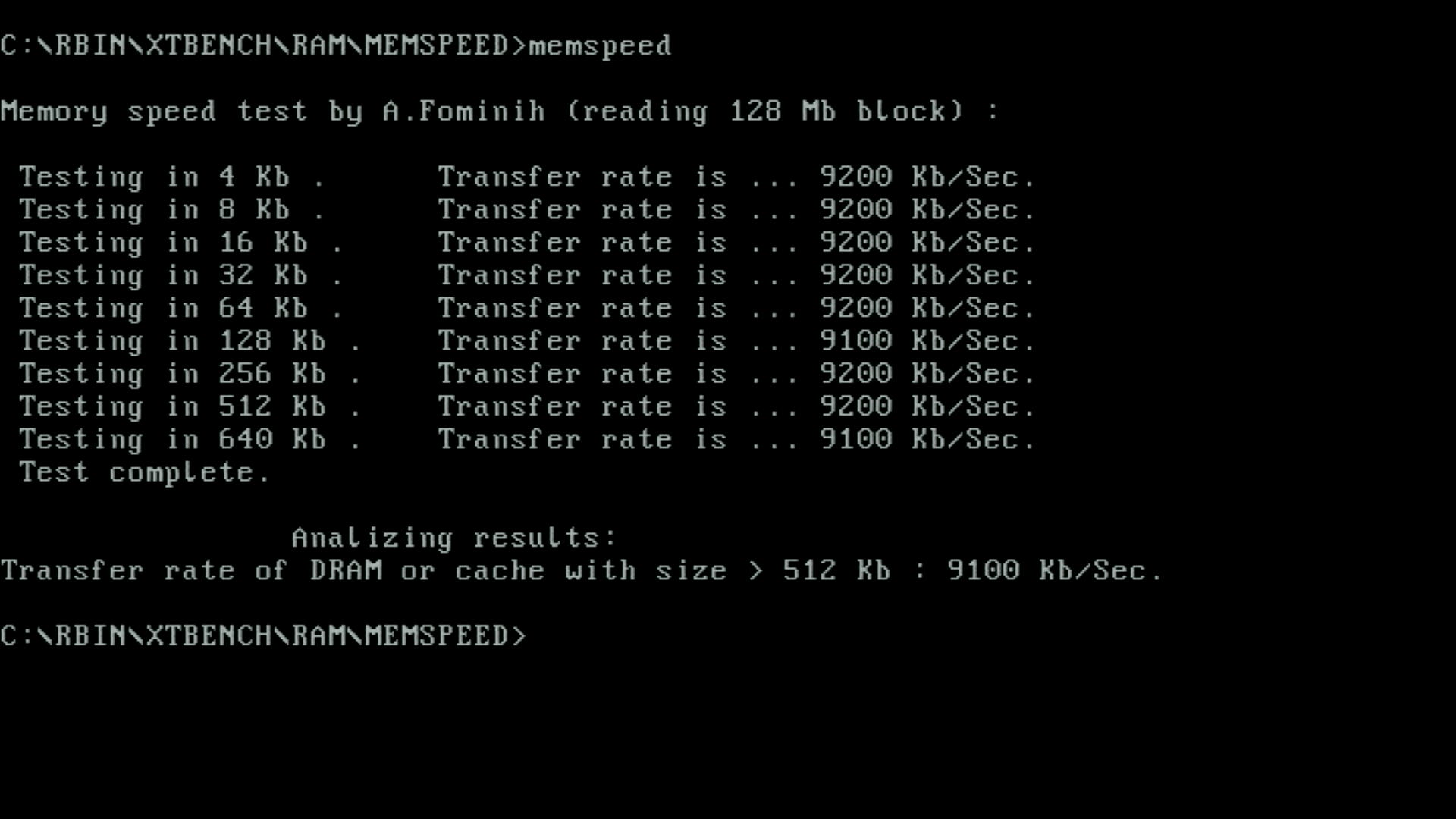
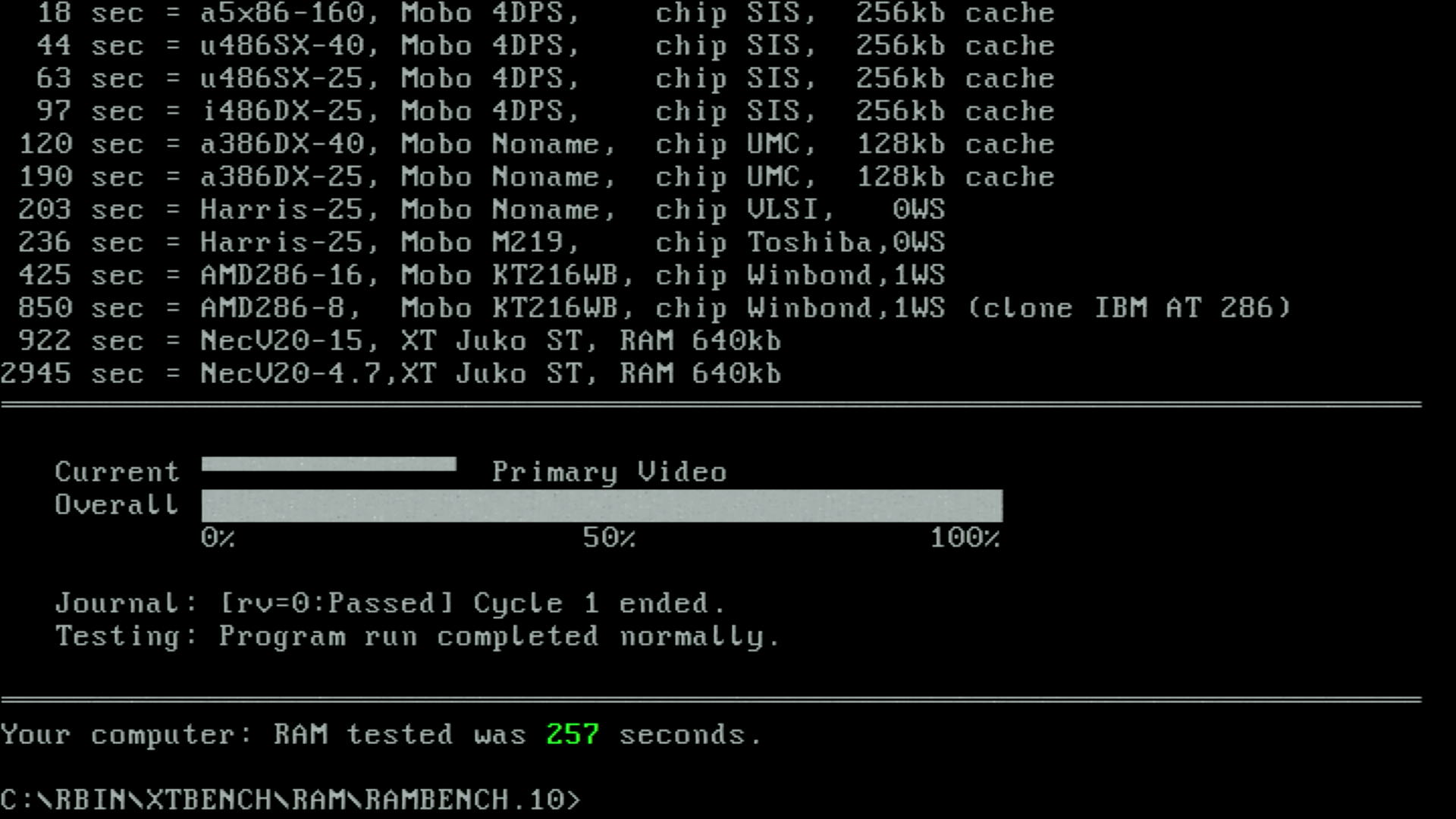
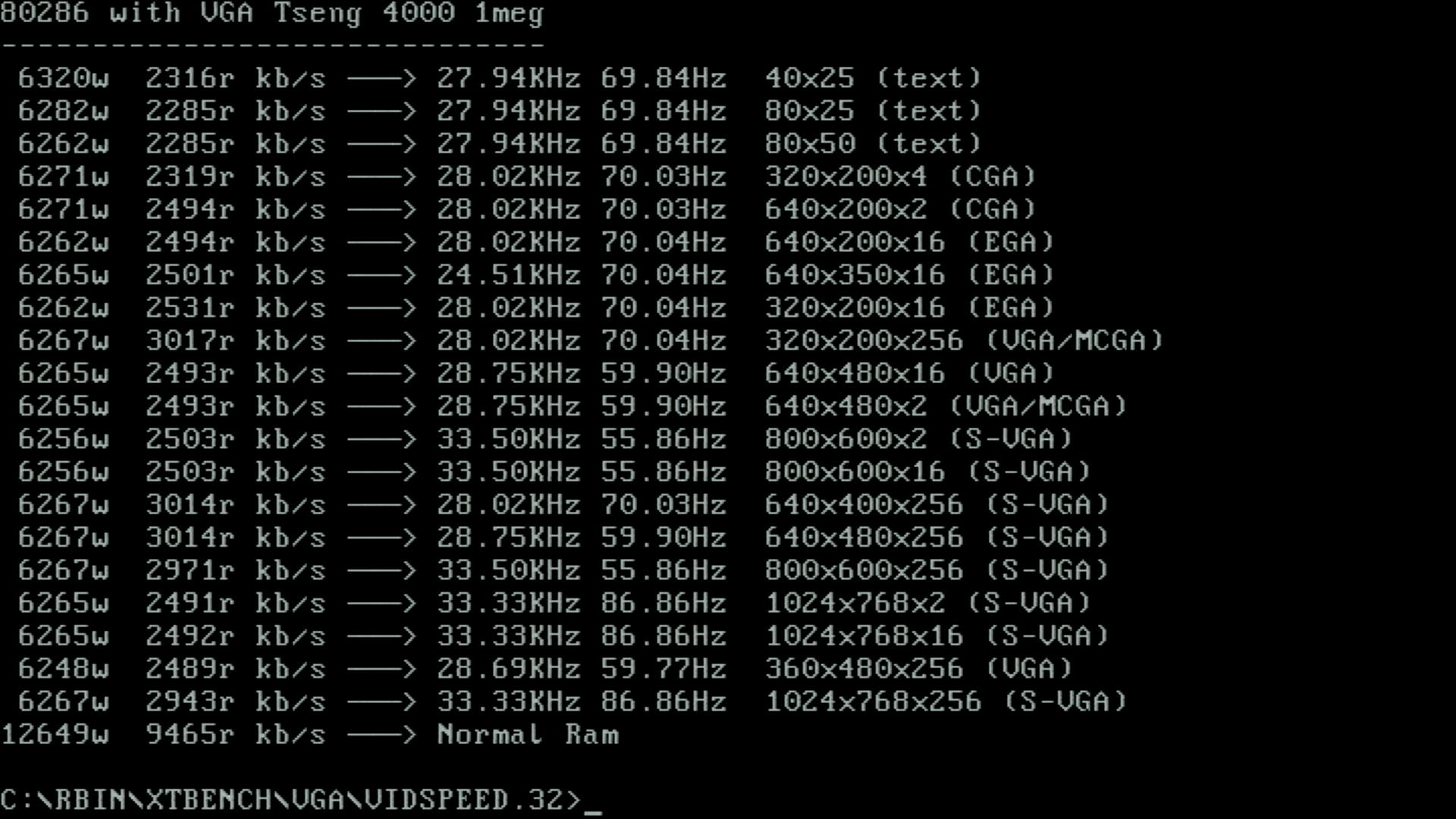
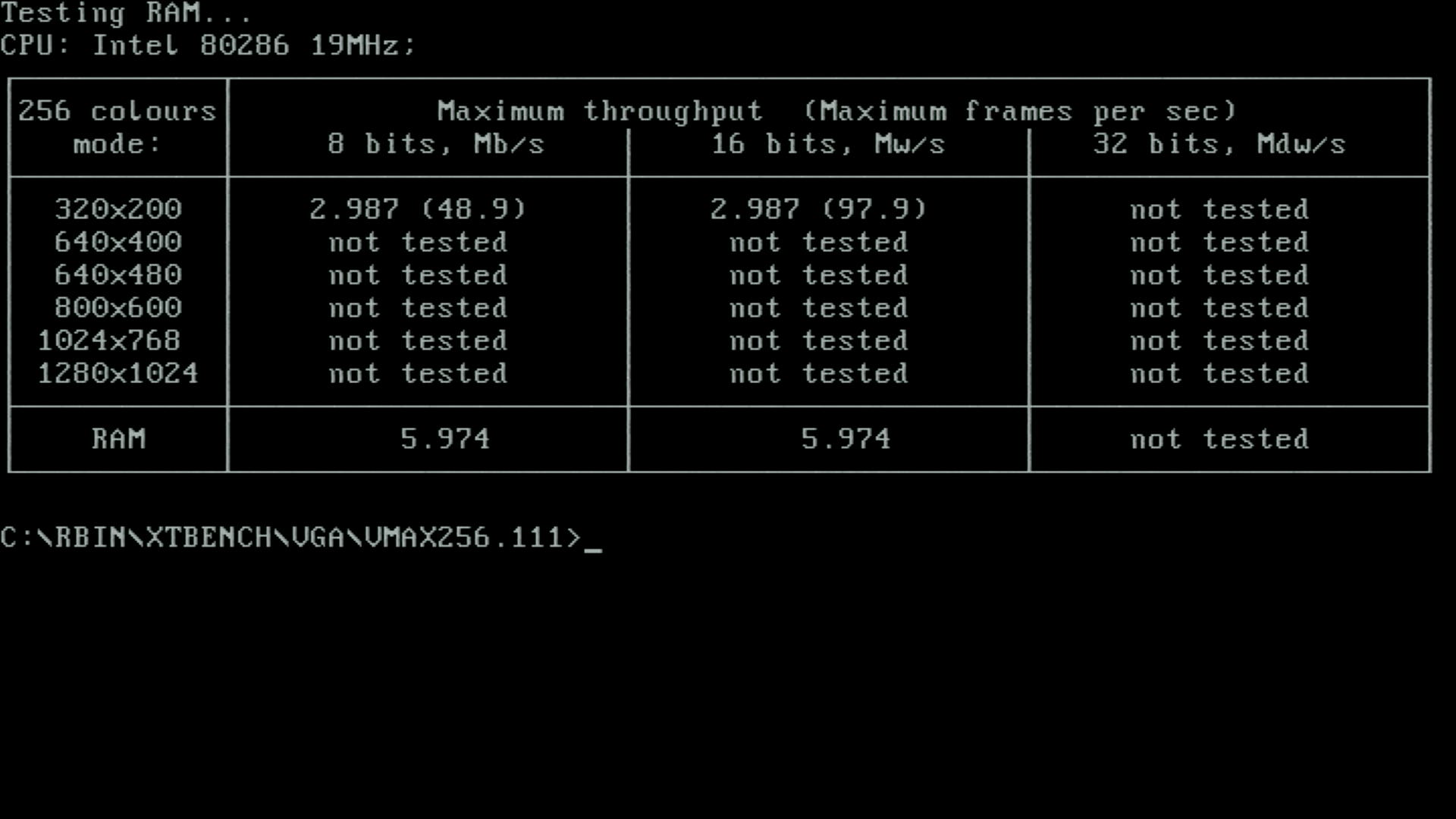
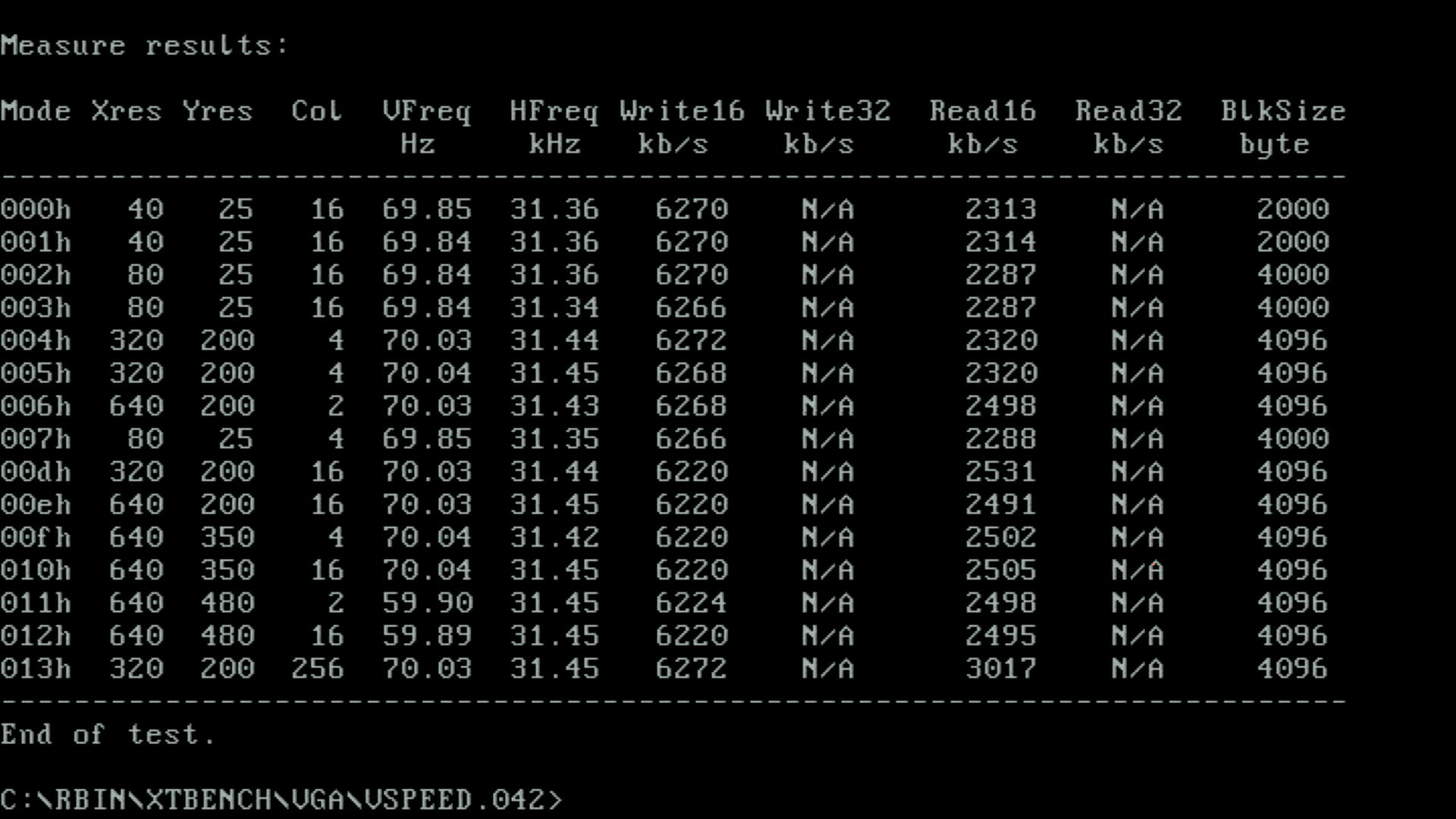
NSSI crashed during its initial interrogation of the hardware, so no results were captured.
24 MHz, 1 Wait State, 70ns SIMMs, MR BIOS
I then swapped the 40 MHz crystal for a 48 MHz one, and changed the BIOS to 1 wait state. This booted just fine. I gathered some screenshots, but apart from LM60 stating the PC performs like an AT running at 27.03 MHz, all the other benchmark results were the same as with the AMI BIOS under the same conditions.
24 MHz, 0 Wait State, 70ns SIMMs, MR BIOS
Moving to 0WS failed to POST. Sometimes just a blank screen, other times it would hang when attempting to detect the CF card.
25 MHz, 1 Wait State, 70ns SIMMs, MR BIOS
Changing to the 50 MHz crystal but keeping wait states on allowed the PC to boot with no issues. It produced identical results to the AMI BIOS under the same conditions, apart from LM60 reporting an AT running at 28.06 MHz.
25 MHz, 1 Wait State, different 60ns DRAMs (from ET4000), MR BIOS
I had found eight legitimate 60ns DRAMs elsewhere, so put them into the motherboard, replacing the ET4000 with my WD90C30 which had 70ns DRAMS soldered-in. It booted just fine, with performance identical to running the 70ns SIMMs.
25 MHz, 0 Wait State, 70ns SIMMs, MR BIOS
As expected, moving to 0WS failed to POST, just as it did at 24 MHz. Whether it's the ISA bus being driven at 12-12.5 MHz or the 70ns memory that is causing the failure, I'm not sure.
Conclusion
So let's update the table with best of these results - the new test results are the three rightmost columns:
Test Program |
25 MHz, 1WS, AMI |
20 MHz, 0WS, AMI |
24 MHz, 1WS, MR |
20 MHz, 0WS, MR |
25 MHz, 1WS, MR |
|---|---|---|---|---|---|
Landmark 0.99 |
25.5 MHz (15.8x) |
26.7 MHz (16.5x) |
24.5 MHz (15.1x) |
26.7 MHz (16.5x) |
25.5 MHz (15.8x) |
Landmark 2.00 (LM60) |
25.95 MHz |
25.68 MHz |
27.03 MHz |
30.28 MHz |
28.06 MHz |
Maxum MaxSpeed |
25 MHz |
20 MHz |
24 MHz |
19 MHz |
25 MHz |
PC Tools R4.22 |
1180% |
1150% |
1130% |
940% |
1180% |
Norton SI v4.5 |
26.0 |
22.0 |
24.7 |
20.7 |
26.0 |
Norton SI v5.00 |
14.0 |
15.0 |
13.4 |
11.0 |
14.0 |
USpeed |
1345% |
1230% |
1285% |
1233% |
1349% |
Check-It 3.0 |
CPU: 4702 (13.67x) |
CPU: 4911 (14.28x) |
CPU: 4479 (13.02x) |
CPU: 4911 (14.28x) |
CPU: 4702 (13.67x) |
AGSI |
CPU: 4866.0 |
CPU: 5094.3 |
CPU: 4463.3 |
CPU: 5094.3 |
CPU: 4866.0 |
NSSI |
4791 |
4981 |
*HANG* |
*HANG* |
*HANG* |
Wolf3D Timedemo |
14.8 fps (ET4000, 80ns) |
13.9 fps (ET4000, 80ns) |
13.9 fps (ET4000, 60ns?) |
13.8 fps (ET4000, 60ns?) |
13.8 fps (ET4000, 60ns) |
So unlike my previous experience with the MR BIOS on a 386/486 PC, this one's about the same as the AMI in terms of performance, but does give you more options. If we just say the 20 MHz 0WS configuration is the same between AMI and MR BIOS, the fastest system is then a choice between running a 25 MHz 1WS setup with the AMI BIOS or the current one at 20 MHz 0WS (also with the AMI BIOS).
It's most likely that either the memory or the ISA bus being forced to CLK/2 is preventing us from going further. It's not a temperature problem at these speeds. Still, it was nice to see Landmark reporting over 30 MHz :-)
I'll stick to what's in there now, and replace the ET4000 with my fastest ISA SVGA card, the Paradise/Western Digital WD90C30, which usually beats the Tseng Labs card in performance tests.
I'm very open to comments and criticisms, so feel free to get in touch and have your say.