Labway Xwave 128 / A151
In Labway A151 was a 16-bit ISA sound card released in 1997, based on the Yamaha YMF718 / 719 chipset.
|
Released | 1997 |
| Bus | 16-bit ISA | |
| FM Synth | Yamaha YM718E-S or YMF719E-S | |
| Standards | Ad Lib, Sound Blaster, Sound Blaster Pro 2, Windows Sound System | |
| Ports | Speaker-Out, Mic-In, Line-in, Game port | |
| CD-ROM | IDE | |
| Wavetable | AdMOS QDSP QS1000 (Optional) | |
| Plug & Play | Yes, ISA PnP v1.0a-compatible | |
| Part # | A151 / A0X | |
| FCC ID(s) | LWHA151A00 | |
| See Also | Yamaha Audician 32 Plus |







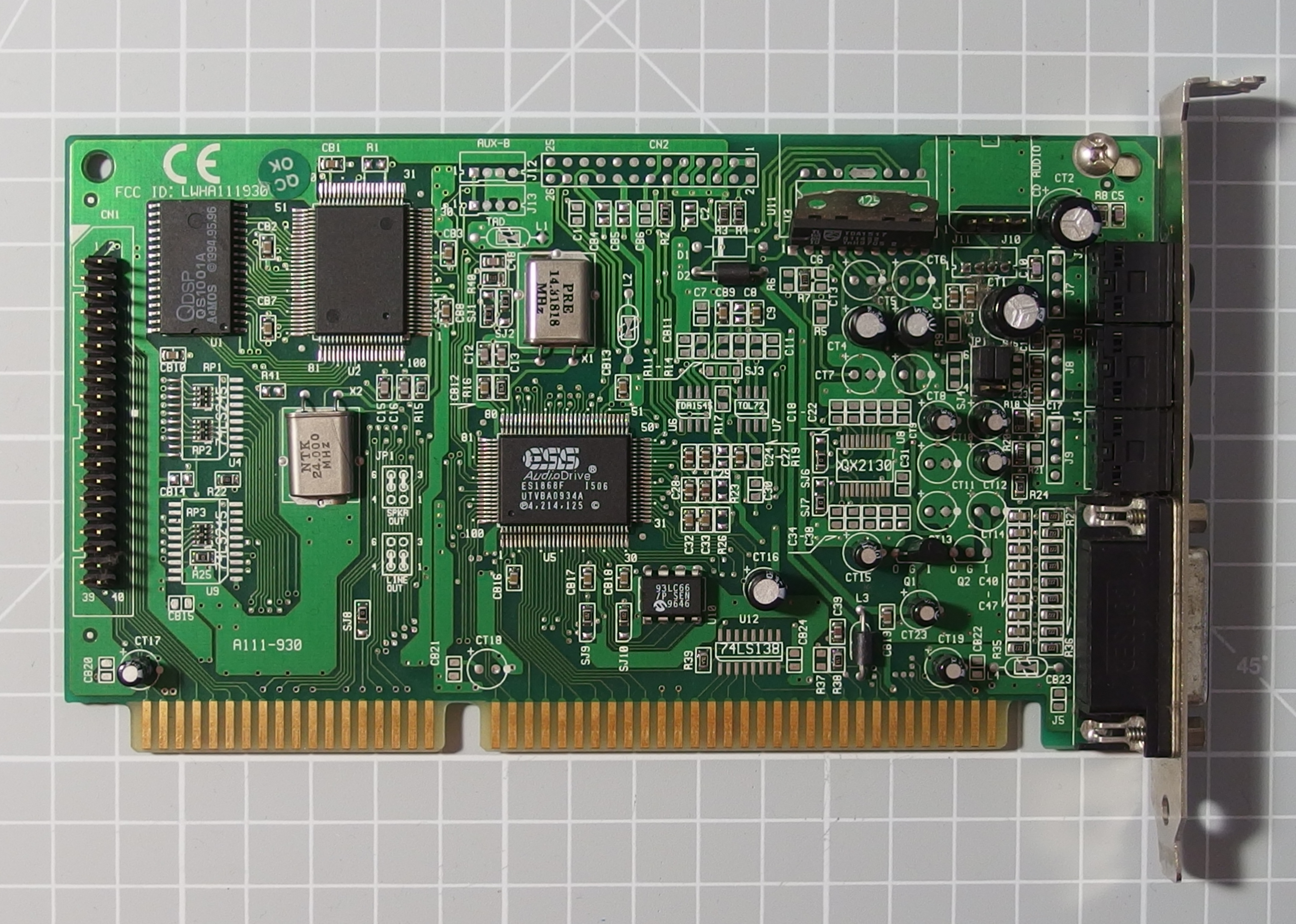

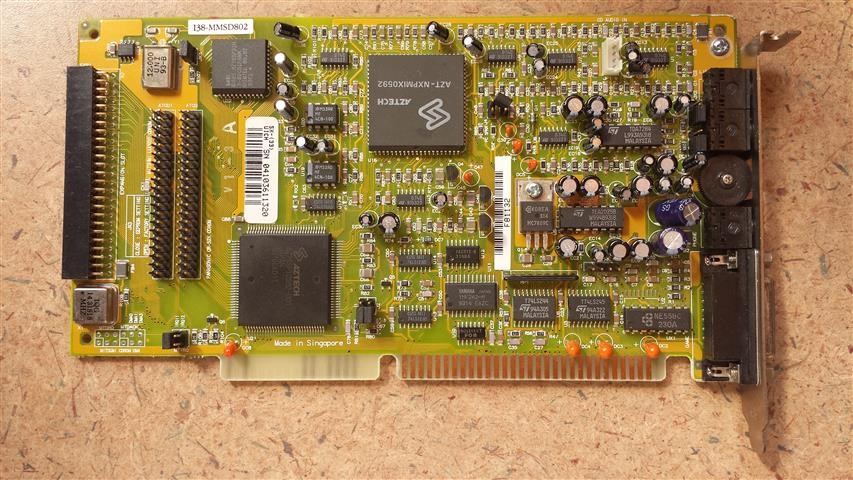
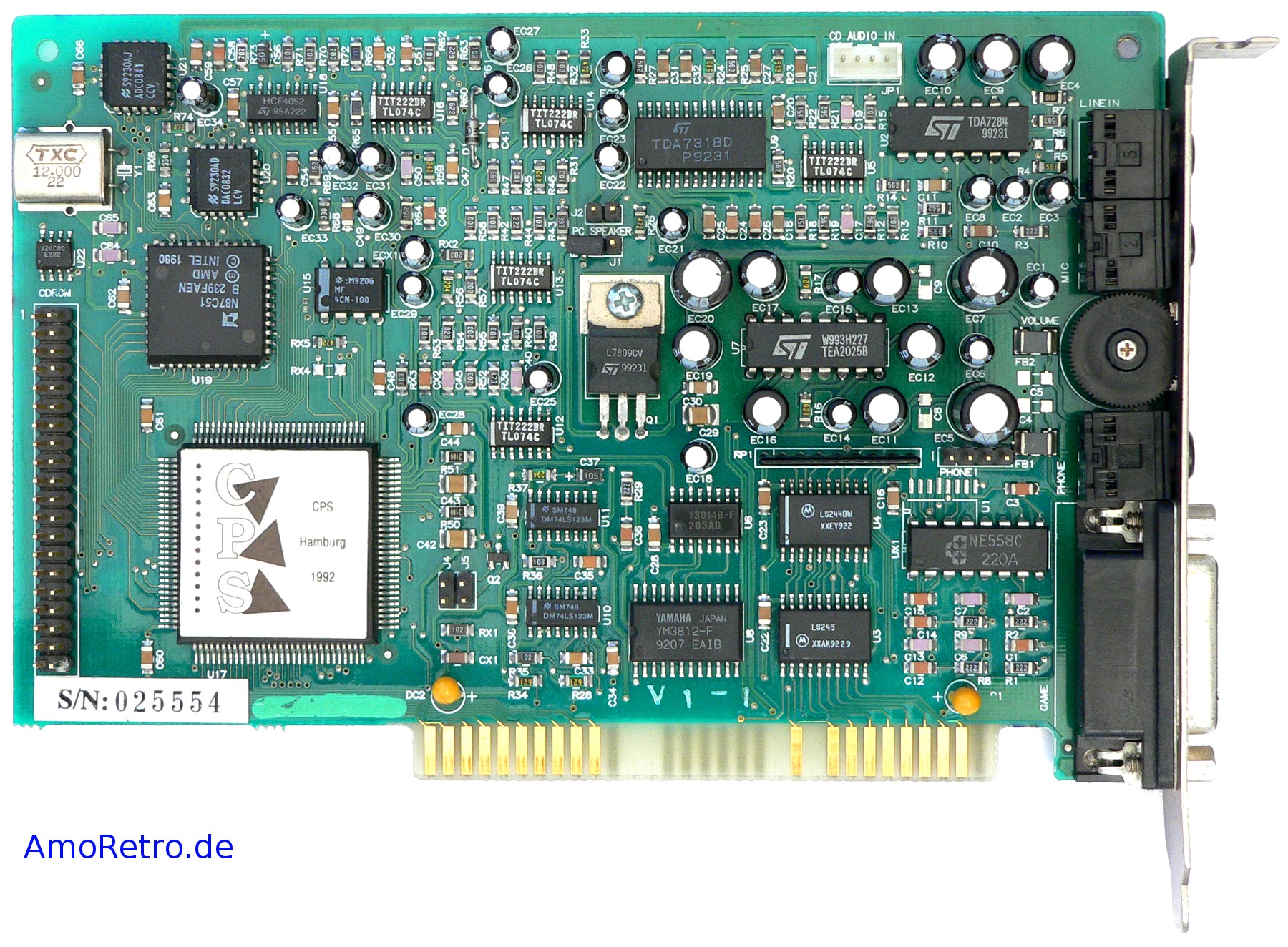
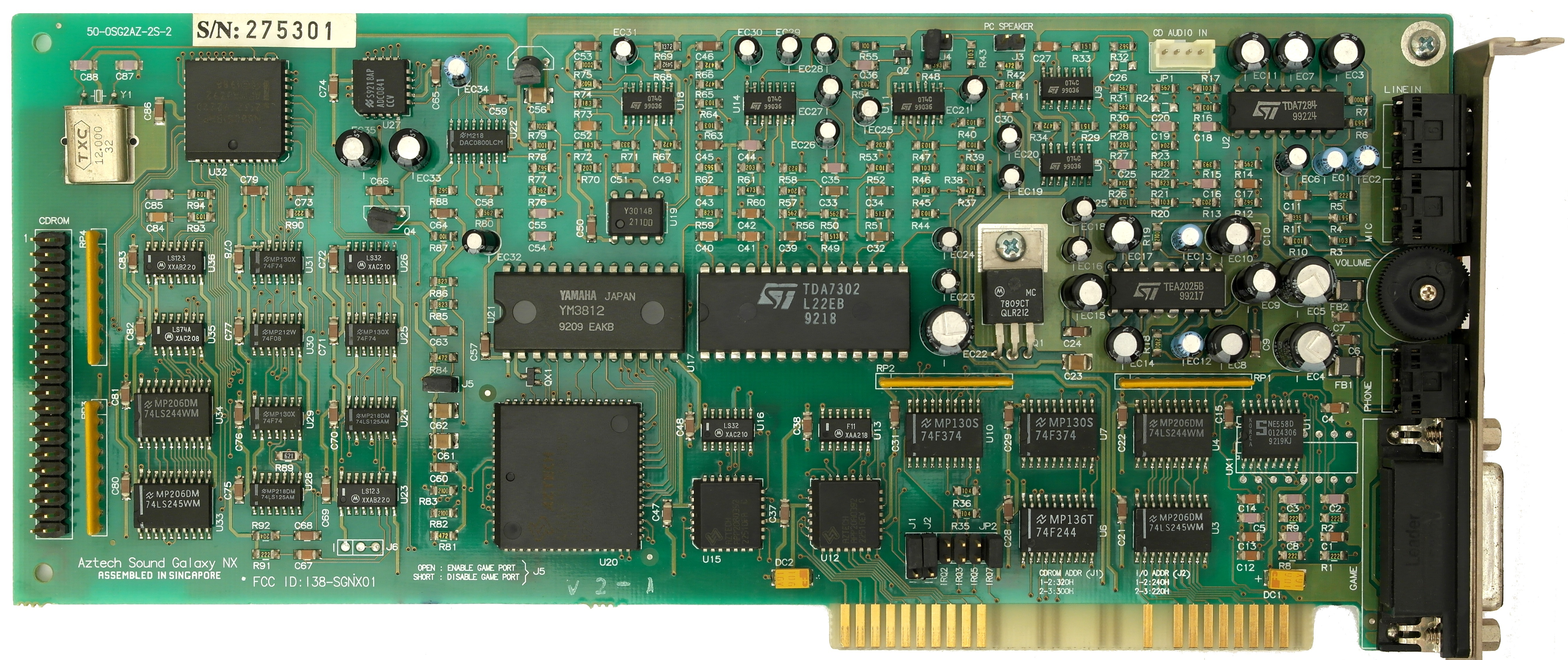


This same card was manufactured by different companies including Addonics, Yamaha, Genius, UMax, Bannsan and Aopen. It's apparently quite a loud (volume, not signal noise!) card even after reducing the volume via "mixerset.exe". Wavetable output can exhibit clipping even after reducing the volume to the lowest settings. Compared to SB Pro 2 or Terratec 16/96, the output of this card is much clearer.
Some versions of the A151-A00 came with the AdMOS QDSP QS1000 wavetable chip and QS1001 sample ROM chip. See more images below.
 All you need is SETUPSA.EXE. This initializes any Yamaha SAx chip (701, 704, 715, 718, 719) in DOS. One thing you may notice is that when running in Sound Blaster 2.0 mode, the left and right audio channels appear to be reversed. Some games have an option to flip the audio.
Another option for configuring this card is to use the driver software from the MediaTrix 3D-XG, as this is excellent, and works with any YMF-71x-based sound card.
In some cases, the OPL works fine in every game, but the PCM audio is buggy (gets cut off, crashes the game, or most often, won't play at all) in most games, with the exceptions being Descent and Quake from the games I've tried, which work fine.
If using "Line-in", it will only work if setupsa /s is run first.
Terminal Velocity reacts the worst to my card, hanging the entire system after playing a test sound once that is supposed to be played twice. If you're using DMA channel 0 then try changing it to DMA channel 1 or 3 - some newer boards such as this do not always play along with DMA0 on the YMF71x chips. Locking out DMA 0 by assigning it to "Legacy ISA" in the BIOS makes things work a bit better, though Doom will not play sound if General MIDI is enabled.
On the Yamaha Audician driver disk is the drivers for DOS, Windows 3.1, 95, and 98. When you install these for Windows, it automatically installs the DOS drivers as well. On the contained CD there is also a separate DOS installer under the DOS folder, where you can run install.exe which will configure your config.sys and autoexec.bat files for you.
All in all, this is a fantastic card for DOS gaming - it produces very clean sound, has no hanging note bugs, works great in DOS and Windows (where it has a Soft Midi synth mode!) and works with most DOS games. Compared to a lot of cards from Creative which tend to be noisy (electrical inteference-wise), this card is very quiet (again, electrical noise-wise).
Board Revisions
There was also an A151-830 model variant (FCC ID: LWHA151830), which used the older Yamaha YMF701-S audio controller (the first OPL3-SA chip) with solder pads for a Yamaha YMF704-S (an OPL4 chip with built-in 1 MB ROM for samples). This would have been a slightly odd card with the YMF704 in place, as the YMF704 provided FM synthesis as well as the YMF701. You can see pictures of a base model of this card further down with just the YMF701 present.
Competition
In the Media
Setting it Up
Go to the review of this card for details on how to set it up.
Downloads
Go to the main Yamaha Audician 32 Plus page for downloads that work for this card.
More Pictures


Labway A151, courtesy of DOS Days' contributor, targeted
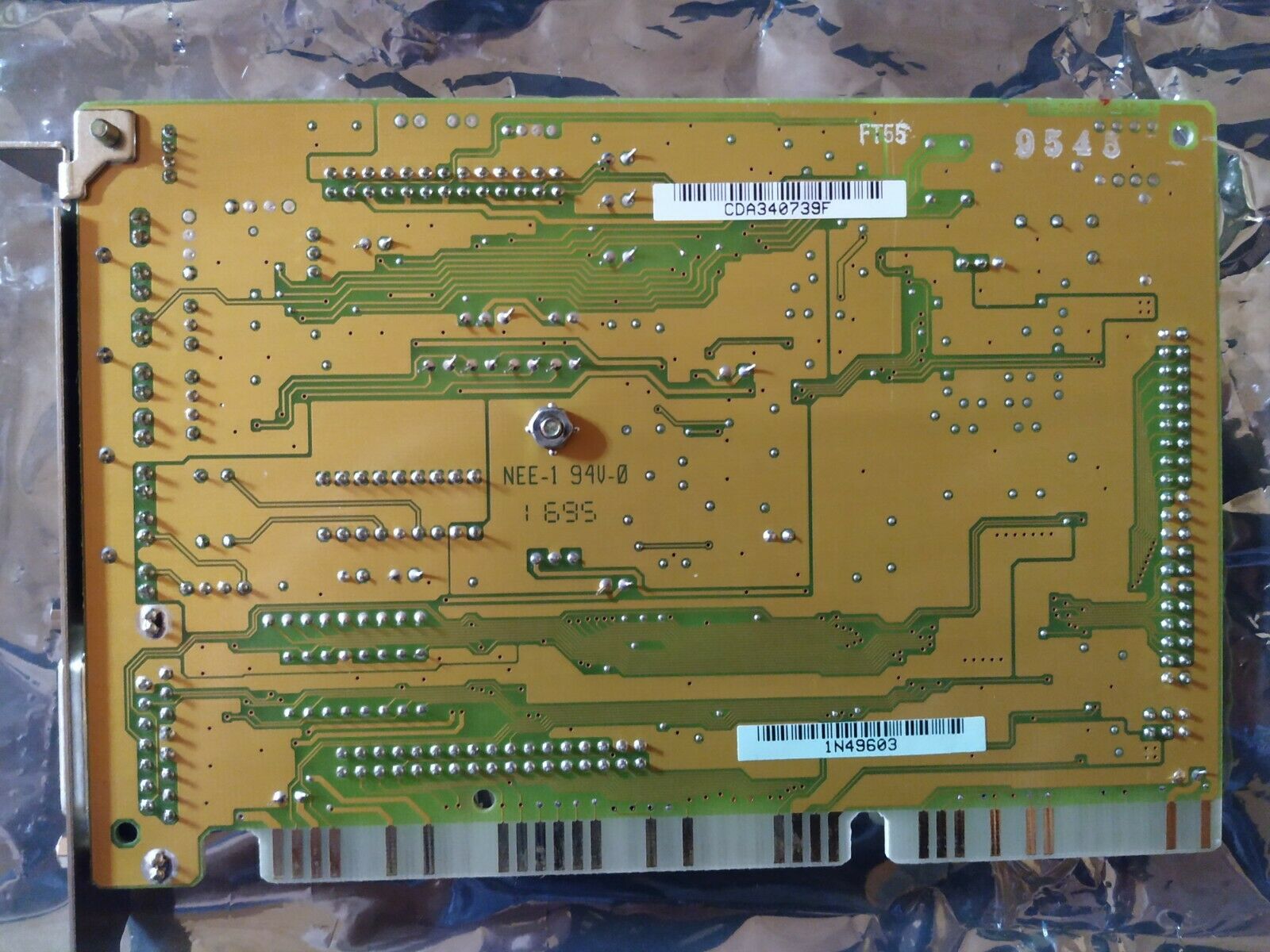
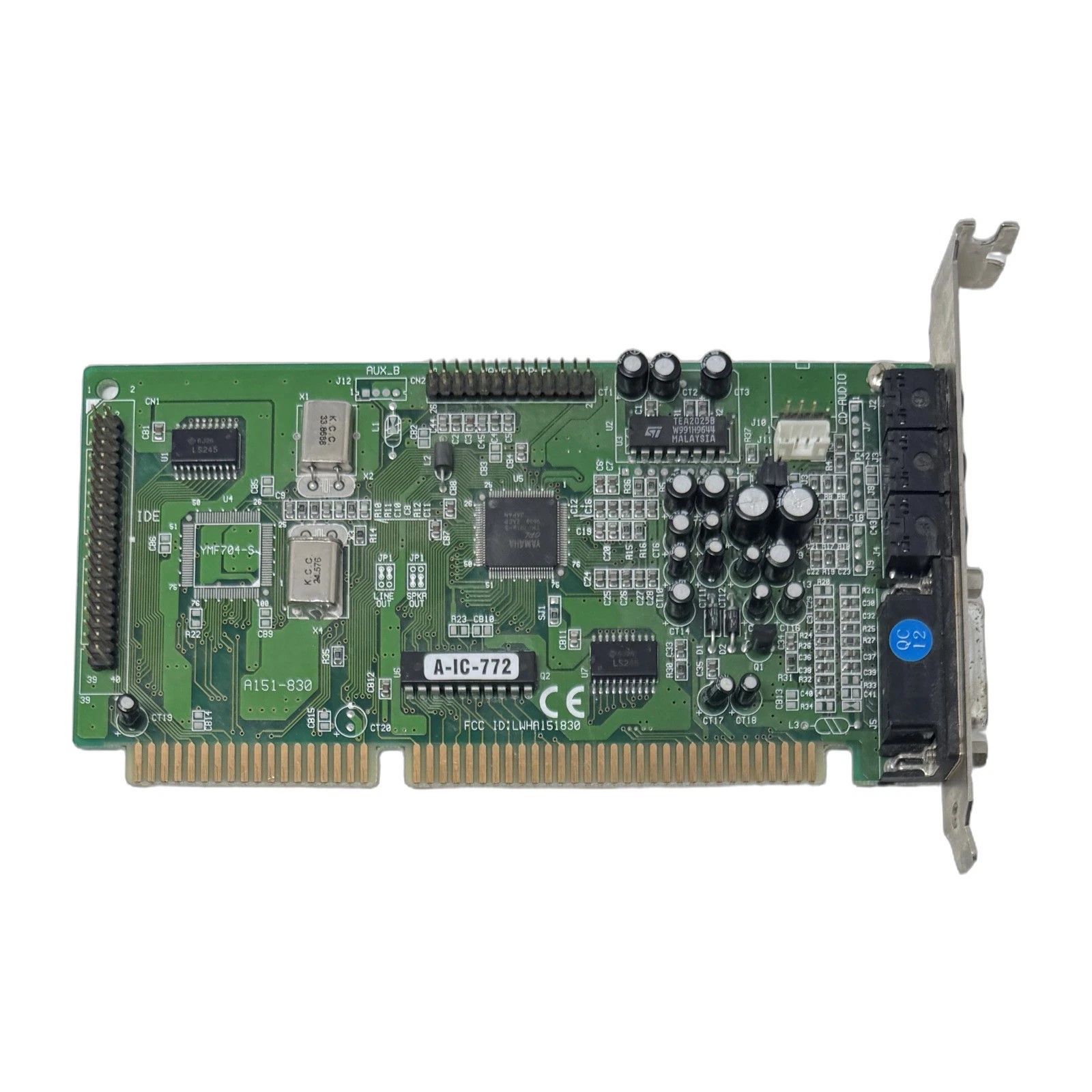
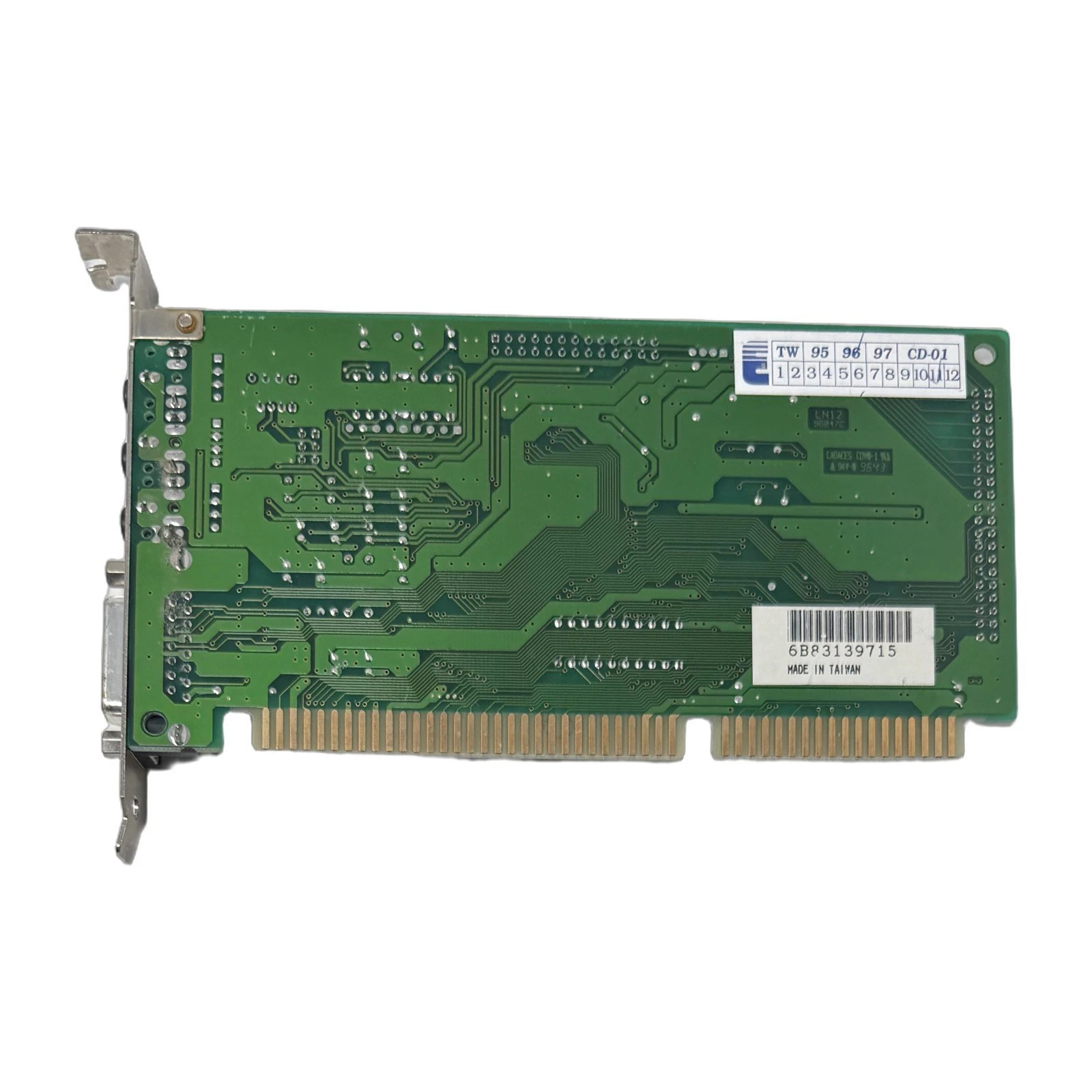
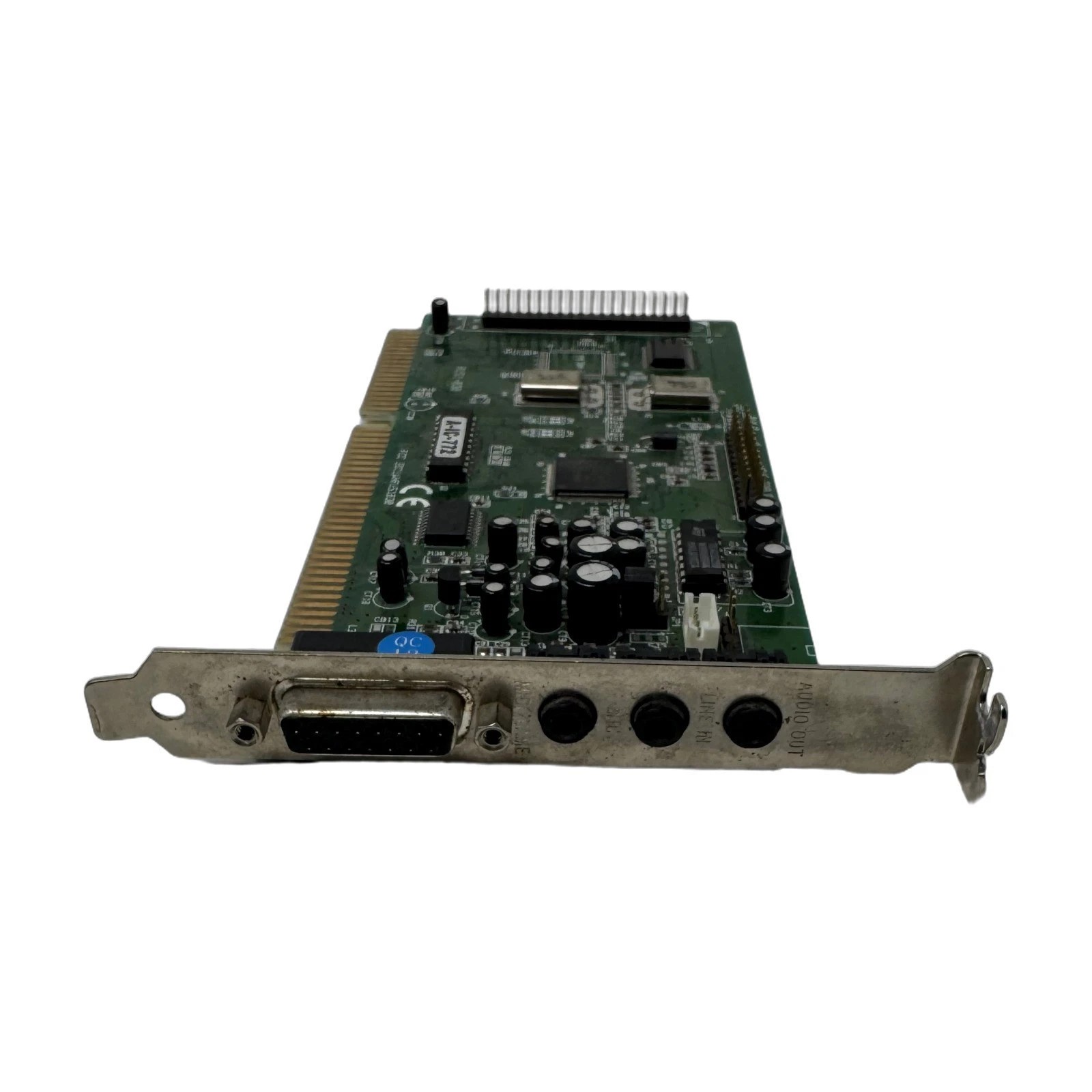
Labway A151-830 that uses the YMF701-S with optional YMF704-S