Retro Review: Toshiba Libretto 50CT - Part 1
9th August 2026
Introduction
For this retro review, I've dug out a sub-notebook from my collection: a Toshiba Libretto 50CT that I've owned since around 2009. Here it is:
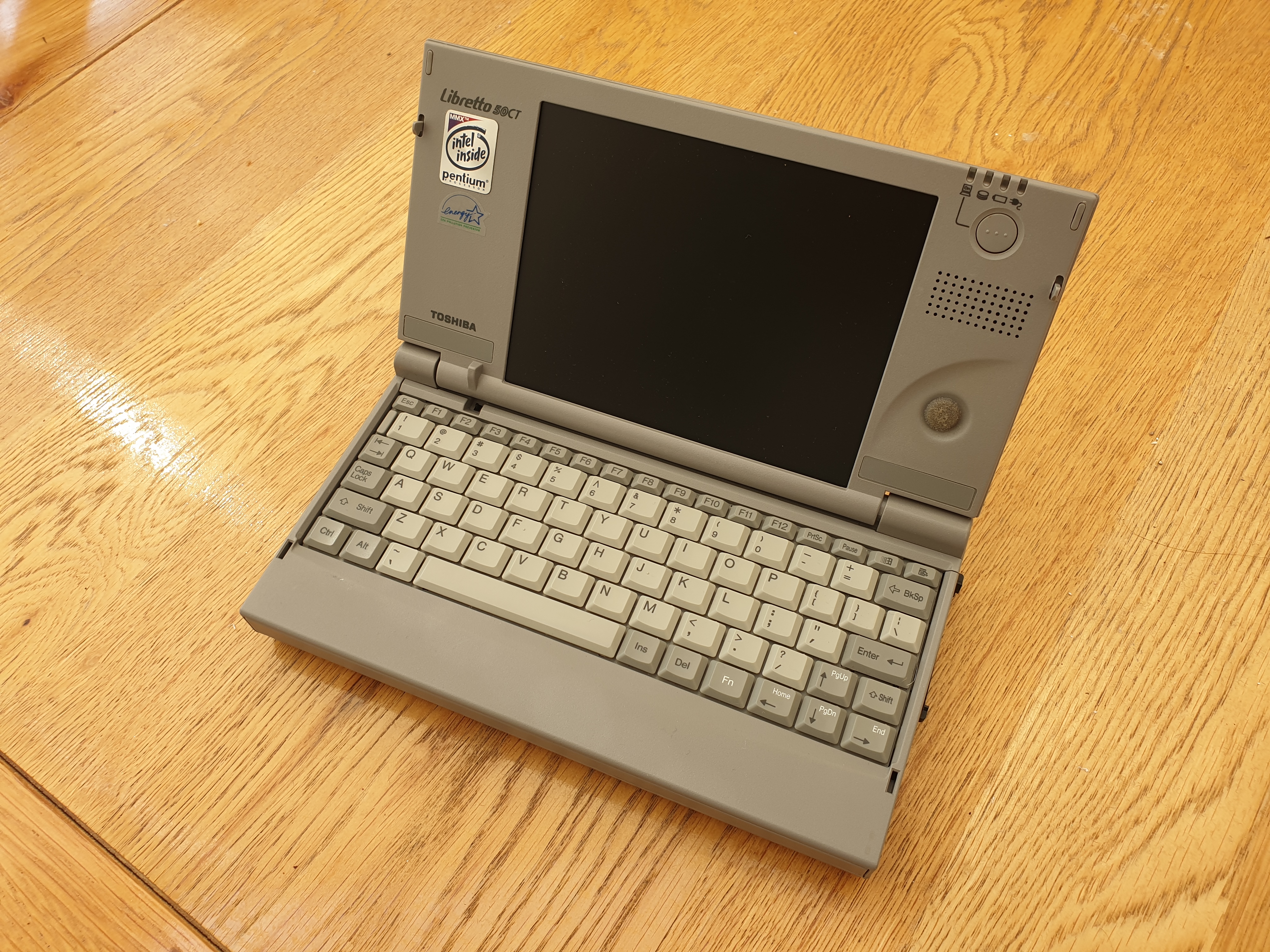 |
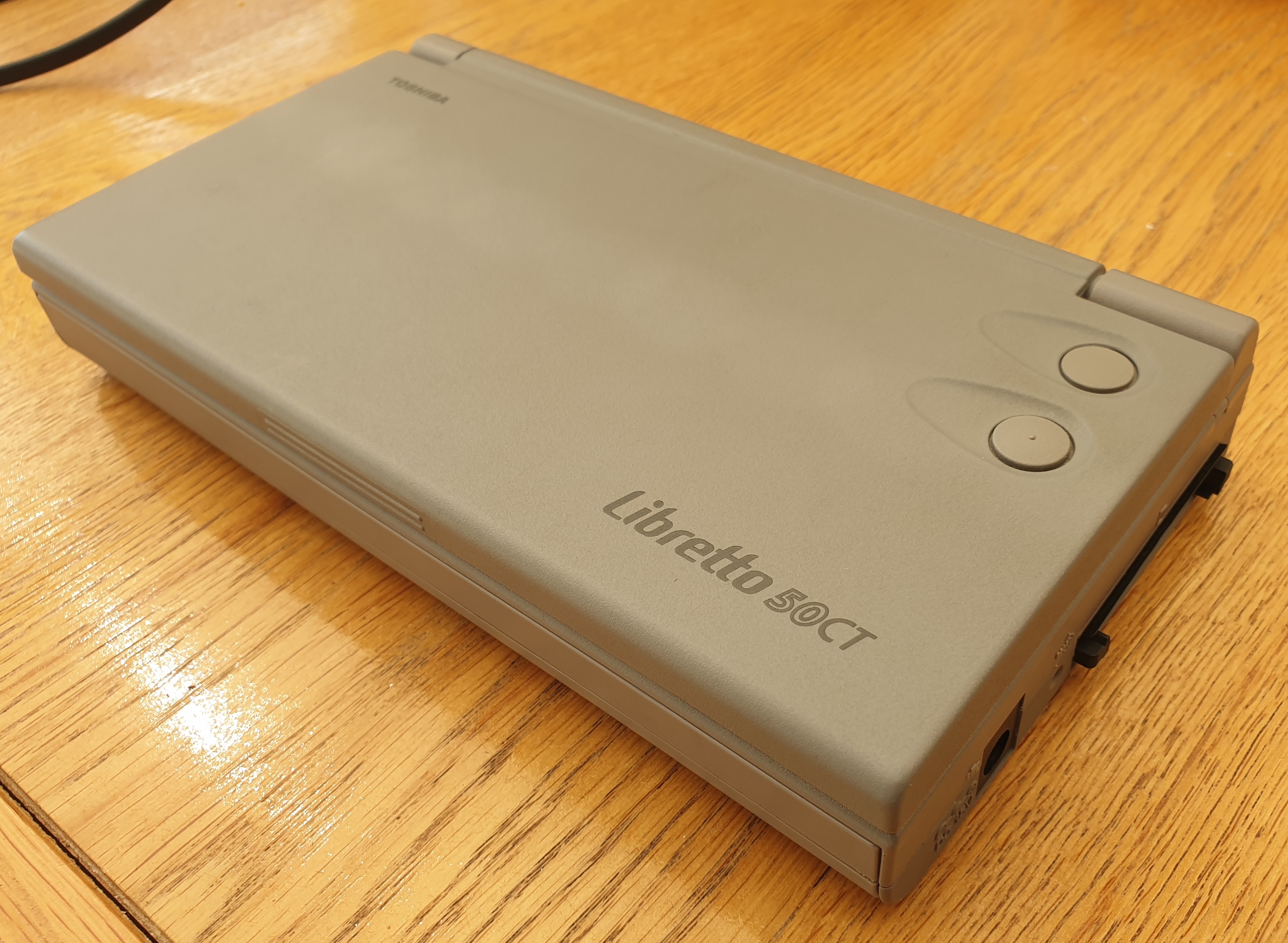 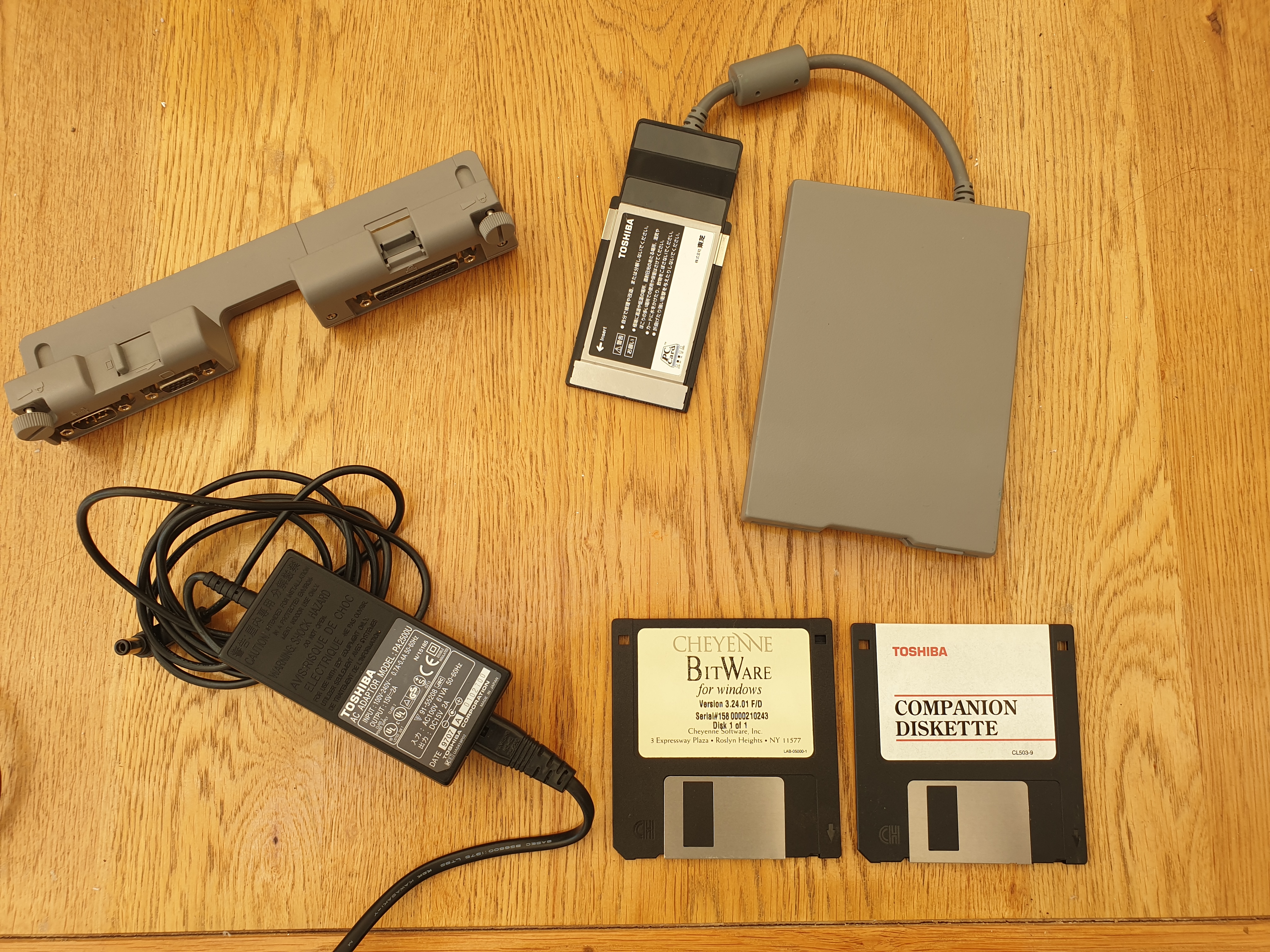 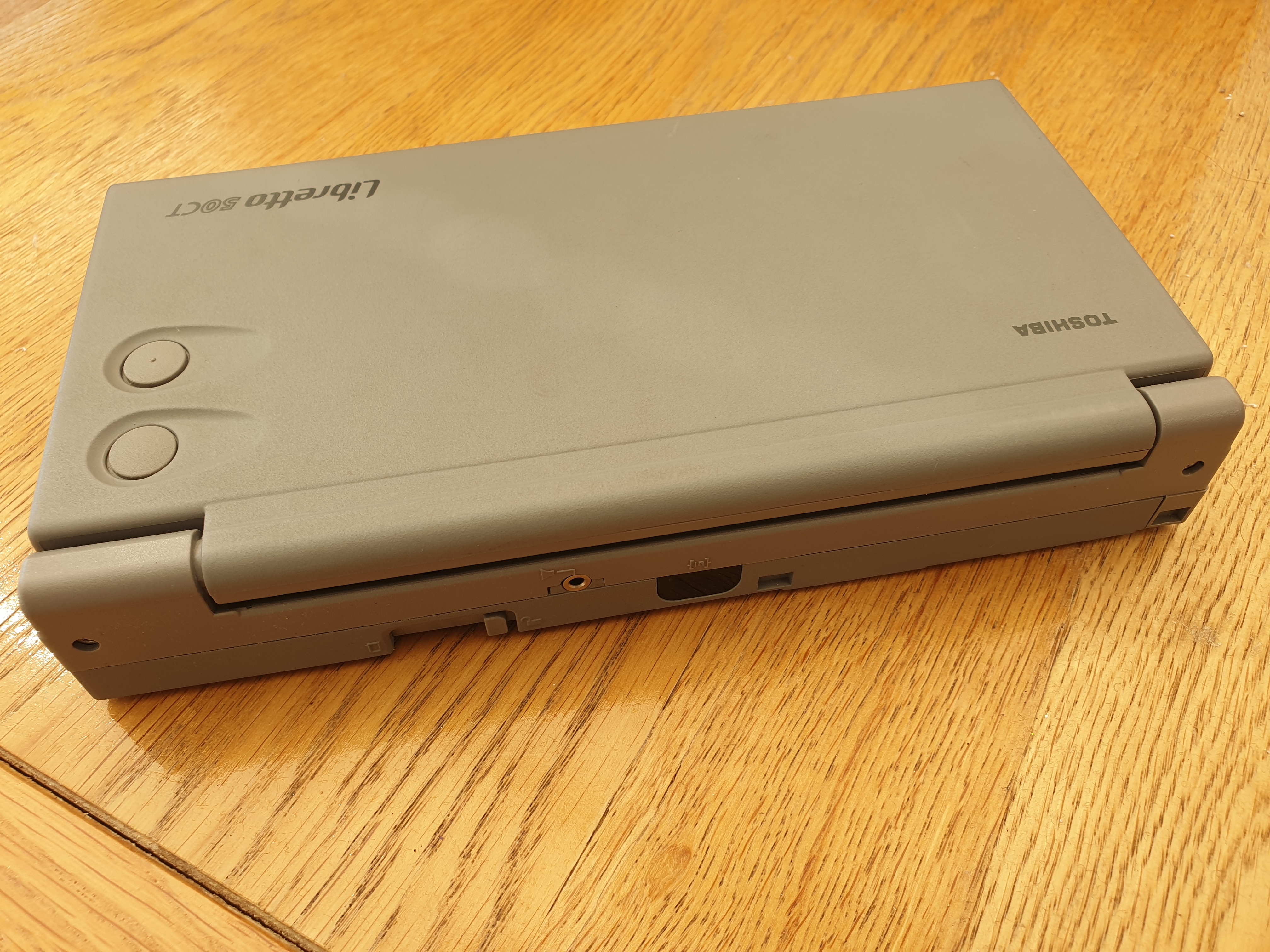 |
The Toshiba Libretto series was first released in April 1996, and comprised seven models:
| Product | Description | *Part #* | Gen | Int'l Release |
|---|---|---|---|---|
| Libretto 20 | AMD 486DX4/75, 8 MB RAM, 270 MB hard disk (Japan only) | PA1225JT/JA | 1 | April 1996 |
| Libretto 30 | AMD 486DX4/100, 8 MB RAM, 500 MB hard disk (Japan only) | PA1236C9/CA | ||
| Libretto 50CT | Pentium 75, 16 MB RAM, 810 MB hard disk (Worldwide) | PA1249U-T2A | 2 | June 1997 |
| Libretto 60 | Pentium 100, 16 MB RAM, 810 MB hard disk (Japan only) | PA1252J9/JA | ||
| Libretto 70CT | Pentium MMX 120, 16 MB RAM, 1.6 GB hard disk (Worldwide) | PA1260U-T2A | 2 | November 1997 |
| Libretto 100CT | Pentium MMX 166, 32 MB RAM, 2.1 GB hard disk (Worldwide) | PA1280U | 3 | February 1998 |
| Libretto 110CT | Pentium MMX 233, 32 MB RAM, 4.3 GB hard disk (Worldwide) | PA1280U | 3 | November 1998 |
*Some part numbers have an 'E' in place of the 'U', which I believe means 'European Market' where the U would be for the US/North American market and 'J' is for the Japanese market. Mine here is the US variant, part #PA1249U-T2A.
Models up to and including the 70CT all shared the same tiny form factor, measuring just 210mm x 115mm x 34mm. That's about 1.3 times the width and height of a modern iPhone Pro Max/Samsung Galaxy Note, and about three times the thickness - not bad for an almost 30-year-old colour Windows PC compatible. Both the 50CT and 70CT weighed in at 850g [not including accessories]. In fact, nothing came close to its combination of diminutive size, functionality, and performance in 1997.
It straddled an intriguing line between the Windows CE palmtops that were popular at the time [and ran massively cut-down versions of Microsoft Office applications], and full-sized notebooks. Palmtops found their niche with users who wanted to write short notes, plan their day, and prepare emails for the work day ahead. On the other end of the spectrum, full-sized notebooks offered a full-sized keyboard suitable for daily office duties and the power to suit that environment. The Libretto was a curious mix of the two. It was a 'full PC' running Windows 95 and all the apps you would typically throw at it, but the keyboard was certainly not designed for touch typing or large amounts of data entry.
The later 100CT and 110CT were slightly larger (mostly due their bigger 7.1" screen) at 210mm x 132mm x 35mm with the extra depth visible as a deeper wrist rest for the keyboard when the clamshell was opened (though it probably also provided extra space for the motherboard. We won't be covering those models here, just the 50CT and a bit about it's physically identical faster sibling, the 70CT.
As you can see from the table above, the first Libretto to be sold outside Japan was this one, the 50CT, and shortly after, the 70CT. Both these models were launched to the Japanese market 3-5 months before their international launches, and were functionally identical with just the processor and hard disk capacity differentiating them.
The MSRP of the Libretto 50CT at launch was $1,999 (about $5,000 in today's money), though by March 1998 this price had dropped to $1,299 for the 50CT or $1,999 for the 70CT. I'm not sure what the RRP (Recommended Retail Price) that we use here in the UK, but it's likely it was somewhere around £1,750.
The standard specifications shared by the 50CT and 70CT look like this:
- Intel Pentium processor (75 MHz Pentium [non-MMX] on the 50CT, 120 MHz Pentium MMX on the 70CT)
- 16 MB of RAM (expandable to 32 MB)
- 810 MB hard disk
- 6.1" Active matrix colour TFT display with 640 x 480 native resolution in 16.7 million colours
- Accelerated Local Bus video with 1 MB of video RAM
- Onboard Sound Blaster Pro and Windows Sound System audio
- External 3.5" 1.44 MB DS/HD floppy drive connected via PCMCIA slot
- IrDA infrared communication on back of device
- AccuPoint mouse
- Basic port replicator: added 1 x 9-pin RS232 serial port, 1 x 25-pin parallel port, and 15-pin DSUB video output
- 10.8V (1200 mAh) Li-Ion rechargeable battery with up to 2.5 - 3.5 hours of battery life
All models came with an AC adapter (15V DC, 2.0A), external floppy disk drive, user's guide, quick reference guide, companion disk guide, and reconfiguration guide.
The Component Parts
The Pentium CPU
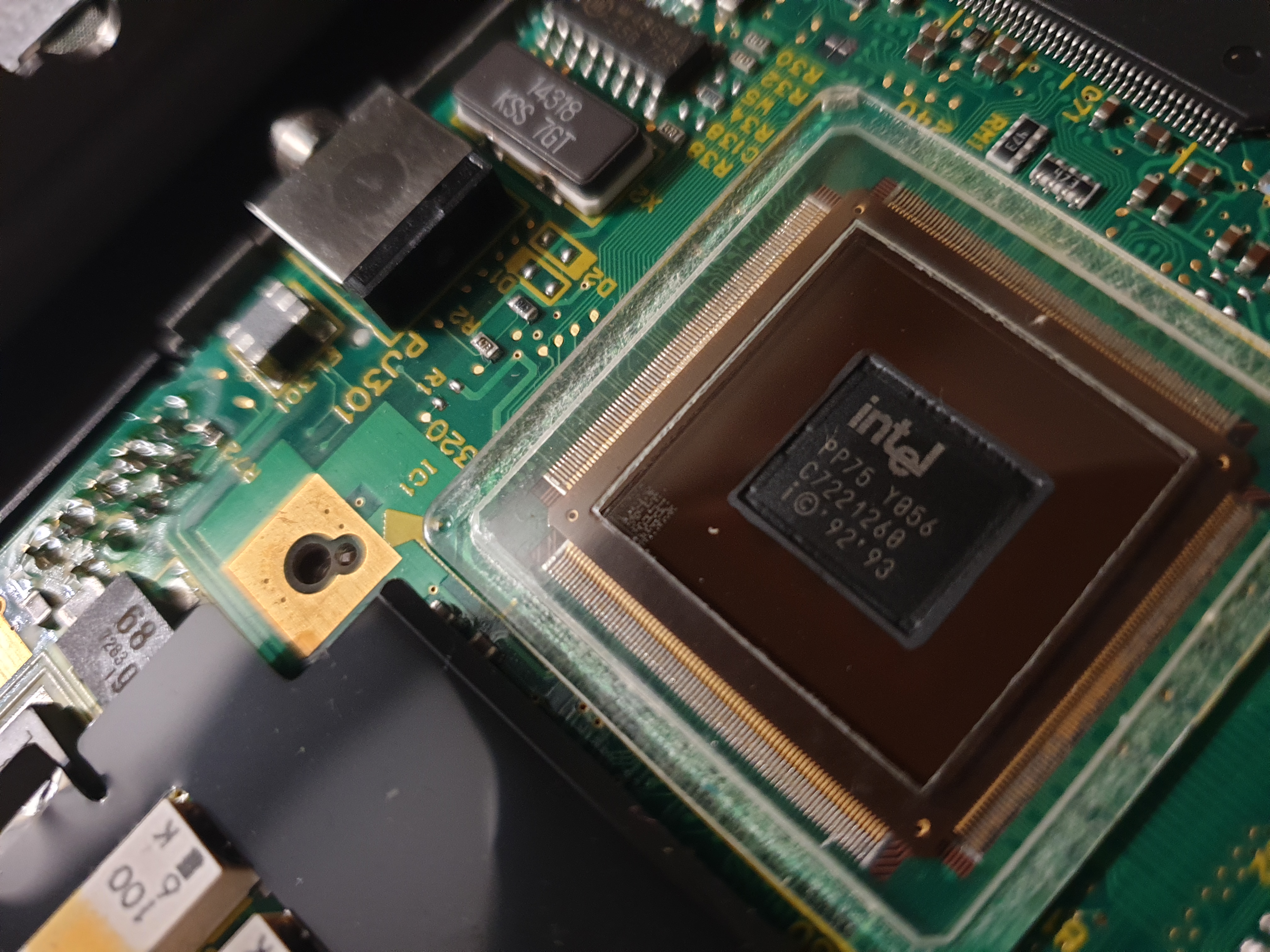 The second round of Intel Pentiums arrived in October 1995. Codenamed P54C or "Pentium-S", these came in 75, 90, and 100 MHz flavours, all running at a cooler 3.3V instead of the originals that ran at 5 volts.
Compared to the earlier Libretto 30 with its 486DX4/100, this Pentium 75 MHz CPU was about 38% faster. It ran on a 50 MHz Front Side Bus (FSB) with a 1.5x clock multiplier for the CPU.
With its lower-voltage, the 50CT's Pentium generated an average of just 2-3 watts of heat. There is no CPU fan, just a passive heatsink on top which was typical of the time. The earlier 5-volt Pentiums did require a fan due to their higher heat output, as did later Pentiums from 150 MHz or higher.
According to some reports, some later 50CTs got an underclocked Pentium 120 (non-MMX) in place of the Pentium 75 after the latter was discontinued by Intel in July 1999 (the Libretto 50CT was also discontinued some time in 1999). You could potentially overclock these to 133 MHz and have FSB speeds of 60 or 66 MHz, while the Pentium 75 could reasonably only be safely overclocked to 100 MHz (unlocking higher FSB speeds and clock multipliers). For more information on overclocking Librettos, visit the silverace.com website.
Chipset
The Libretto 50CT and 70CT didn't use an off-the-shelf chipset - instead Toshiba put almost all the motherboard logic into a very large 'System Controller' gate array, codenamed Petunia2. It contained everything an equivalent North Bridge and South Bridge would have done. The only other external devices were the Yamaha OPL3-SA2 sound chip, BIOS ROM, graphics controller, video memory, clock generator, and the keyboard controller.
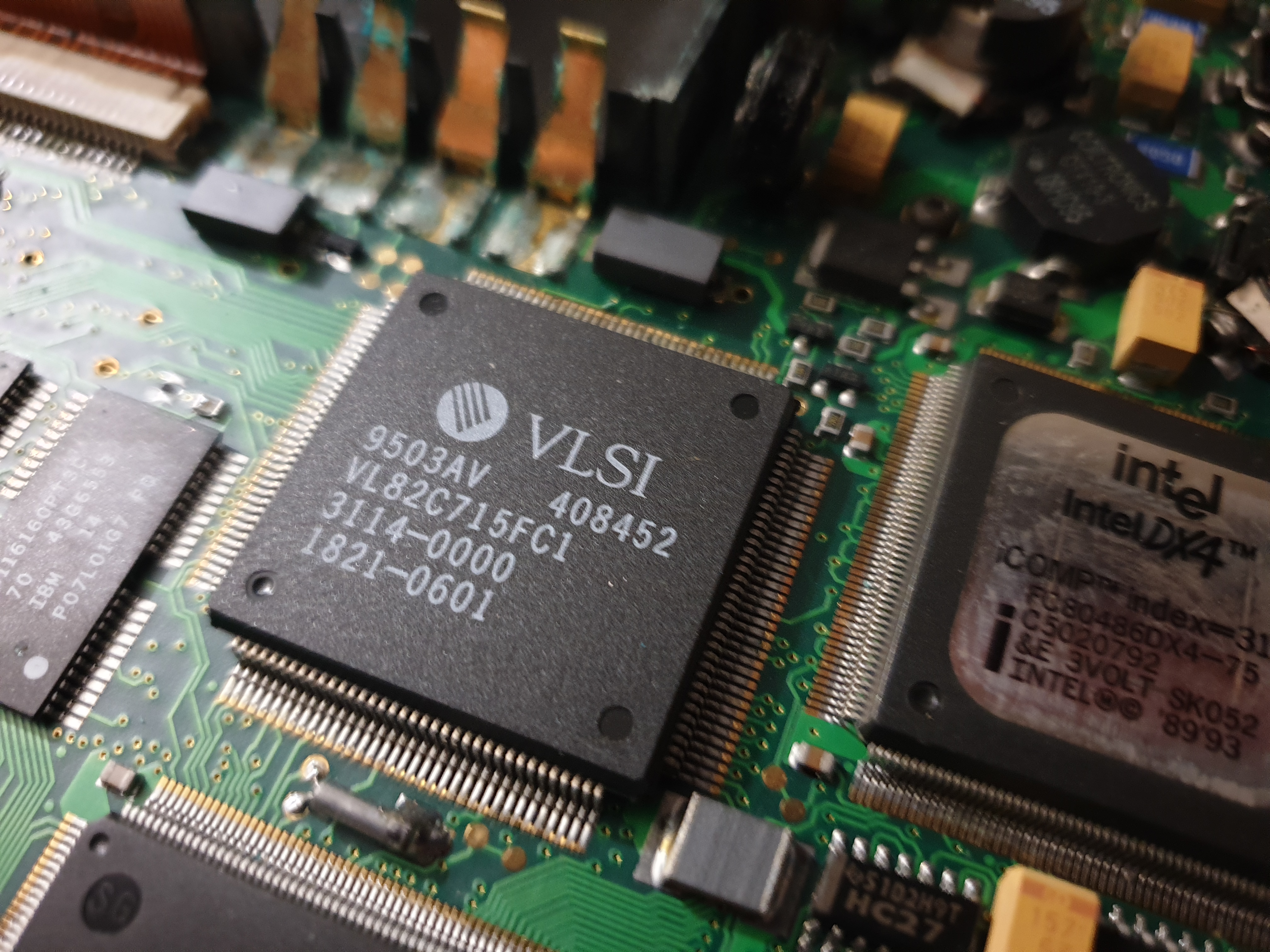
The Toshiba gate array
One element missing from this gate array was support for a Level 2 cache. The Libretto 50CT and 70CT do not come with any L2 cache, and while saving on power consumption and board space, would have reduced its performance compared to an equivalent Pentium desktop PC by up to 30% depending on usage. Having said that, this was actually quite common at the time. Only premium full-sized Pentium laptops came with a L2 cache in 1997.
Another limitation with the gate array was its lack of PCI support. PCI had been around since around 1992 in desktop PCs but it took a while to catch on - only in 1997 did some laptops now have PCI built into their architecture. Petunia2 instead used VESA Local Bus for its communication with the graphics controller. While VLB was considered 'dead' by as early as 1995 with the move to the 64-bit Pentium CPUs and motherboards on desktop PCs, it lived on in laptop technology for a few more years. The Librettos were no exception here, as the Chips & Technologies graphics controller used in these sub-notebooks (the CT65550) was designed both for VLB and PCI. The challenge was that VLB was designed for the 32-bit 386DX and 486 CPUs, so a "bridge" was also made part of Petunia2 to support this in a 64-bit Pentium-class machine.
BIOS
The Toshiba Libretto series used a 256 KB BIOS, which was stored on an EEPROM on the motherboard. This was user-upgradeable via the floppy drive. You could either create a 720 KB boot disk using a Toshiba utility, which would then run the update software, or press and hold F12 on system startup to initiate the process.
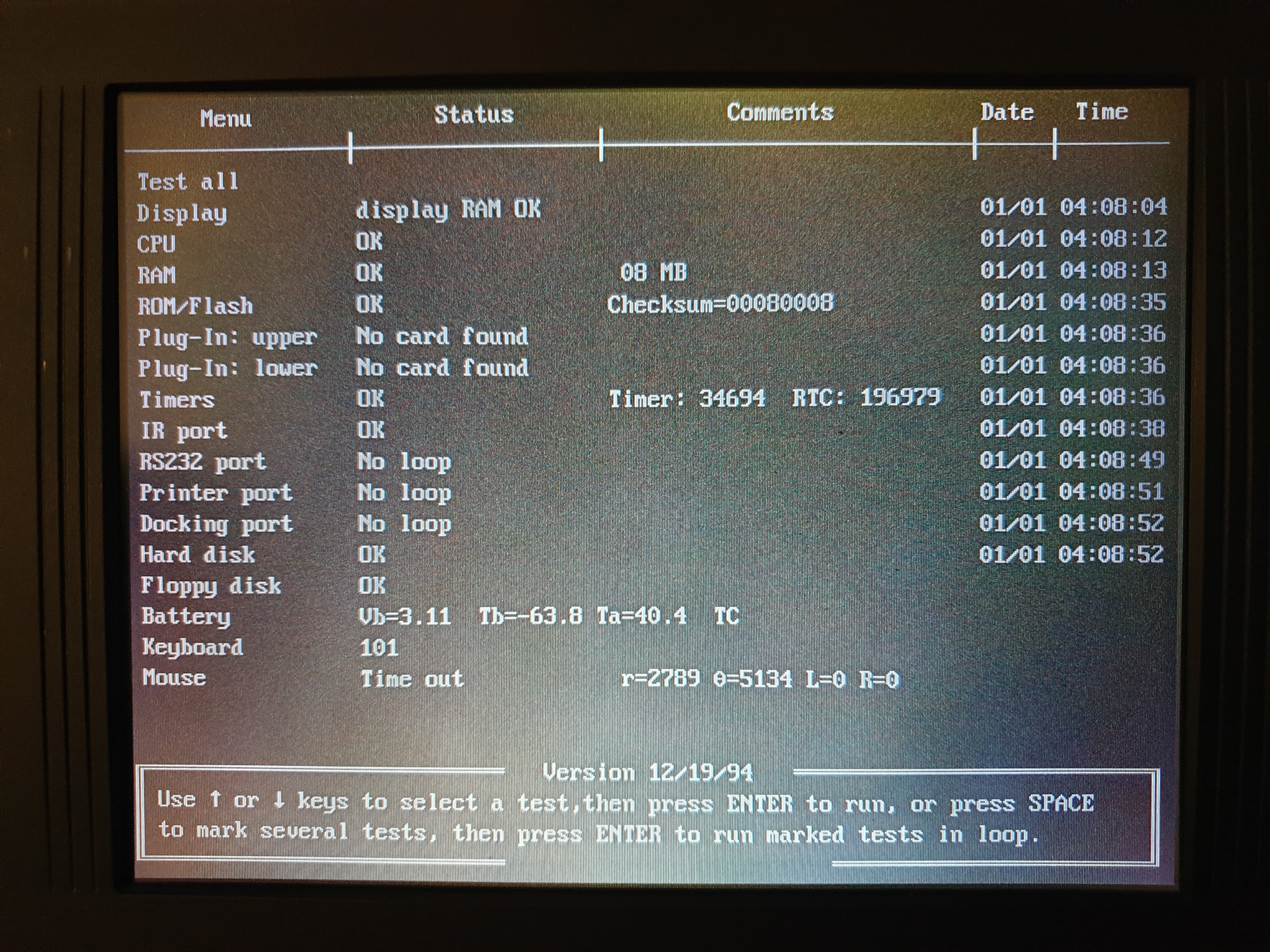
Mine is version 6.60, dated 02/10/99 (which is 10th February 1999). Strangely, there is a built-in CMOS Setup Utility but you can only get to it in the event of a problem (I had a RTC battery error the first time I started up and it allowed me to go into the CMOS setup). Reports online suggest you can press and hold the F1 key which will cause a key stuck error and then get the option to enter Setup, but this never worked for me. Otherwise you have to run Toshiba's 'TSETUP' utility provided as part of the Libretto system software that came with the device - it's exactly the same UI in TSETUP as you see when entering the CMOS setup after an error.
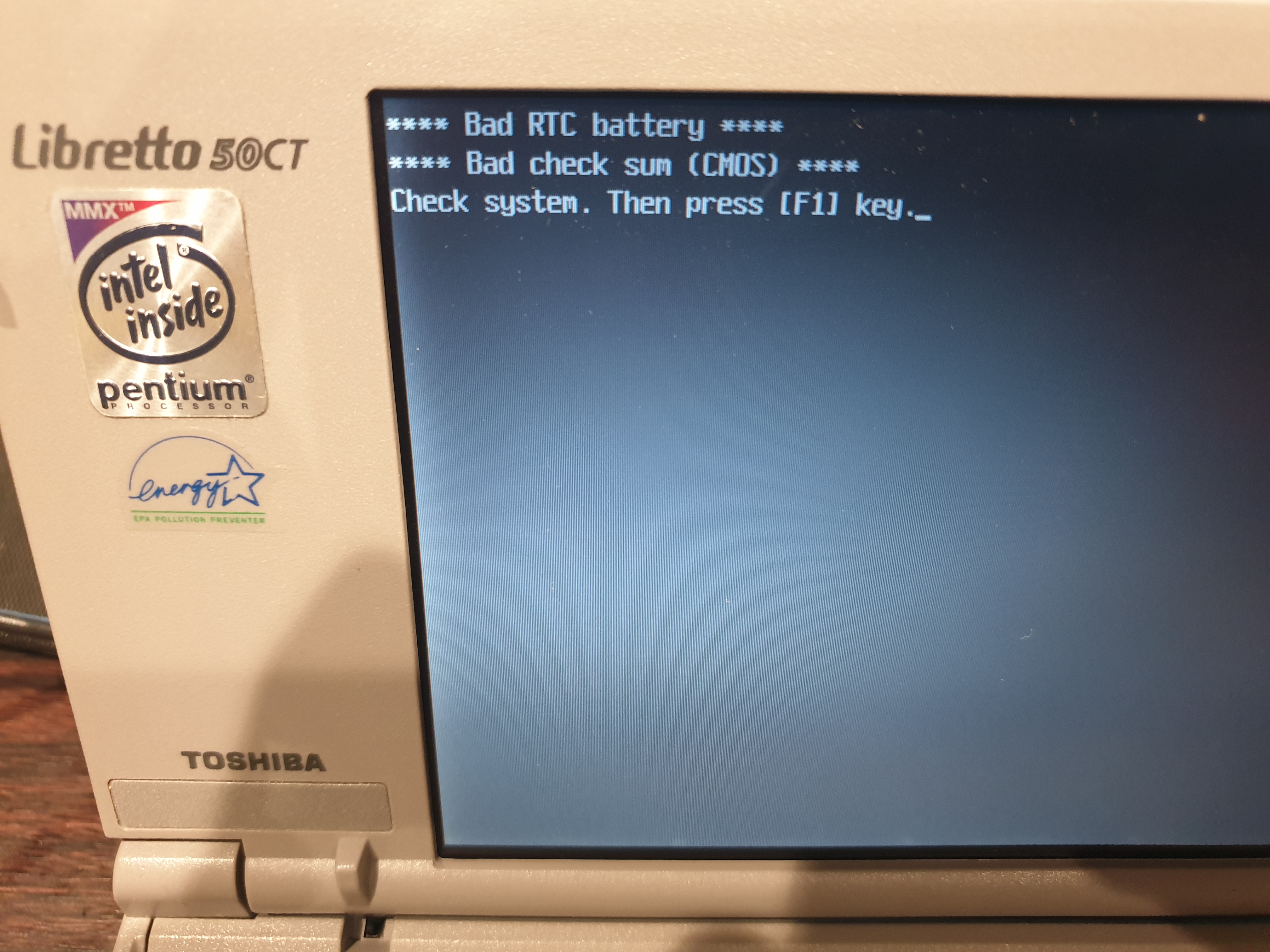
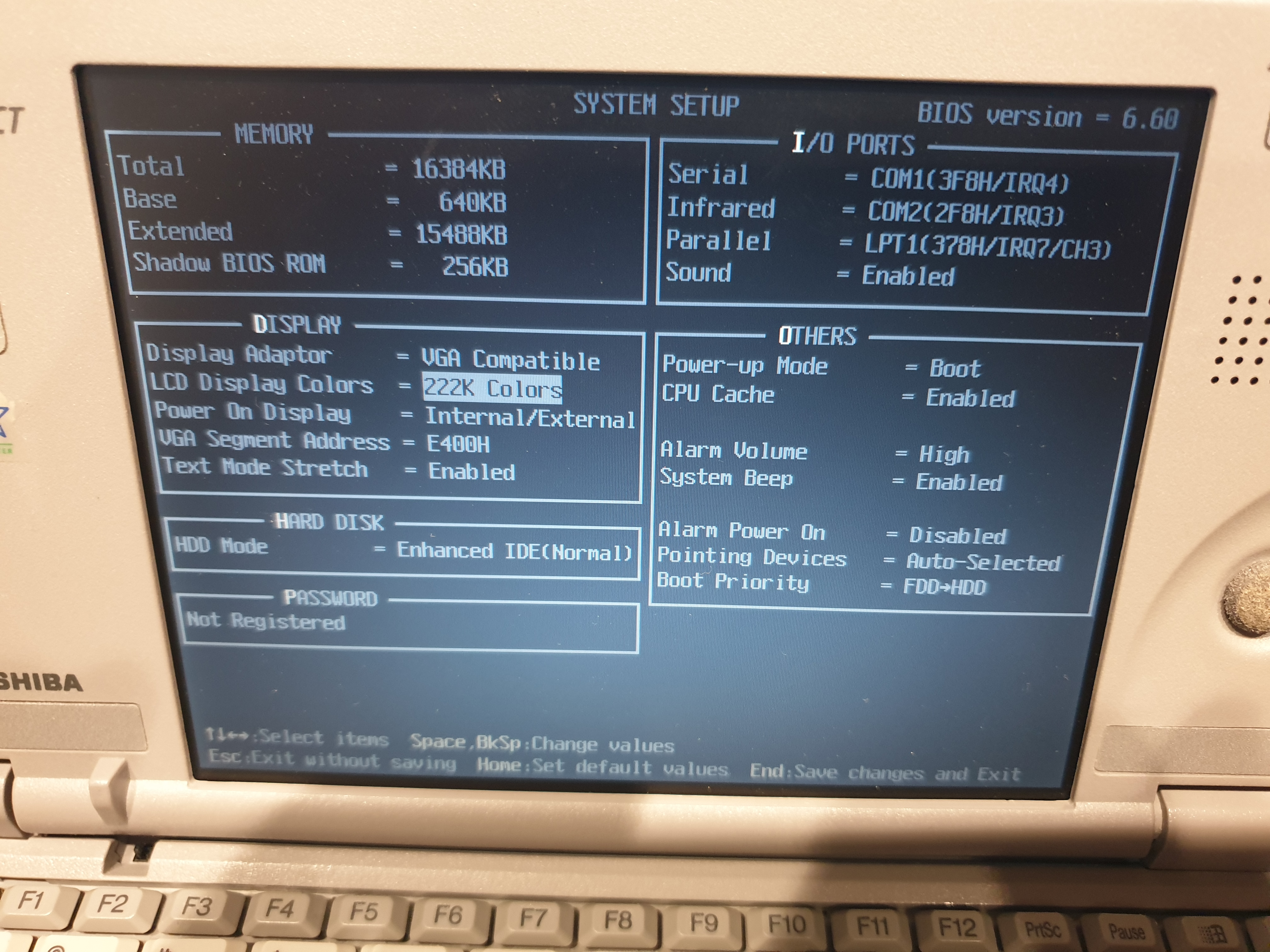
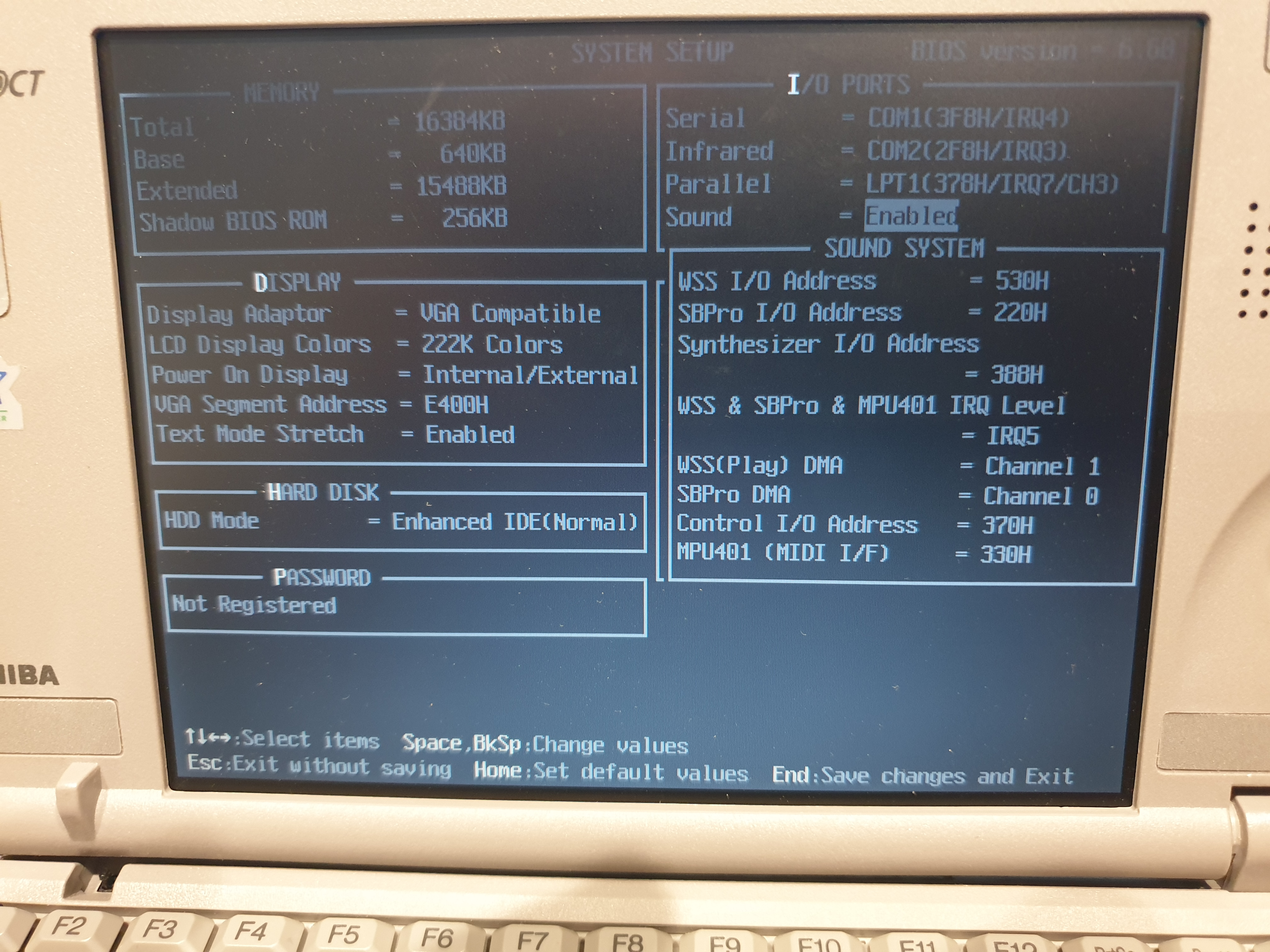
System startup and the TSETUP utility
/ CMOS Setup
The latest known BIOS version is this one, v6.60. Toshiba had their own BIOS update tool for the 50CT called B50CT.EXE.
There were only ever five BIOS versions for the 50CT:
- 6.20 - 28th May 1997 - Initial Production BIOS for this model.
- 6.30 - 11th August 1997 - Improved hibernation mode behaviour and fixes problem with "System auto off" function.
- 6.40 - 22nd August 1997 - Resolves white screen issue with Excel 95.
- 6.50 - 10th October 1997 - Resolves system hang issue in hibernation mode when medium or low power mode is set using Power save utility under Win95.
- 6.60 - 7th April 1998 - Corrected a problem where, when using an incorrect key floppy diskette, the password would be cancelled.
Memory
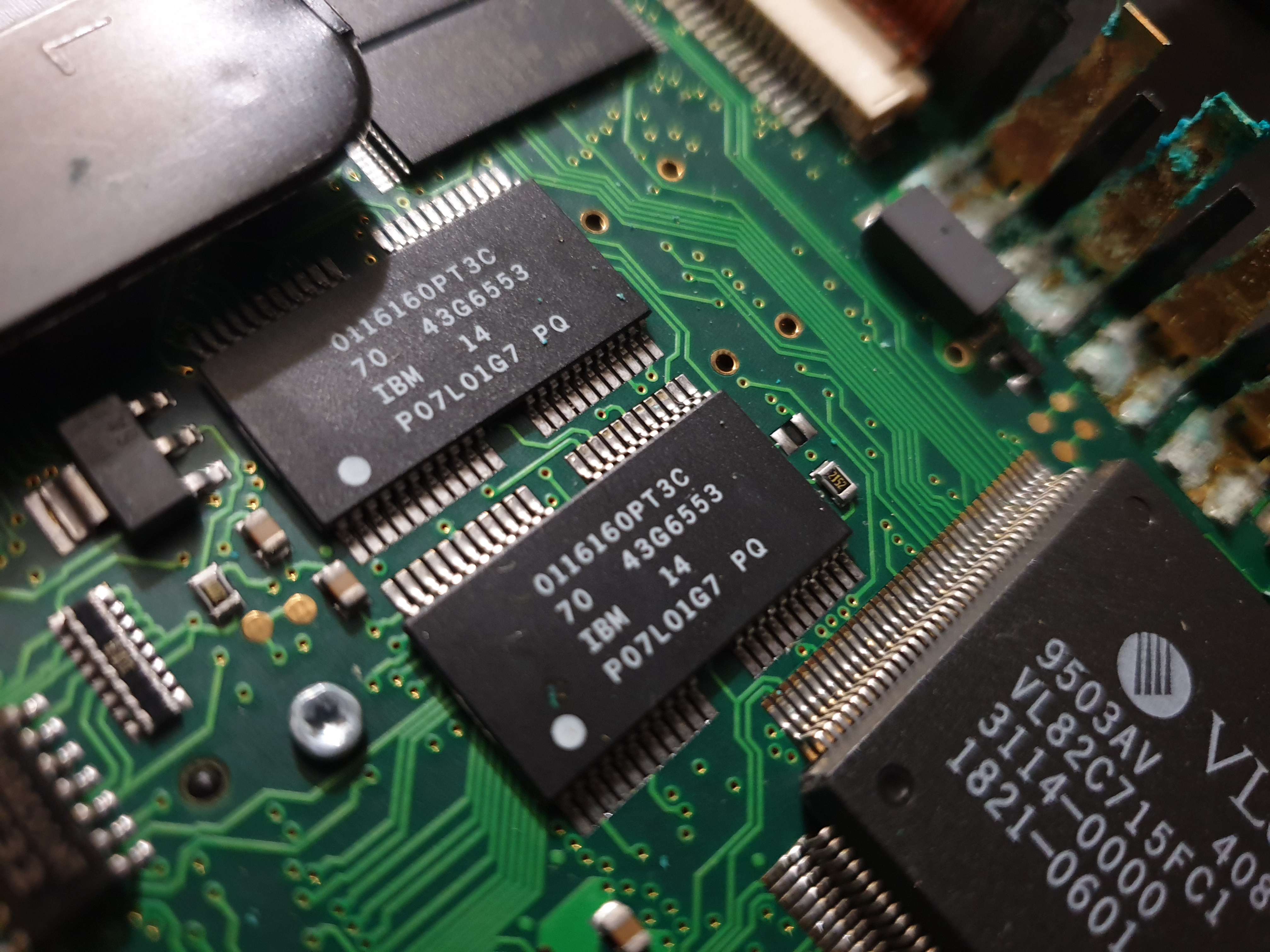
The Libretto 50CT and 70CT both came with 16 MB of RAM installed from the factory (soldered-in on the motherboard), though this could be expanded to 24 or 32 MB via proprietary RAM cards of 8 or 16 MB capacity. The actual memory used on this notebook's motherboard comprises 4 EDO DRAM chips (Toshiba TC51V16165CFTS-60 which are 1Mx16 in a TSOP package), rated at 60ns.
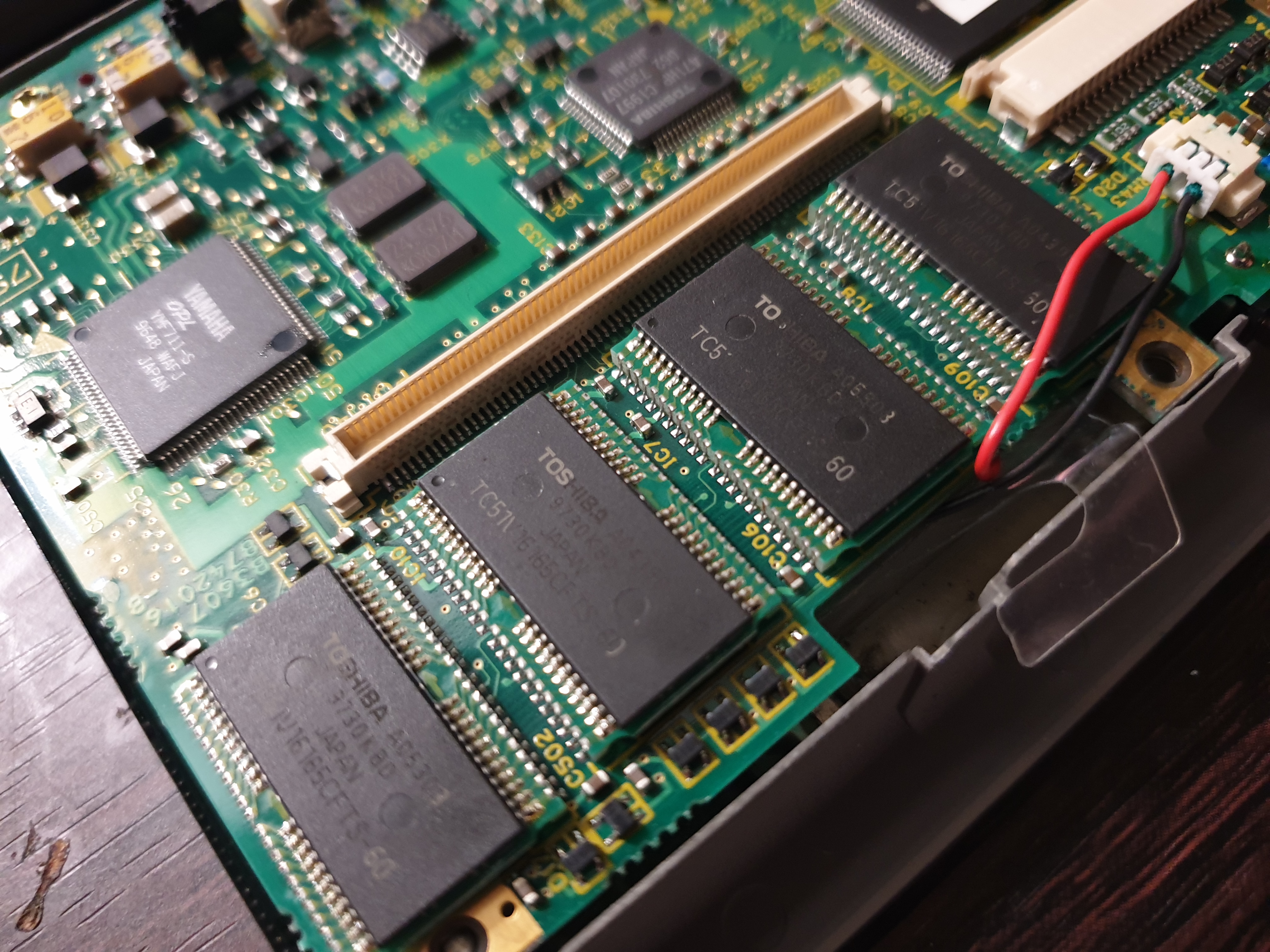
The four DRAM ICs, 16 MB in total - that connector is for the realtime clock battery which lives in a clear plastic holder just in front and down from the memory.
The slot above is for a memory expansion card. Expanding the memory would have been fairly easy, though not as easy as with the 1st-gen Librettos that had the memory card slot accessible behind the battery - on these 2nd-gen models, you have to take the keyboard out to install.
The official expansision cards for Toshiba were manufactured by Kingston Technology (Part #KTT-LB/8 for the 8 MB version. #KTT-LB/16 for the 16 MB version). These are very rare these days, but compatible cards include Toshiba-branded NW2056U, PA2056U, and PA2051UJ. Other part numbers that work include the Kingston KTT-LBT/8 and KTT-LBT/16, Transcend TS16MTL50, Southland Micro Systems SMT 16MB-L50, ACDC MD-EDO-16M-2051, Kahlon KTOS50B, Viking T2055 and RT2055 (8 MB) and T2056 (16 MB) and RT2056, MGV Group R60429 T16L1B / T16L18.
Display & Graphics
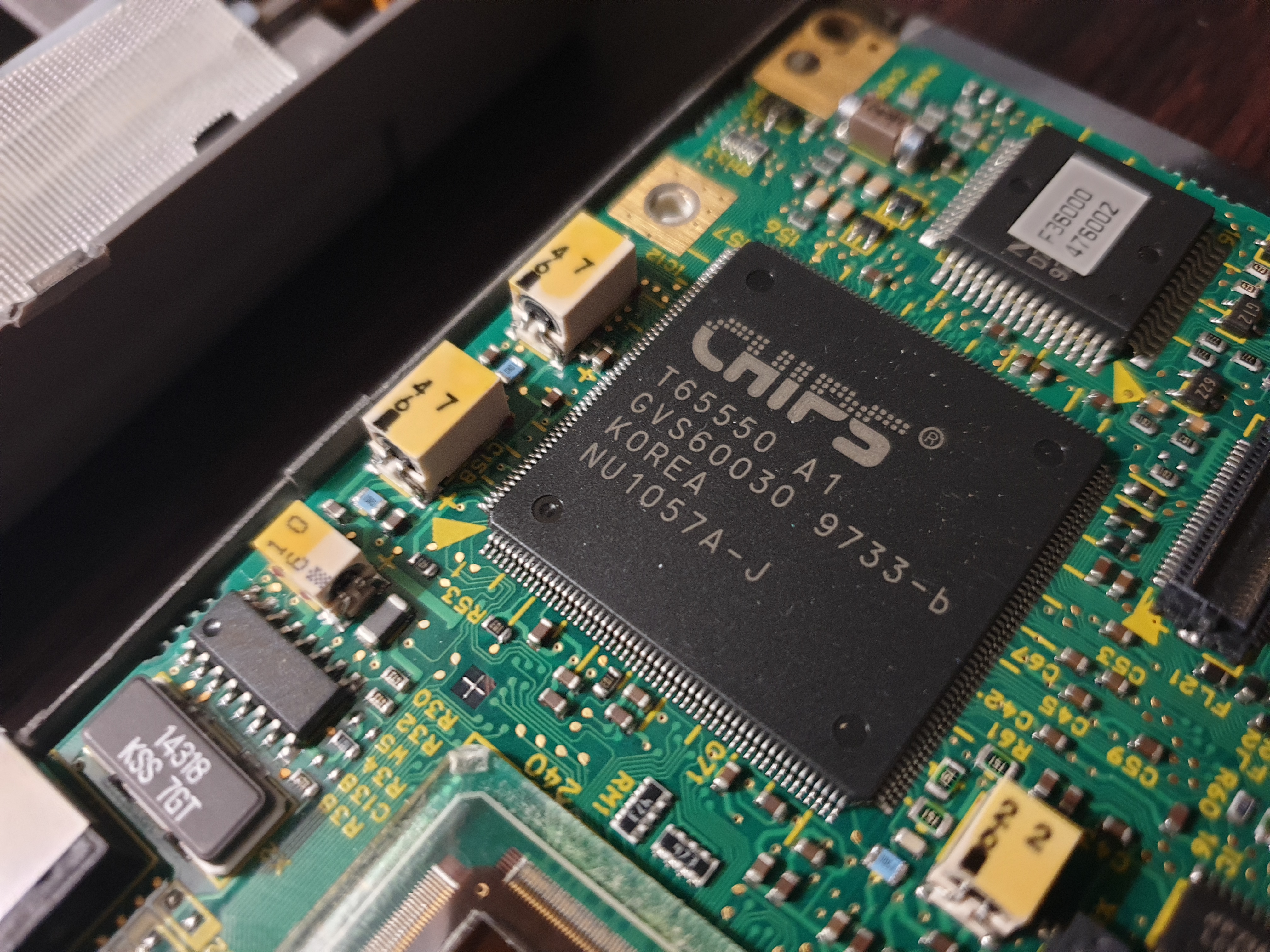 All Librettos mentioned in this article used the same 6.1" [diagonal] active matrix TFT LCD display with a CCFL (Cold Cathode Fluorescent) backlight.
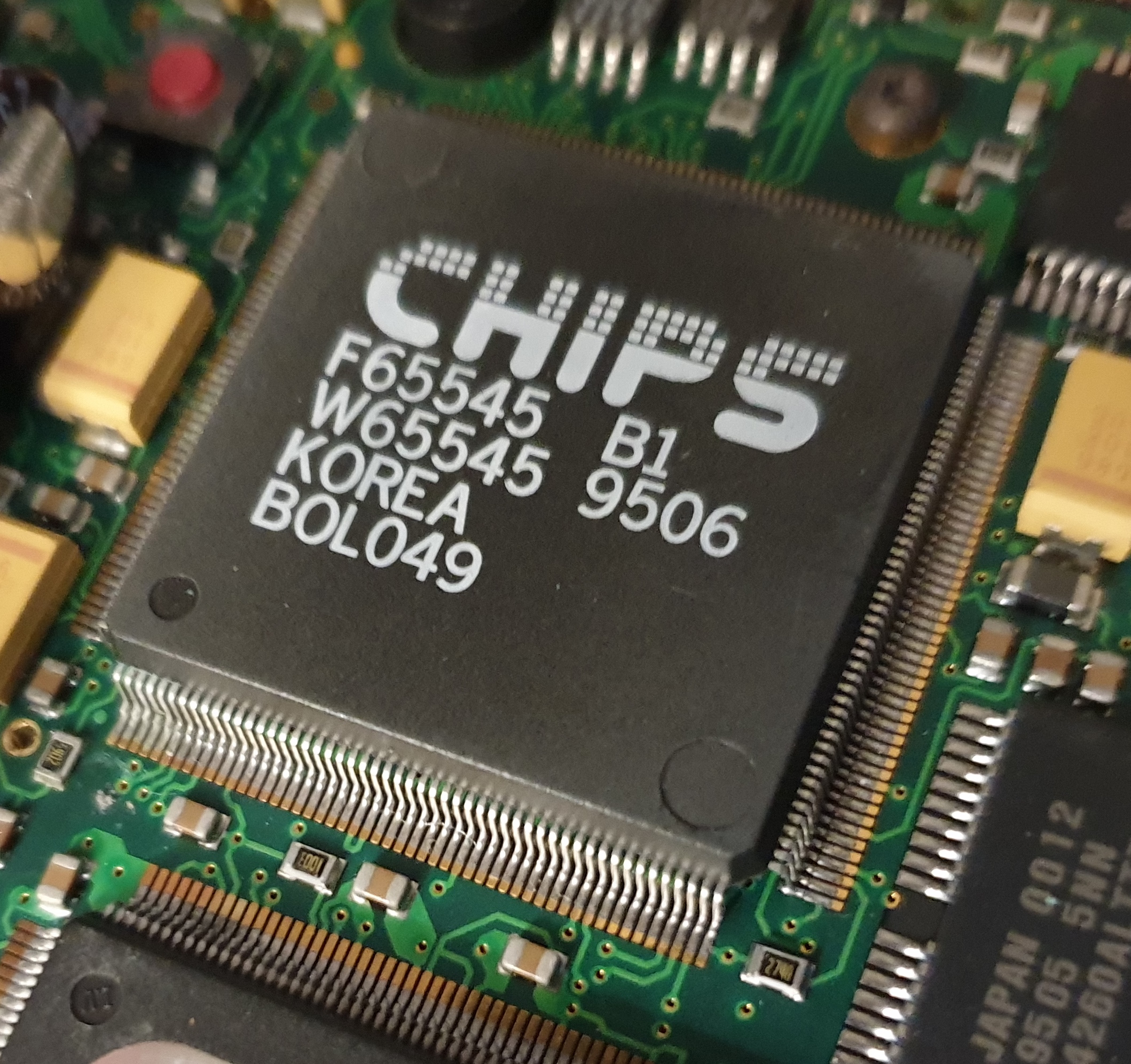
The Libretto 50CT and 70CT used the Chips & Technologies 65550 graphics processor, also known as the "HiQVPro" or "HiQV32" - this was a cut-down version of the 64-bit HiQV64 (65554) which Toshiba used in their full-sized laptops of the era.
As the name suggests, the HiQV32 had a 32-bit data path to video memory, and ran on the VESA Local Bus so in theory could communicate with the CPU at 50 MHz. In practice it ran at 30 MHz, but was VESA VBE 2.0-compliant for extended video modes.
Like the earlier F65545, graphics acceleration functions included 32-bit BitBlt (bit-block transfers) as well as some video-related hardware acceleration like video overlay, hardware scaling, and YUV-to-RGB colour space conversion.
Supported resolutions on an external monitor include:
- 640 x 480 (16.7 million colours)
- 800 x 600 (65,536 colours)
- 1024 x 768 (256 colours)
- 1280 x 1024 (16 colours, interlaced)
The highest refresh rate it could handle was 85 Hz on an external CRT.
Audio
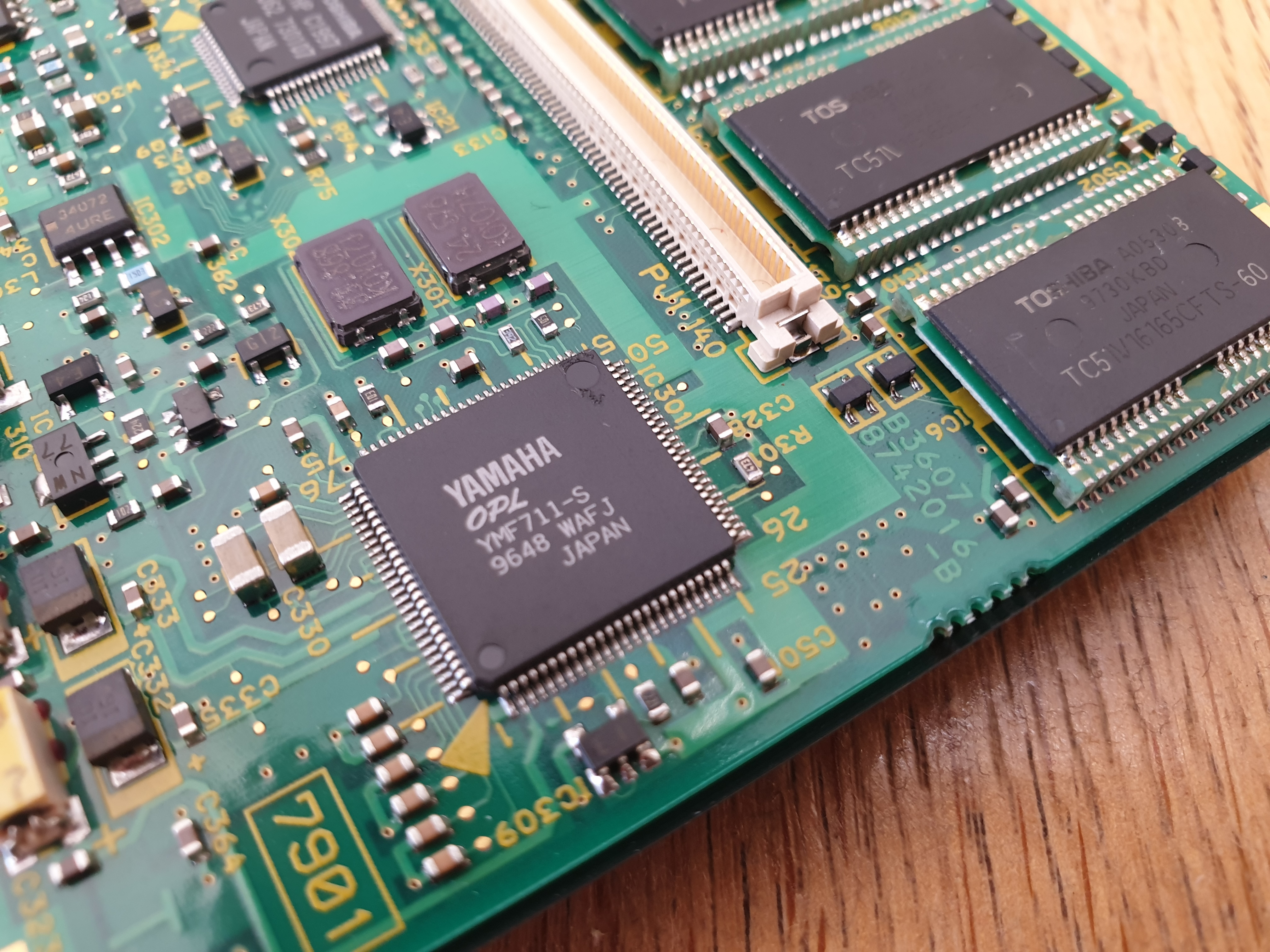 The Libretto 50CT and 70CT were the first Librettos to come with an onboard sound card - this one in the form of a Yamaha YMF711-S, which is the low-power version of the desktop OPL3-SA2, the YMF718, with an internal DAC. This provided Sound Blaster Pro 2.0 and Windows Sound System compatibility.
The device has a single speaker to the right of the display, so it's probably mixing both stereo analog signals to the one speaker, resulting in mono output. For stereo there is alternative output via a headphone jack, which is the smaller 2.5mm barrel jack type.
This should be ISA PnP, allowing for drivers like Unisound to detect and initialise the chip. Unfortunately, Unisound was unable to detect the audio chip.when I tested it, reporting 'No PnP card detected.'. Windows 98 detected it without any issues. It will, however, work just fine in DOS if you install the Yamaha OPL3-SAx drivers/utilities, and this will also give you a mixer so you can set the volume levels.
Storage
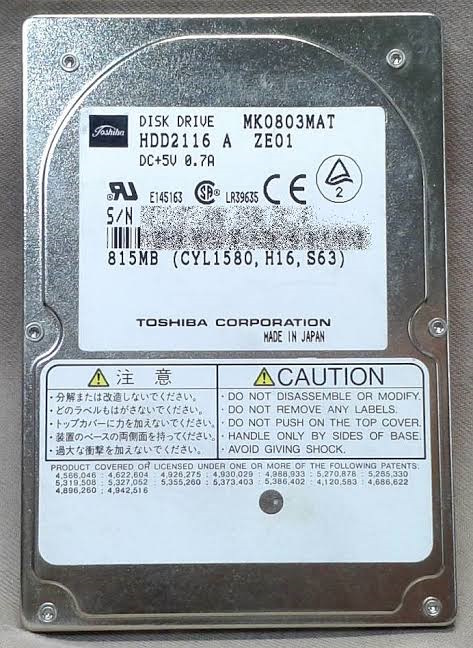 The Libretto 50CT originally came with an 815 MB IDE hard disk. It was of course a Toshiba drive, model MK0803MAT. On the drive's label it shows 1580 cylinders, 16 heads, and 63 sectors per track. As with all these tiny 2.5" hard disks, they came in a caddy with a hinged pull-up metal handle for easy extraction from its bay.
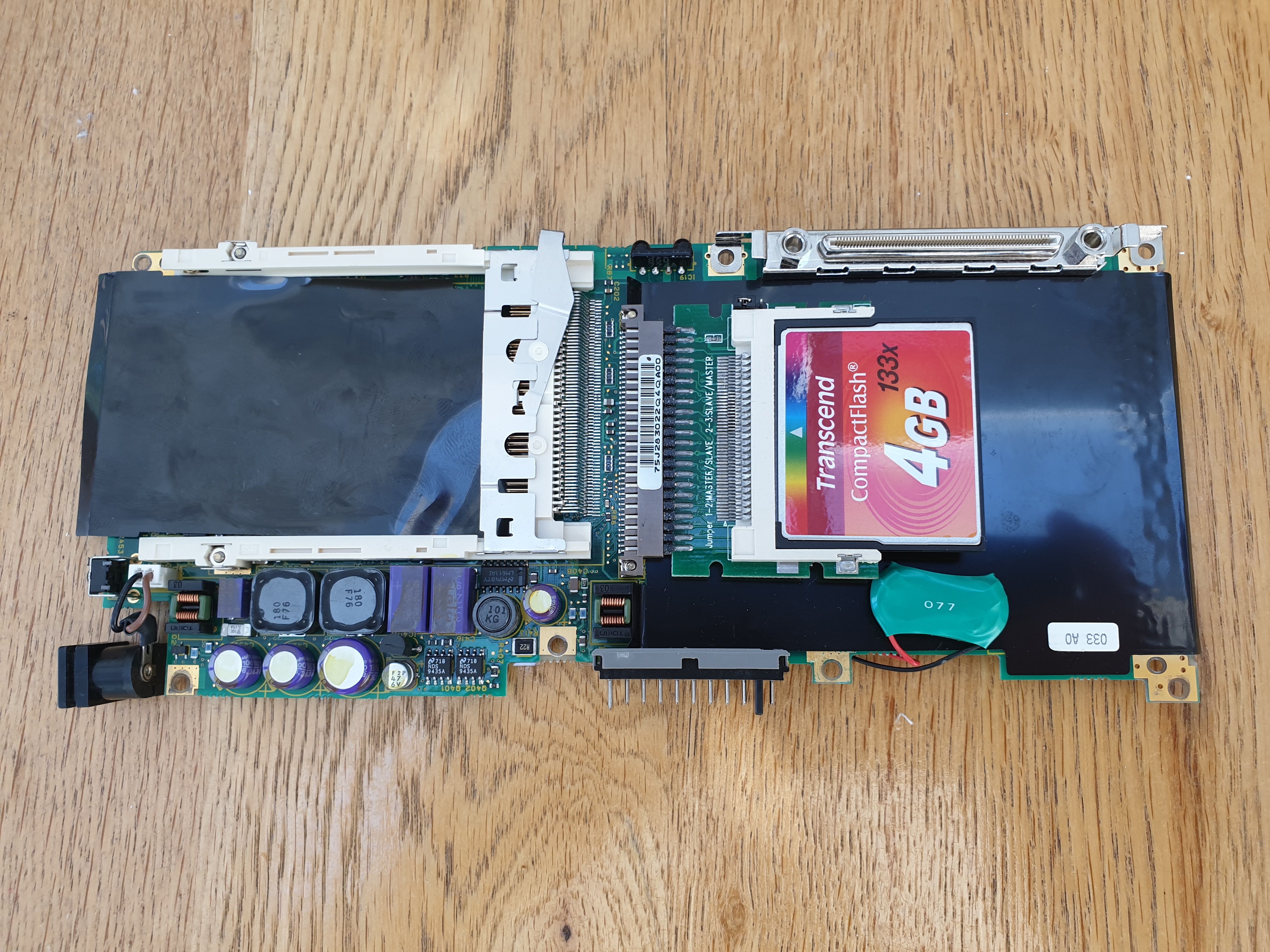
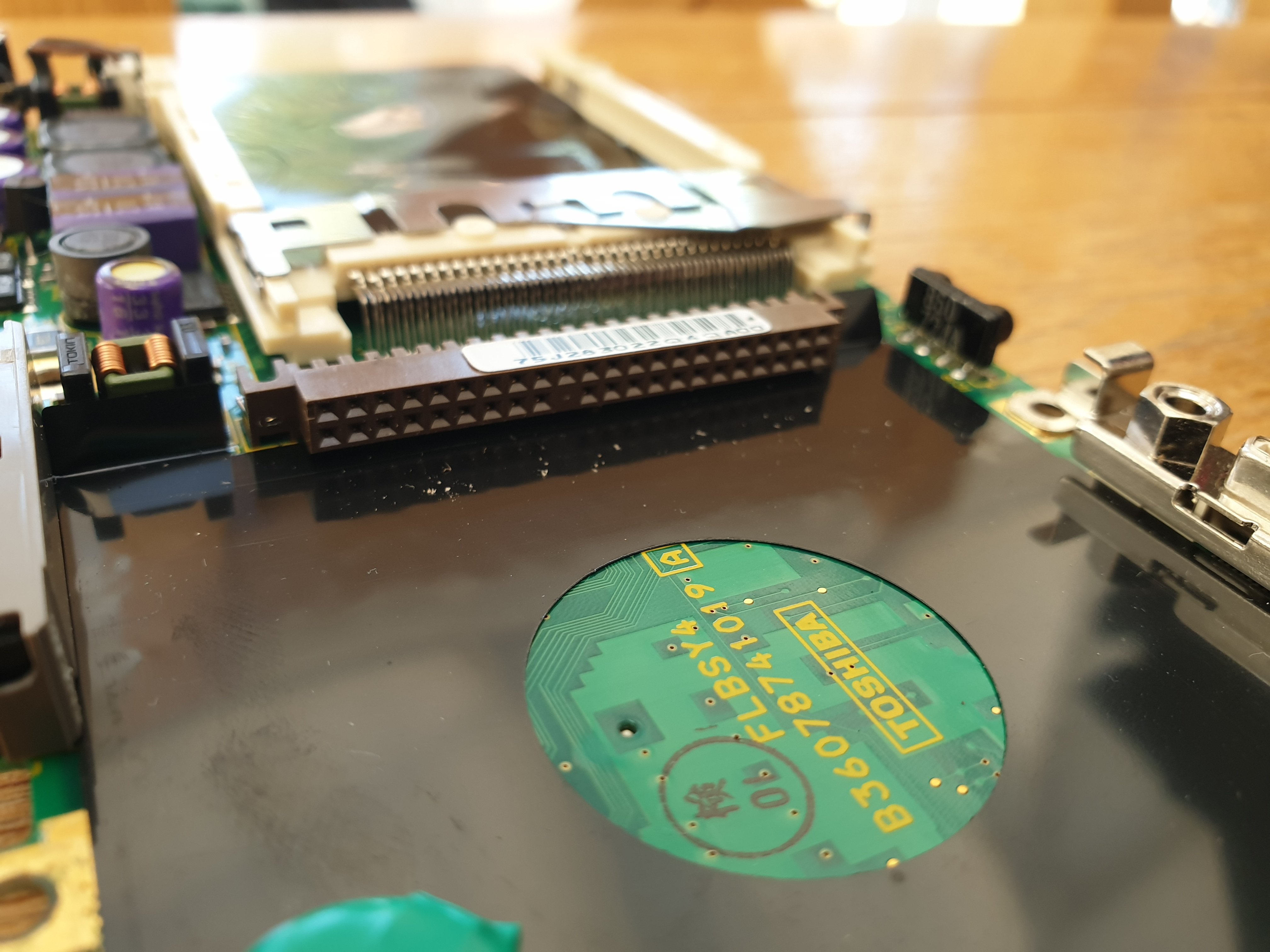
My Libretto here has already had its hard disk replaced with a CF card to IDE adapter, along with a Transcend 133x 4 GB CF card. Note that the Toshiba BIOS will only work with drives of 8 GB or lower, unless you use another tool such as OnTrack Disk Manager.
The gate array's IDE interface was however, slow, as it operated on the 7.5 MHz ISA bus using PIO mode rather than the faster DMA available at the time - this results in the CPU having to handle the transfer of all data from disk to main memory (DMA allows the drive to directly send data to memory).
I believe it uses PIO mode 4, resulting in theoretical transfer rates up to 16.6 MB/sec.
Mine came with its hard disk replaced by a CF-to-IDE adapter and 4 GB CF card installed (I had been wondering why there was no noise from the hard disk!).
The Integral PCMCIA Hard Disk (Model 8260PA)
As was typical of laptops of this time period, the Libretto 50CT also came with a PCMCIA slot (later rebranded as the PC card slot). This was a 16-bit Type II slot, so could accept Type I or Type II PCMCIA cards. Note that this only supports 5-volt cards, not 3.3V (which many later cards are). PCMCIA was typically used to install mass storage or communication devices such as a network card or modem.
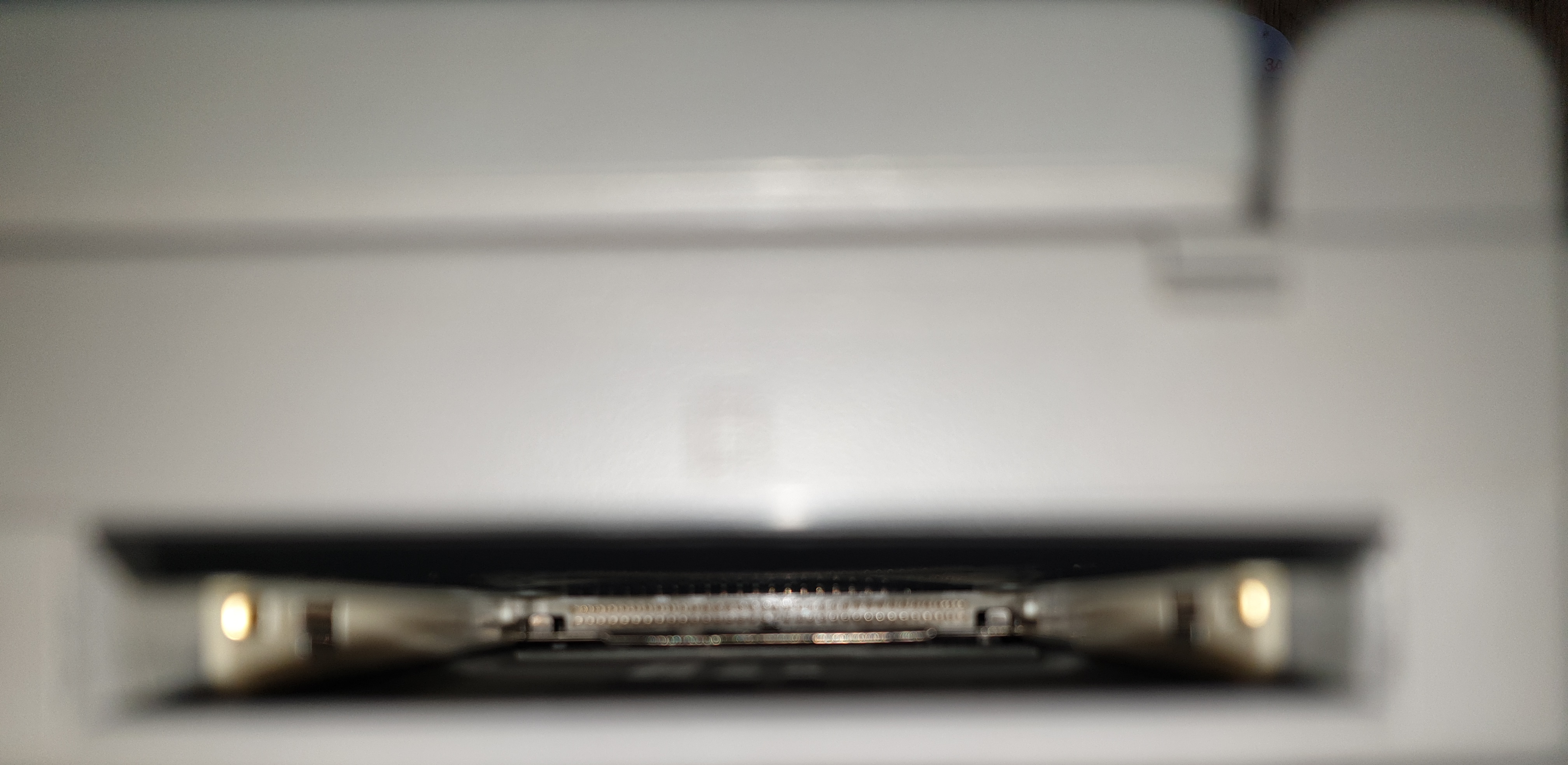
The PCMCIA slot. The eject button is a plastic slider on the real of the unit
I tried a PCMCIA-to-CF card adapter in the Libretto, and in Windows this found my 'drive' without any problems. You can't boot from PCMCIA, but the drive worked just fine both in Windows and when using a DOS box inside Windows. In pure DOS, however, it was another matter. There are apparently DOS drivers that will get this running: a PCMCIA slot cannot be recognised by DOS unless you have a Socket Services device driver loaded, then a Card Services driver, and finally possibly an ATA/Compact Flash enabler driver.
In addition to the hard disk, Toshiba provided an external 3.5" 1.44 MB floppy drive kit (Part #PA2612U) with the drive, cable, and PCMCIA card. The drive itself was an OEM version of the YE Data Flashbuster PCMCIA floppy drive - all Librettos mentioned here could use the exact same floppy drive. You can also use the Sony FA-P1 floppy drive, which is the same unit. This connected to the machine via the PCMCIA slot, which is a shame as it means you cannot use both the floppy drive and, say, a network card at the same time. The floppy drive communication is handled by the BIOS so no drivers are needed either in DOS or Windows - they both see the drive as a standard floppy drive just like on a desktop machine.
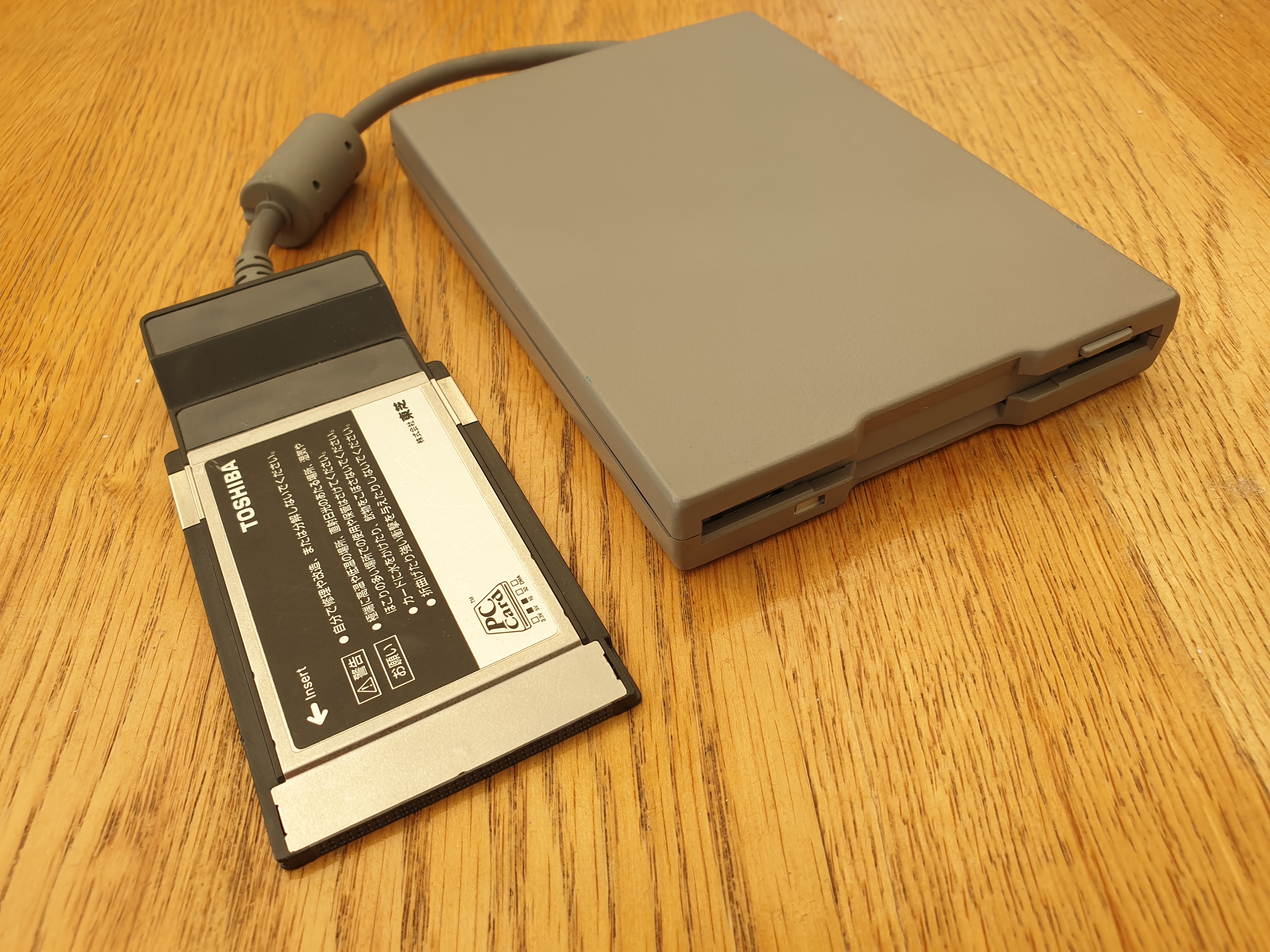
The Libretto 3.5" 1.44 MB floppy drive with its PCMCIA adapter
The original machine had a 'dummy card' to prevent dust from getting into the slot when not in use. This is sadly lacking on my machine here, and on so many others I've seen. It's in the standard parts list, even though brochures and other pics never show it!
Battery / AC Power
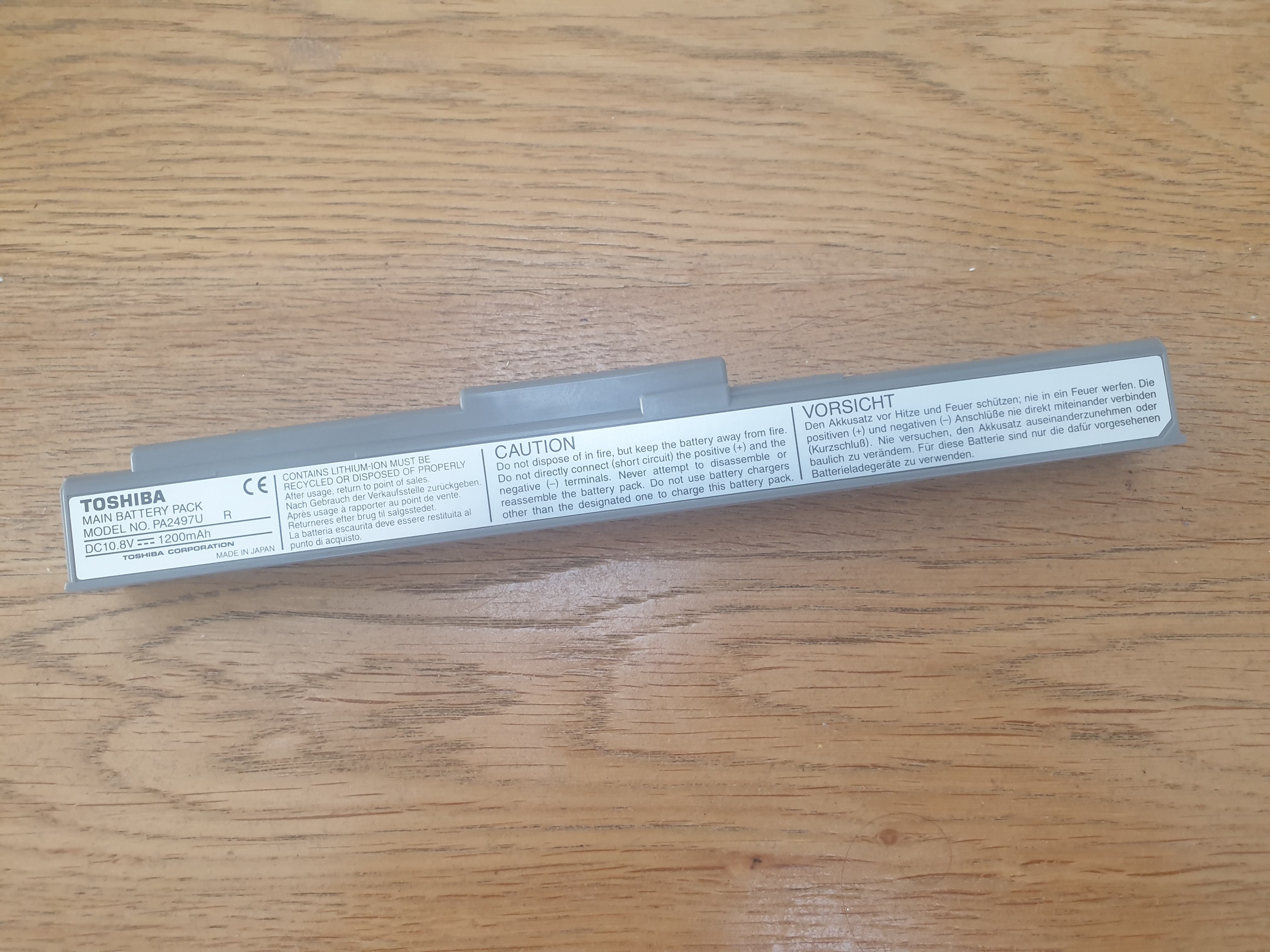
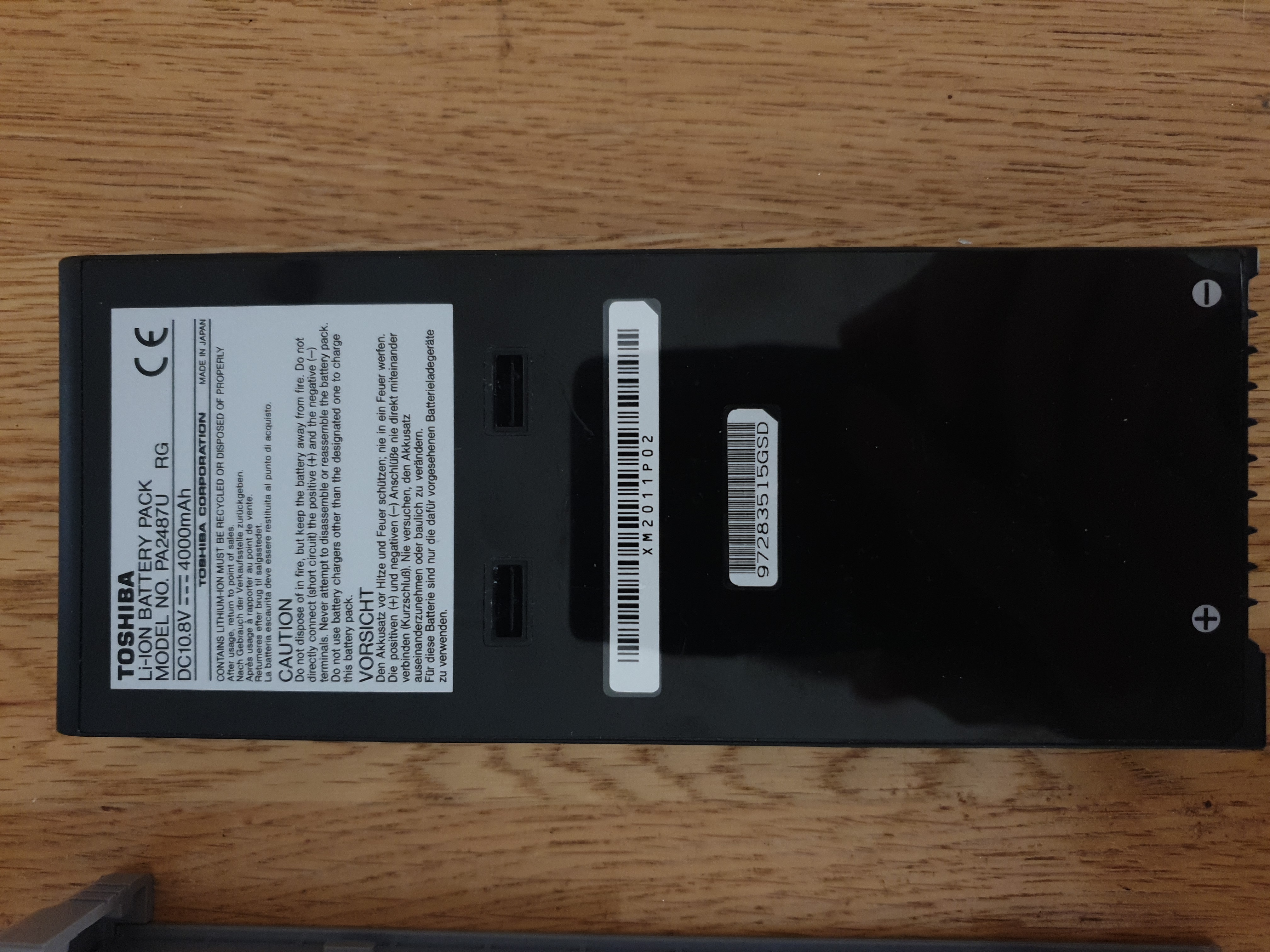
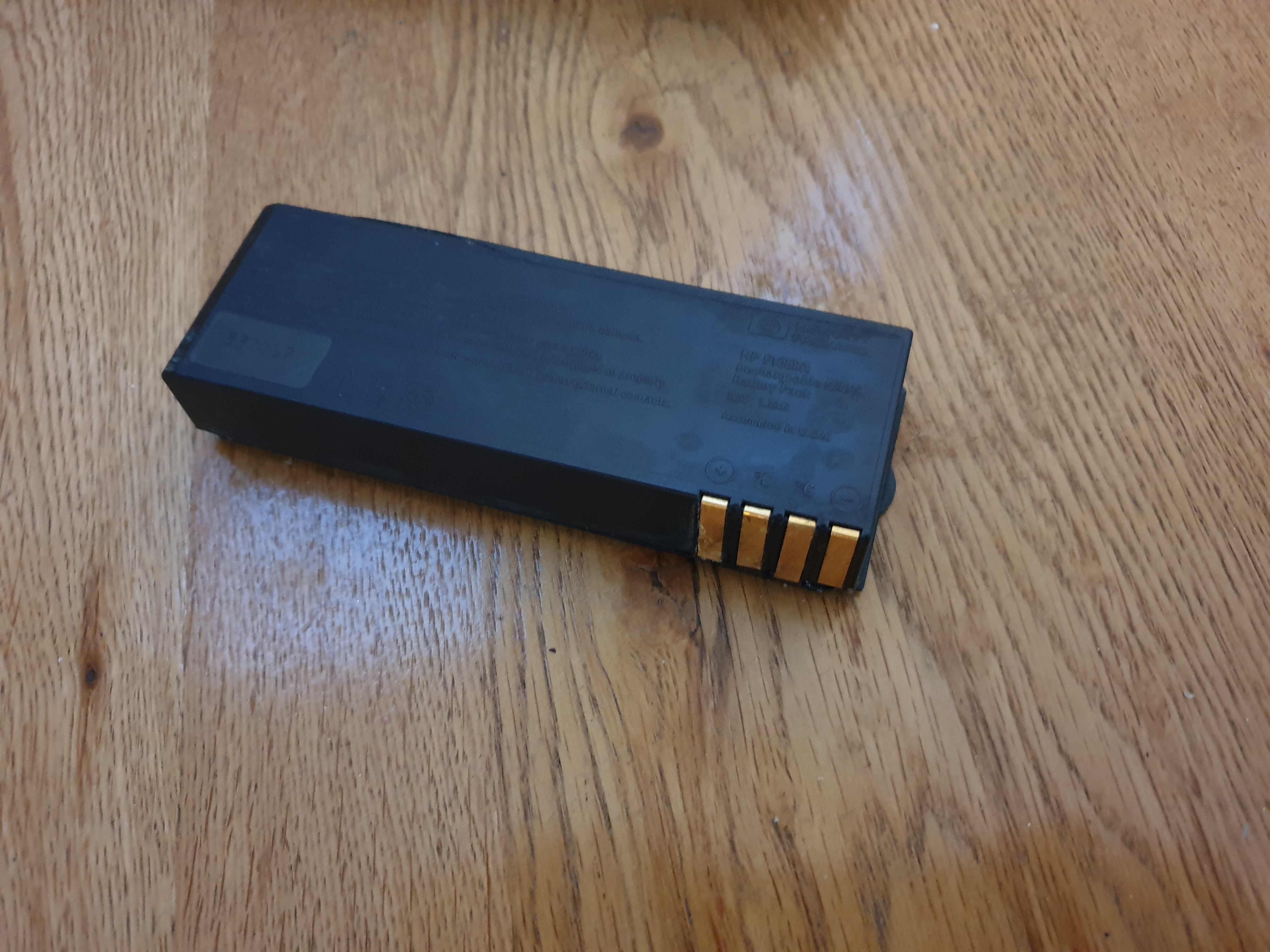
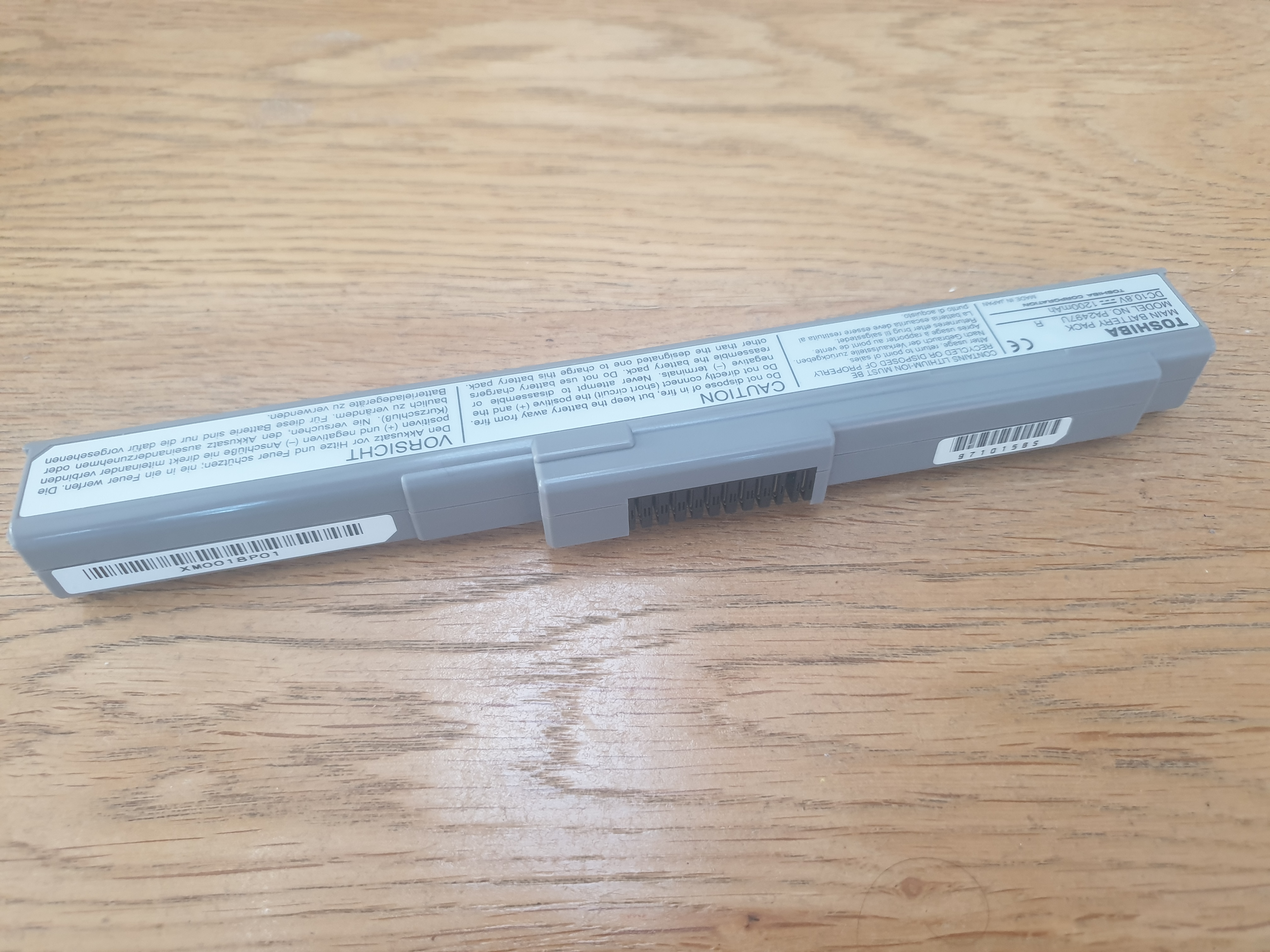 The Libretto 50CT came with a Lithium Ion battery (Part #PA2497UR) which, when new, would have been good for about 2.5 to 3 hours of runtime. One thing to note is that the Libretto 50CT cannot charge the battery while the machine is powered on (the 70CT can do this, even though they both come with the same AC adapter, so it's an internal circuitry thing, not the AC adapter). Toshiba offered a high-capacity battery pack as an accessory (Part #PA2498UR), which upped the potential runtime between charges to around 4-6 hours, and also an external battery charger (Part #PA2499U).
The battery I have here provides 10.8V (1200 mAh) of DC voltage for the laptop - inside it has three somewhat non-standard-sized "17670" cells (smaller than the more common 18650 cells found on other larger laptops of the era), each on providing 3.6V. You can potentially use the slightly smaller "16650" cells. Being a Li-Ion battery pack, there is a charge circuit board inside, as well as a temperature sensor.
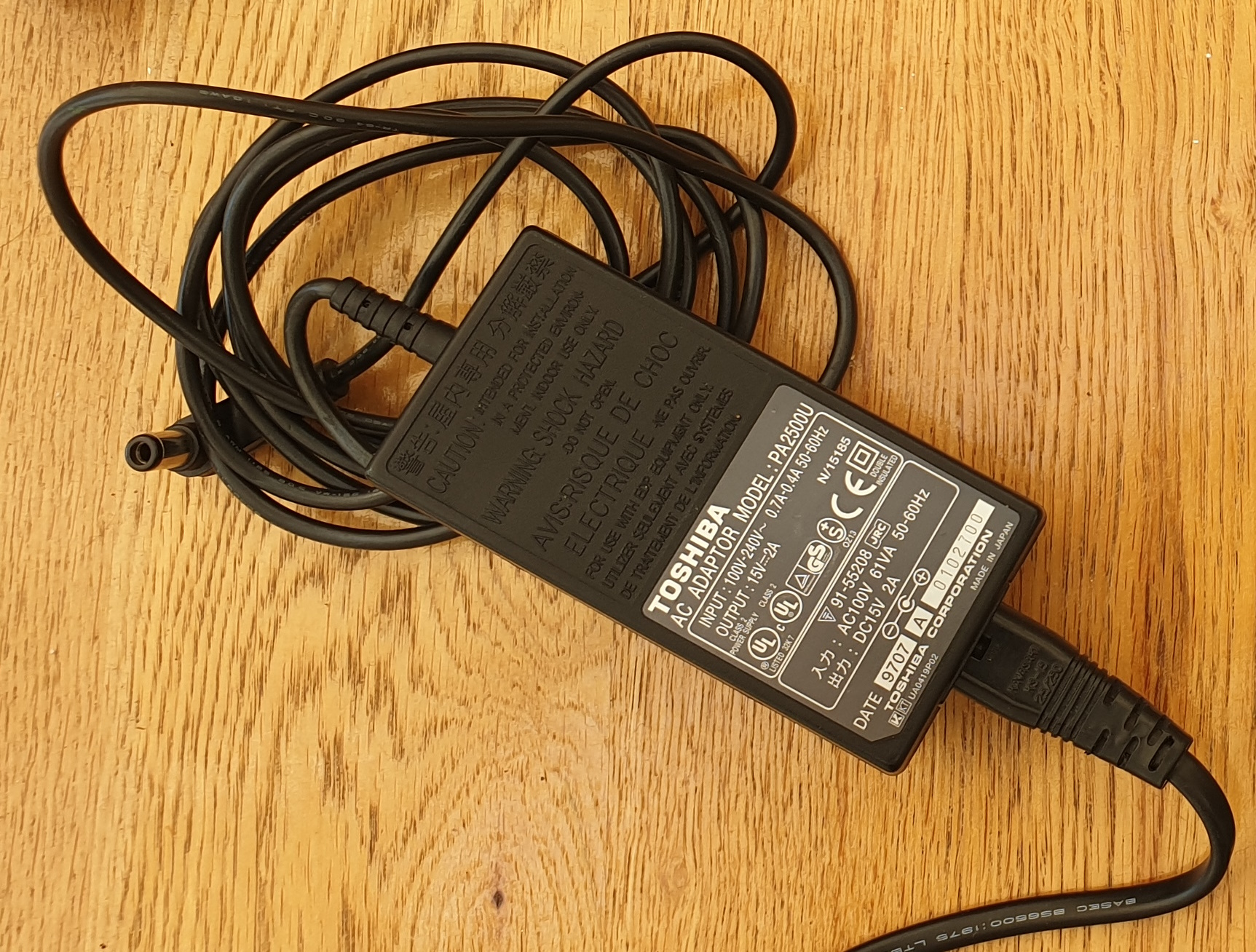
The external AC power supply provided with the laptop (part #PA2500U) provides 15V DC at 2 amps, allowing for up to 30 watts. It will happily accept an input voltage from 100V to 240V AC if you're importing one from abroad. It takes a standard 2-pin "figure of 8" mains power plug, and has a barrel jack on the laptop end which is centre-positive.
Keyboard / Mouse
The 80-key keyboard on the Libretto 50CT and 70CT is understandably very small, though key travel and tactile feedback is good. There are no function key shortcuts to control volume or display brightness. For volume control I recommend you install a mixer utility (the OPL3-SAx drivers/utilities have one for both DOS and Windows). For brightness, Toshiba provided a DOS utility called TLCD to change the brightness with four different levels.
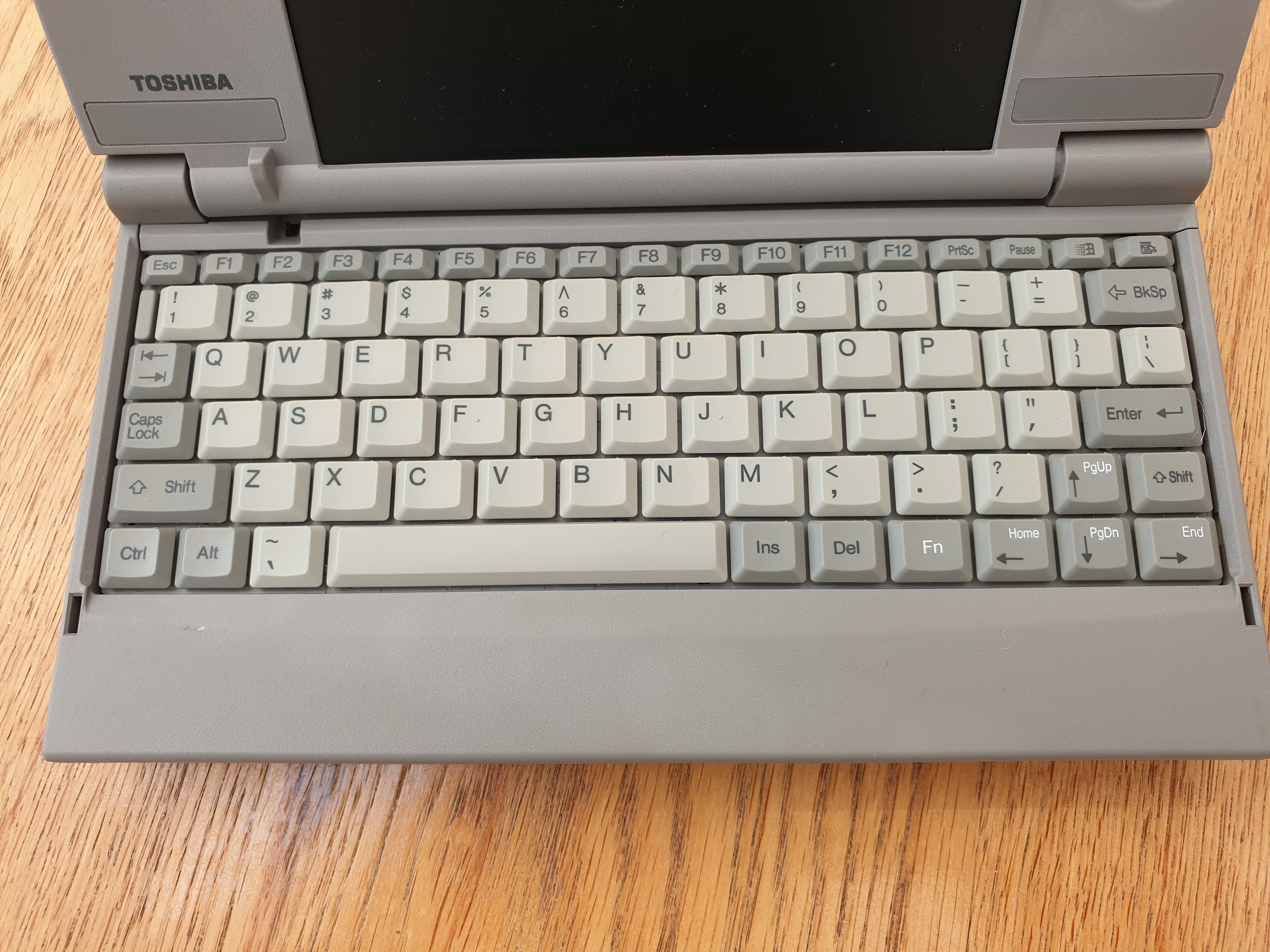
The Libretto 50CT keyboard
(US layout on this variant)
This sub-notebook arrived after the advent of the Windows key, so in the top-right you get both a Windows key and a context key. While the keyboard is very small, the keys are all full-size apart from the top row. I found the key spacing was something I quickly adjusted to when typing - it is about as good as you can expect a keyboard to be on such a small device.
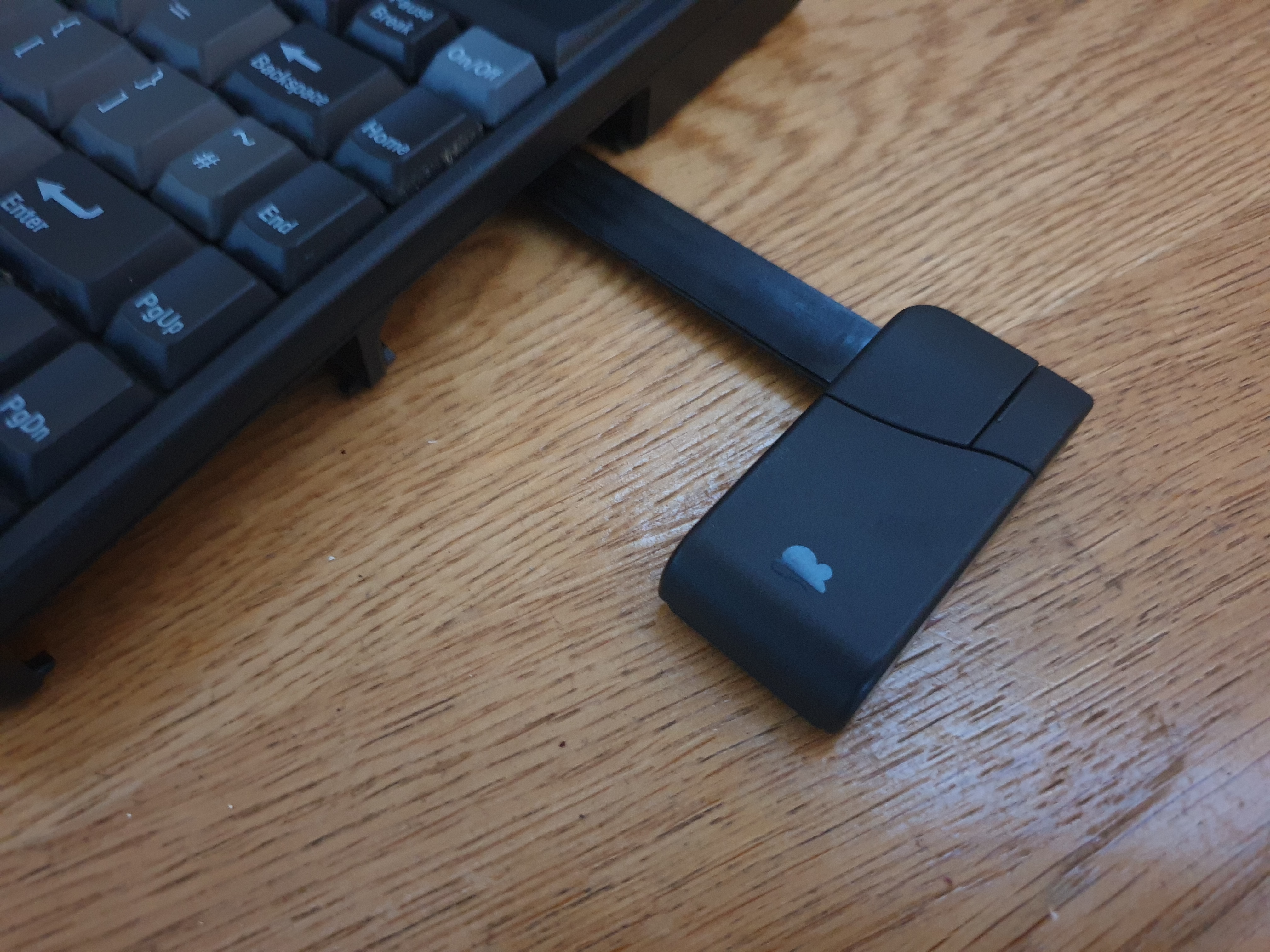
As mentioned, the Libretto series came with an interesting two-button mouse in the form of a directional 'eraser head' to the right of the screen and left / right mouse buttons on the front of the case. Toshiba called this 'AccuPoint', and it was used not only on the Libretto but also Satellite Pro, Tecra, and Portege series. It's the same electrically as a standard PS/2 serial mouse.
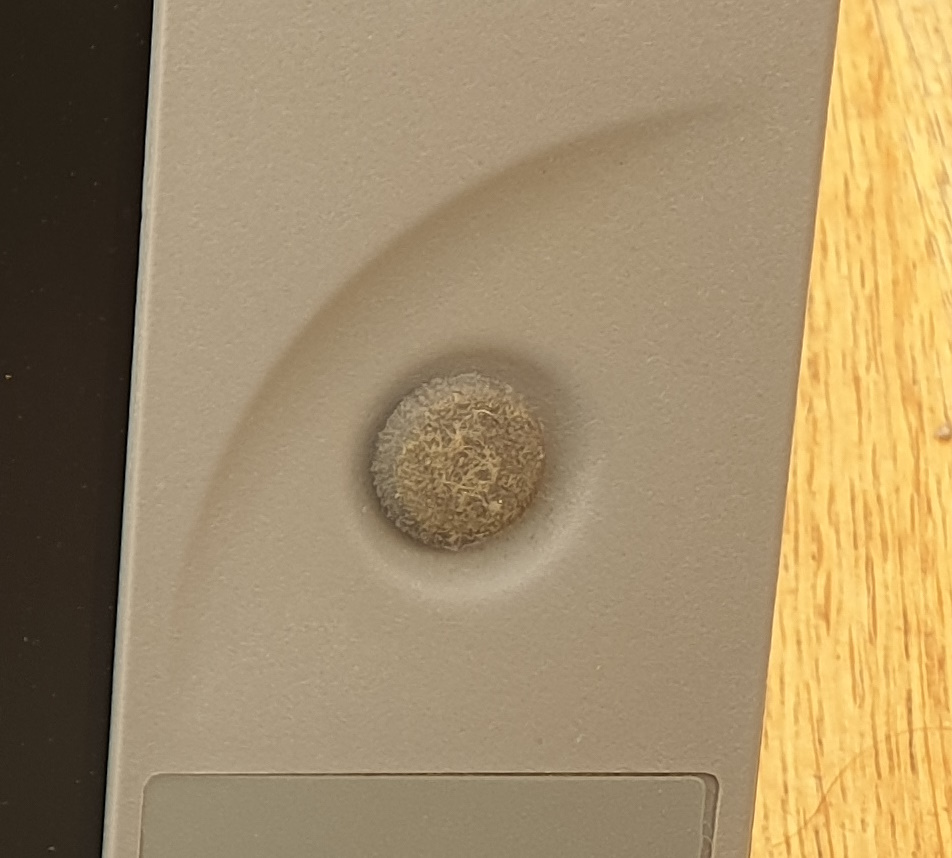
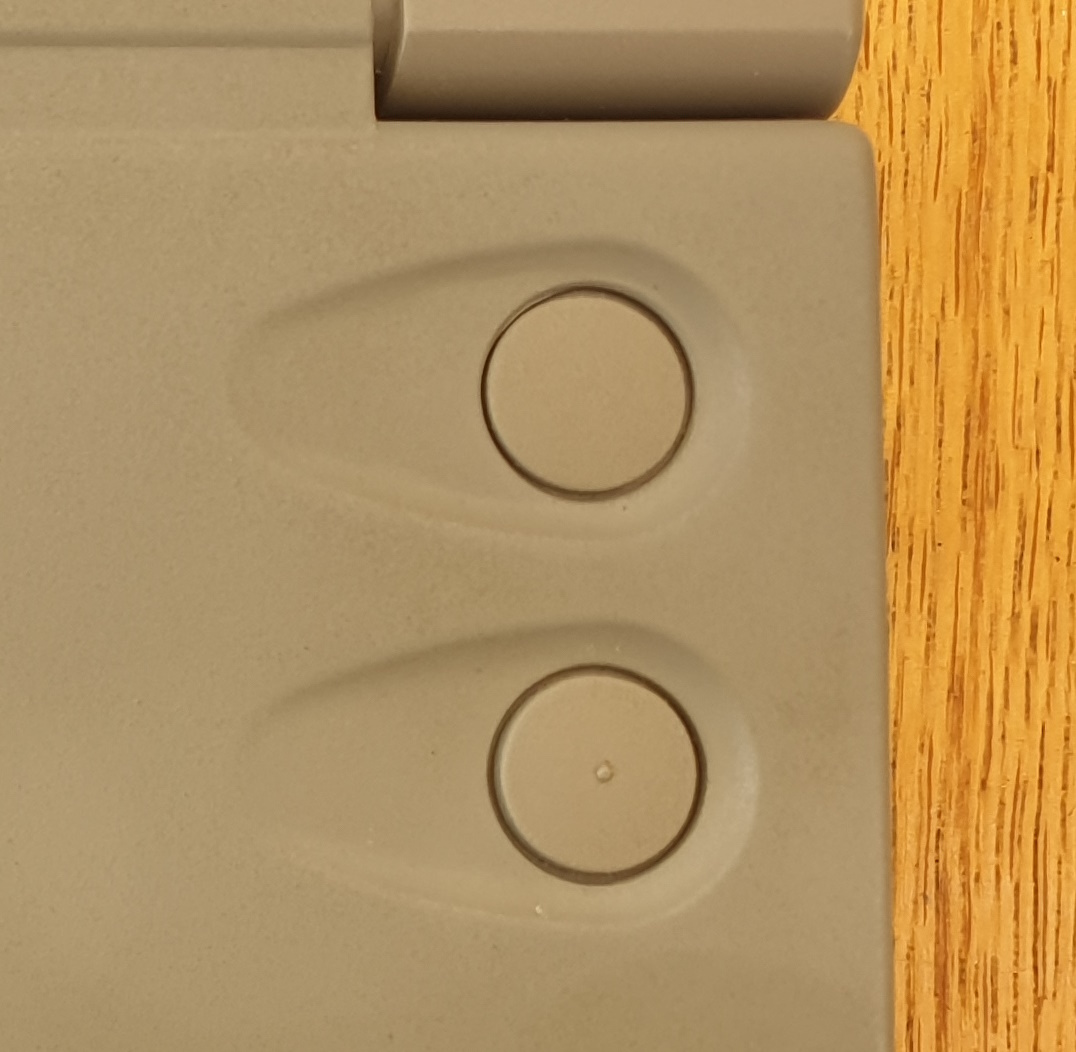
The Libretto 50CT AccuPoint
It takes a bit of getting used to, and certainly from an ergonomic perspective, it's really not great, as your right hand is holding the right side of the screen the whole time. It's low enough however, to be able to rest your wrist on a desk and still use it.
I have a DOS mouse driver for this, which can be downloaded in part 2.
Rear Ports and the Port Replicator
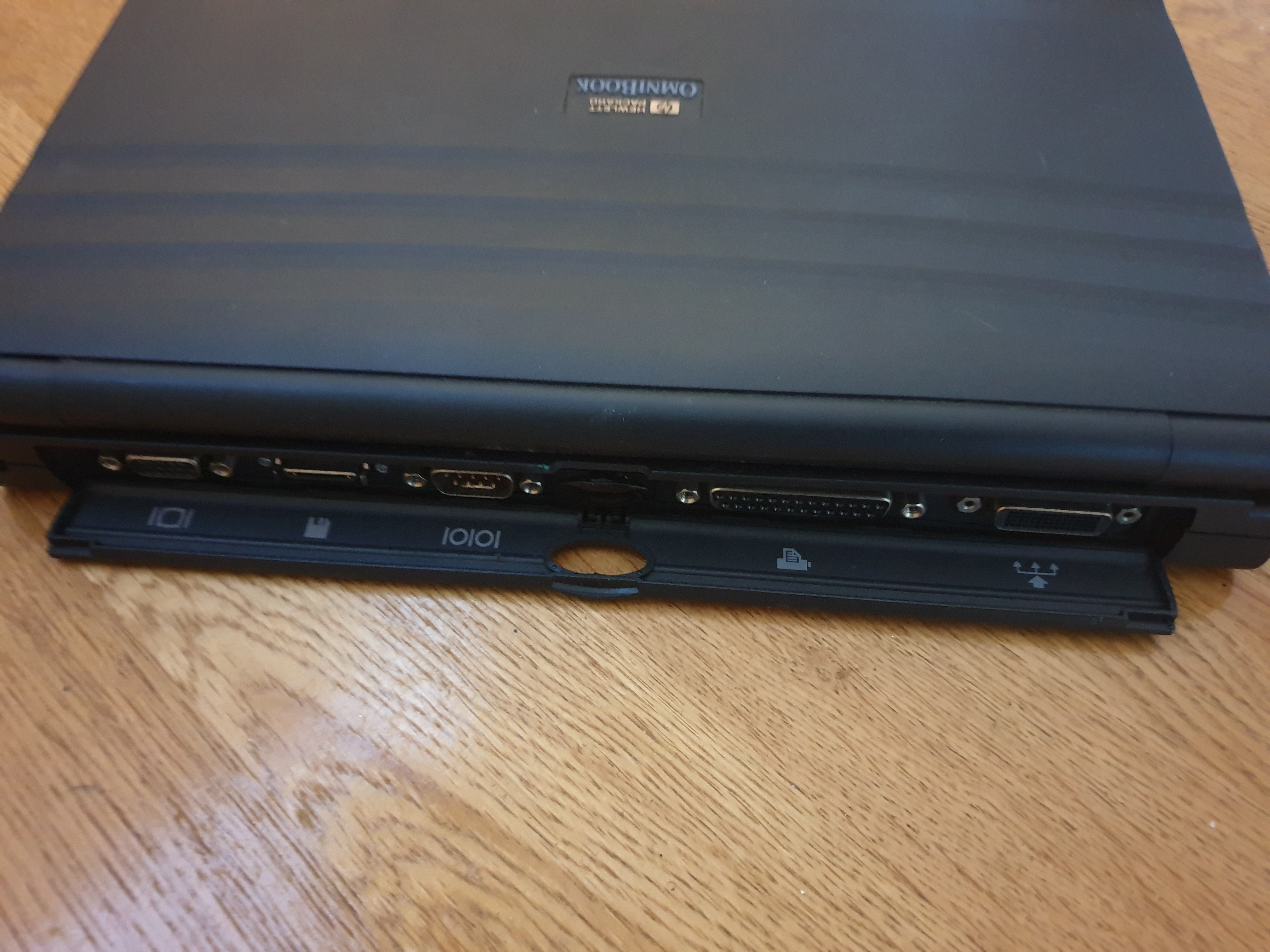
Ports on the Libretto are sparse. Without the basic port replicator attached, you only get an Infra-red (IrDA-compatible) window in the centre-rear. This appears to the device as COM1, so if you want to use the port replicator's serial port (or a serial I/O PCMCIA card) you can change its default COM port settings in the BIOS.
The Libretto series all came bundled with the 'basic port replicator', which adds a 9-pin RS232 serial port, a 25-pin Centronics parallel port, and a 15-pin analog video output port. This was hot-installable (no need to power down before connecting/disconnecting it). With the port replicator installed, the machine is angled slightly as the rear of it is raised up.
It has been criticised more than once over a lack of PS/2 ports on this replicator - something that would have been extremely common at the time. I've read that the pins on the replicator socket do include the PS/2 interface, so it is possible to hack the basic port replicator's internals to expose a PS/2 port.
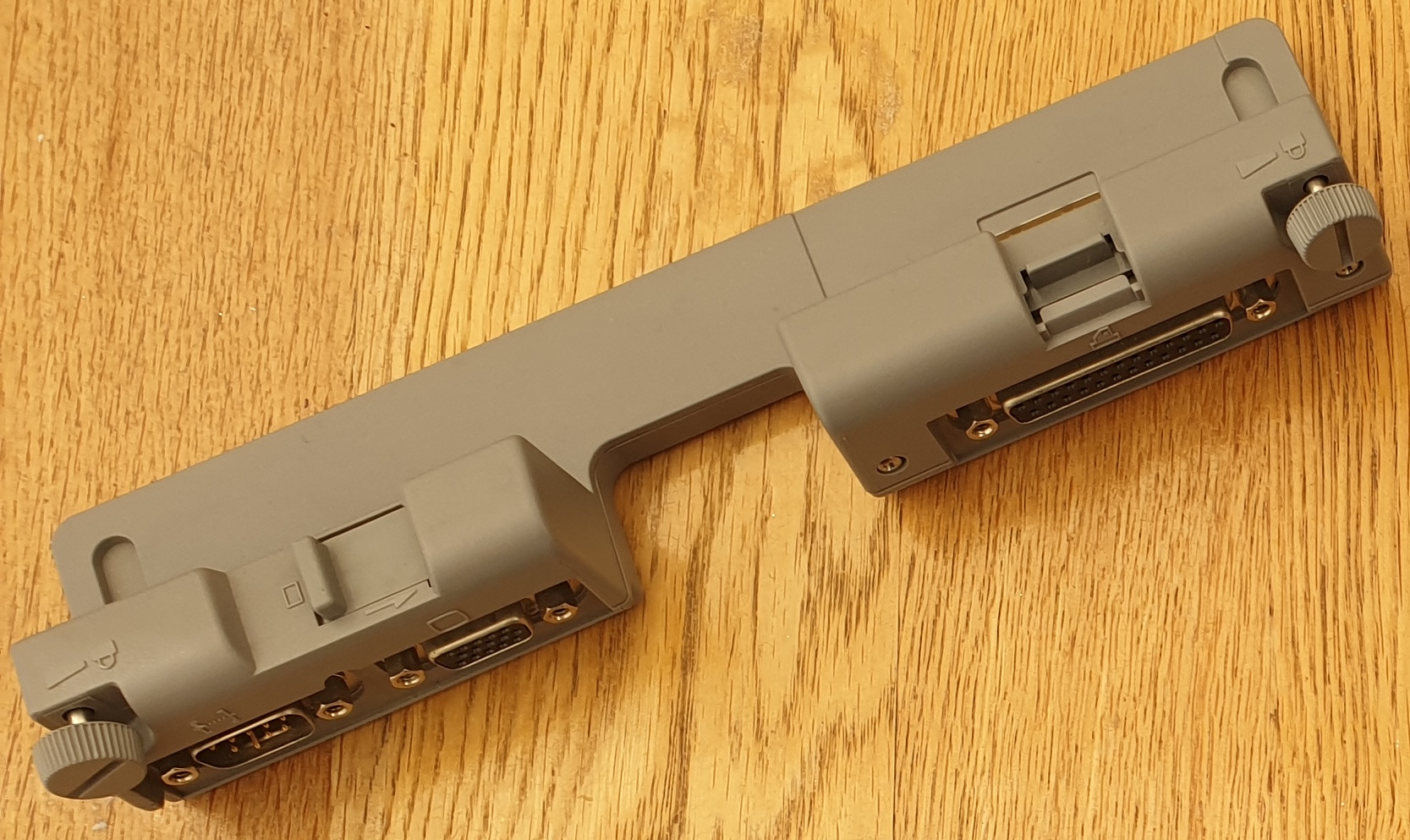
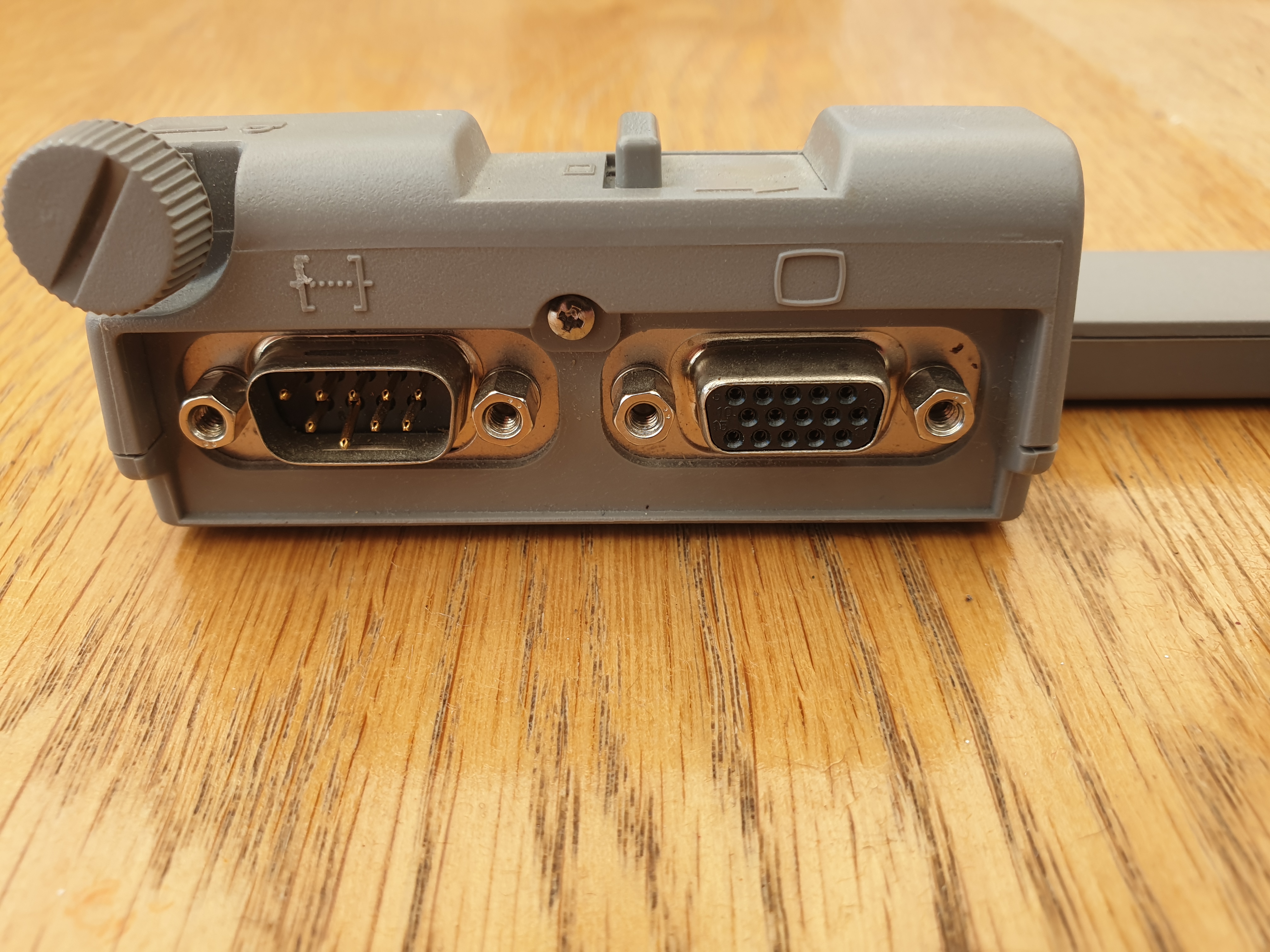
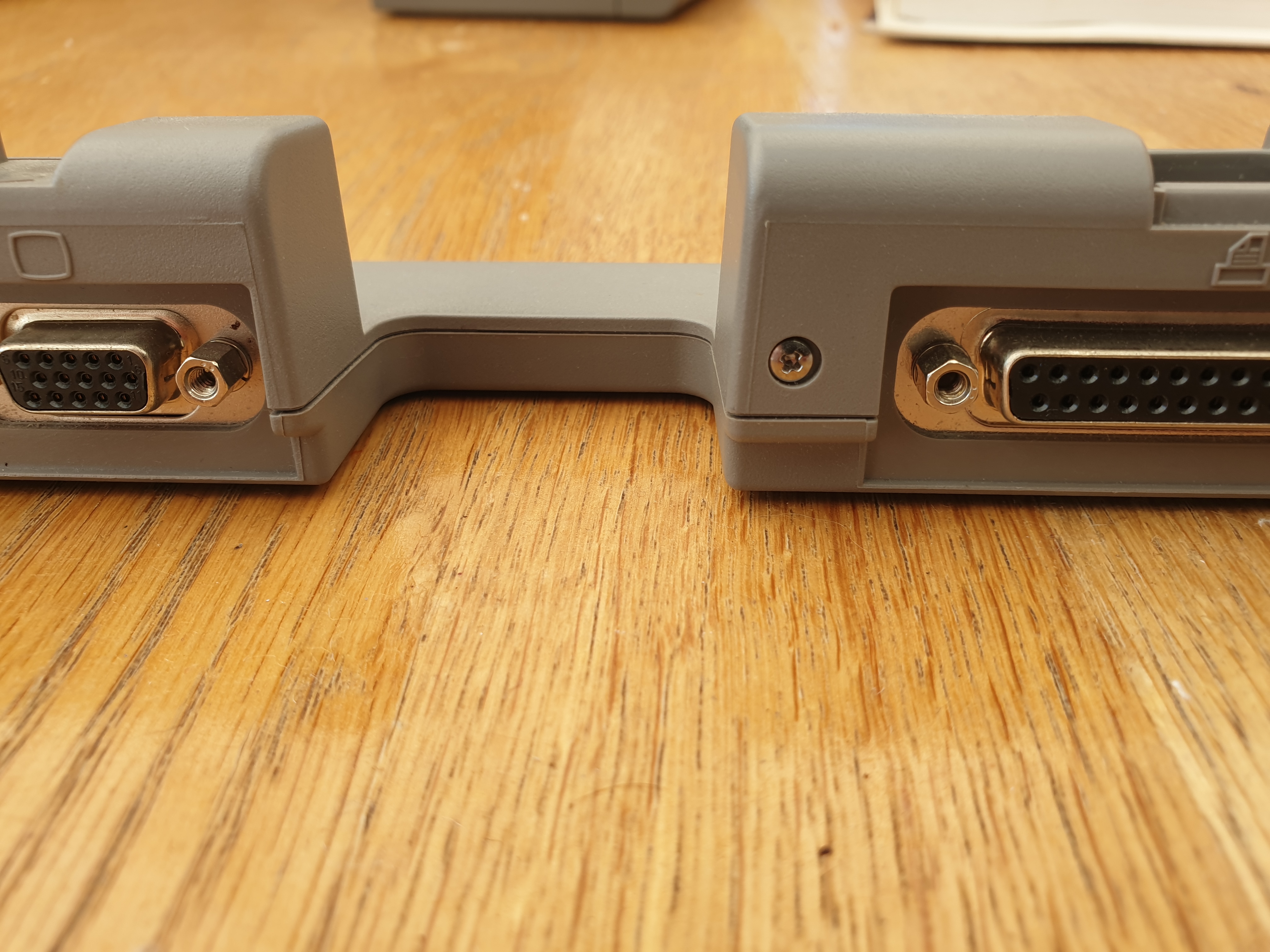
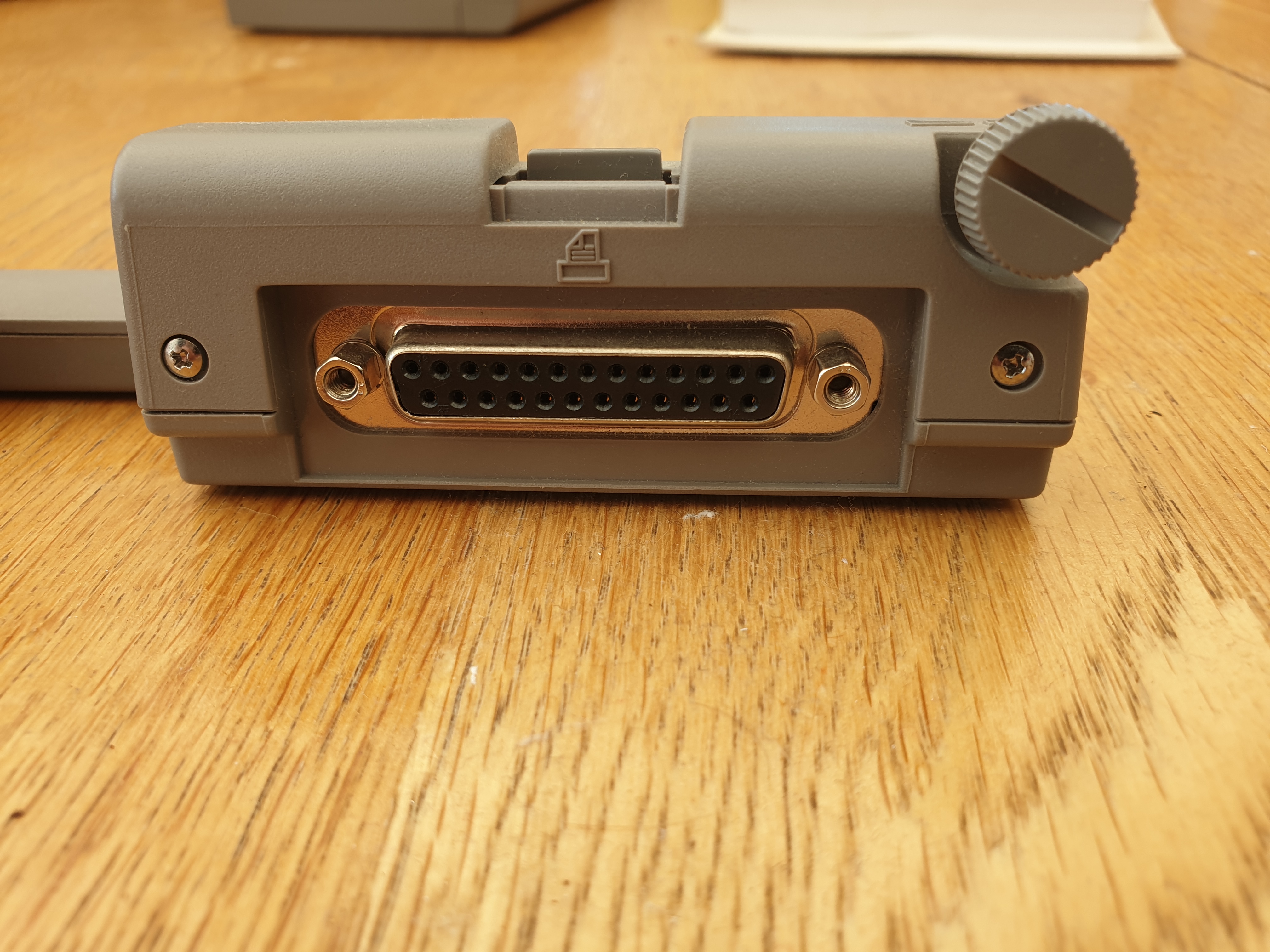
The Libretto 50CT Basic Port Replicator
Toshiba offered an enhanced port replicator (Part #PA2718U) called the Mini Card Station as a cost option. This provided two PS/2 ports and a second PCMCIA (this one being Type III) slot in addition to what the basic port replicator had. Unlike the basic port replicator, this one was much deeper, with the Libretto installed fully on top of the base of the replicator, which is sized slightly deeper and wider than the notebook itself. These are extremely rare today, and you cannot use port replicators from the 100CT/110CT on these 2nd-gen Librettos, as they have more pins on the replicator socket.
Teardown
The Libretto 50CT and 70CT are actually quite easy to take apart, though do watch out as the plastic these days is very brittle. Here are the pics of the teardown:
Step 1 is to remove the battery, then flip the unit over, undo four screws to the left-hand side that hold the hard disk in place, and remove the hard disk. Once those are out, flip the unit back over and open the clamshell.
Step 2 is to remove the keyboard:
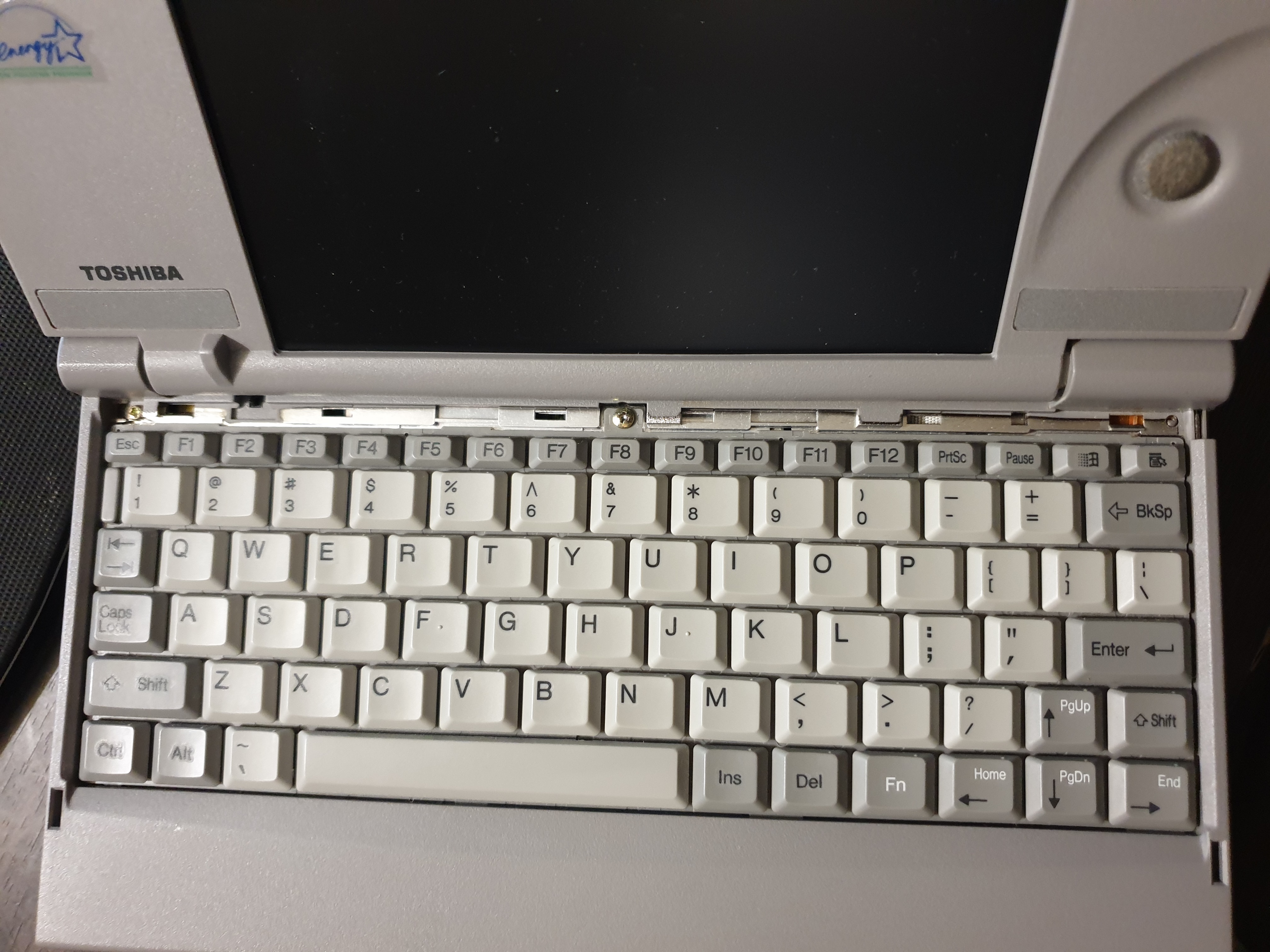
Removing the plastic bar above the keyboard first exposes a single screw that holds the keyboard in place
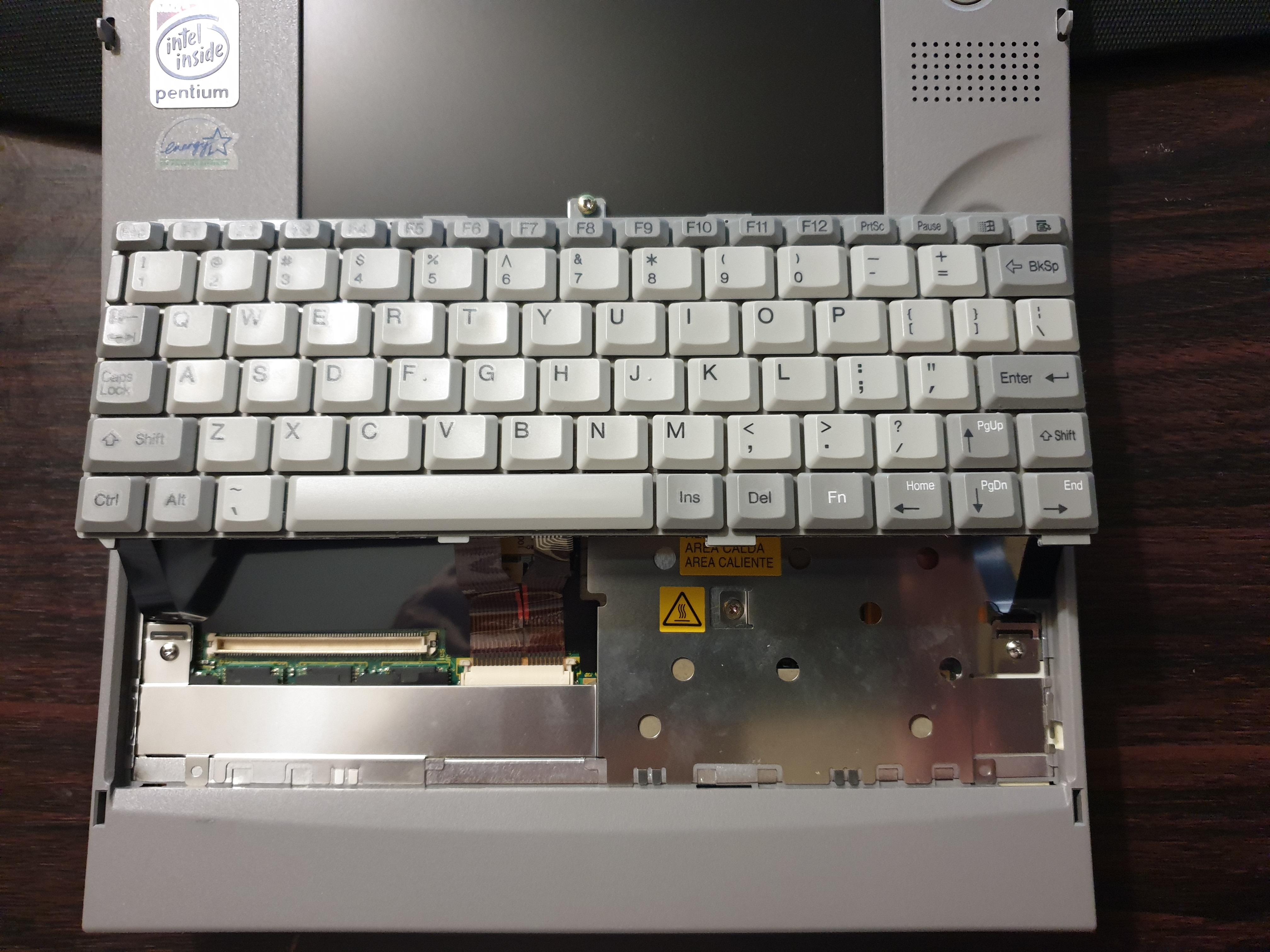
Once unscrewed, lift the keyboard up at the screen-end and out toward the screen. There are three ribbons connecting it to the base so don't pull yet!
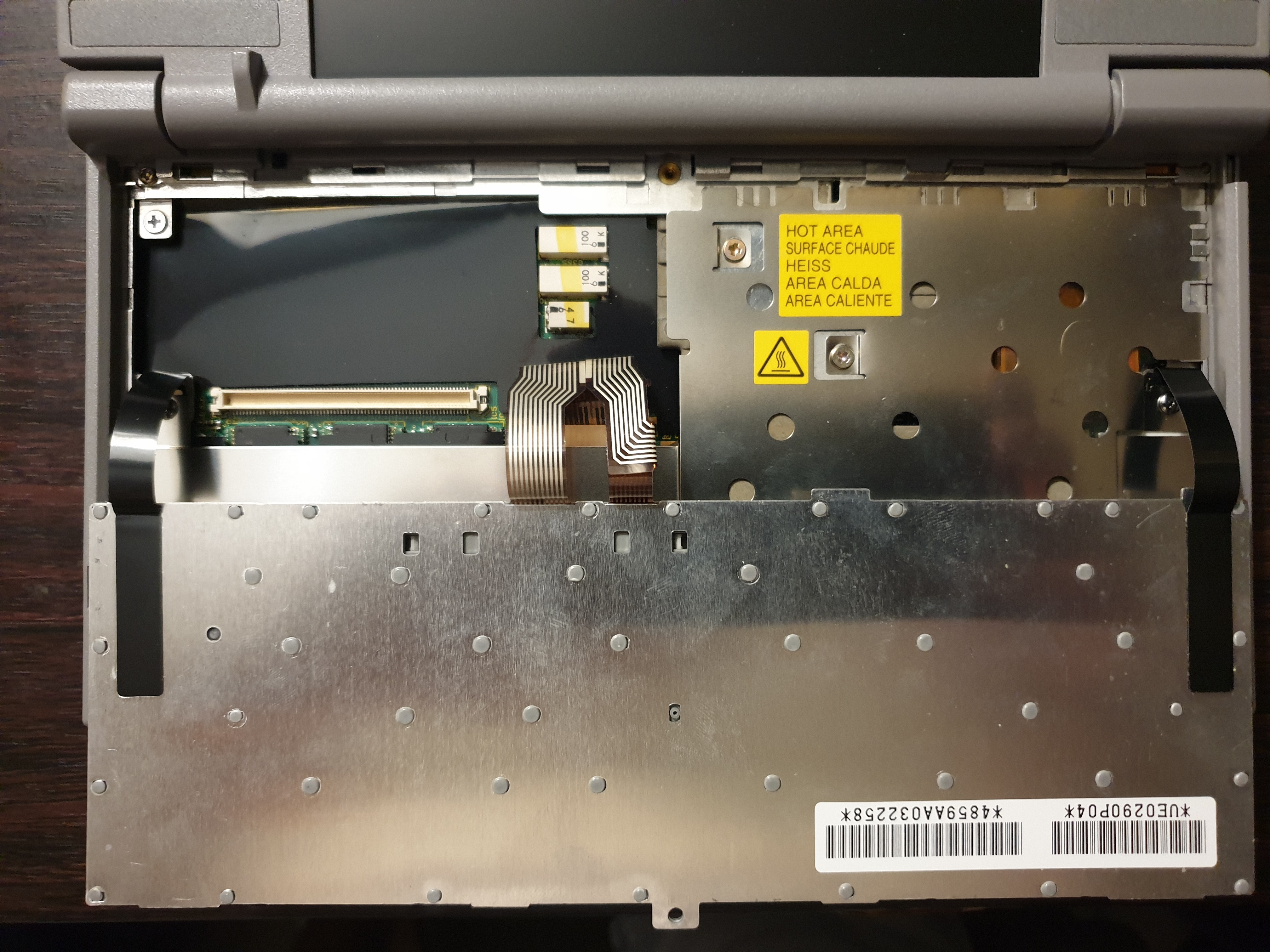
There's only one actual electrical ribbon cable which is connected to the motherboard - using a flat-bladed screwdriver pull out the tabs on each side ever so slightly and gently pull the cable toward the screen to release. Then unscrew the two screws that hold the black ribbons to the electromagnetic shield. The picture above has the keyboard rotated onto its front ready for removal.
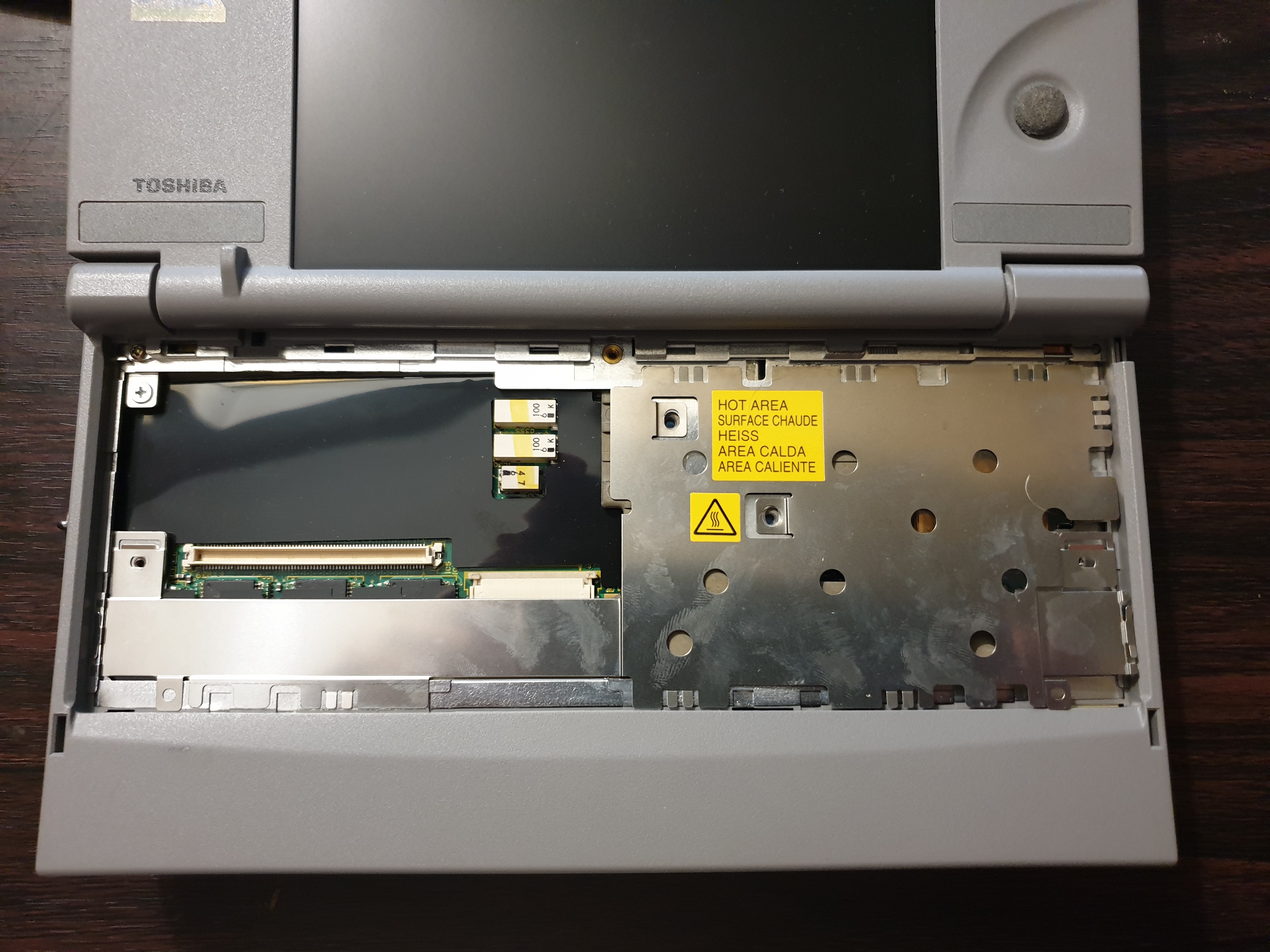
With the keyboard out, it's time to now separate the two parts of the base.
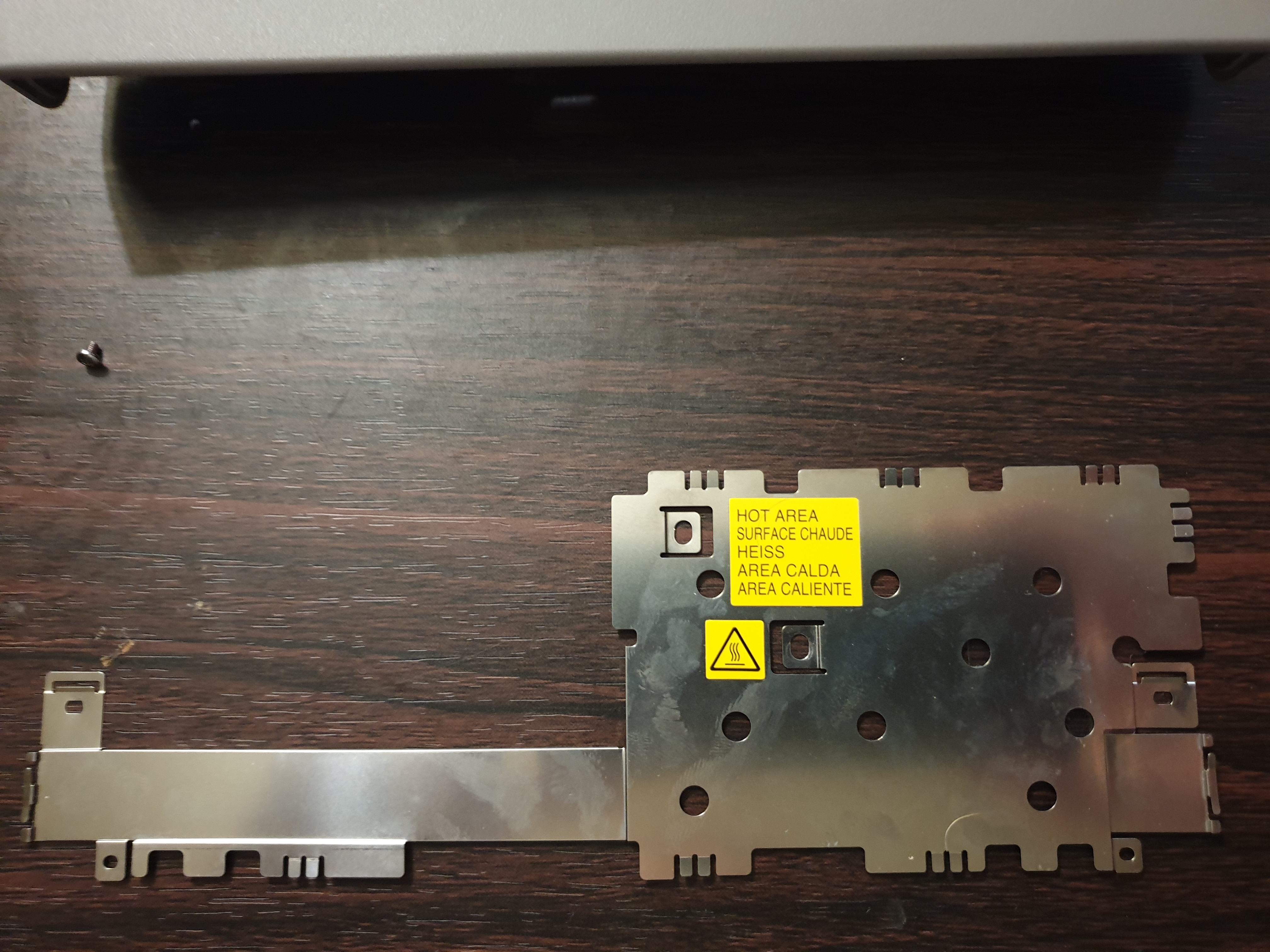
Removing the electromagnetic shield first, now close the clamshell and remove the rest of the screws underneath - they're all the same long ones you saw when you removed the hard disk.
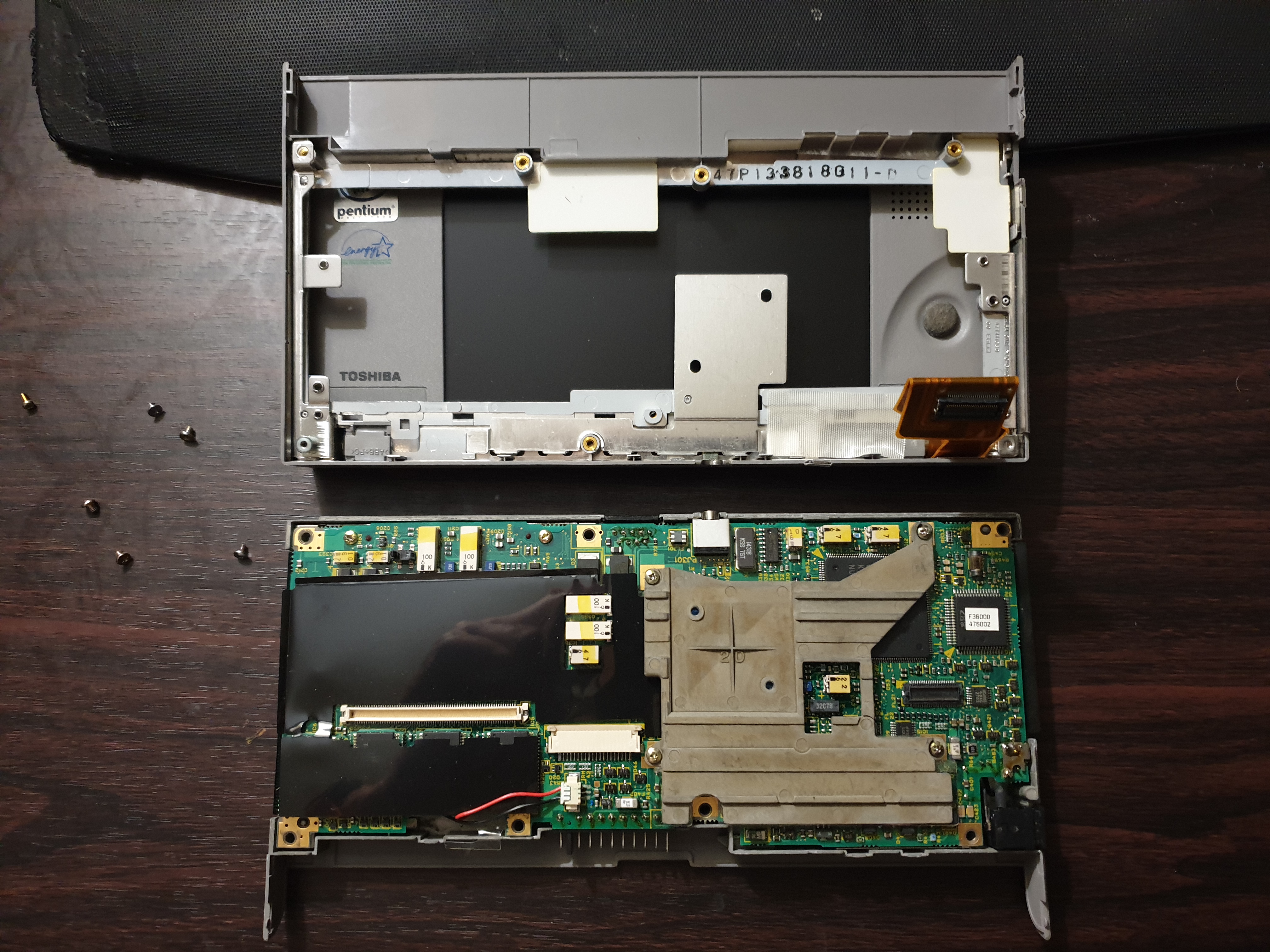
With all the screws removed, you should be able to separate the two bits of the base
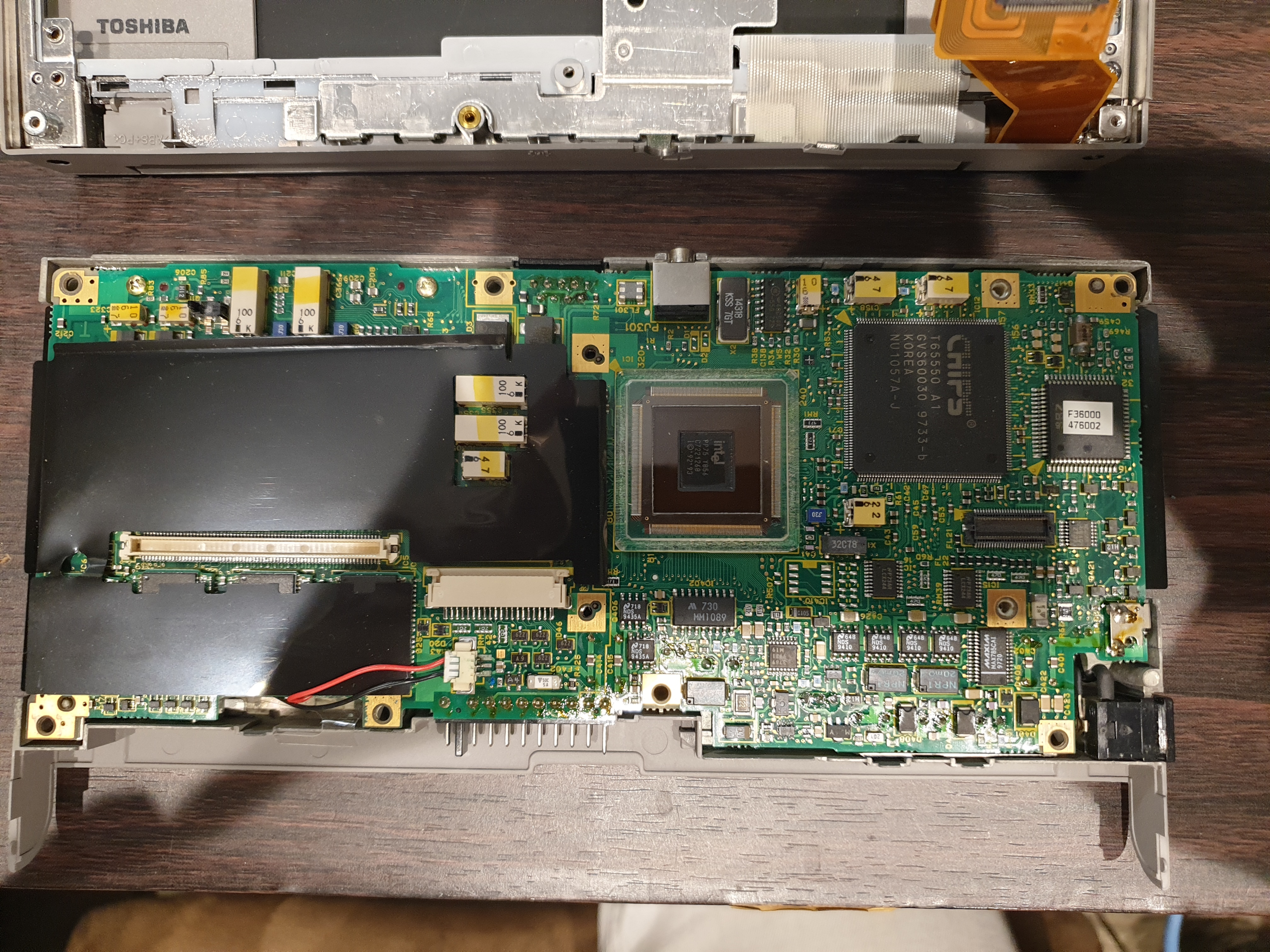
Removing the CPU heatsink (sorry, "passive cooler"!). The memory is under the lower-left plastic shield, and the memory expansion, sound chip and other ICs are under the larger one above it. Note the realtime clock (RTC) below the memory with its red and black wires going into a connector.
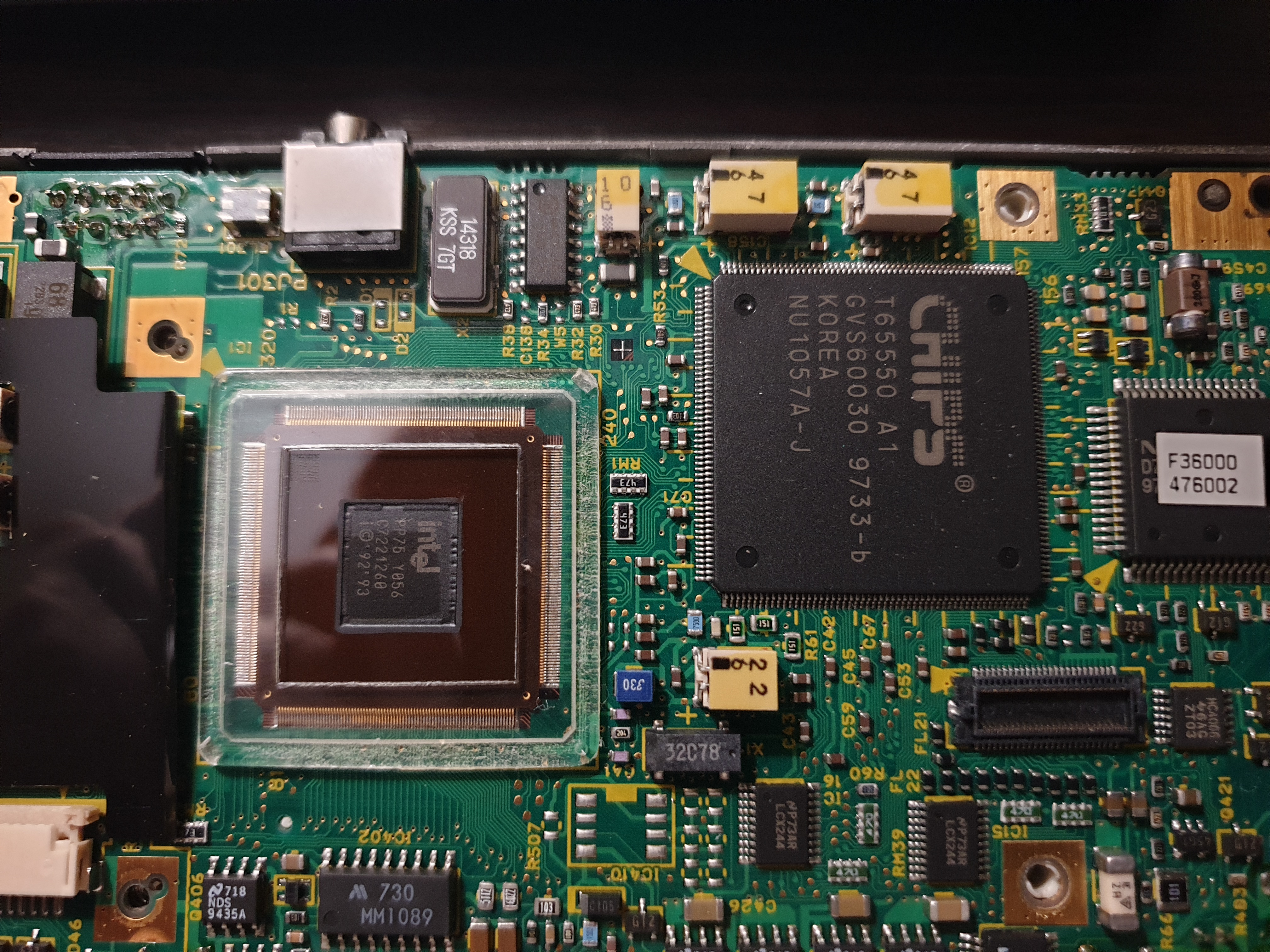
Here's a close-up of the CPU and C&T graphics controller ICs
In Part 2, we'll run some benchmark tests on it and gather the downloads I have.