 Star Wars: Rebel Assault
Released: 1993
Published by: LucasArts
Developed by: LucasArts
Author(s): Vince Lee, Ron K. Lussier, Daniel Colon Jr., Richard Green, David Vallone, Ralph M. Gerth IV, Steven Sherer, Jon A. Bell, Martin Cameron, Leonard Robel,William V. Tiller, Larry Ahern, Jon Knowles, Aaron Muszalski, Gary Brubaker, Justin Graham, Aric Wilmunder, Clint Bajakian, Michael Z. Land, Peter McConnell
Introduction
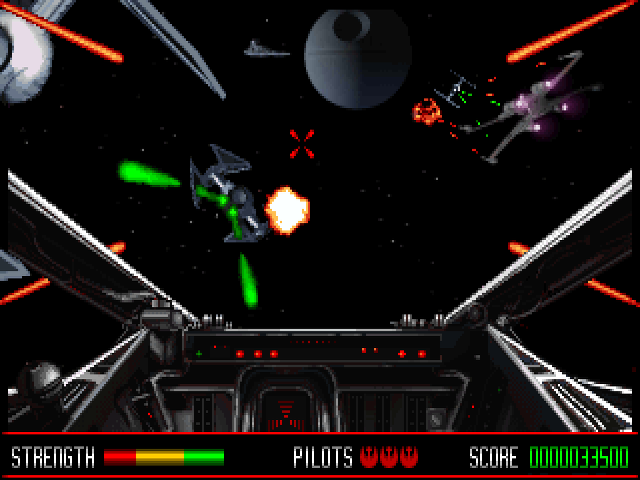
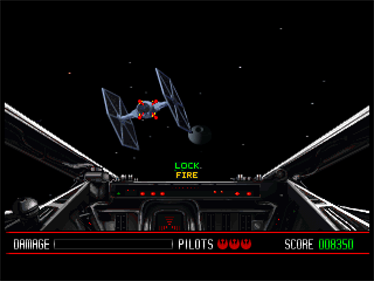
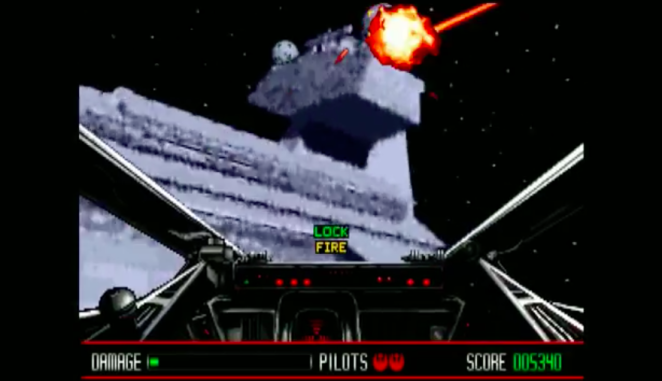
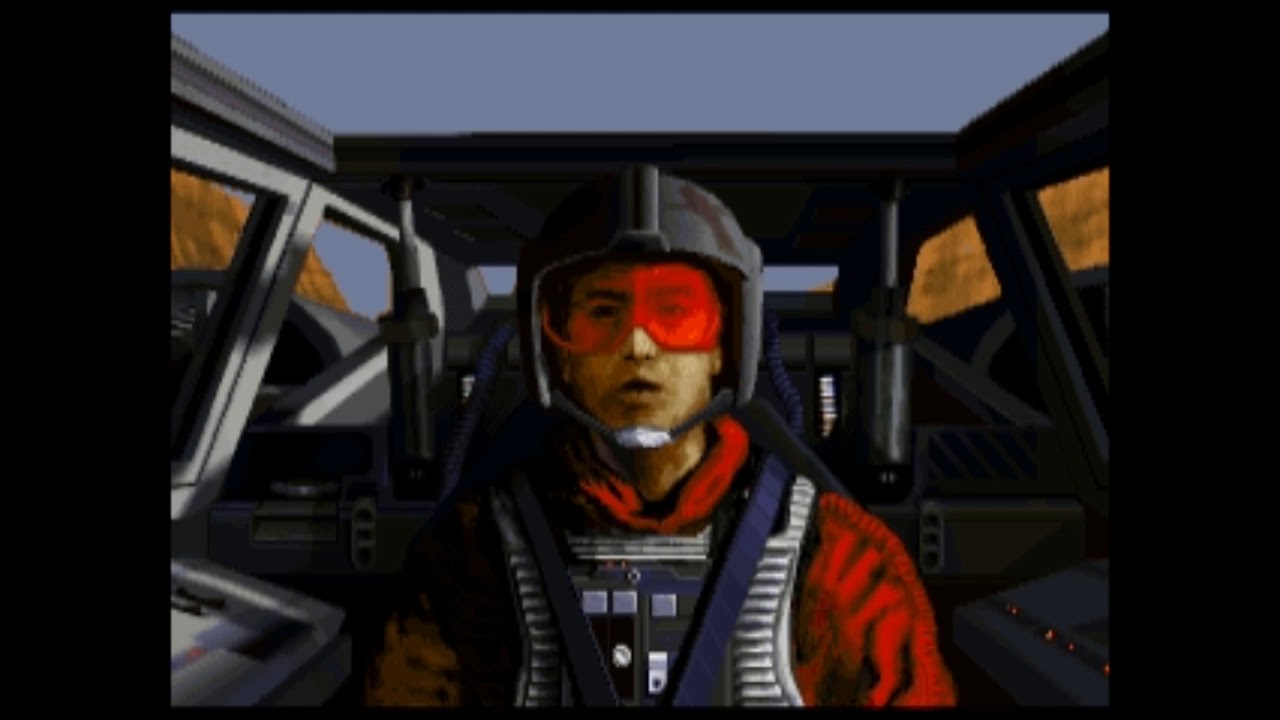
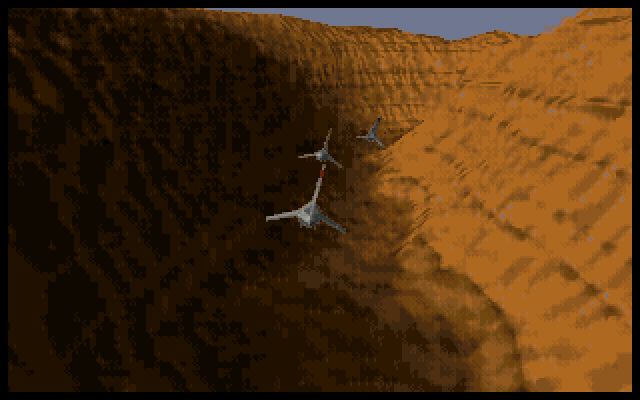
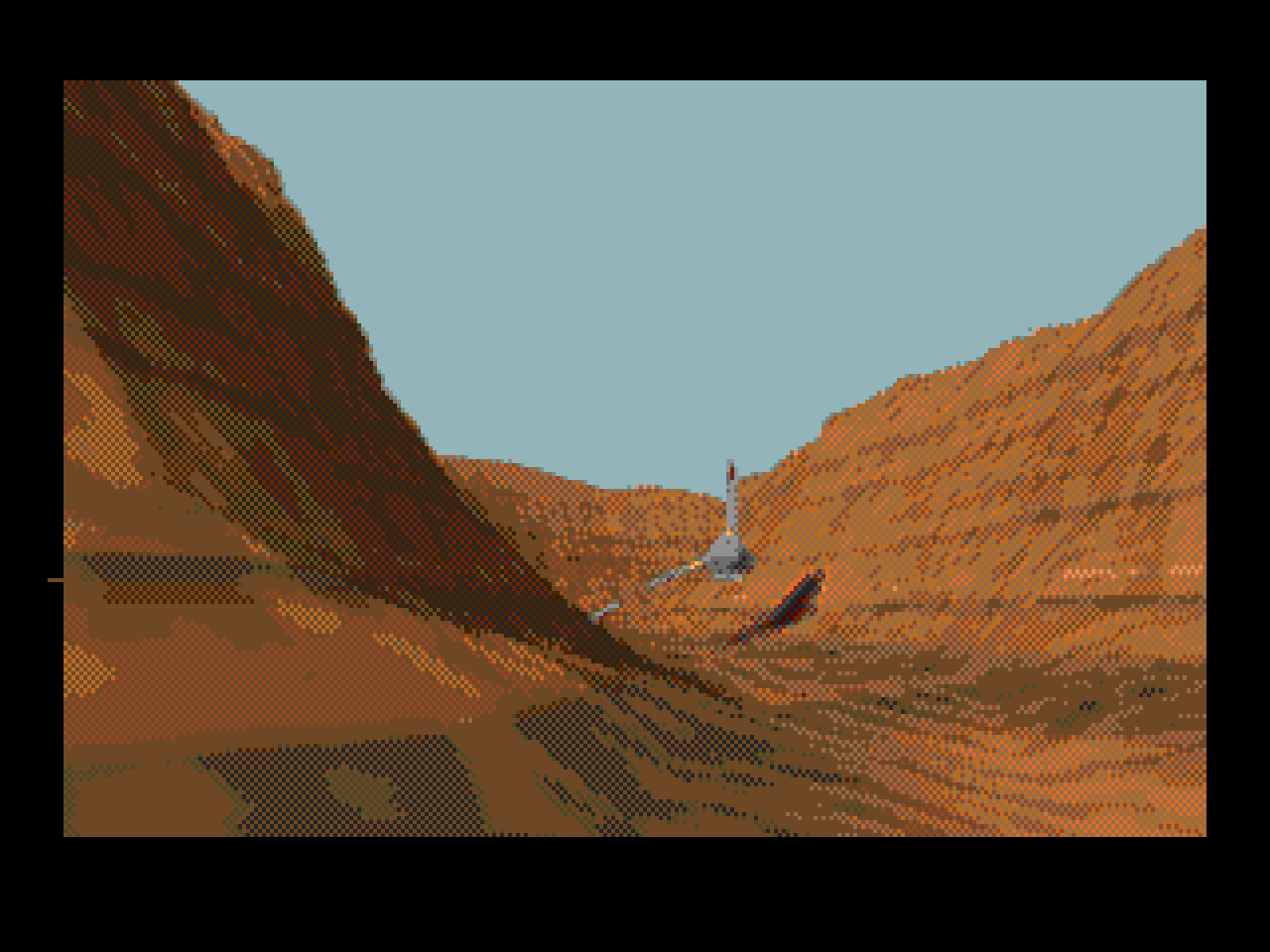
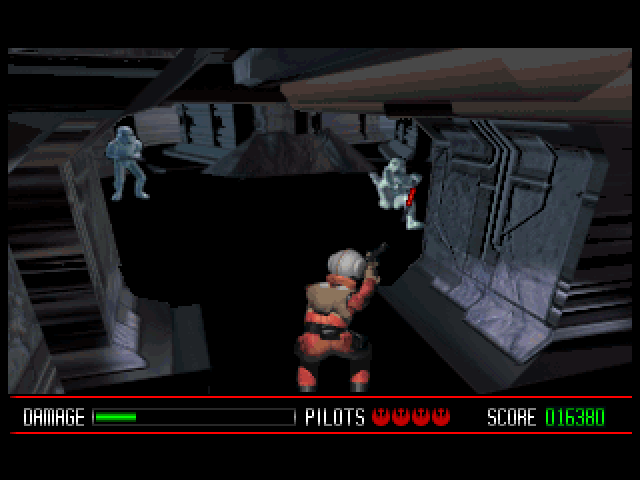
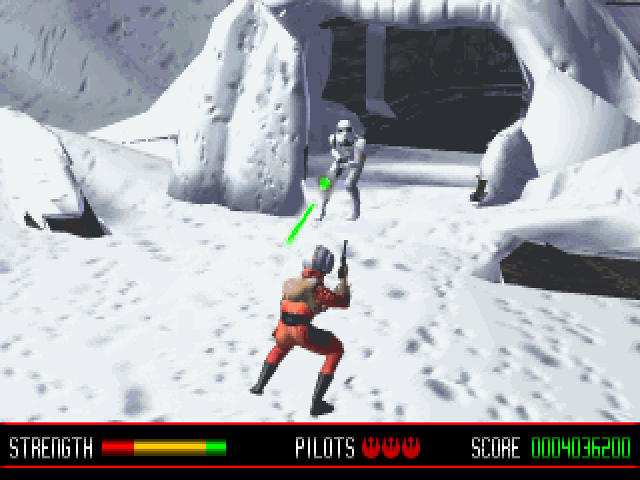
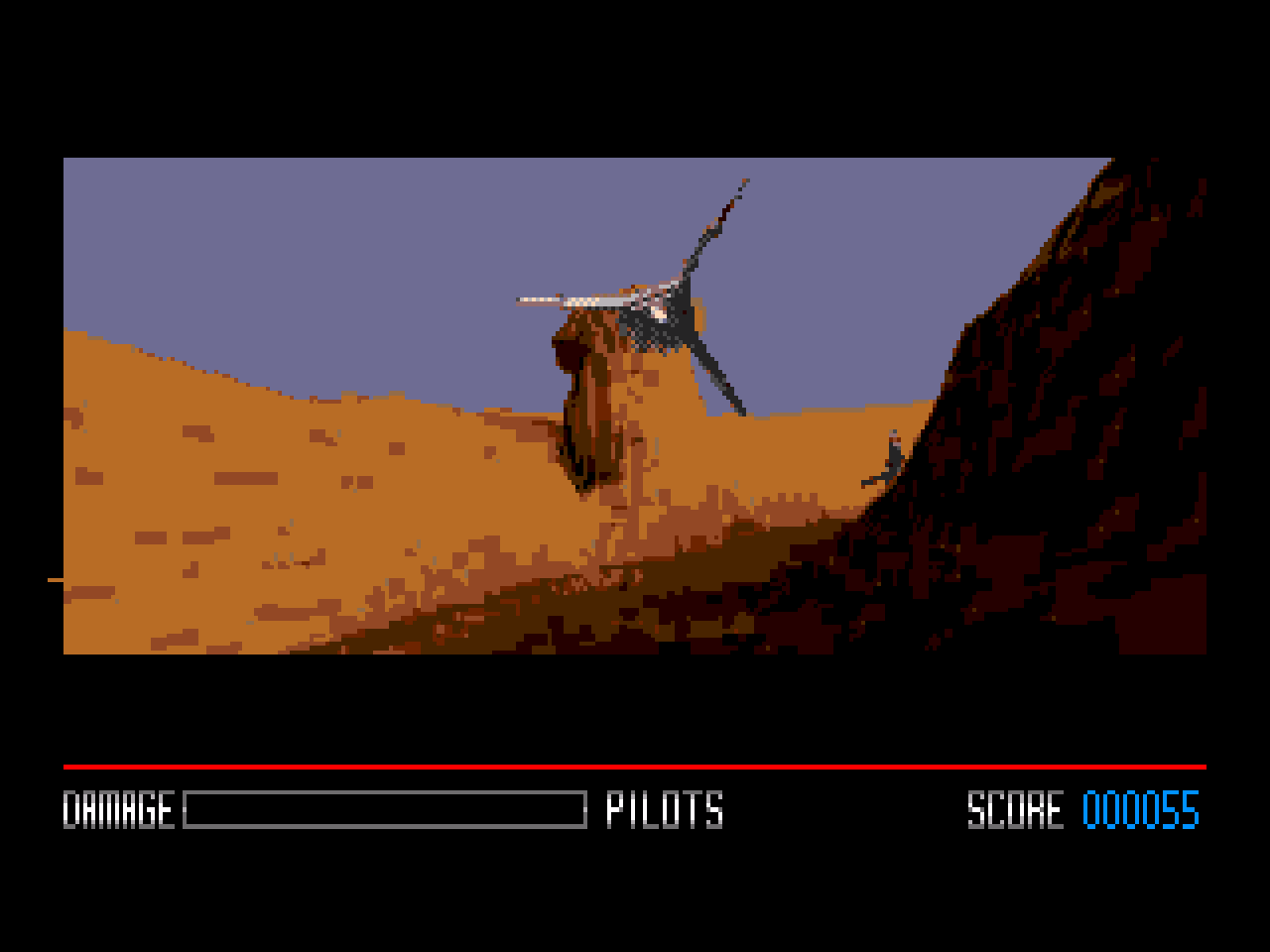
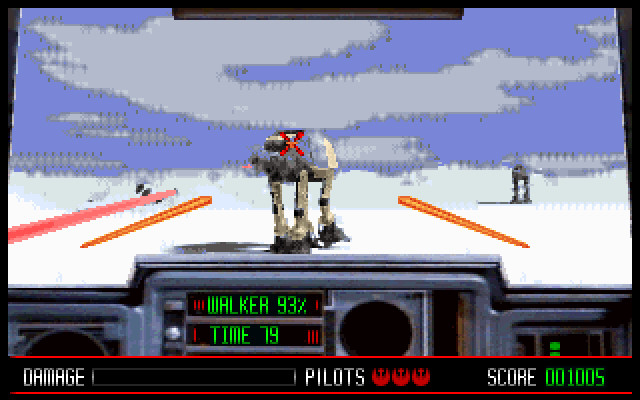
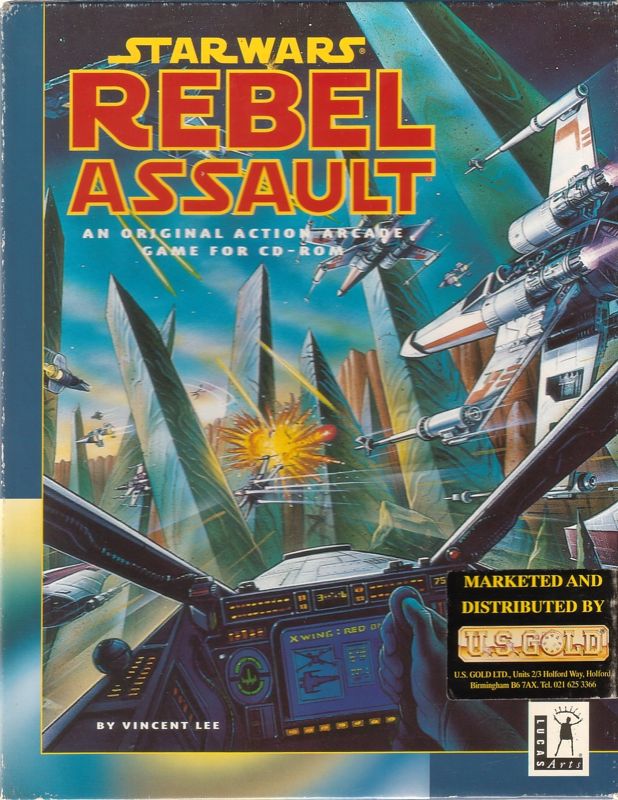
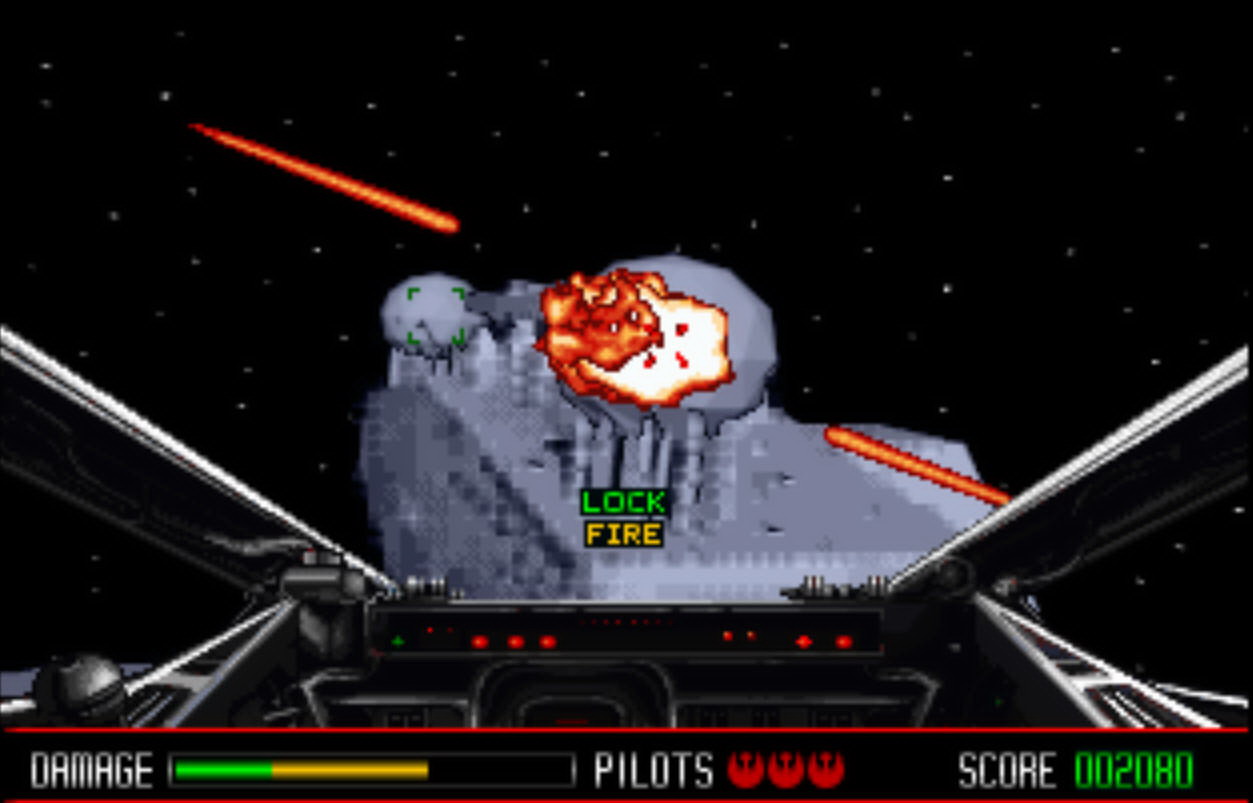
Star Wars: Rebel Assault is an "on rails" arcade shooting game set in the Star Wars Universe, very loosely following some of the events in Episode IV: A New Hope. Play as rebel pilot Rookie One as you take on the imperial assault on Tatooine, Hoth, and the Death Star (to name but a few of the 15 levels). Craft available to you are the Skyhopper, A-Wing, X-Wing, and Snowspeeder. There is also an on-foot level on Hoth.
The game, which took two years to write, featured full pre-rendered video backgrounds which, while static, do rotate slightly and shift around according to your movements. This gives you the impression you're actually there and interacting with it. There are also cut scenes from the original movie trilogy as well as digitised speech.
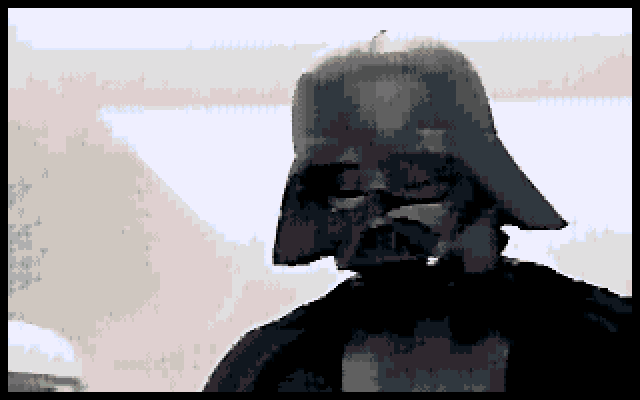
Star Wars: Rebel Assault intro with Sound Blaster audio
It was the first game from LucasArts to come only on CD-ROM. Unlike other games that were made 'available' in CD format (often just filling the extra space on the disc with demos and separate videos with the game being the same as the floppy disk release), Rebel Assault was designed from the ground up to actually leverage this media and its large capacity. Rebel Assault used pre-rendered backdrops and fractal landscapes, with data being streamed from the CD almost the whole time you were playing. Because CD-ROM drives were still in their infancy, the fastest data transfer rates were just 300 KB/sec (1x CD-ROM speed) - the game incorporated data compression to ensure the game could still process the data at an adequate 15fps. The CD also contained demos of other LucasArts titles including Day of the Tentacle, Indiana Jones and the Fate of Atlantis, and Sam and Max Hit the Road.
LucasArts later re-released Rebel Assault on their White Label.
System Requirements
| System Requirements | Fast 386 CPU, 4 MB of RAM, DOS 5.0 or higher, 1x CD-ROM drive Graphics support: VGA only Audio support: Sound Blaster/Pro/16, Pro Audio Spectrum/PAS16, Gravis UltraSound/ACE, Aria Peripheral support: Analogue joystick, Mouse |
|---|---|
| Original Media | One CD-ROM |
| Installed Size (MB) | (Negligible - the game runs directly from the CD-ROM with just config files on hard disk) |
From where can it be run?
The game must be installed to your hard disk, and the original CD-ROM must be present in your CD drive.
Copy Protection
Star Wars: Rebel Assault has CD copy protection (it checks for the presence of the original CD-ROM each time the game is started).
How to Setup
Insert the CD-ROM and run REBEL. This starts the game launcher and configuration process.
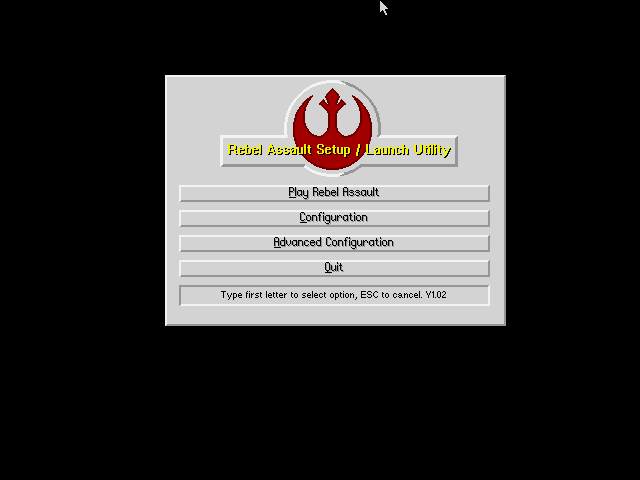
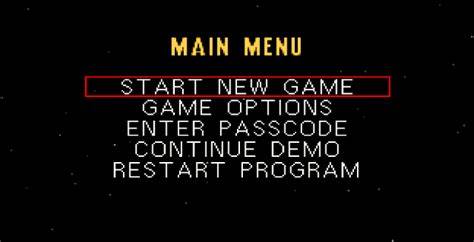
The Game Launcher main menu
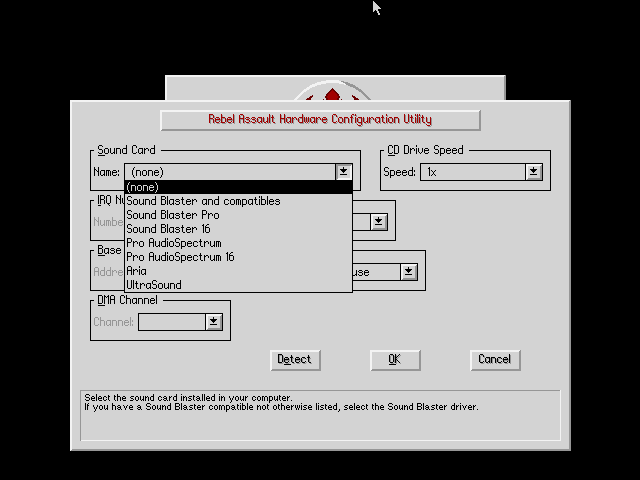
Setting up your Hardware Configuration
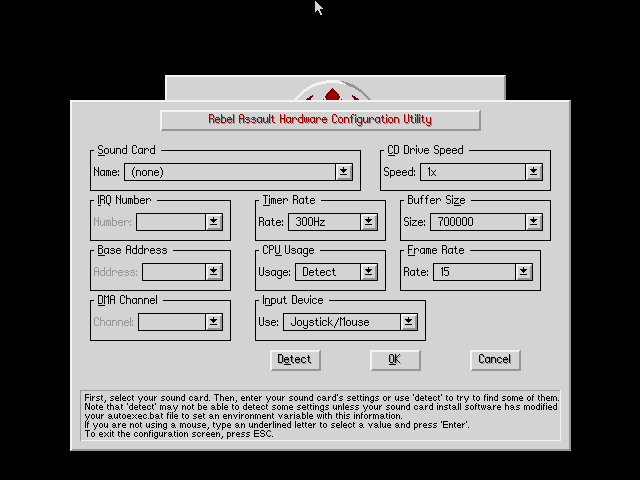
Advanced Configuration is the same, but adds 'Buffer Size' and 'Frame Rate' options
The configuration is stored in a file called REBEL.CFG in the installed game directory.
To start the game, run REBEL.EXE (the launcher). The main executable is ASSAULT.EXE which the launcher executes based on your configuration options and saved game.
ASSAULT can be run directly with command-line arguments:
/? - show this list of parameters
/x1 - use a low detail level
/x2 - use a med detail level (default)
/x3 - use a high detail level
/c0 - no sound
/c1 - use Sound Blaster driver
/c2 - use Sound Blaster Pro driver (default)
/c3 - use Sound Blaster 16 driver
/c4 - use Pro AudioSpectrum driver
/c5 - use Pro AudioSpectrum 16 driver
/c6 - use Aria driver
/c7 - use Ultrasound driver
/d<n> - use DMA channel <n> for sound
/i<n> - use IRQ <n> for sound
/b<n> - use base address <n> for sound
/s<n> - set sound buffer size to <n> bytes
/f<n> - set frame rate cap to <n> frames per second (default=300)
/j - enable joystick control only (default joystick + mouse)
/m - enable mouse control only
/t<n> - set rate of multitasking timer in Hertz (default=15)
/u<n> - set CD drive cpu-usage (<n>=0-9) 0=detect (default), 1=20 percent
For example, to run Rebel Assault with a Sound Blaster 16 at
DMA channel 6, IRQ 5, and Base Address 220, you would run:
ASSAULT /c3 /d6 /i5
Problems
Symptom: The game hangs on startup.
Cause: Your audio setup is incorrect or you have a resource conflict.
Resolution: Reconfigure your audio with 'No Sound' and try again. If it works, you know the problem was audio. Investigate what IRQs and DMA channels are in use by other devices such as your mouse or parallel port and be sure to reconfigure them so they are not being used by more than one device.
Symptom: The game fails to start properly.
Cause: Rebel Assault uses a DOS extender (DOS4/GW), which can be incompatible on some systems.
Resolution: Run the game using an alternative DOS extender by running REBEL2 from the CD-ROM (this uses another version of DOS4/GW for compatibility reasons)
Symptom: I'm getting "Unexpected Interrupt" errors and joystick jumpiness.
Cause: This is a known problem in game versions prior to v1.4.
Resolution: Install the v1.4 patch.
Controls
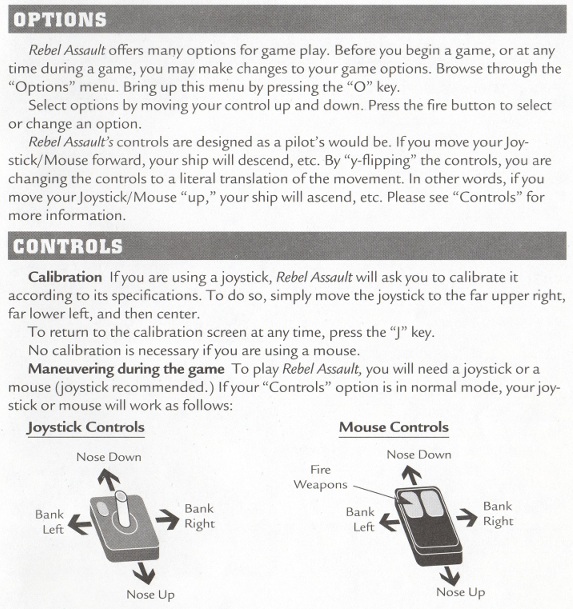
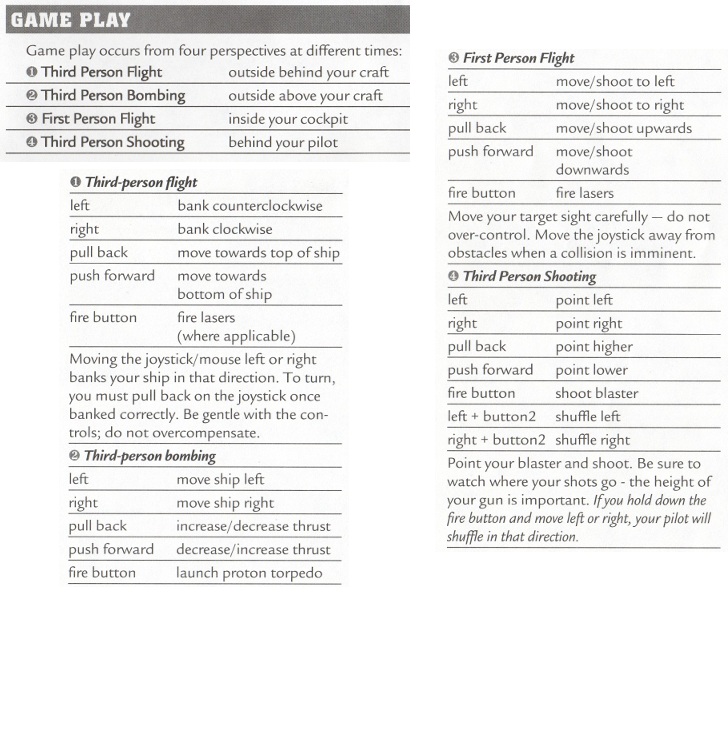
Click on the left or right image to expand
To Quit the Game
From the Main Menu, select the bottom option: 'Exit to DOS'.
Supporting Documents
- Game manual (PDF)
- Reference Card (PDF)
- Star Wars: Gaming - check out Søren Kamper's website which focuses on all Star Wars games
Additional Files, Drivers & Utilities
These patches are self-contained, i.e. if you're running game version 1.0 and you want the latest patches, just grab the latest patch version and run it. They expect you to have a Rebel Assault directory at C:\REBEL.
- Official game patch v1.4 - intended to fix "Unexpected Interrupt" errors and joystick jumpiness.
- Official game patch v1.8 - Intended to fix "Unexpected Interrupt" errors, joystick jumpiness, running on dark monitors,
running sound cards at dma 0, and some dos extender
incompatibilities.
Save Games
There is no save option in Rebel Assault. Instead, after completing each group of levels you are given a password which can be used later to jump straight to the next stage. Different passwords exist depending on the difficulty setting you have chosen.
Rebel Assault saves your high scores in a file called REBEL.PTS in the game directory. It is not text-readable or editable.
Versions of the game known to exist
| Version | Date | Comments |
|---|---|---|
| Demo | May 1993 | A non-playable demo showcasing some of the game's content. |
| 1.0 | Nov 1993 | Initial public release. |
| Patch v1.4 | Dec 1993 | A patch to bring the game version up to v1.4. |
Original CD-ROM Contents
The CD-ROM has no specific volume label. Here is the disc's contents:
Disc 1 of 1 (CD-ROM): Directory of D:\ CUT1 <DIR> 02/11/1993 0:27 |
|
Installed Directory Contents
Once installed, the following directory structure exists in the game directory:
Directory of C:\REBEL REB BAT 67 06/07/2026 21:02 |
Screenshots