 NHL Hockey
Released: 1993
Published by: Electronic Arts
Developed by: Electronic Arts
Author(s): Dave Warfield, Richard Hilleman, Robert Penner, Victoria Wong, Eric Pauker, Mike S. Smith, Brian Roche, Lerry DeFehr, Mark Lang, Peter Veys, Dan Gessel, Michael J. Sokyrka, Jeff Van Dyck, Iain Macanulty, Nancy Weisanen, Dieter Ruehle, Jim Simmons, Scott Orr

Introduction
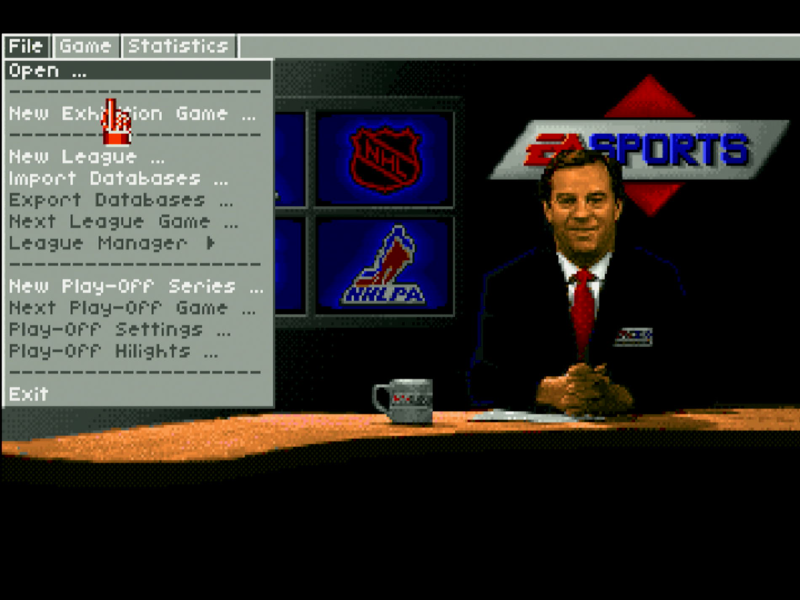
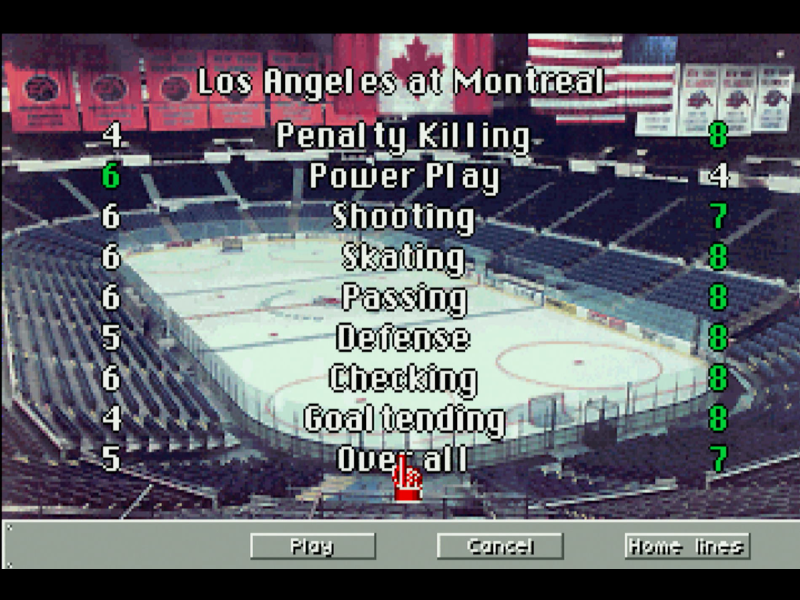
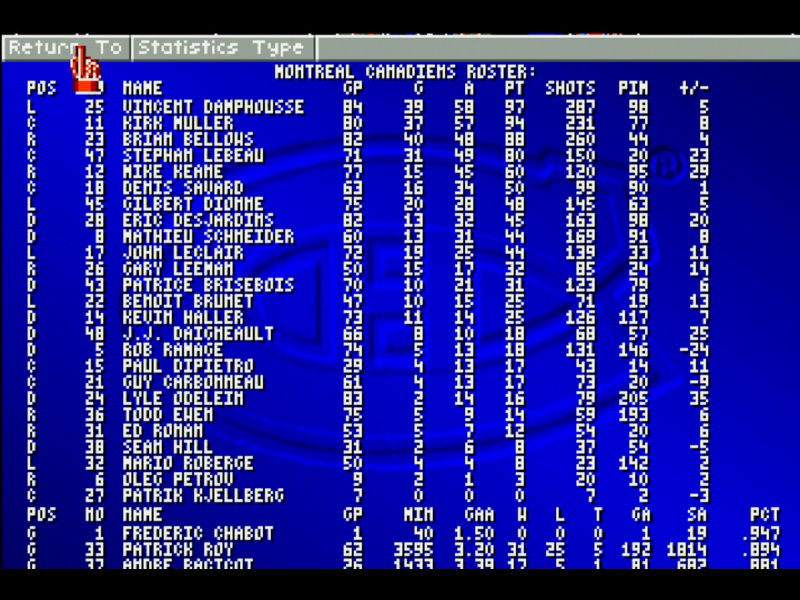
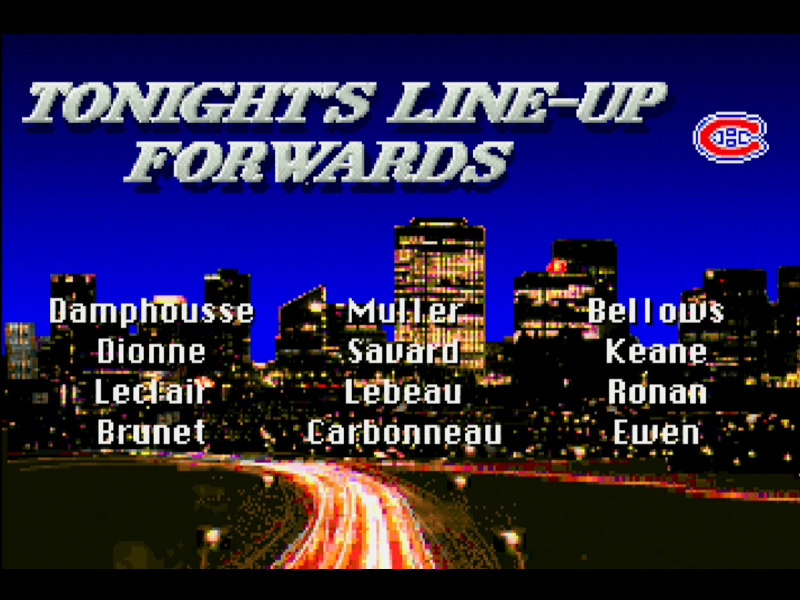
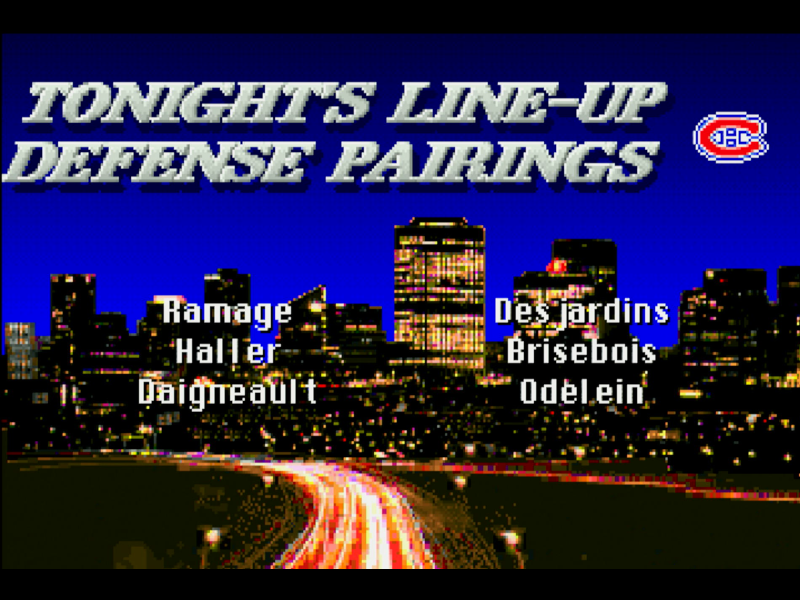
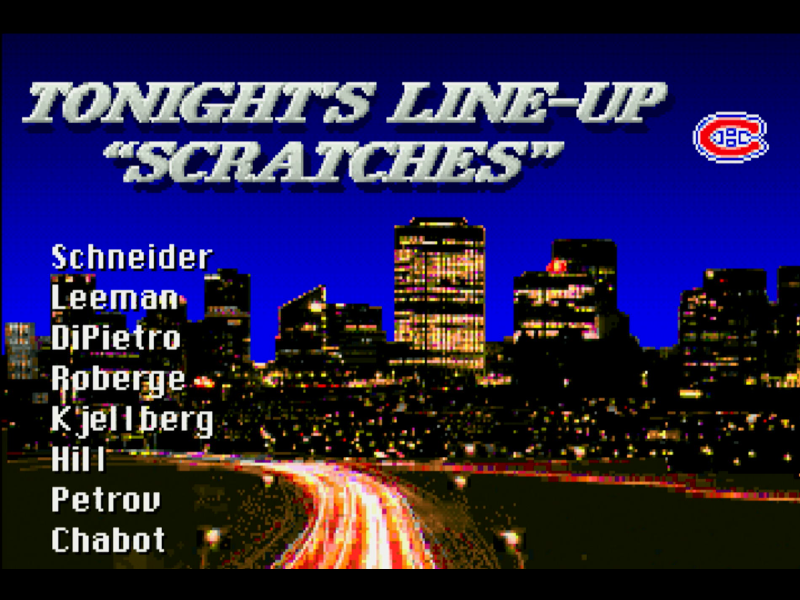
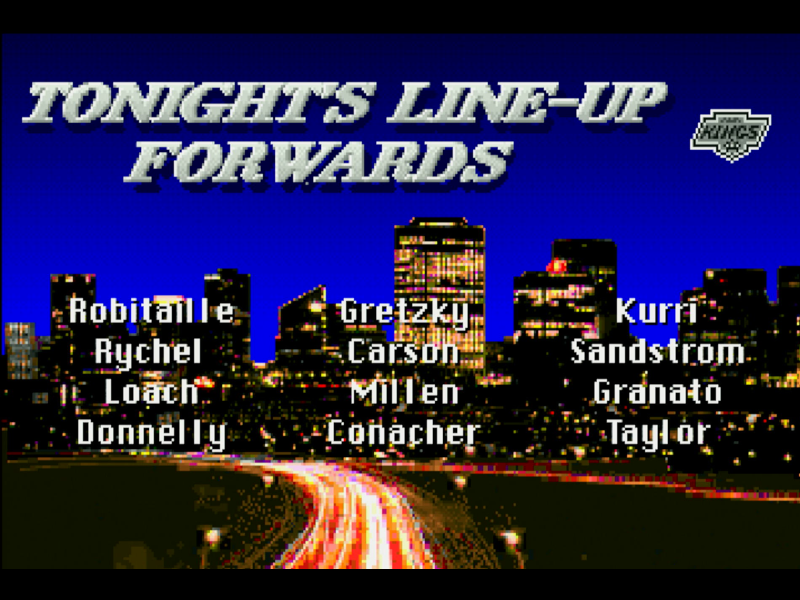
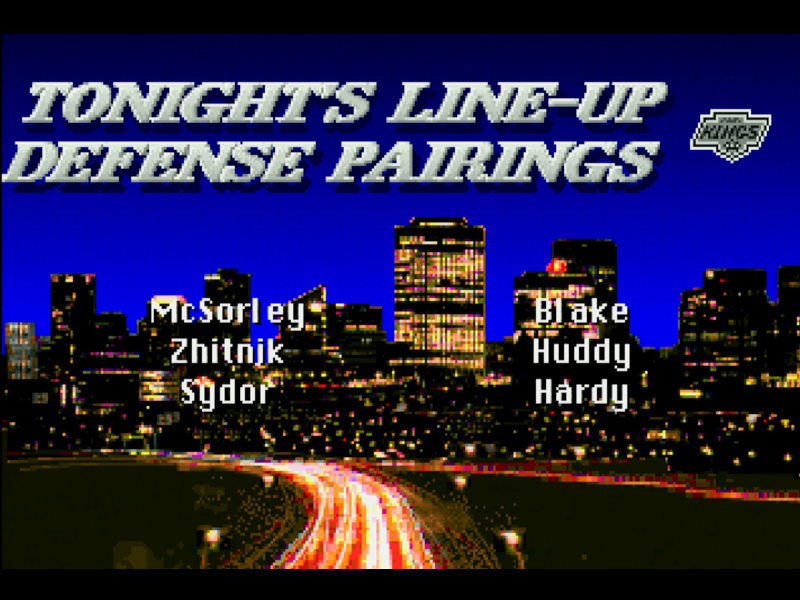
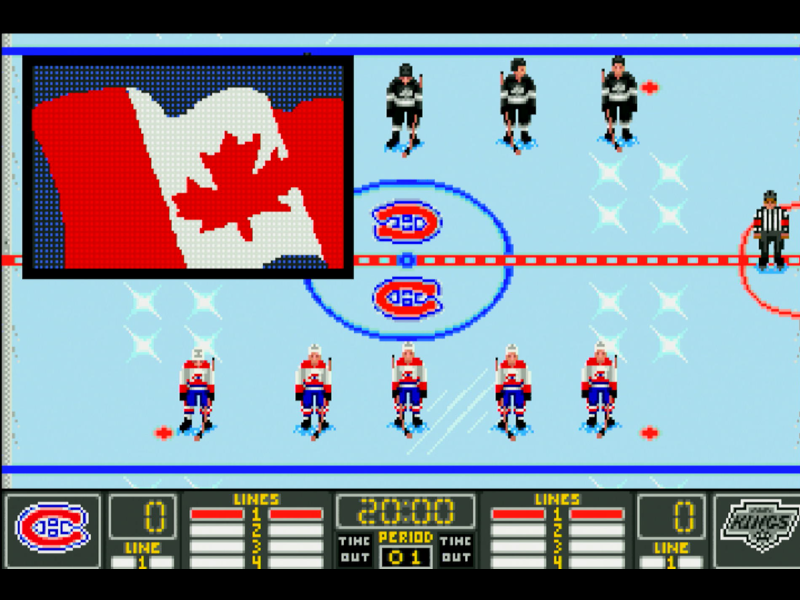
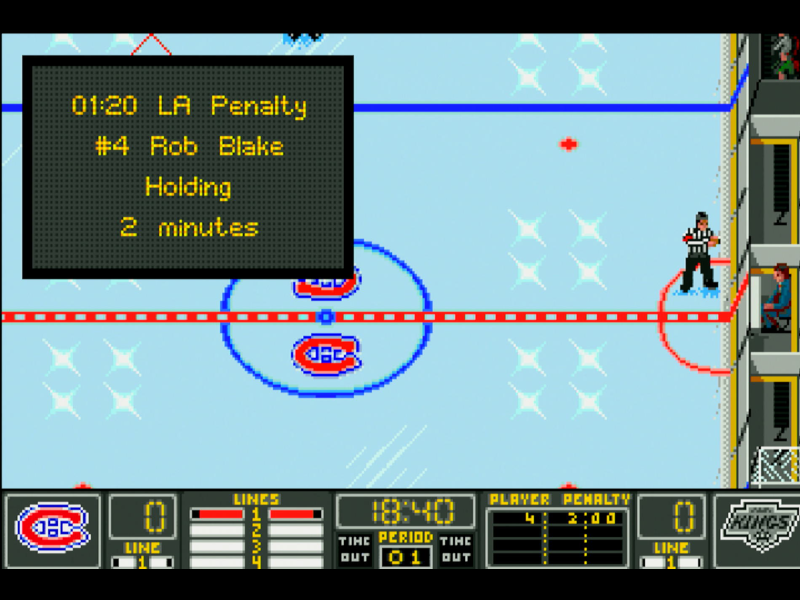
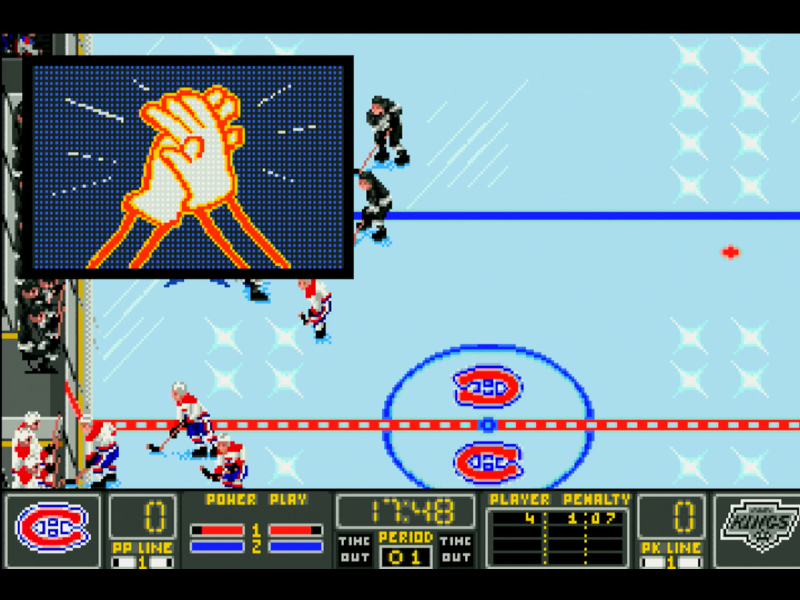
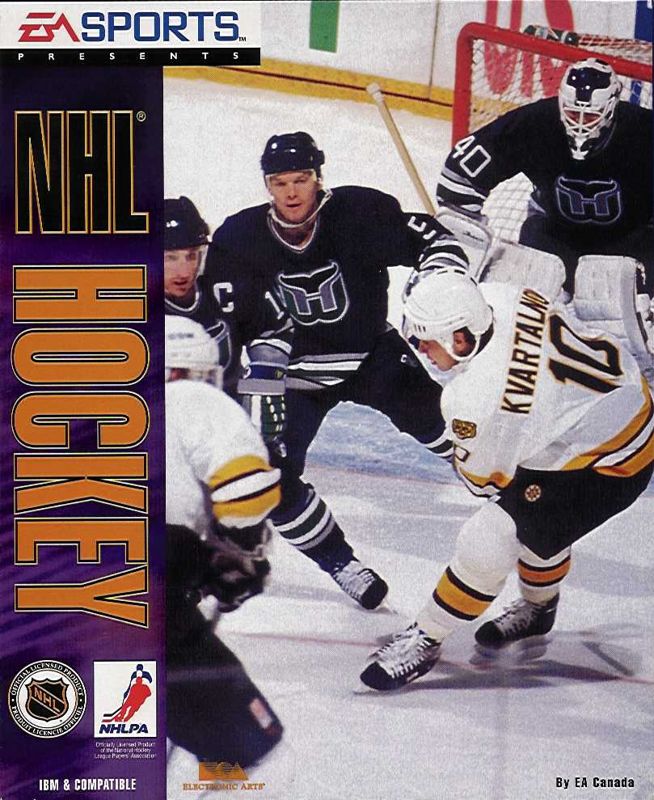
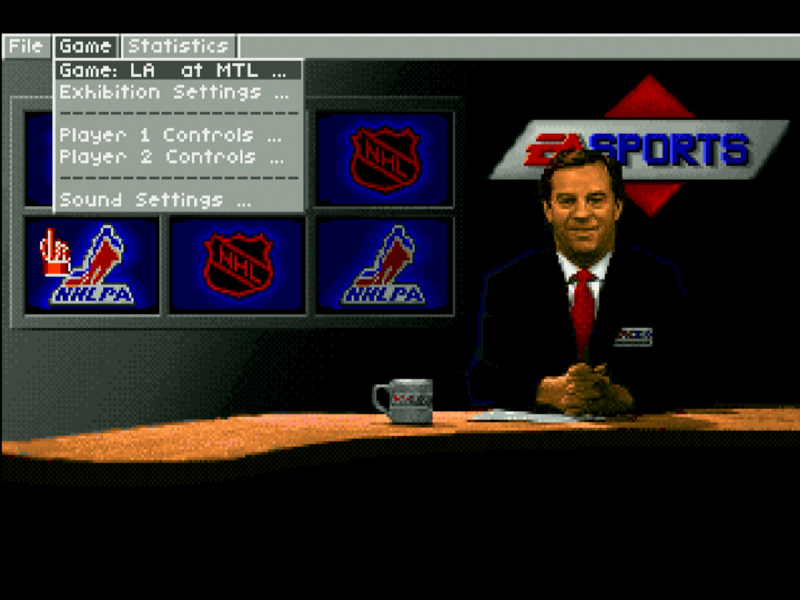
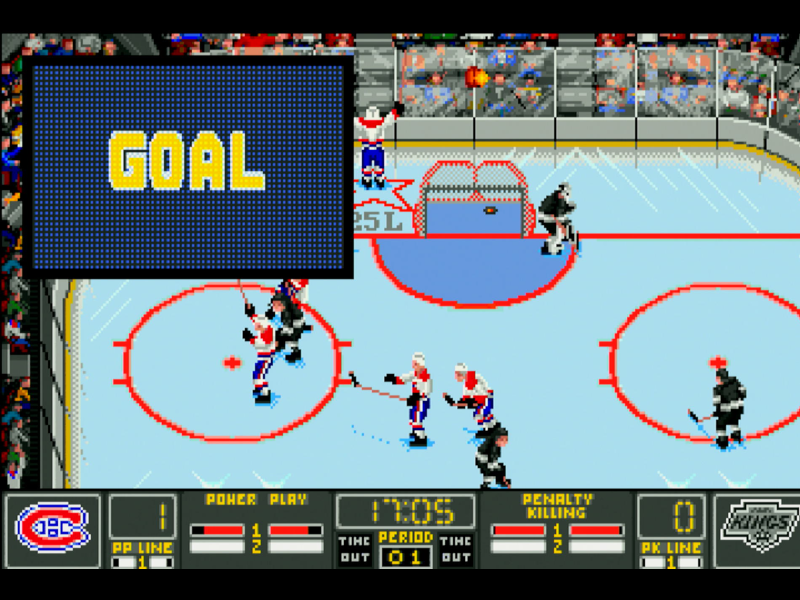
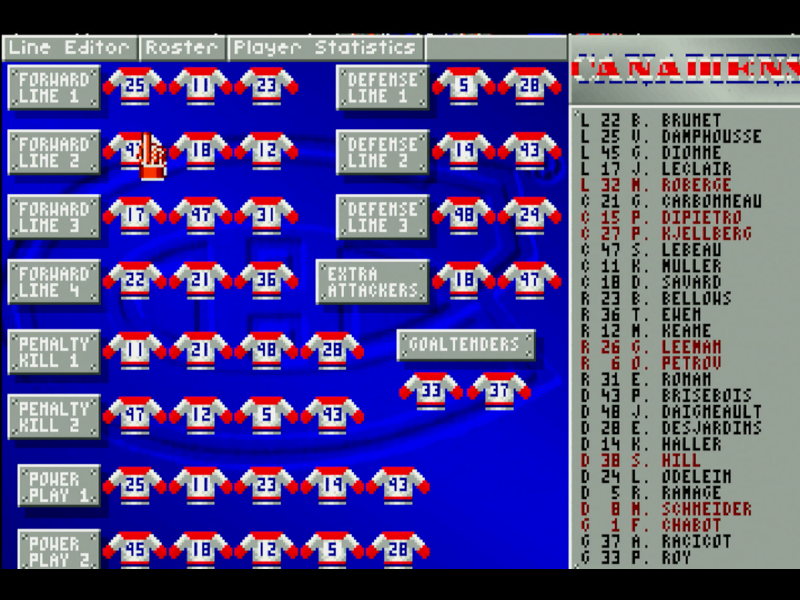
After two earlier releases to console (both branded NHL Hockey '94) in 1991, EA Sports came out with NHL Hockey for the PC in late 1993. Now with licences from both the NHL and NHLPA (Players Association), the game had the full line-up of 550 players and all 26 teams in the 1993-1994 season. It was enhanced from the previous console releases, featuring more of a top-down viewpoint rather than side-on, realistic gameplay, and digitised speech.
There are numerous game modes, from exibitions (one-off games) to playoffs (best of one or best of seven).
Fun fact: NHL Hockey was the first game to use the EA Sports logo!
Game intro
System Requirements
| System Requirements | Intel 80386DX CPU, 2 MB of RAM, DOS 5.0 or higher Graphics support: VGA only Audio support: PC speaker, Ad Lib, Sound Blaster, Roland MT-32 (or LAPC-I) Peripheral support: keyboard or analogue joystick |
|---|---|
| Original Media | Four 3.5" DS/HD (1.44 MB) floppy diskettes or one CD-ROM |
| Installed Size (MB) | 6.7 MB |
From where can it be run?
NHL Hockey must be installed to your hard disk.
Copy Protection
NHL Hockey has no copy protection.
How to Setup
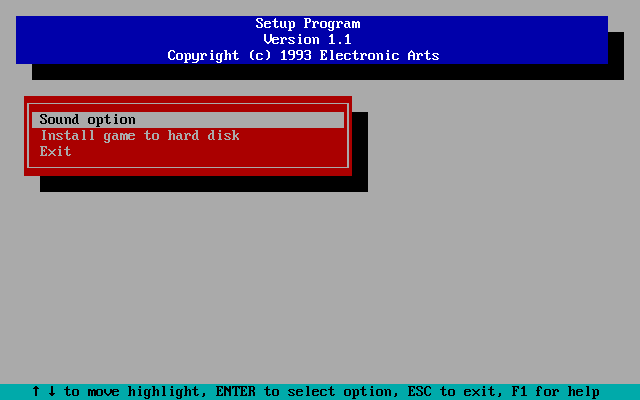
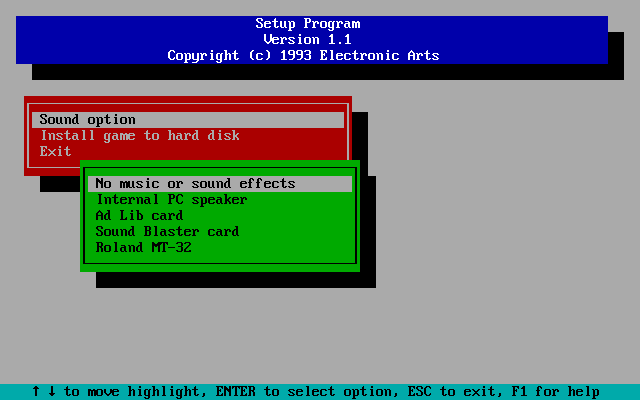
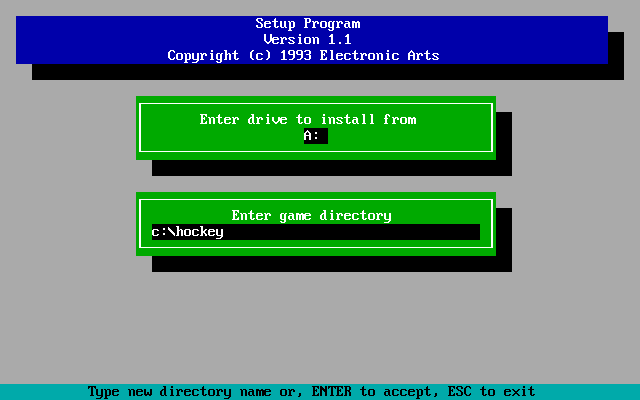
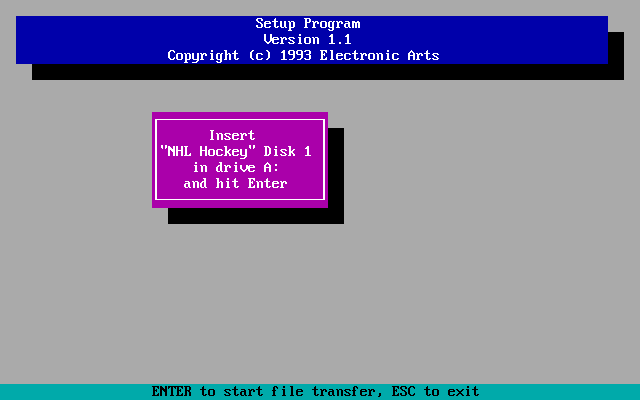
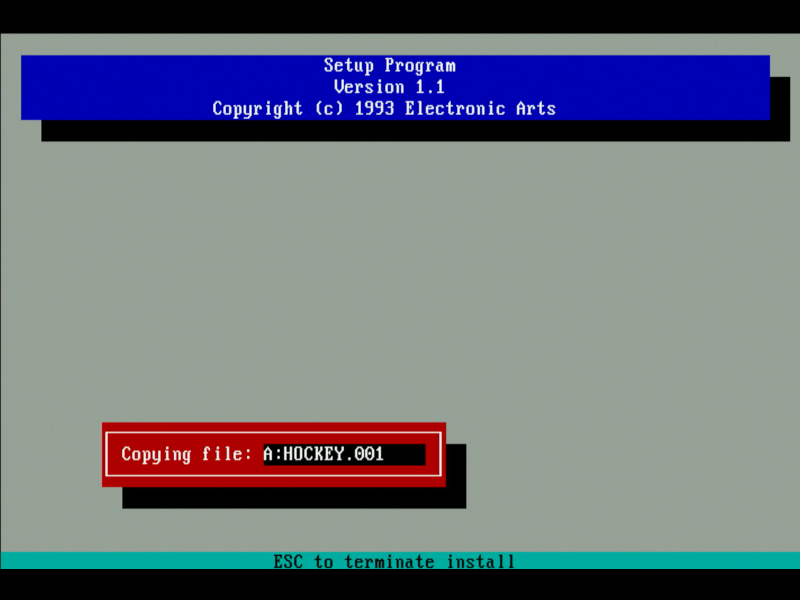
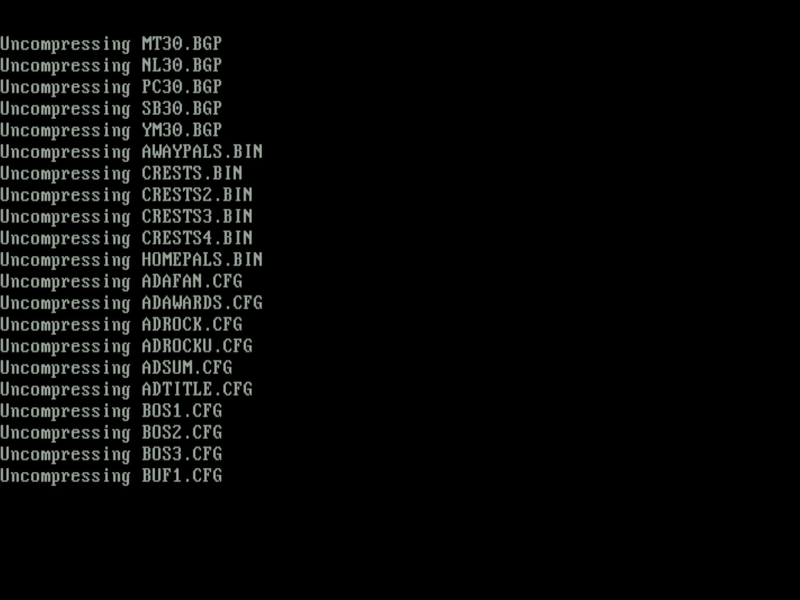
Insert the first floppy disk and run SETUP.EXE. This is used to both install the game to hard disk and configure your sound card for the game.
You cannot just copy the contents of all floppies to a subdirectory on your hard disk and use the DOS SUBST command to mimic a floppy drive letter. The SETUP program checks the floppy disk's volume label to confirm the correct disk is present.
When all files have be uncompressed, you are returned to the SETUP menu. At this point, either configure your sound card (if you didn't before installing), or exit.
Run the game with HOCKEY.EXE.
Problems
Symptom: When I run HOCKEY.EXE I get an error: "Insufficient EMS available. Requires an additional 2047 K bytes"
Cause: NHL Hockey requires 2 MB of Expanded Memory (EMS).
Resolution: Make sure your CONFIG.SYS is setup to load EMM386.EXE or a similar Expanded Memory Manager.
Symptom: When I run HOCKEY.EXE I get an error: "Insufficient conventional memory available. Requires an additional 6 K bytes"
Cause: NHL Hockey requires a minimum of 567 KB of free conventional memory.
Resolution: Check your CONFIG.SYS and AUTOEXEC.BAT files. Be sure you're loading as much into high memory as possible, e.g. having DEVICE=C:\DOS\HIMEM.SYS followed by DOS=HIGH,UMB in CONFIG.SYS. Alternatively, remove drivers/memory-resident programs on startup.
Symptom: When I run HOCKEY.EXE the game begins, but I then get an error: "Could not find a SoundBlaster card in this machine!"
Resolution: Check and confirm you have your SET BLASTER= environment variable set, and you have loaded any drivers or initialisation utility for your sound card.
Symptom: When I try to start an Exhibition Game, the game crashes back to the DOS prompt.
Resolution: Check your sound card configuration. If using Sound Blaster, try setting it to Ad Lib in the SETUP utility and try the game again.
Controls
| Offence Button 1 + a direction = Pass to another player Button 2 = shoot Defence Button 1 + a direction = Control the player closest to the puck Button 2 = body check / speed burst for current active player Other Button 1 = Win face-offs F1 - F4 = Change line (home team) F5 - F8 = Change line (away team) F10 = Pull goalie / put goalie back in TAB = See player numbers R = Replay ESC = Return to broadcasting booth |
If using the keyboard, you use ALT, SPACE, and the arrow keys.
- Goalies are always controlled by the computer.
- To do a slap shot, wind up your player by constantly hitting button 2 (shoot).
- To do a one-timer (when a player shoots as soon as they gain the puck), press a direction and hit pass, then before the puck gets to them, press button 2 (shoot).
- To do a wrist-shot (close quarters but accurate), press button 2 and release quickly.
NHL Hockey is best played using a short-throw joystick or a gamepad like the Gravis GamePad.
To Quit the Game
When in the menu, go to 'File' -> 'Exit'. At the prompt, go to 'Yes' and click to return to DOS.
Supporting Documents
I have no documents for this game.
Additional Files, Drivers & Utilities
I have no addition files for NHL Hockey.
Save Games
Versions of the game known to exist
| Version | Date | Comments |
|---|---|---|
| Demo | 26 Aug 1993 | A playable 2-minute demo with no options available and a randomly-selected 2 teams. |
| 1.0 | 1993 | Initial public release. |
Original Floppy Disk Contents
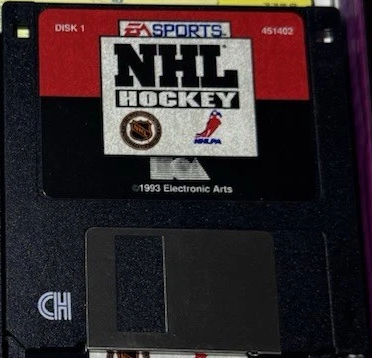
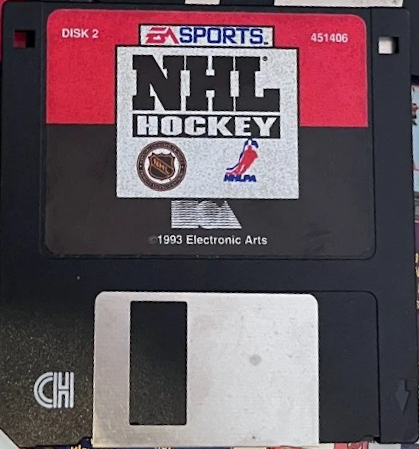
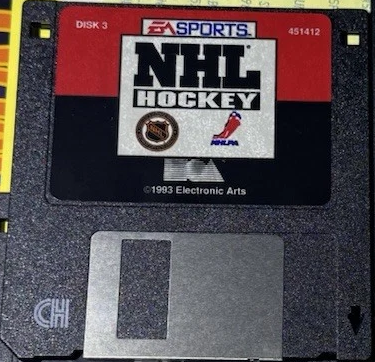
The floppy disks have a volume label of 'DISK 1', 'DISK 2', etc. Here are each disk's contents:
Disk 1 of 4 (3.5" DS/HD floppy disk):
Directory of A:\ |
|
Disk 2 of 4 (3.5" DS/HD floppy disk):
Directory of A:\ HOCKEY 001 1,457,664 04-08-1993 15:48 |
|
Disk 3 of 4 (3.5" DS/HD floppy disk):
Directory of A:\ HOCKEY 002 1,457,664 04-08-1993 15:49 |
|
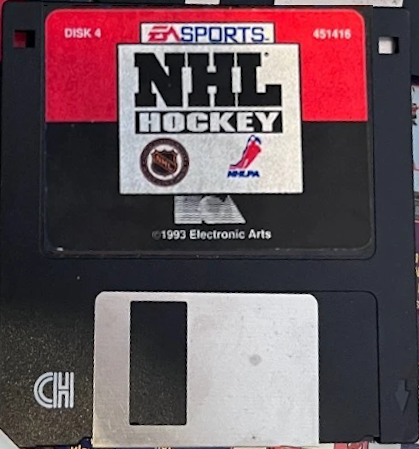
Disk 4 of 4 (3.5" DS/HD floppy disk):
Directory of A:\ HOCKEY 003 1,205,130 04-08-1993 15:50 |
|
Installed Directory Contents
Once installed, the following directory structure exists in the game directory:
Directory of C:\HOCKEY |
Screenshots