 MDK
MDK
Released: 1997
Published by: Interplay
Developed by: Shiny Entertainment
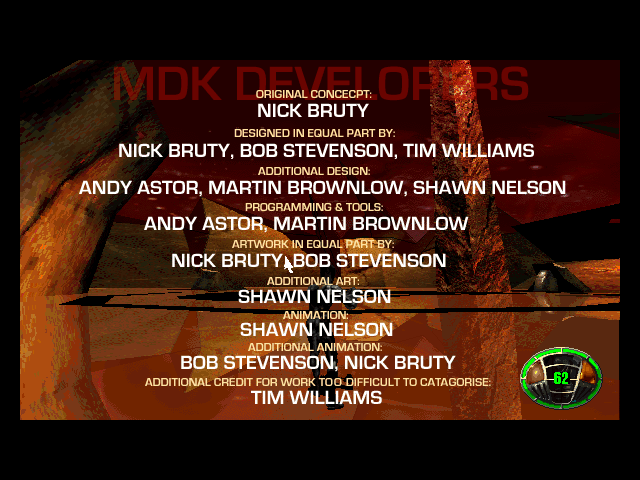
Author(s): Nick Bruty, Bob Stevenson, Tim Williams, Andy Astor, Martin Brownlow, Shawn Nelson, Tommy Tallarico Studios
Introduction
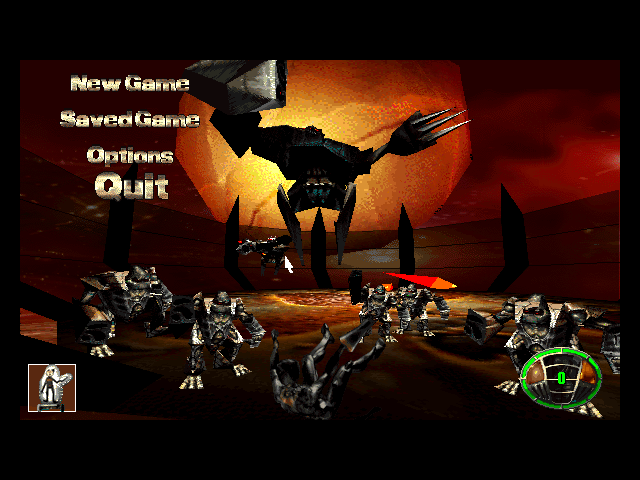
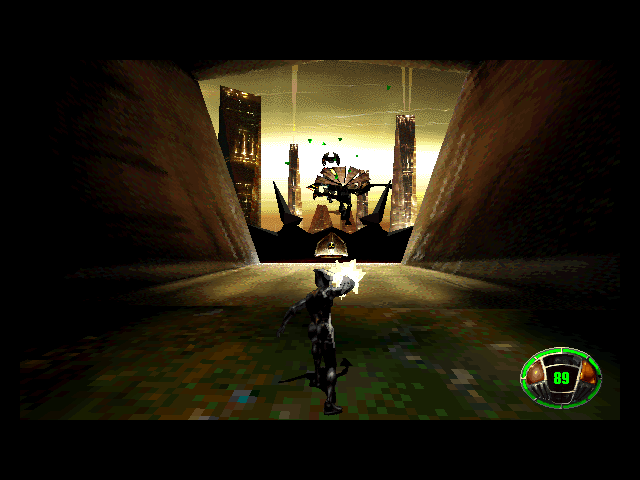
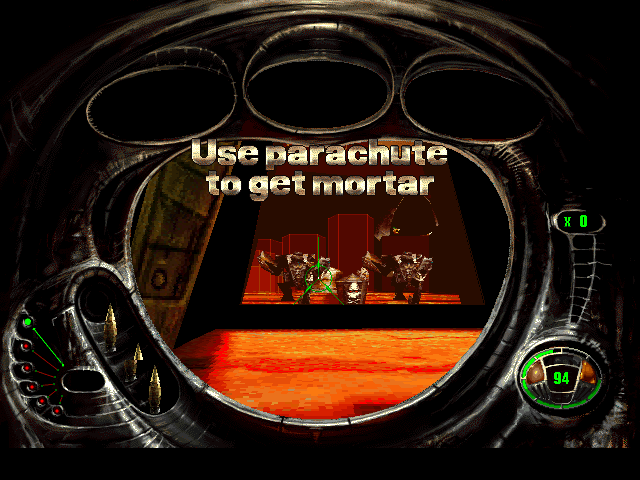
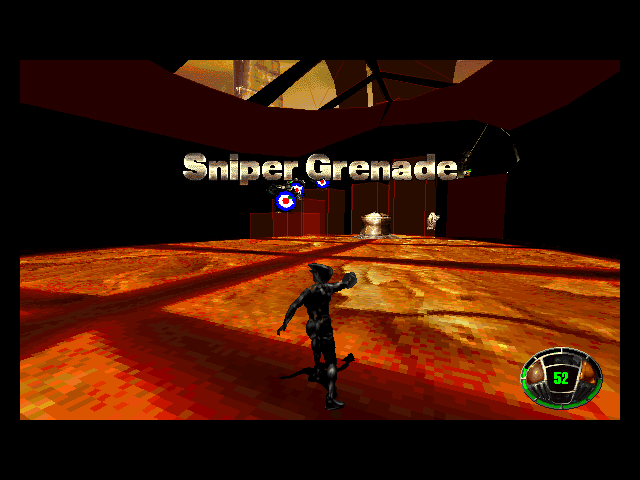
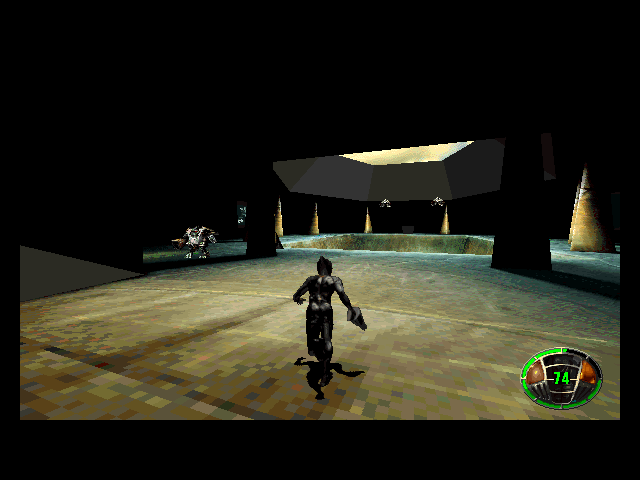
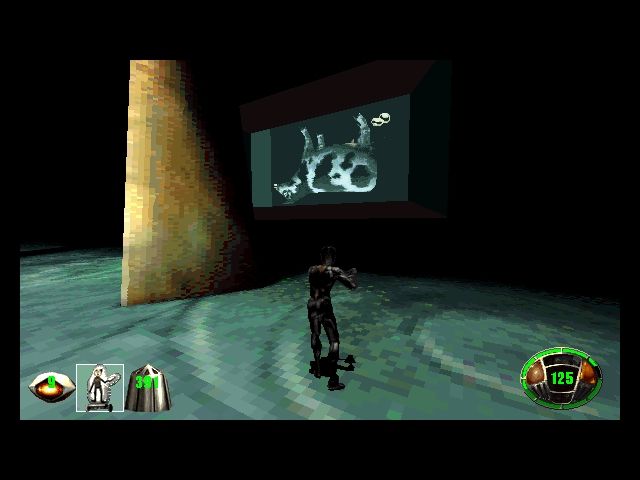
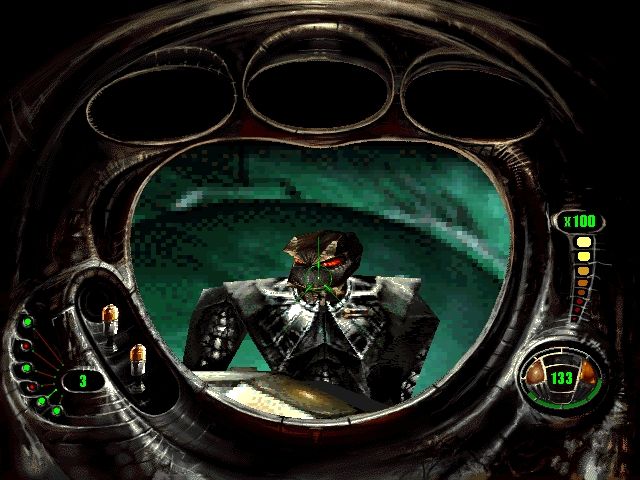
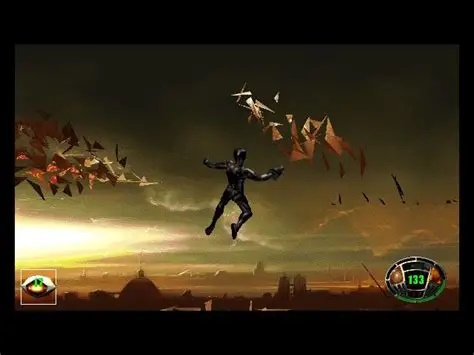
When aliens attack Earth, you as Kurt Hectic, are chosen to save the planet! They have arrived on six huge Minecrawlers each the size of a city. Blast through each, shooting at the 'Streamriders' and finally shut it down by whatever means is necessary before moving to the next. Kurt is equipped with a special suit with a chain gun and parachute ('ribbon chute'), allowing him to shoot, fly and drop down safely. He also has a sniper rifle which his helmet allows for precision aiming when he's not moving.
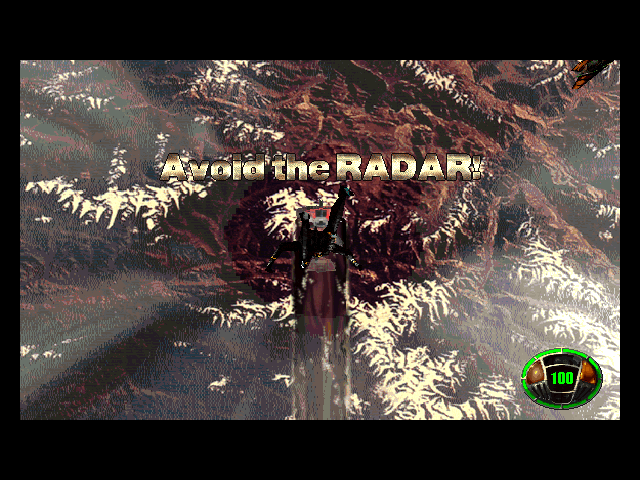
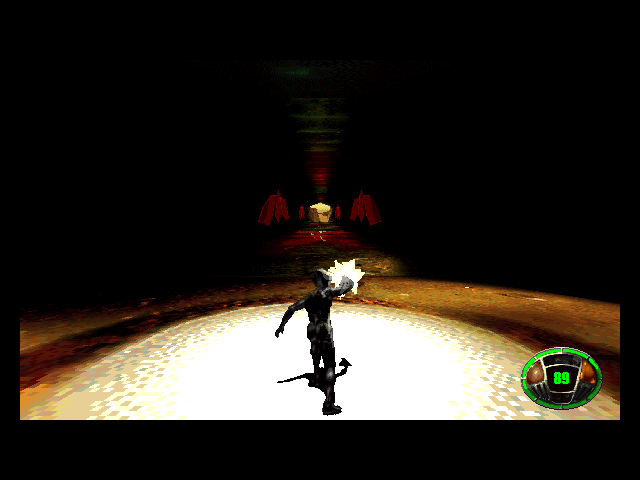
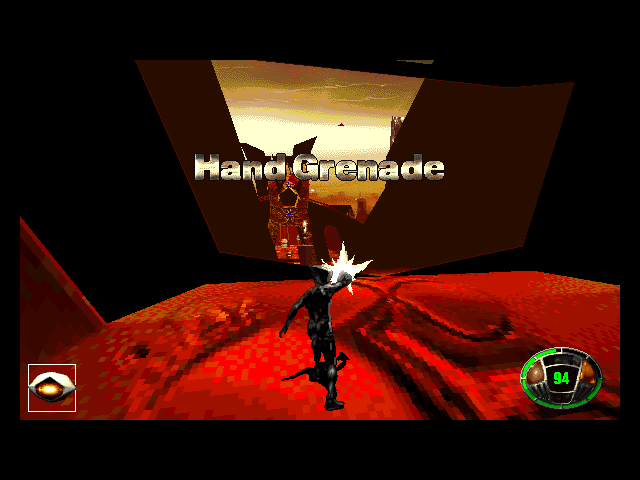
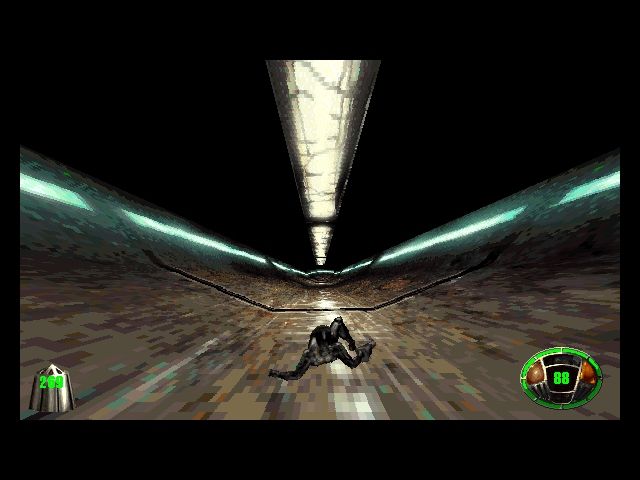
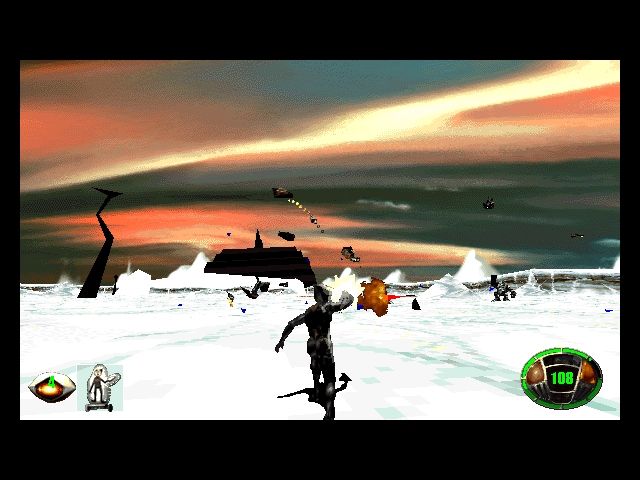
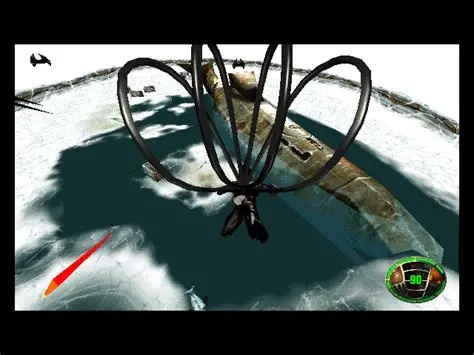
Each Minecrawler is broken up into several stages including deserts, inside spacecraft, ice, reflective glass, and more. You start each one (apart from the last, stage 6) in a freefall mini-game that sees you dropping down to the Minecrawler, with each one different in what you need to deal with on the way down. Once landed, you're in the 'traversal' portion of the stage - progress through and pick up power-ups such as mortars, homing bullets, the world's smallest nuke, and super chain gun, to assist you. Jump into the air and shoot down on your enemies, then land and find cover where you can use the sniper rifle to pick off the remainder. One you're through, you enter the 'stream' where you can gain health for the start of the next stage. Each Minecrawler has a pilot who you must overcome to destroy that Minecrawler.
Time isn't on your side however - there's a green meter in the lower right corner of your screen that indicates the number of friendlies in the nearby city the Minecrawler is attacking. When it reaches empty, you've failed to save that city. Also be aware that your health when you complete one stage is all you start with in the next.
There are three difficulty settings: Easy, Normal, and Hard. At the easy setting you get the most ammo and your health is dwindled slower. In normal and hard modes, you get less ammo and your health is more susceptible to enemy fire.
MDK is a linear shooter, but feels much larger because you're not limited to running on the ground and the play area is often vast.
The game runs its 3D in software rendering mode or Direct3D with a fixed 30 frames per second. You can also make it work with 3dfx Voodoo cards with a patch (see further down).
System Requirements
| System Requirements | Intel Pentium 60 MHz (166 MHz recommended), DOS 4.0 or higher, 16 MB of RAM, CD-ROM drive Graphics support: SVGA only (640 x 480 resolution) Audio support: Sound Blaster/Pro/16, Ad Lib Gold, Gravis Ultrasound/Max/Ace, Roland MT-32 (or LAPC-I) or Roland RAP-10. Peripheral support: Mouse, Analogue joystick, or Gravis GamePad. |
|---|---|
| Original Media | One CD-ROM |
| Installed Size (MB) | 17 MB (minimum), 37 MB (full installation) |
From where can it be run?
MDK must be installed to your hard disk. It uses the DOS/4GW protected mode runtime, so you need 16 MB of Extended Memory (XMS) on boot up. DirectX 3.0 is shipped with MDK.
Copy Protection
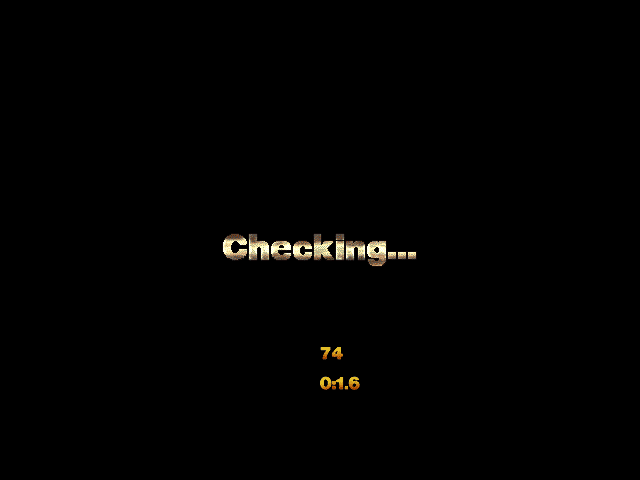
MDK has CD copy protection - the game checks for the original CD-ROM in the drive when starting the game:
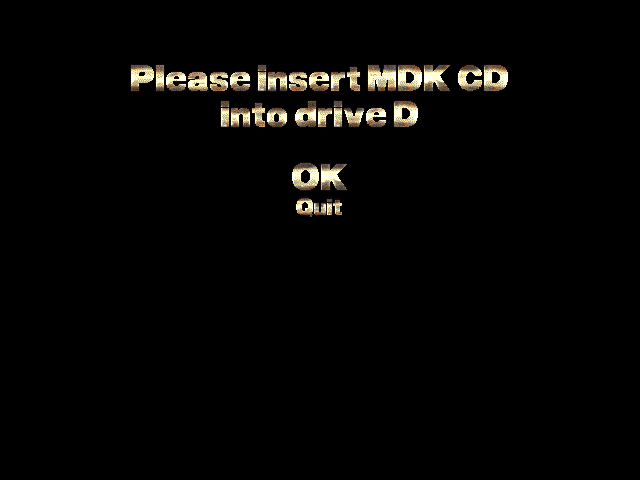
This check can be bypassed by running the game with:
MDK -iamapirate
How to Setup
MDK comes with both a DOS and Windows installer. To install from DOS, insert the CD-ROM and run INSTALL.EXE:
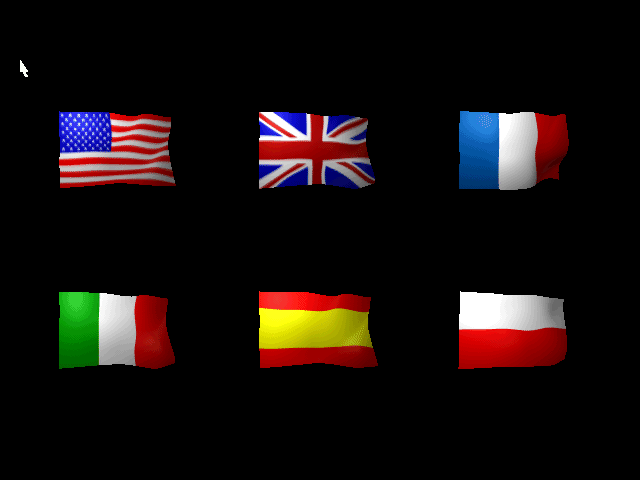
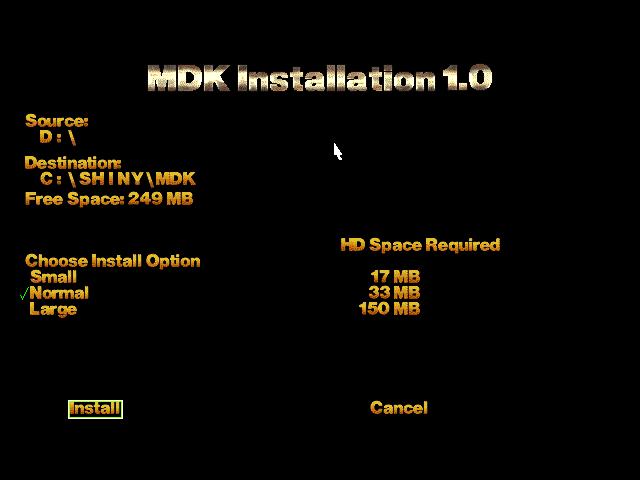
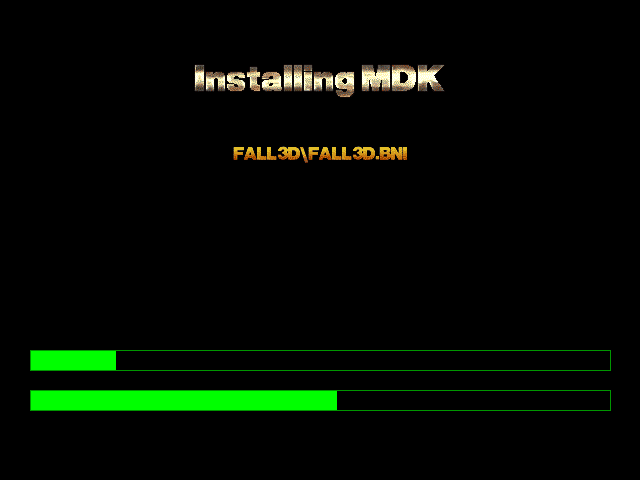
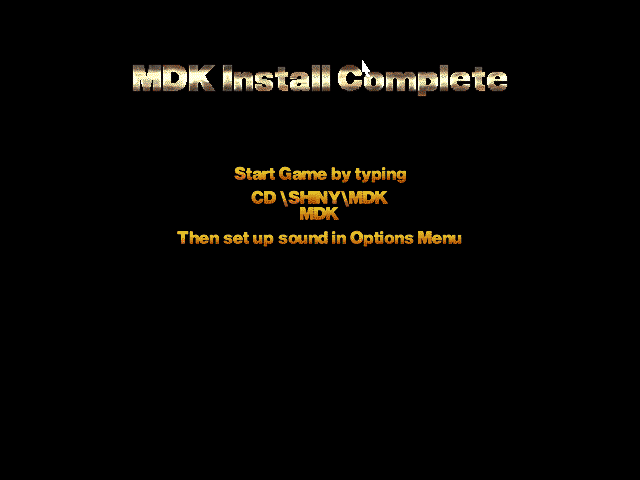
To install from Windows 9x, the SETUP program should automatically start unless you've disabled 'Autoplay'. Run it manually by navigating to the CD-ROM drive and run SETUP.EXE.
Once the game is installed, you can run the game by going to the installed directory and running MDK.EXE (if running in DOS), or MDK95.EXE (if running in Windows).
The game's configuration is stored in a file under the installed game directory called MDK.CFG, with contents like this:
; MDK Configuration file automatically generated by MDK cddata = D:\hddata = C:\SHINY\MDK
hduse = 6
SoundIDX = 1
SoundID = 0xE000
SoundIRQ = 5
SoundDMA = 1
SoundPort = 0x220
Skill = 0
ForcePCorrect = TRUE
Problems
Symptom: I get an error on running MDK.EXE: "Insufficient memory available for MDK"
Cause: Your memory configuration is invalid.
Resolution: Be sure you have 16 MB (as a minimum) of XMS (Extended Memory) configured. If you're running EMM386.EXE or similar, use the -NOEMS flag.
Symptom: I cannot navigate the menu using the keys!
Cause: The menu screens require a mouse.
Resolution: Be sure you have a mouse driver loaded if running under DOS.
Keys
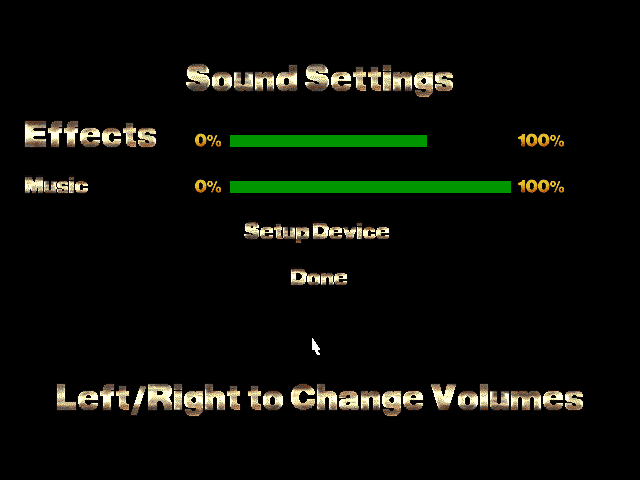
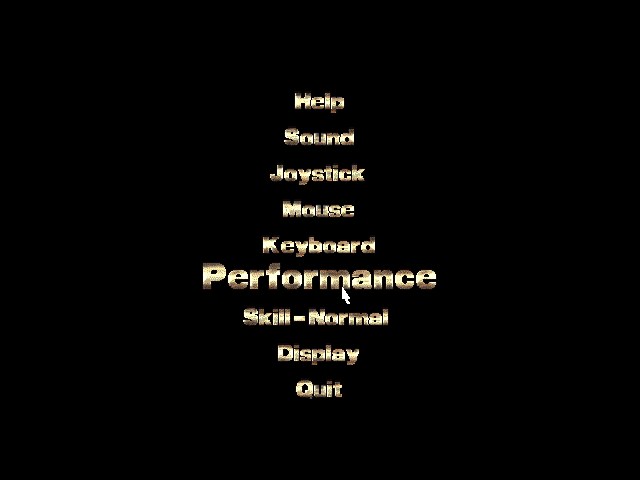
Most game controls can be customised by choosing 'Keyboard' in the Options menu.
| Normal Mode Arrow keys = rotate left/right and move forward/backwards Space = enter Sniper mode (must be stationary) ALT = Jump (press again while in the air to deploy chute) CTRL = Fire Shift = Turbo movement (speeds up running and turning) CAPS Lock = Keep Turbo mode on A and Z = Look up/down X (held down with left/right arrows) = Strafe left and right ENTER = Use/activate selected pickup 0-9 = Select a pickup item [ and ] = Toggle ammunition/pickup items |
Other F1 = Show Help screen (while in-game) F2 = Save game F3 = Load game F11 = Change brightness F12 = Options screen P = Pause game ESC or F10 = Quit game |
| Sniper Mode Arrow keys = Move the reticle A/Z = Zoom in/out |
To Quit the Game
Hit ESC or F10 while playing and confirm at the prompt.
Supporting Documents
- User manual (PDF)
Additional Files, Drivers & Utilities
- Unofficial v1.1 patch by BuXXe - adds a level selector to the main menu, extends audio buffers for higher quality sound, and includes the two below patches as well.
- 3Dfx patch - adds support for Voodoo and Voodoo Rush cards (requires Windows 9x and DirectX 3.0 or higher). Run the game using this EXE instead of the usual one to run it in Glide v1.0 mode.
- Aureal A3D patch - adds 3D audio support to the game (requires Windows 9x and DirectX 3.0 or higher).
Save Games
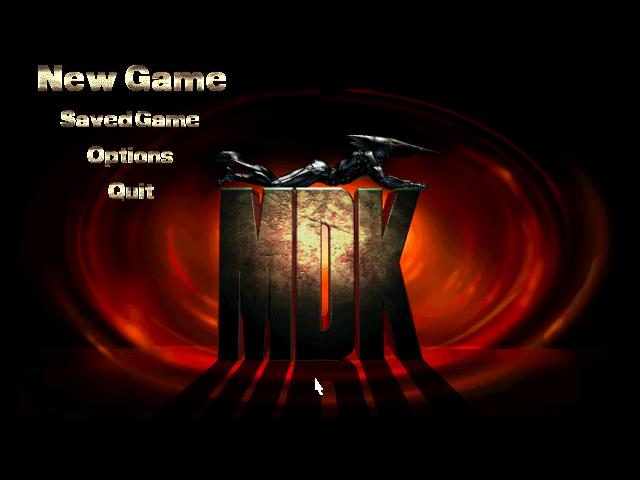
You can only save the game after each stage. Do so by pressing F2 during gameplay. To load from a save game, from the main start screen choose 'Saved Game' and select the one to reload, or during gameplay hit F3. This will start you at the beginning of that stage.
Save game files are stored in the game subdirectory under \SAVES.
Versions of the game known to exist
| Version | Date | Comments |
|---|---|---|
| Demo | Apr 1997 | Playable demo (requires installation from within Windows 3.1 or 9x) |
| 1.0 | Late 1997 | Initial public release. |
| 1.0a | 21 Jan 1998 | Minor bug fix release. |
| 1.1 | 1 Nov 2024 | Unofficial third-party patch (see Additional Files & Drivers further up) |
Original Disc Contents
The single CD-ROM has a volume label of 'MDK'. Here is its contents:
Disc 1 of 1 (CD-ROM, version 1.0a):
Directory of D:\
|
Directory of D:\REDNECK
21/01/1998 11:26 <DIR> .
21/01/1998 11:26 <DIR> ..
06/03/1997 03:17 11,758,687 INST2.EXE
06/03/1997 03:18 495 INSTALL.BAT
2 File(s) 11,759,182 bytes
|
Installed Directory Contents
Once installed, the following directory structure exists in the game directory:
Directory of C:\SHINY\MDK
|
Directory of C:\SHINY\MDK\TRAVERSE |
Box and Packaging
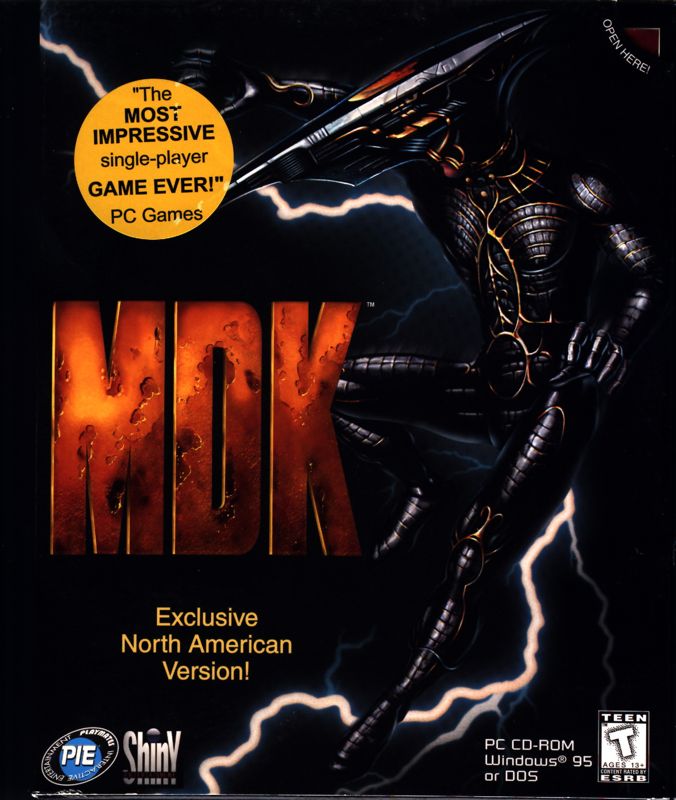
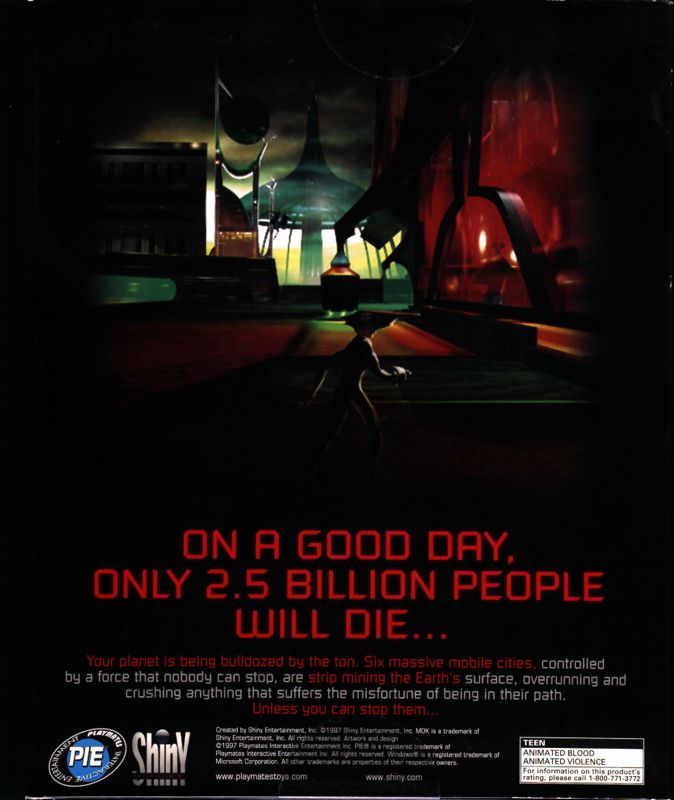
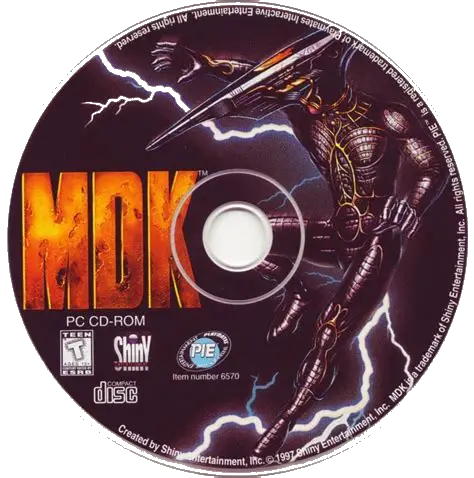
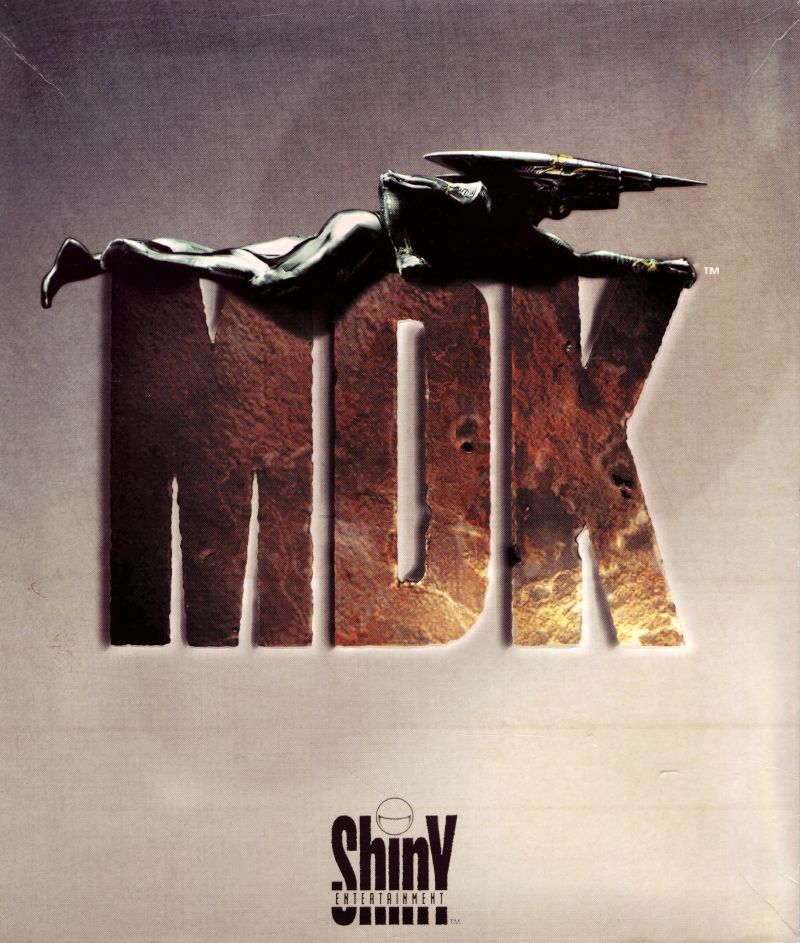
MDK box front & rear, and the single CD-ROM
Screenshots