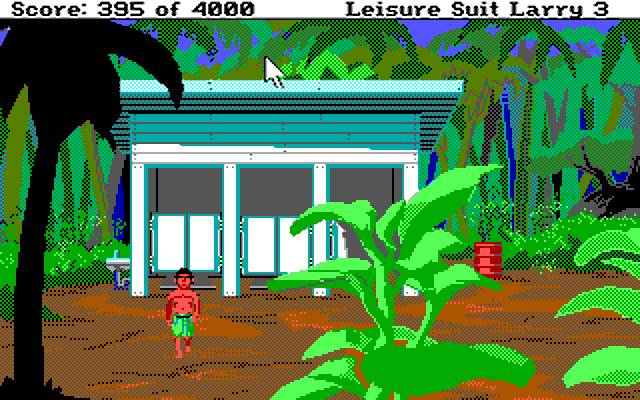
 Leisure Suit Larry III: Passionate Patti in Pursuit of the Pulsating Pectorals
Released: November 1989
Published by: Sierra On-Line, Inc.
Developed by: Sierra On-Line, Inc.
Credits: Al Lowe, Juan Carlos Escobar, Mark Seibert, Mike Dana, Robert Atesalp, Pablo Ghenis, Stuart Goldstein, Robert E Heitman, Jeff Stephenson.
System Requirements
| System Requirements | Turbo 8088 or 8086 and compatibles. 512K RAM required. DOS 2.11 or later. Graphics support: Hercules, Tandy/PCjr, CGA, EGA, MCGA/VGA (320 x 200 in 16 colours). Audio support: IBM Music Card, Ad Lib, Tandy, Sound Blaster or Roland MT-32 Peripheral support: Joystick or mouse. |
|---|---|
| Original Media | Eight 5.25" 360 KB (DS/DD) disks or four 3.5" 720 KB (DS/DD) disks. |
| Installed Size | 2.6 MB of hard disk space. |
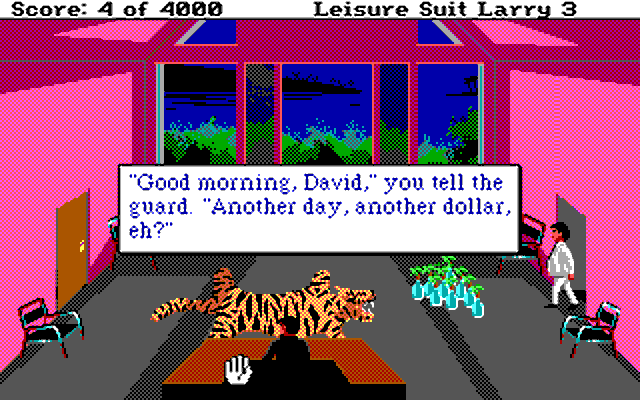
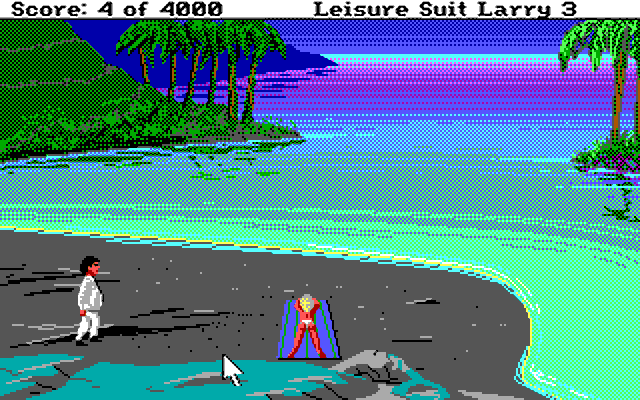
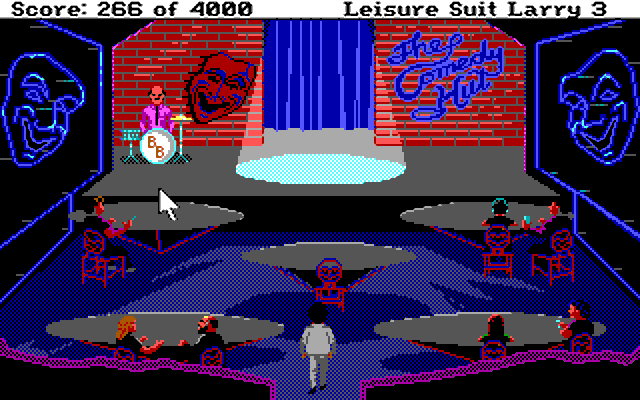
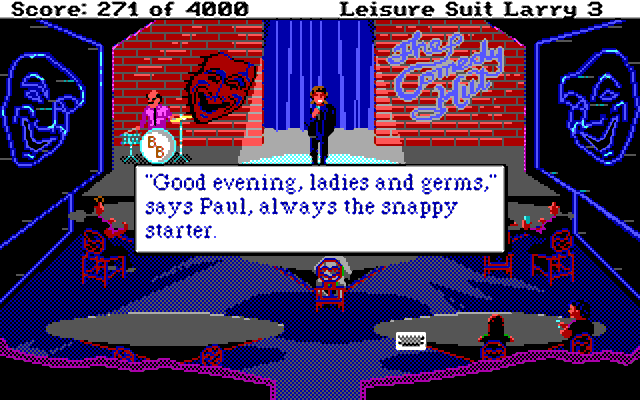
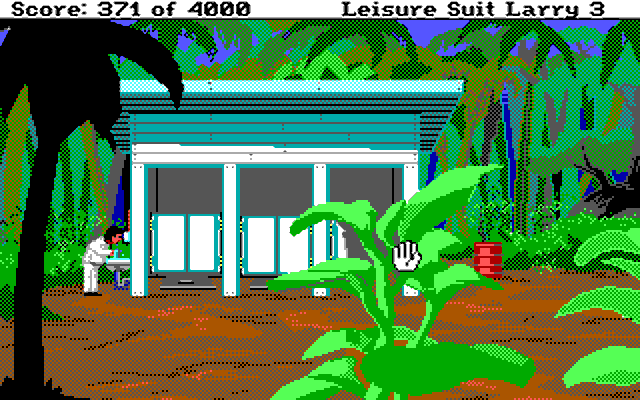
The third game in the Leisure Suit Larry series starts in a similar way to the previous installment - Larry thought life couldn't get better, until his wife kicks him out of their luxury home in the island, and because his boss is his father-in-law, he's also fired. Poor Larry! Still on the island of Nontoonyt, Larry re-dons his Leisure Suit in pursuit of life long happiness.
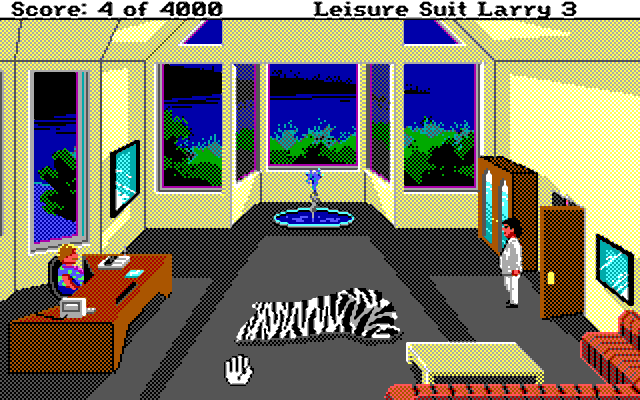
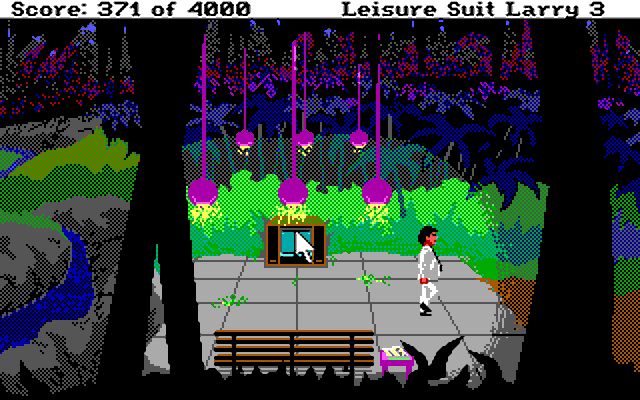
Unlike earlier Larry games, you also get to control another character: in the second half of the game you control Patti, a pianist in the club, as she helps Larry in his ultimate goal.
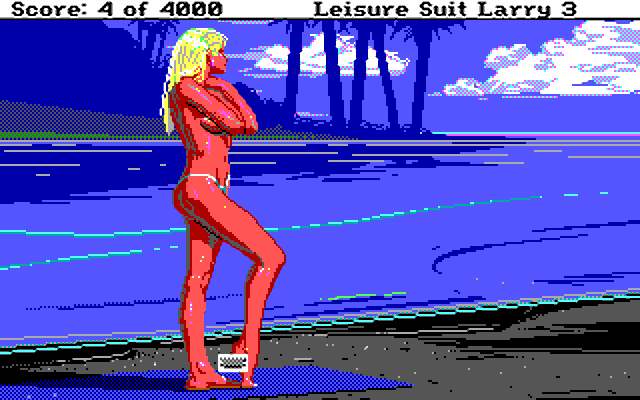
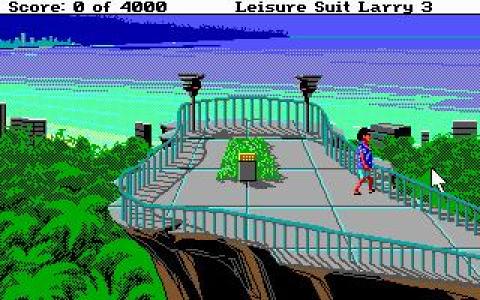
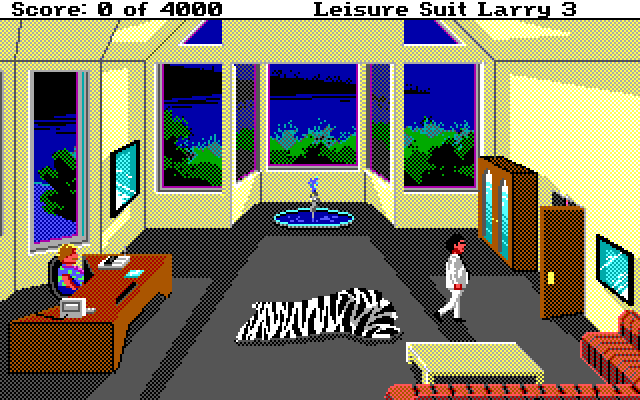
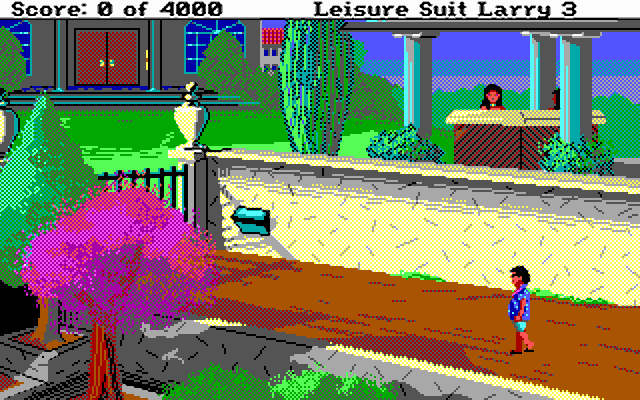
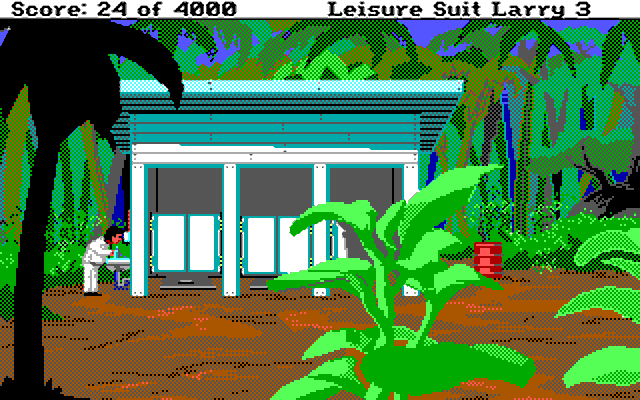
LSL3 used the same SCI interface as LSL2 (its 320 x 200 resolution stretched out to 640 x 400).
From where can it be run?
From the original floppy disks or installed to a hard disk using the INSTALL.EXE utility. See 'How to Setup' for more information.
Copy Protection
Larry III has manual copy protection. When you want to see Cherri's show, the man who asks for a pass will give you a page number from the Nontoonyt Tonite manual (the game's user manual). Go to that page and type in the ticket number.
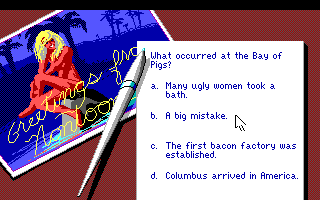
When you start a new game you are asked a series of questions which determines the "raunchiness" of the game, though if you're from outside the US a few of the questions may be difficult to answer. You can still play the game fully if you get all questions wrong - it will just run at "Mother Goose" (no raunchiness) level:
How to Setup
The game doesn't require any extended memory (XMS) or expanded memory (EMS) drivers to be loaded. To install the game or configure the graphics and audio settings, run INSTALL.EXE:
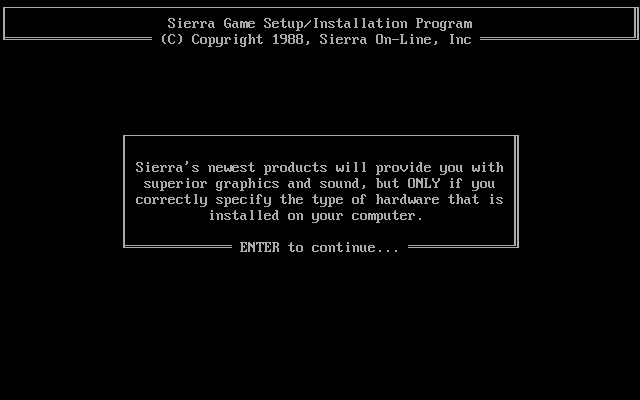
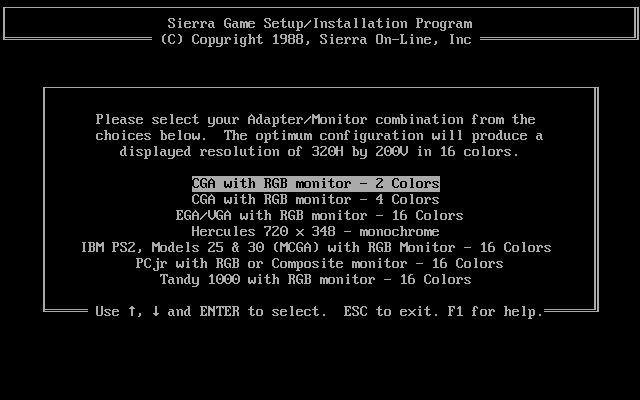
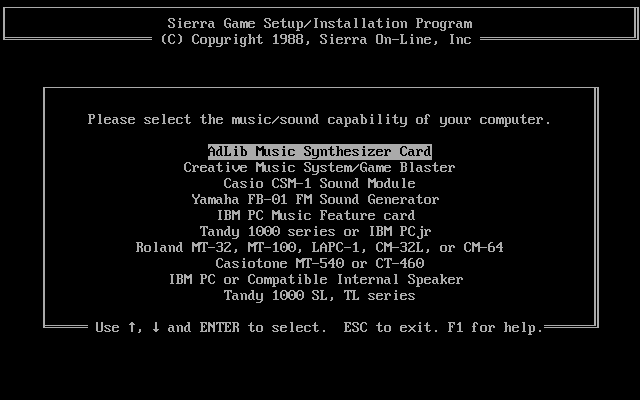
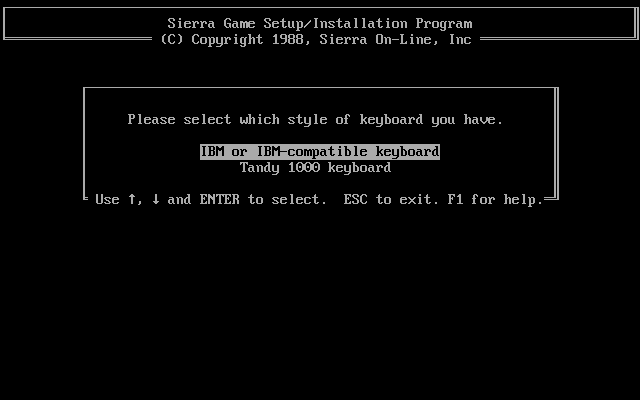
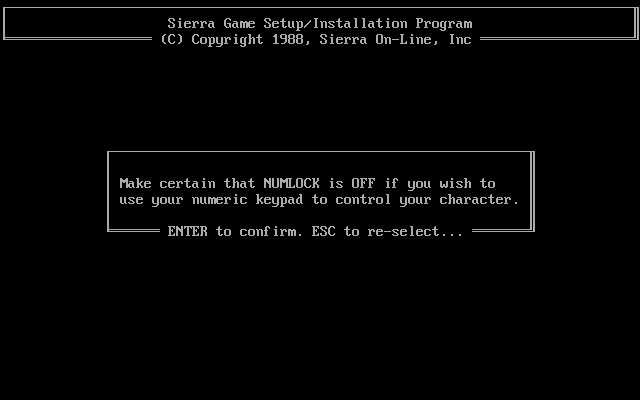
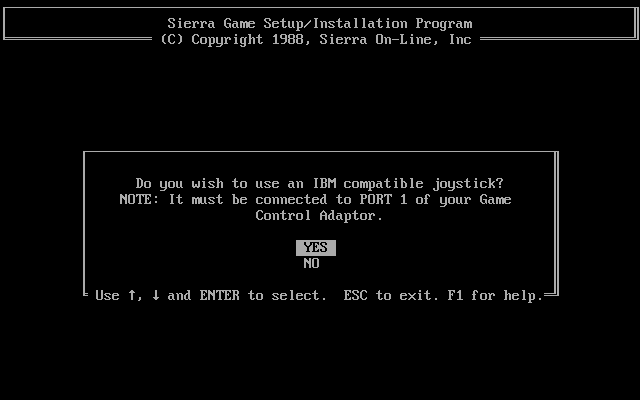
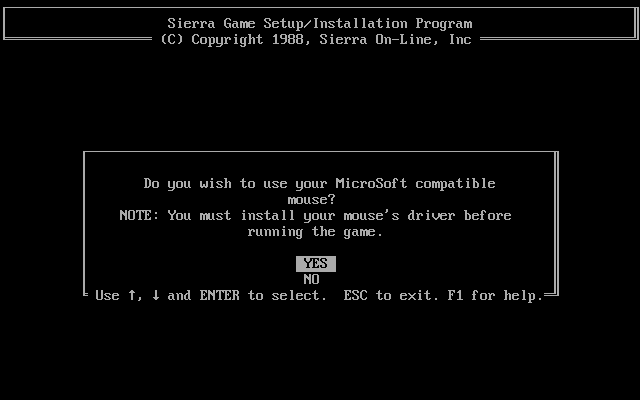
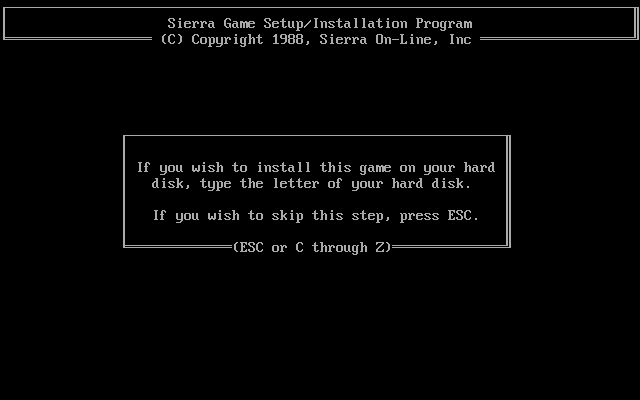
The INSTALL program will then proceed to copy files from all the floppy disks (or hard disk subdirectory) into the game directory, which is \SIERRA\LSL3:
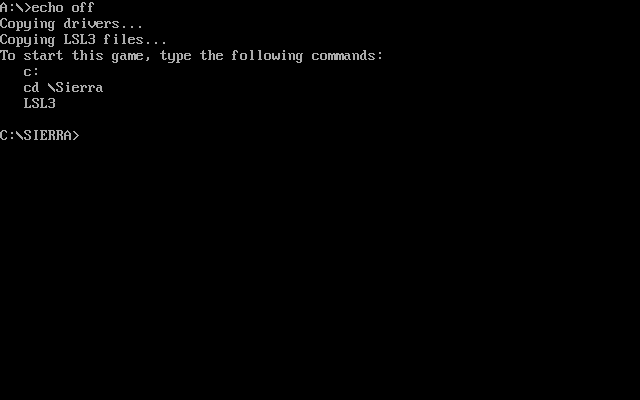
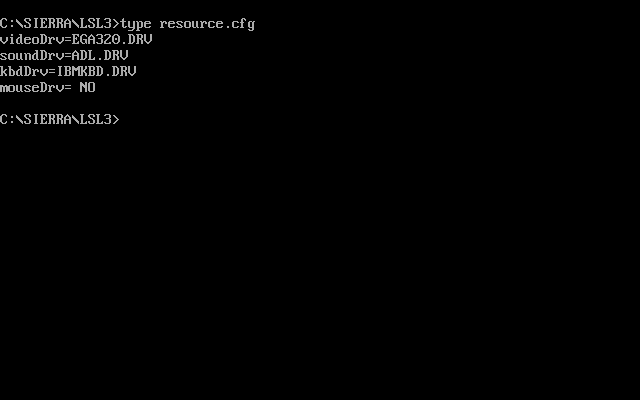
The video, sound, keyboard and mouse configuration is stored in the file RESOURCE.CFG, which is text-readable and editable.
If installing to a hard disk, this must be done from the A: or B: drive. Using the DOS SUBST command to mimic a subdirectory on your hard disk to install from does work as long as every file from all floppies are in that source directory. You cannot install from a hard disk subdirectory without using SUBST.
*** I had a problem when installing from a subdirectory and using SUBST in that after installation was complete, the RESOURCE.CFG file was empty. Running LSL3.BAT would return this:
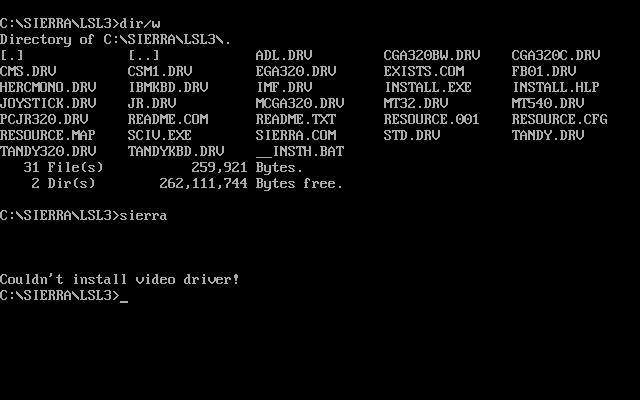
If you get this, re-run INSTALL from the installed game directory and choose your options again. When prompted to install to a hard disk, just hit ESC to quit the installation. The RESOURCE.CFG file will then be written correctly:
Problems
The most common issue when trying to run LSL3 today is the sound driver initialisation failing ("Unable to initialize your audio hardware" message). This is caused by running the game on a machine that is too fast. Try disabling your L1 and/or L2 cache, run tools like Moslow/Goslow, or if running something like a Pentium II, Cyrix 5x86 or AMD K5 or K6, disable other CPU features using the SetMul utility.
To Quit the Game
Hit ESC to display the menu and navigate to File -> Quit.
Supporting Documents
Here are the original documents that came with the game:
- Nontoonyt Tonite magazine (the game's user manual)
And here are some aftermarket links:
Additional Files, Drivers & Utilities
Save Games
The location of save game files is entirely up to you! When you type the word "SAVE" (or press F5) you will be prompted for a directory where you wish the save game file to be stored. By default this will be the same directory in which the executable file was run.
Once you've chosen the location you are shown 12 'slots' in which save games can be stored. Any slots that have a save game already stored will display their description. Once the slot has been chosen, you are prompted to give a description for the save game. Once completed, the save game will be stored in a file called lsl3sg.x where x is a three-digit slot number from 000 to 012. In addition, the file lsl3sg.dir stores the descriptive names of all the save game files.
This is actually a great way of storing save games, as you are not limited to 12 slots - if you need more you can create a directory anywhere and use that to store a further 12 save games.
To restore a saved game, type the word "RESTORE" (or press F7) and you will be prompted for the location where your save games are stored. By default this will be the same directory in which the executable game file was run. After choosing a drive/directory, the list of save games that exist in that directory are shown. Move the arrow keys to the one you wish to restore, and hit <Enter>.
Versions of the game known to exist
| Version | Date | Comments |
|---|---|---|
| ? | ? | Non-playable demo. |
| 1.003 | 27th Oct 1989 | Came with both four 3.5" DS/DD and eight 5.25" DS/DD diskettes in the box. Comes with SCI0 intepreter v0.000.572. |
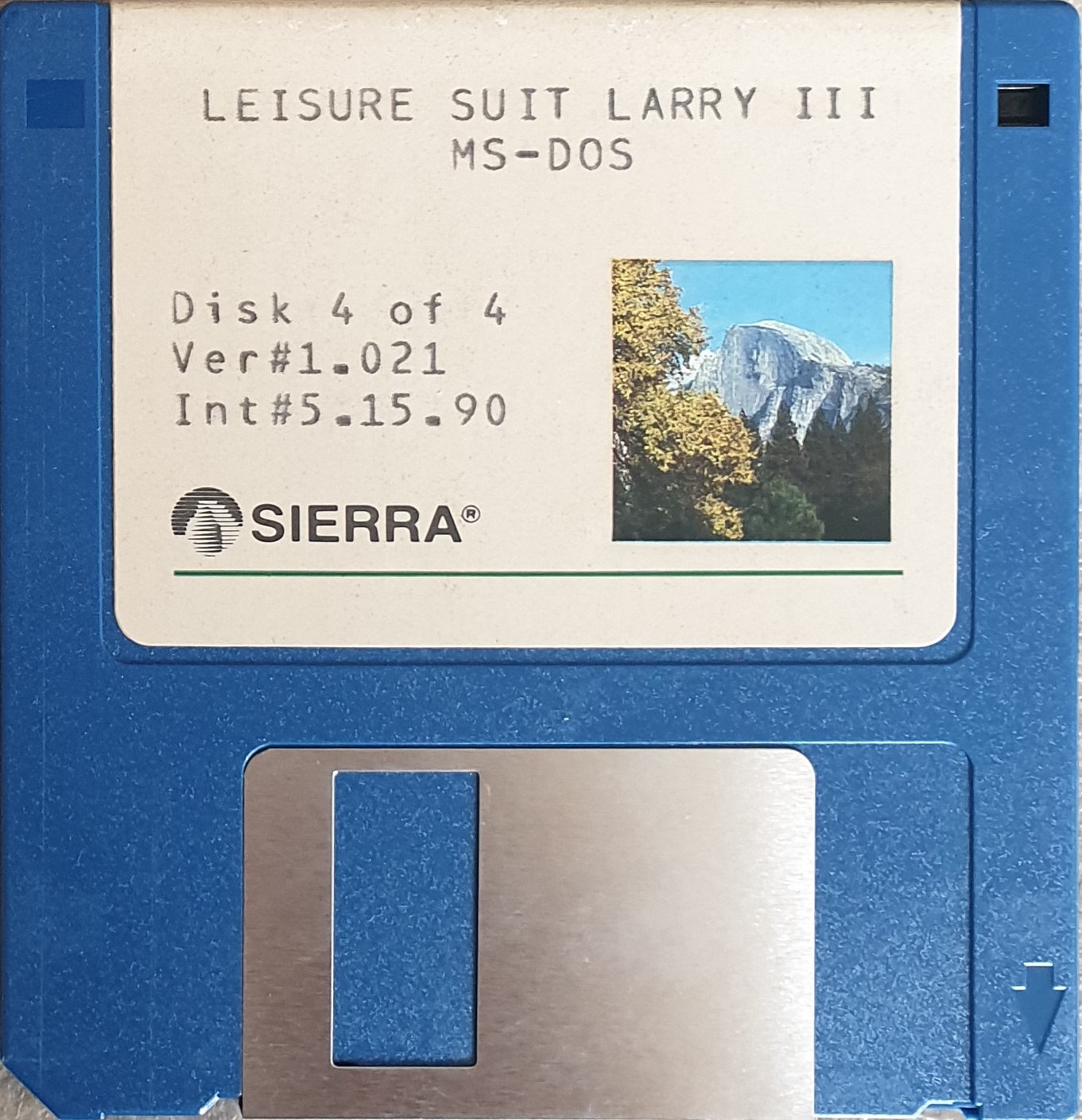
| 1.021 | 27th Jan 1990 | Came with both four 3.5" DS/DD and eight 5.25" DS/DD diskettes in the box. Comes with SCI0 intepreter v0.000.572. |
Original Floppy Disk Contents
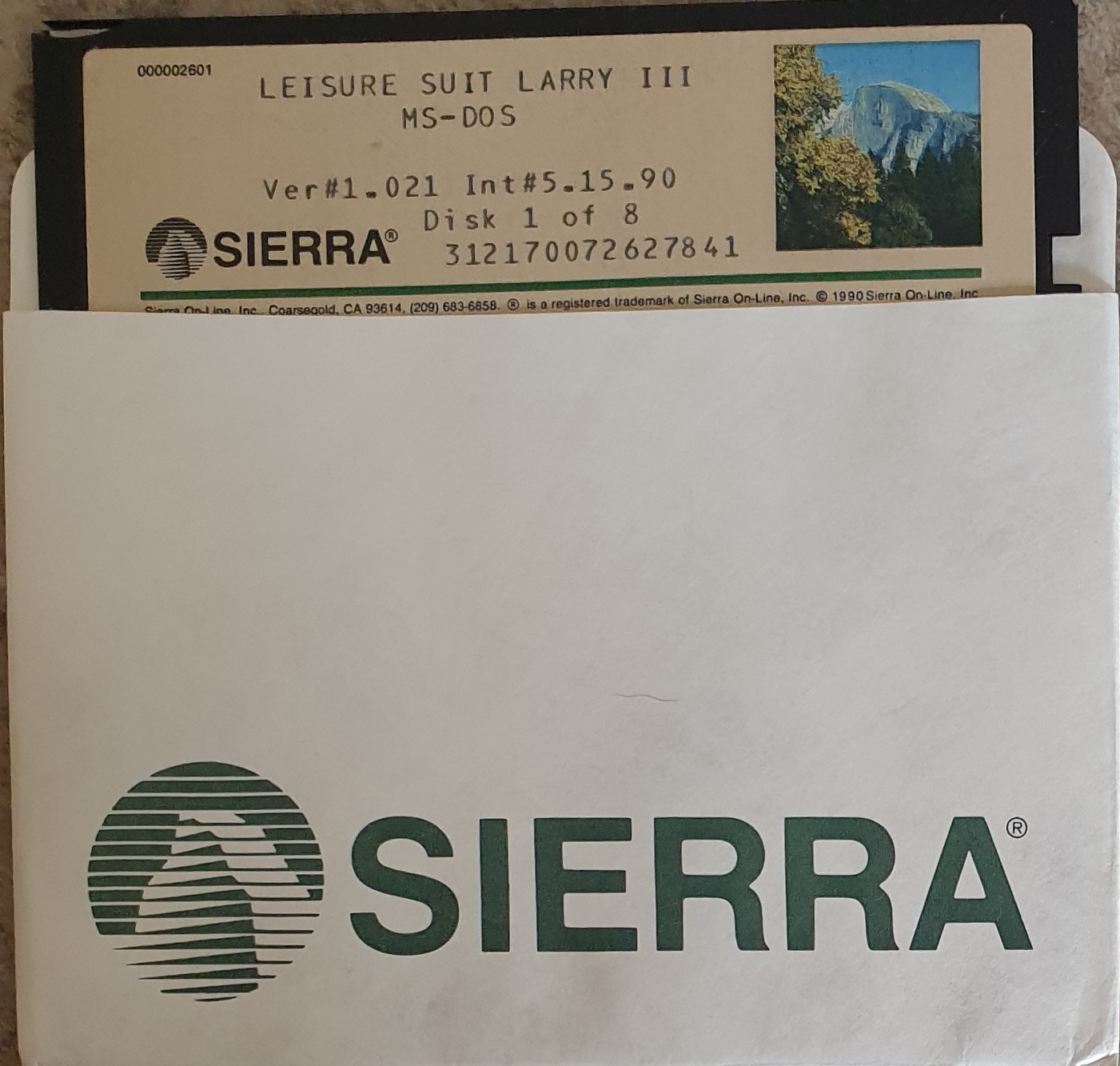
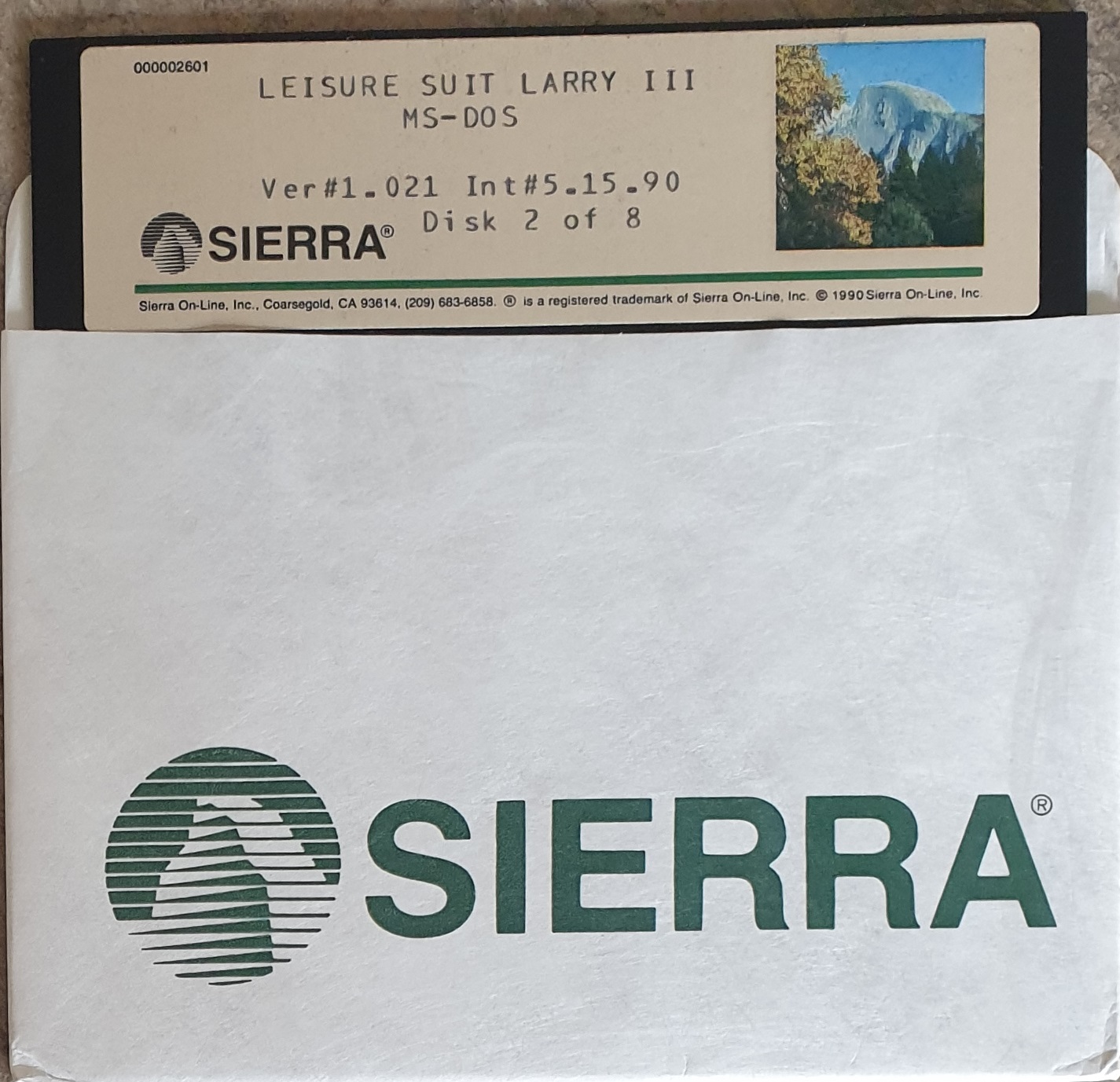
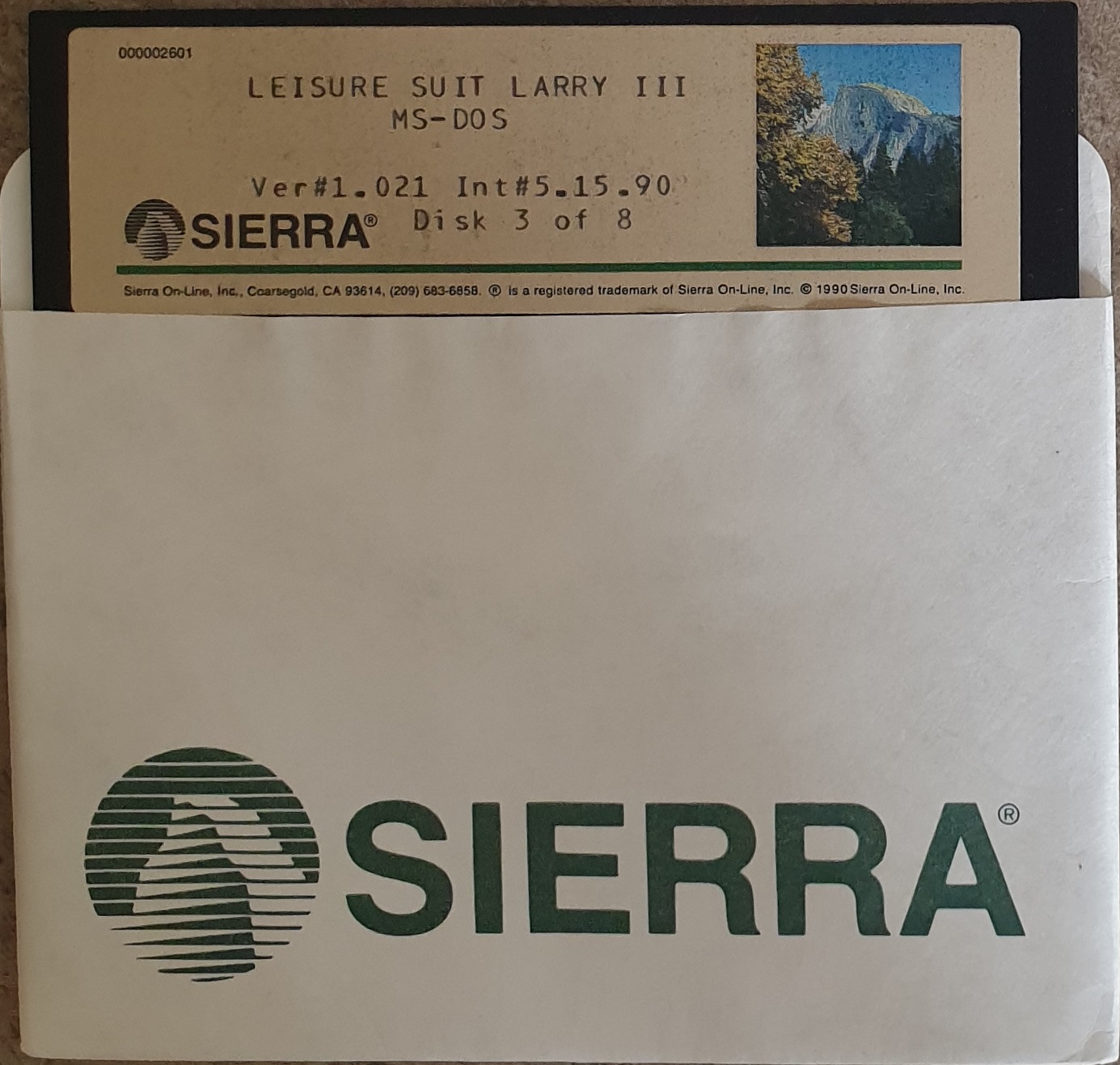
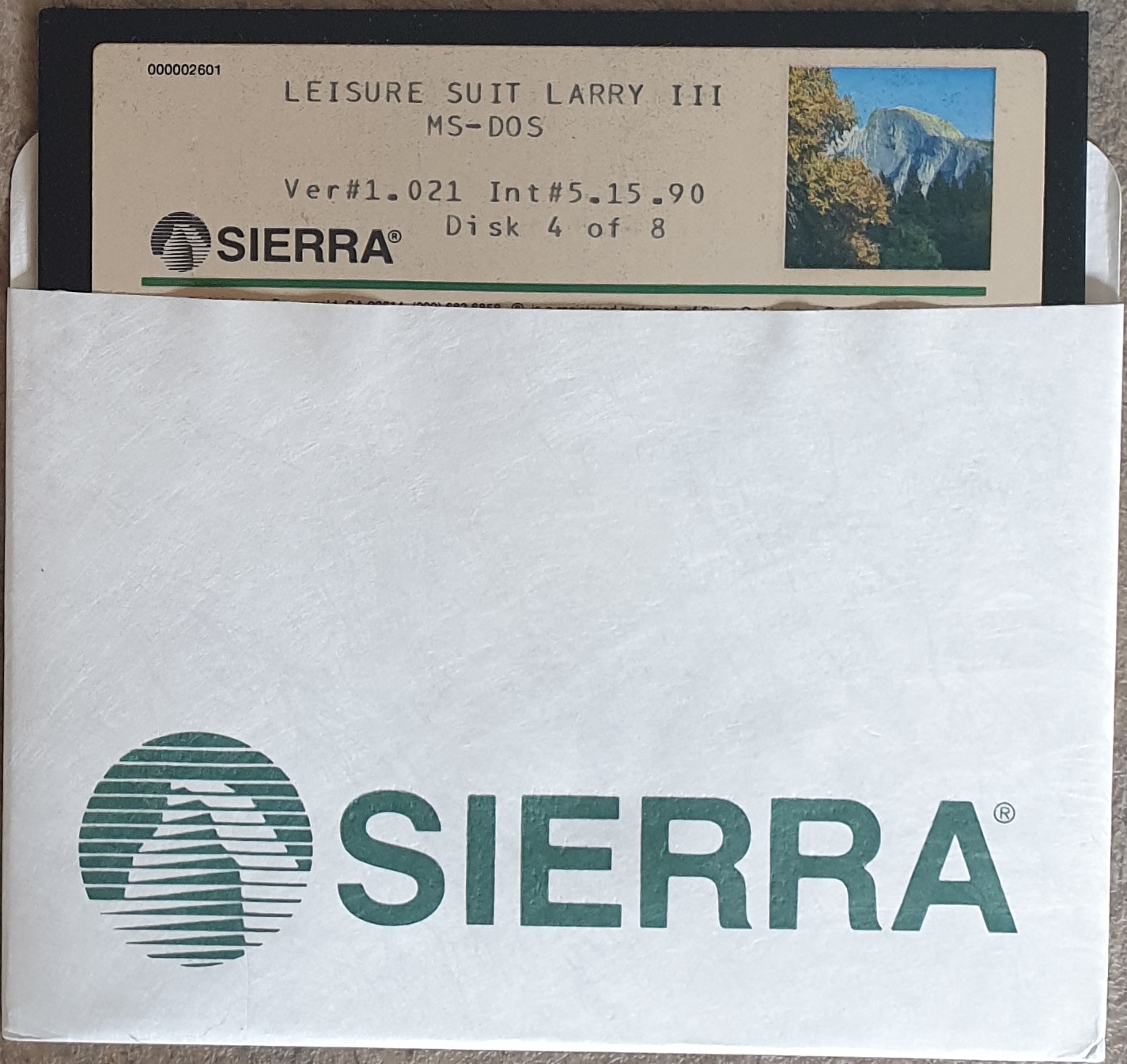
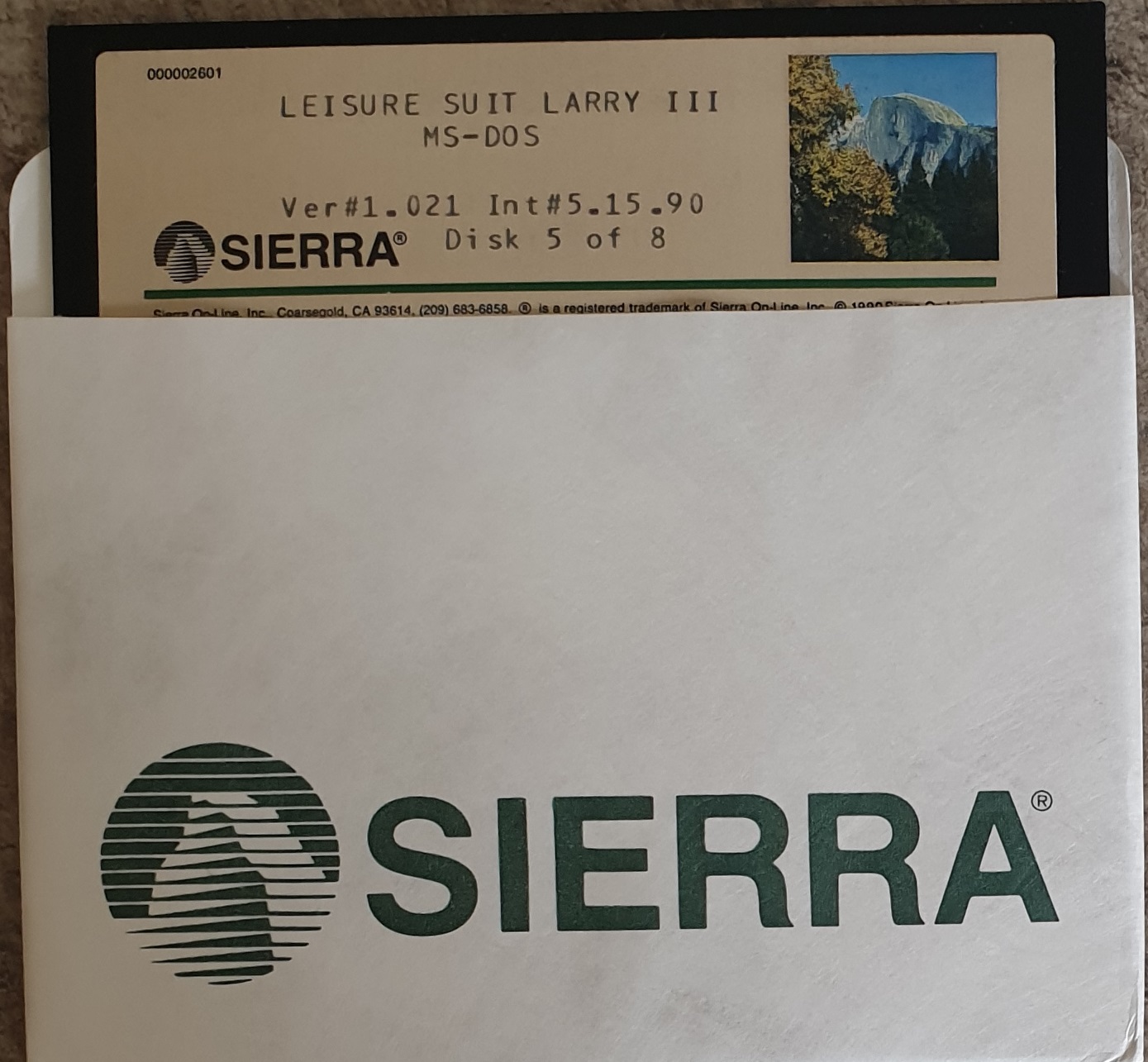
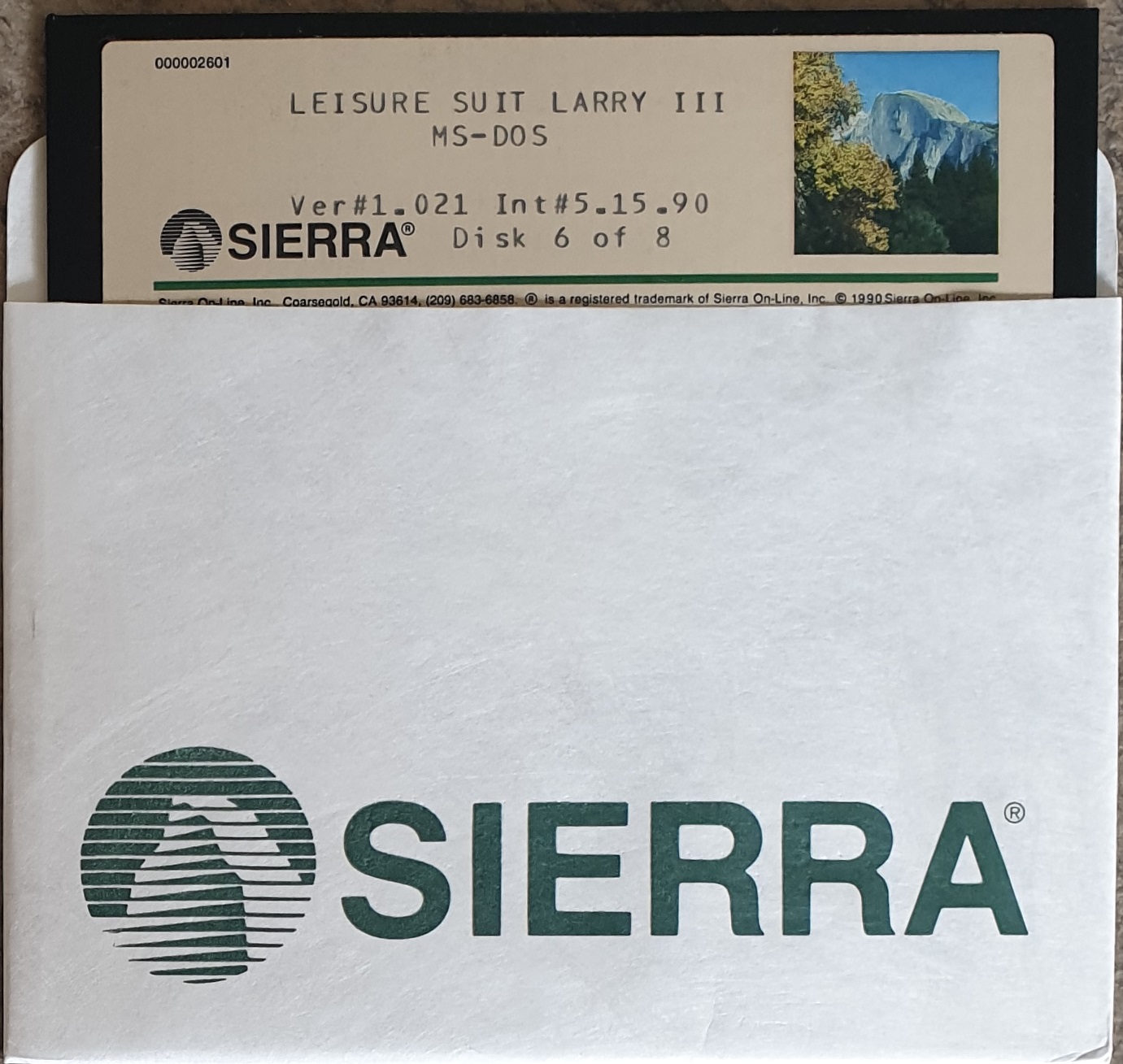
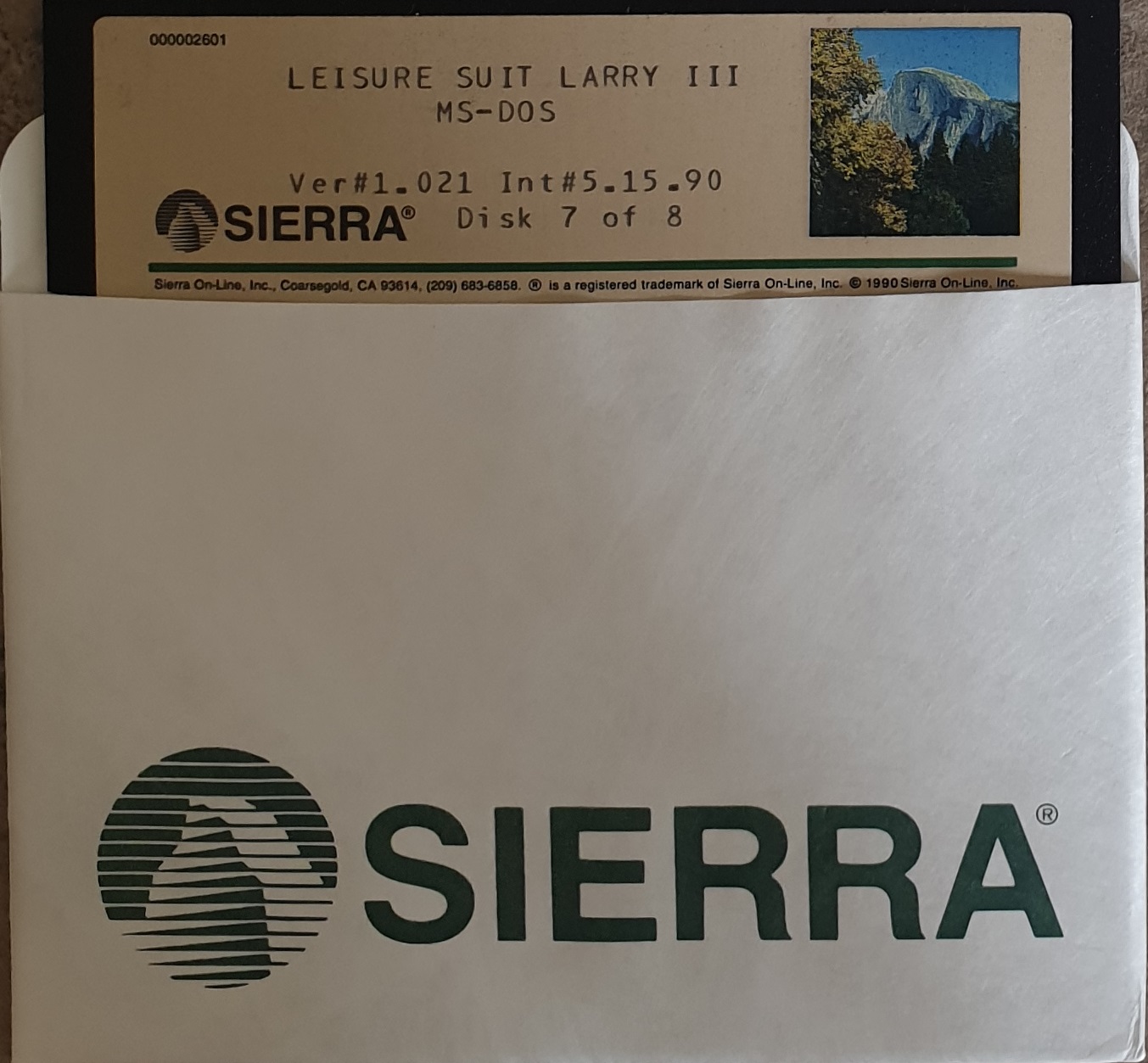
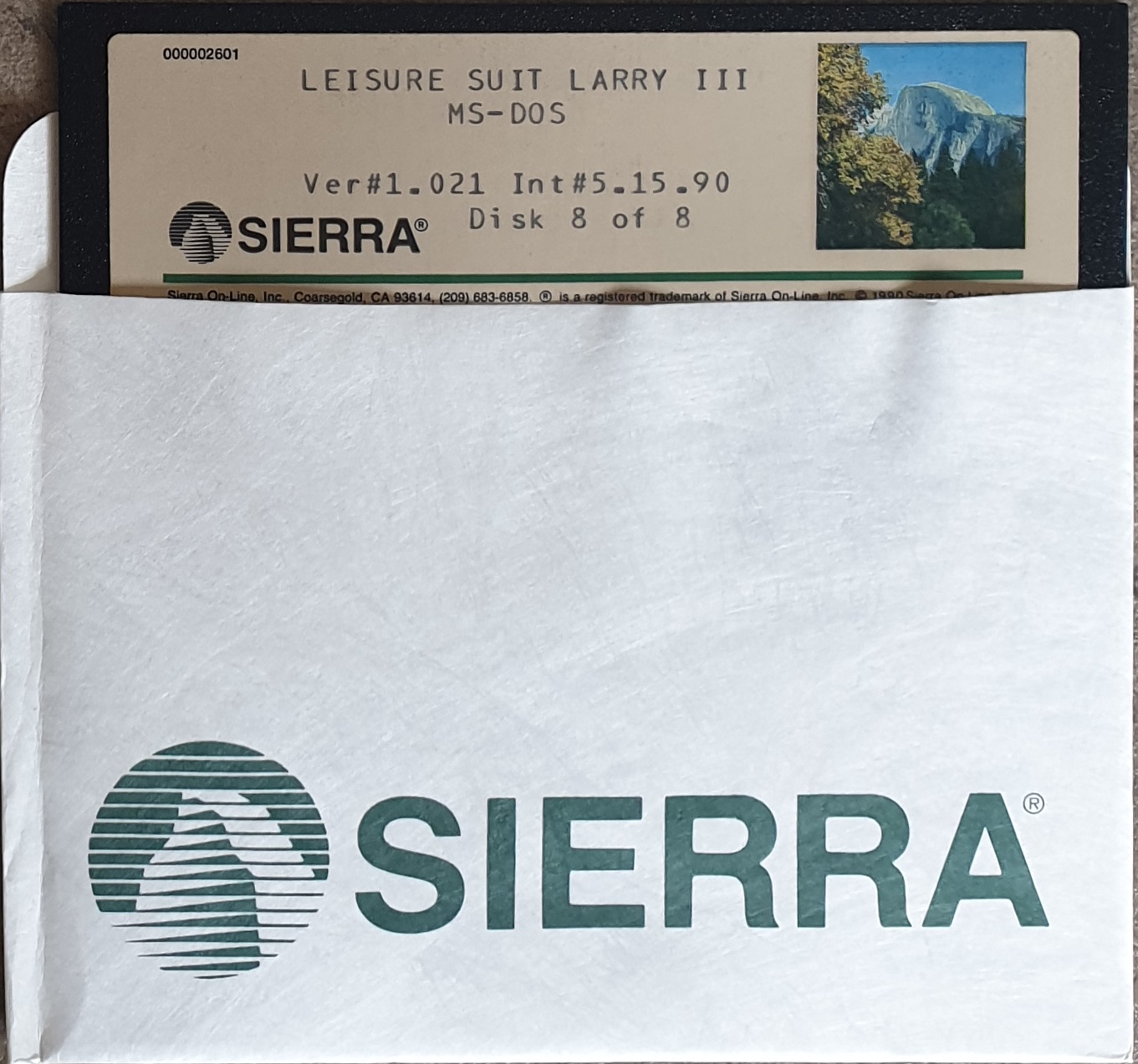
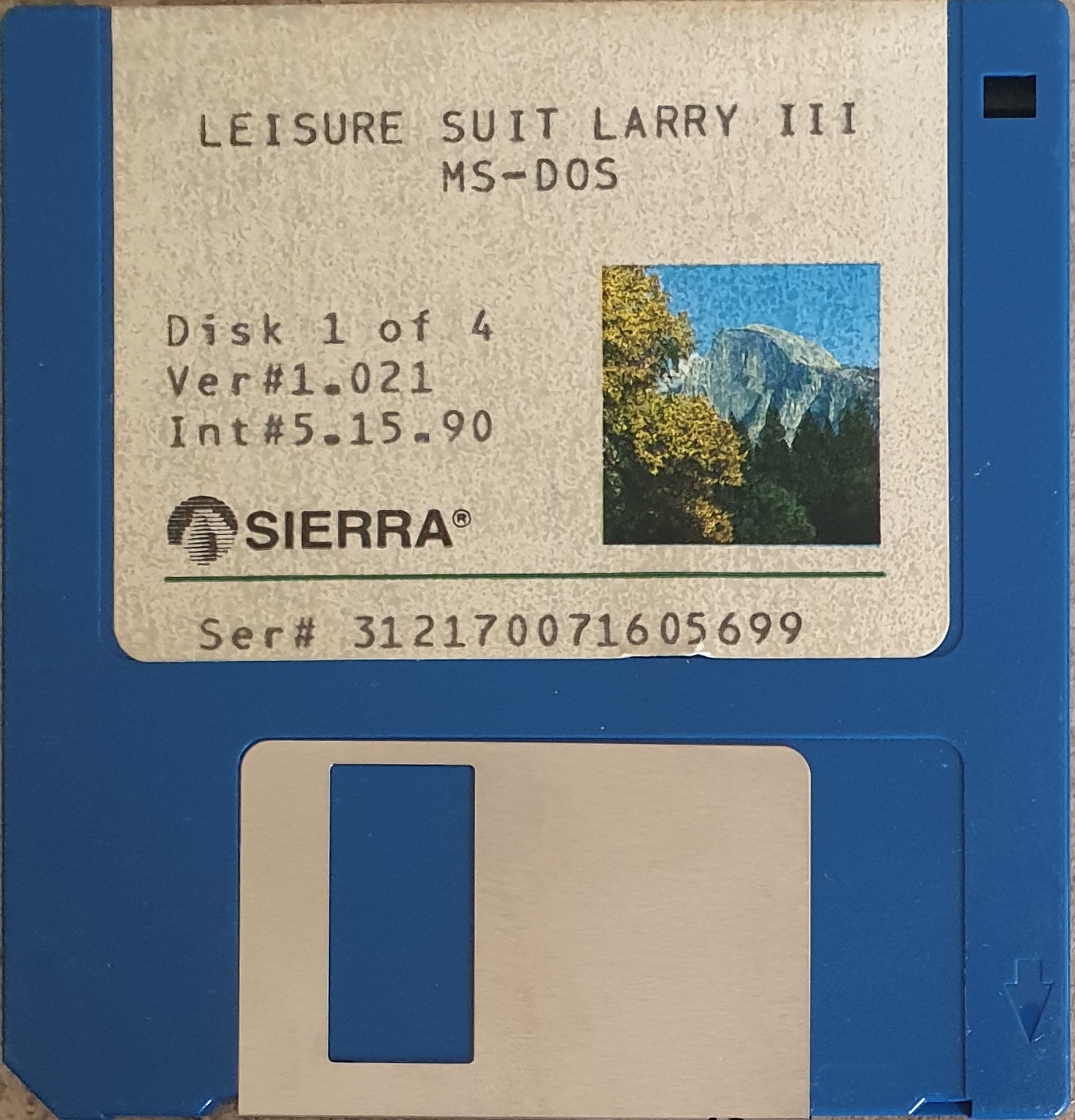
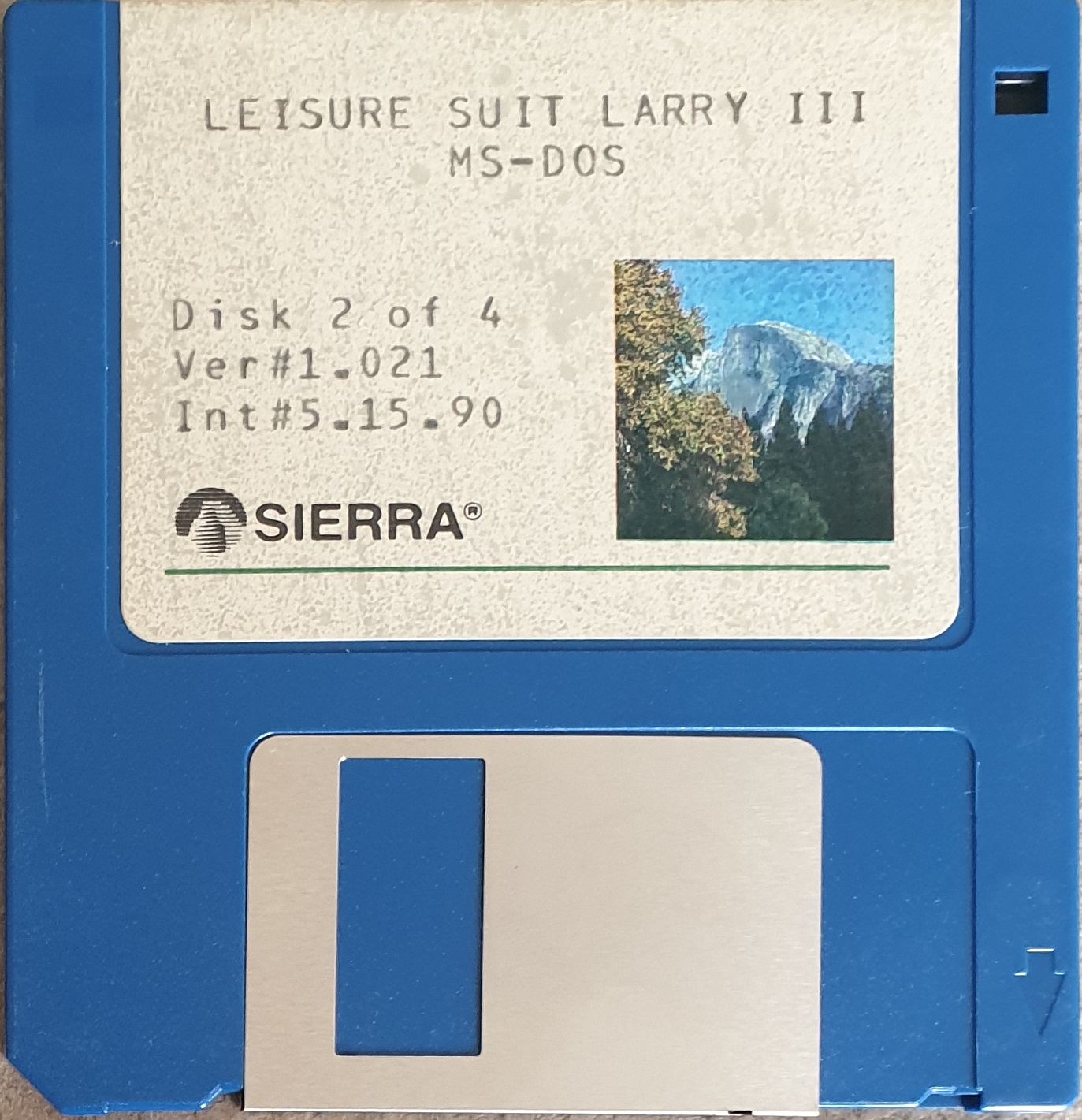
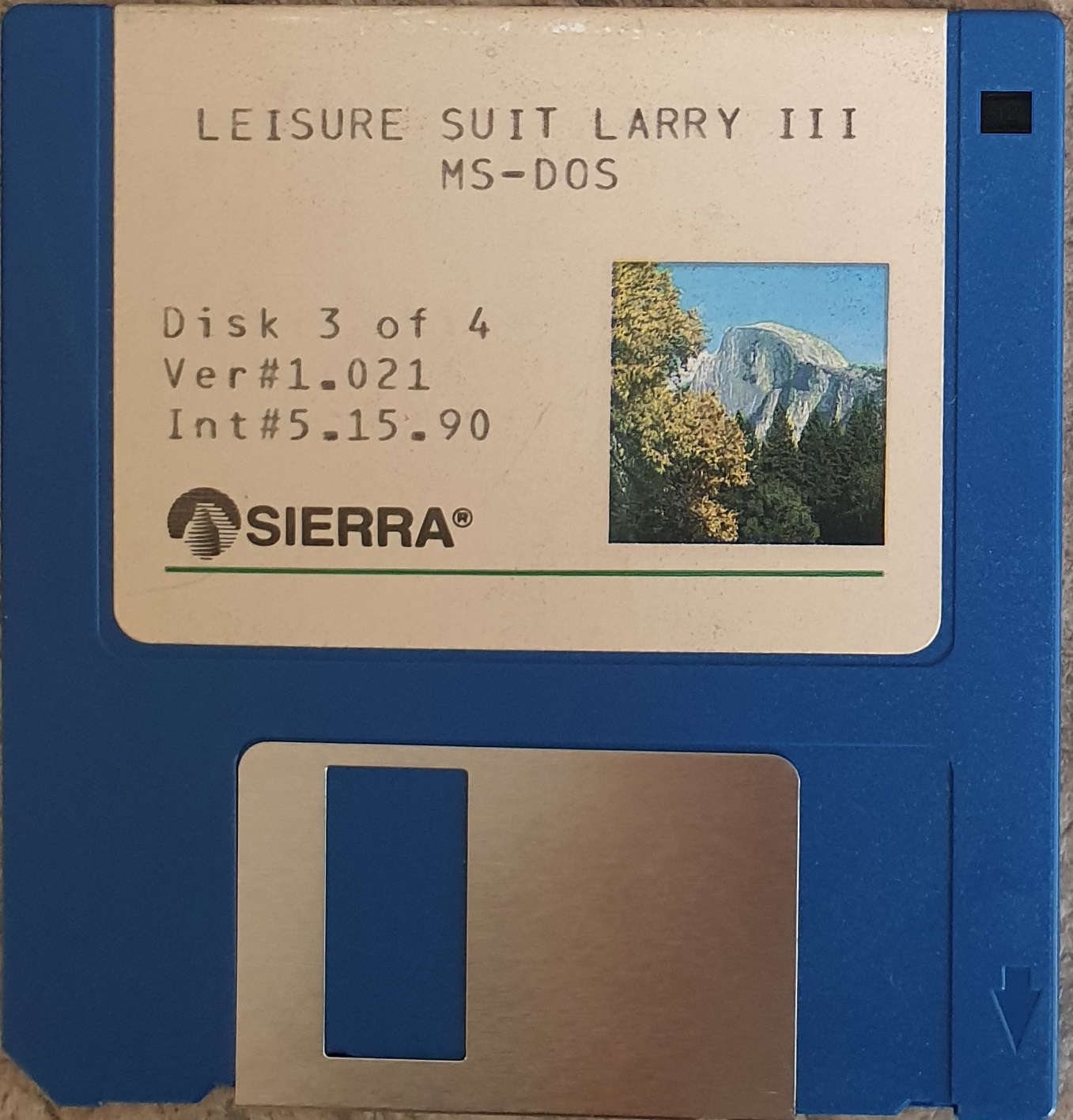
The floppy disks have a volume label of "LSL3 Disk 1", "LSL3 Disk 2", etc. Here are each disk's contents:
Game Box and Contents

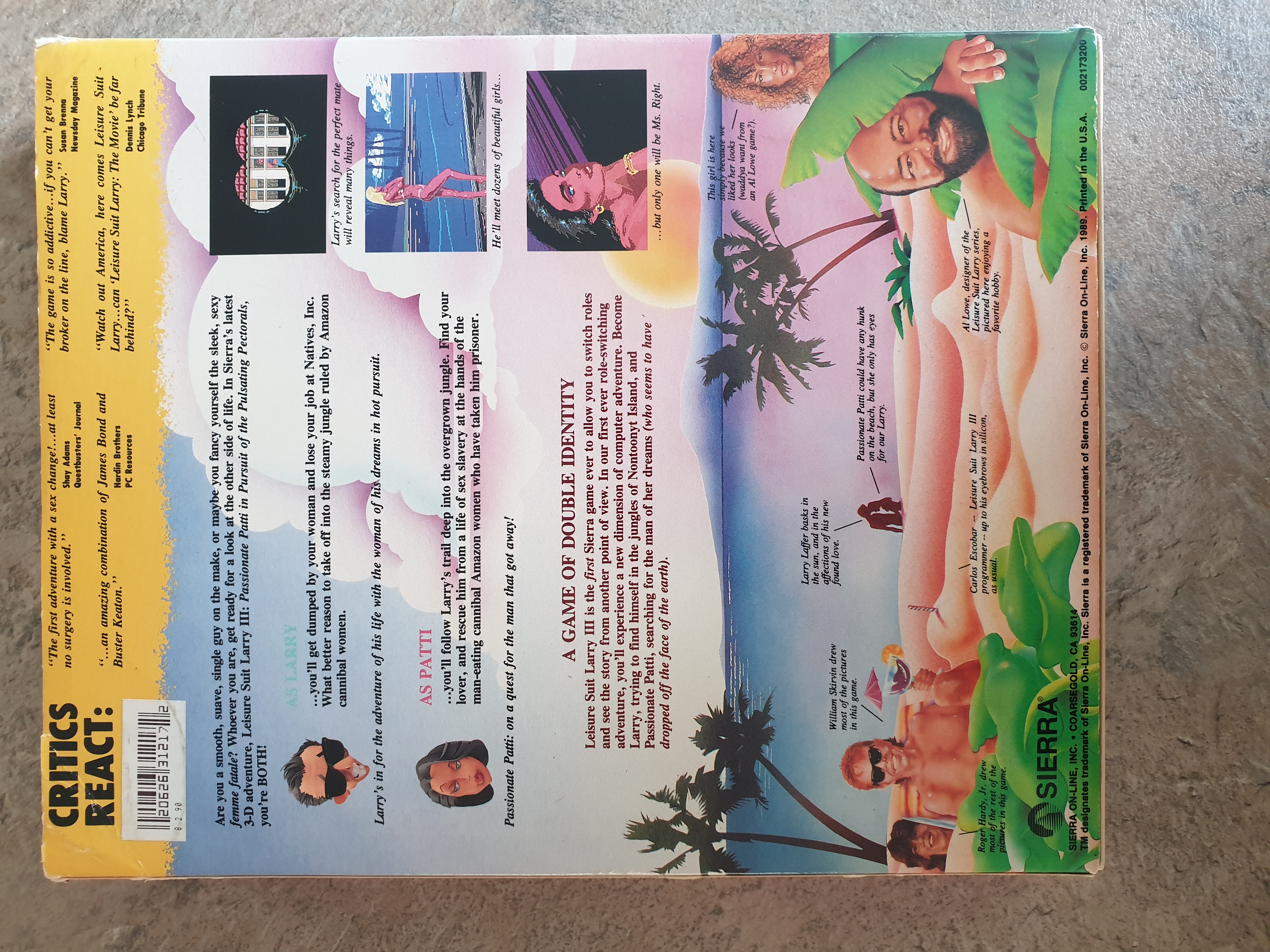
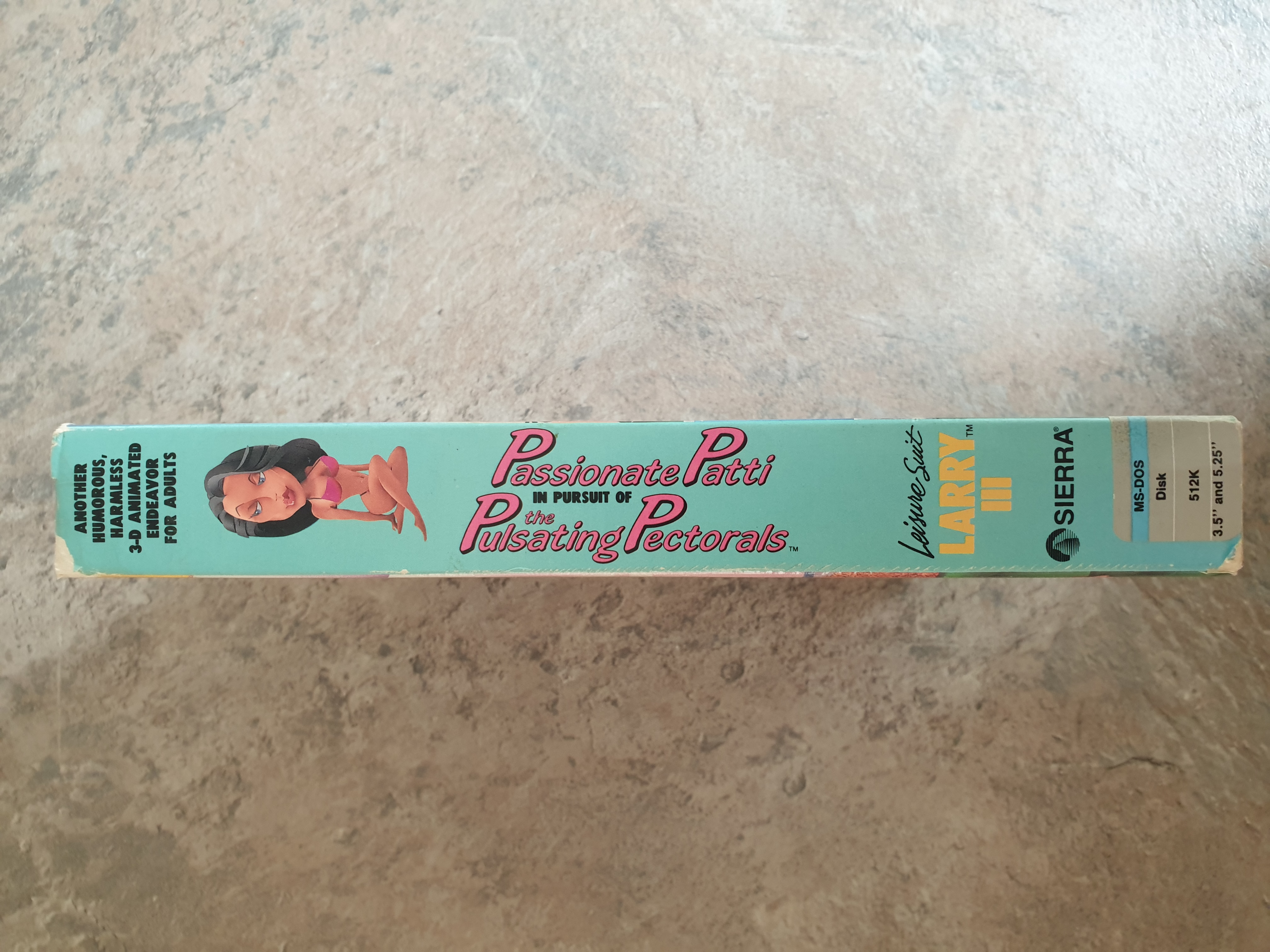

The game's outer box sleeve, front and rear, and the left and right sides
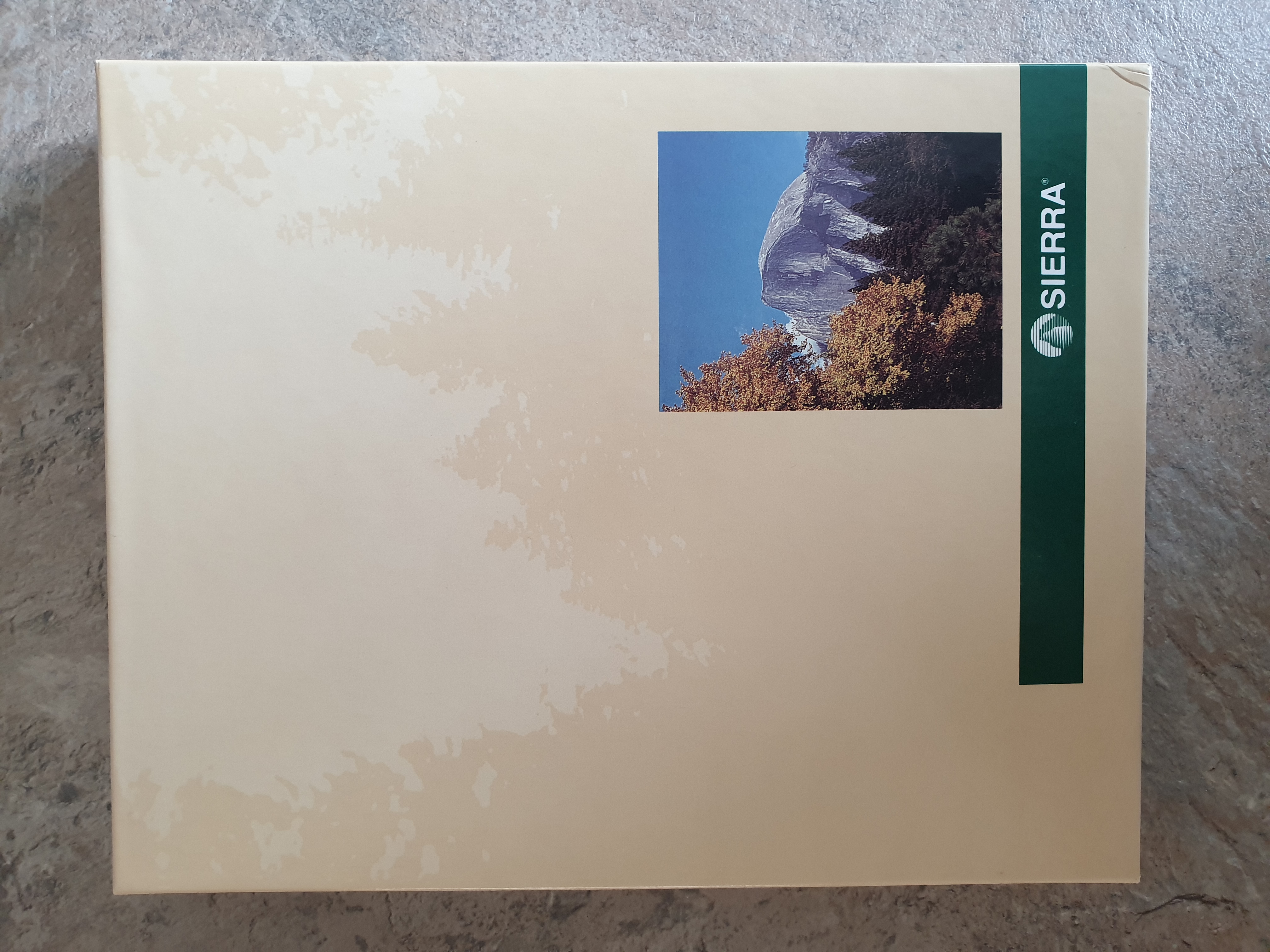
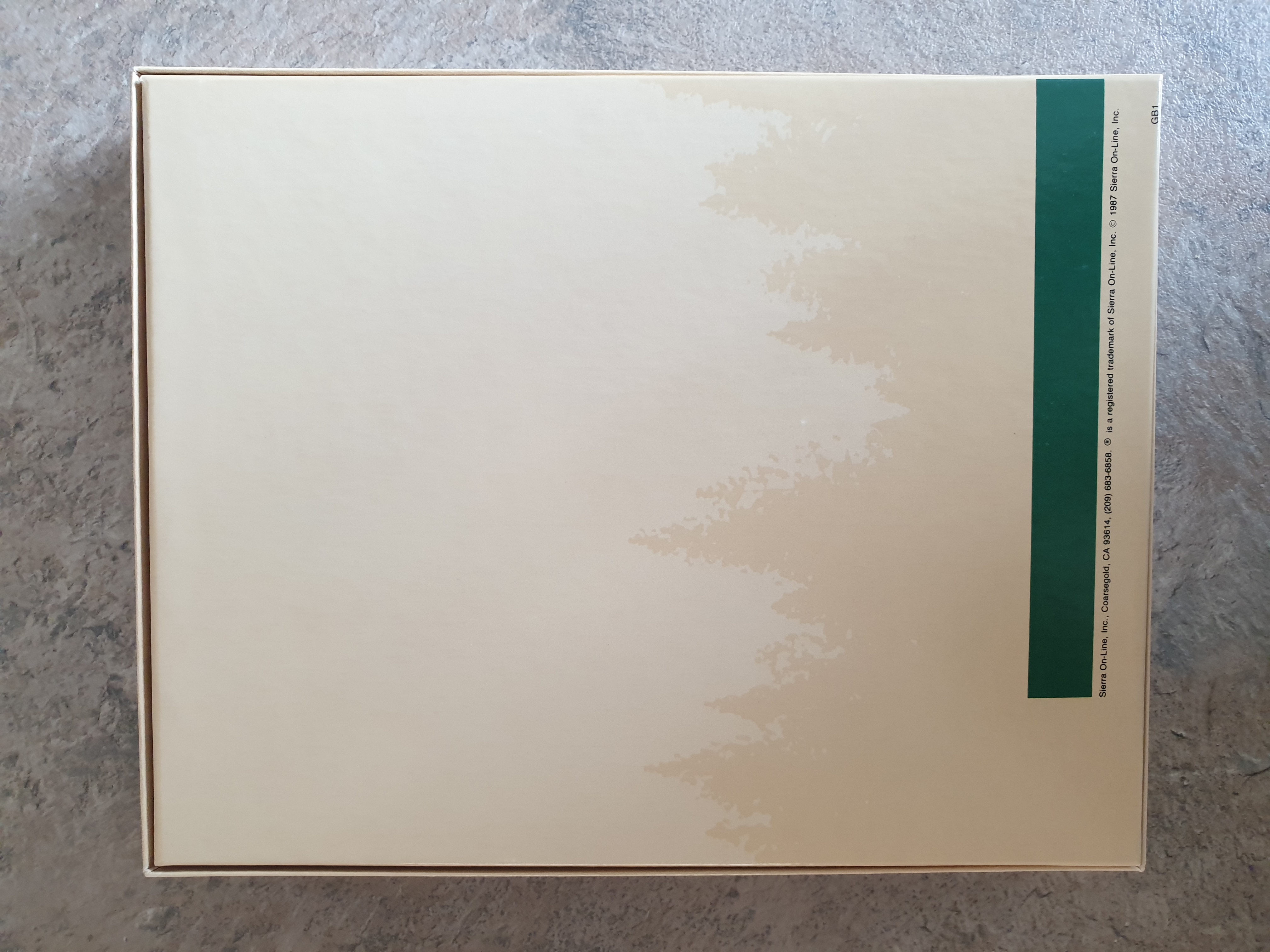
The game's inner box, front and rear
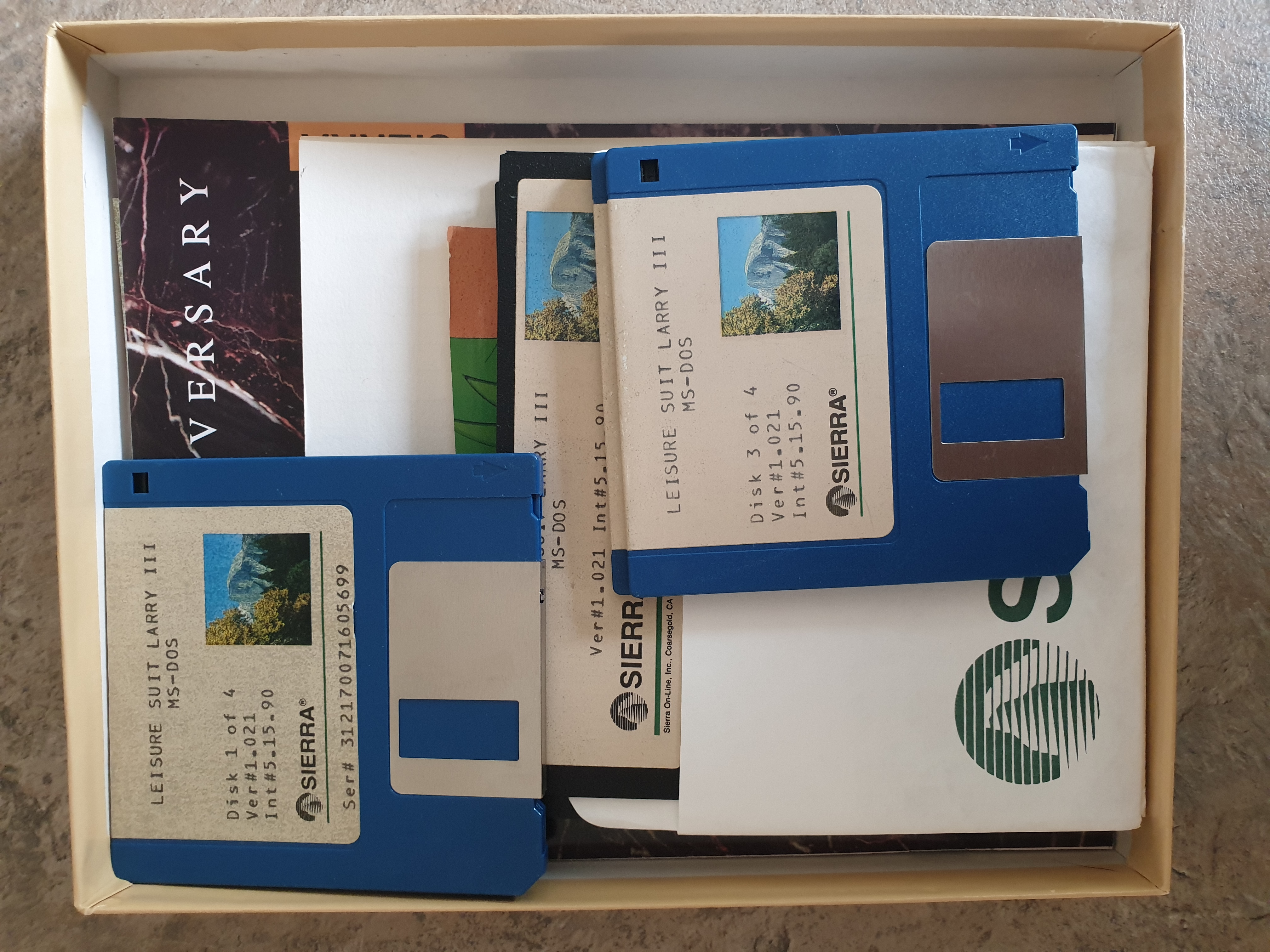
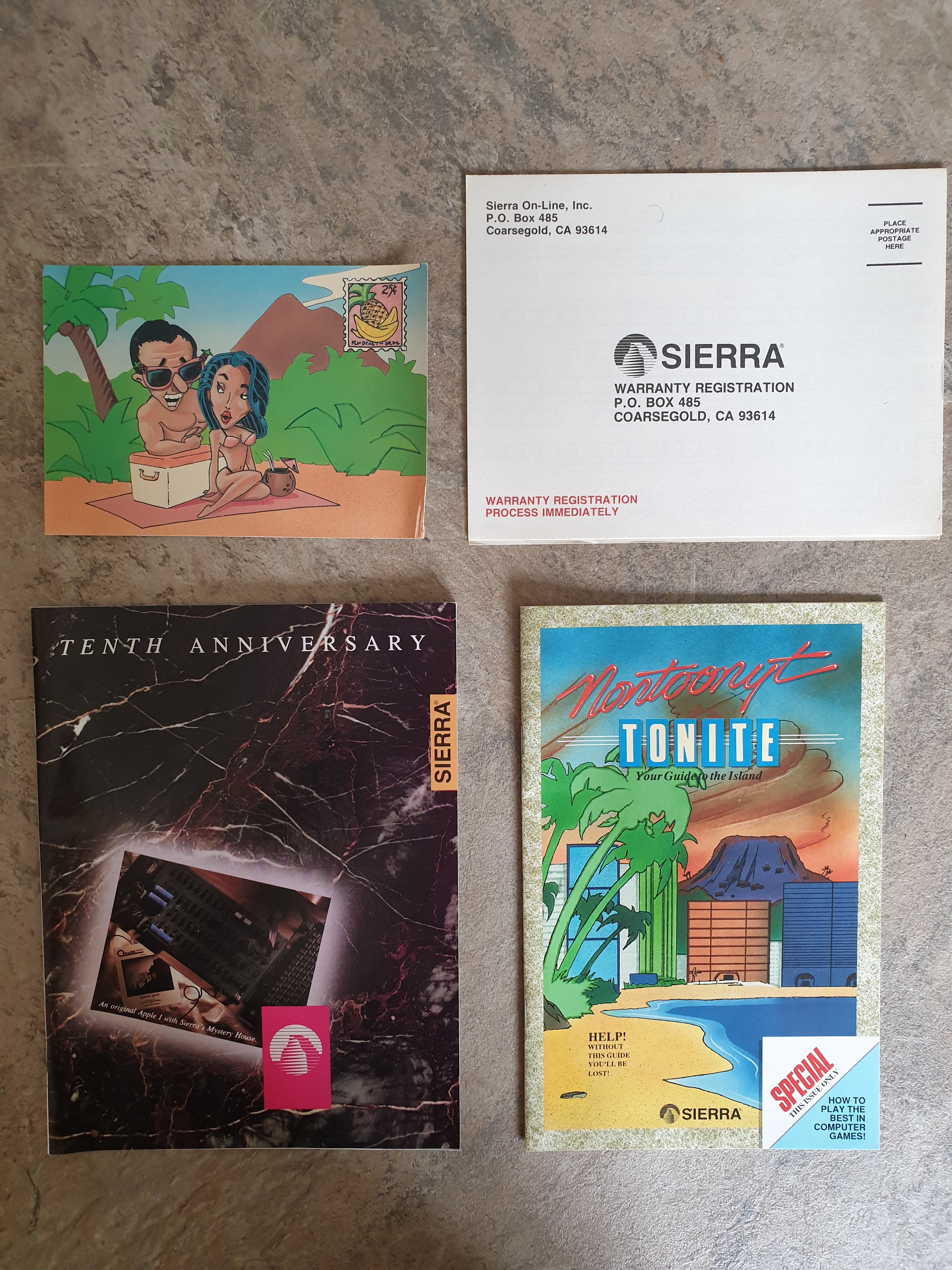
Inside the box, and the documents/flyers
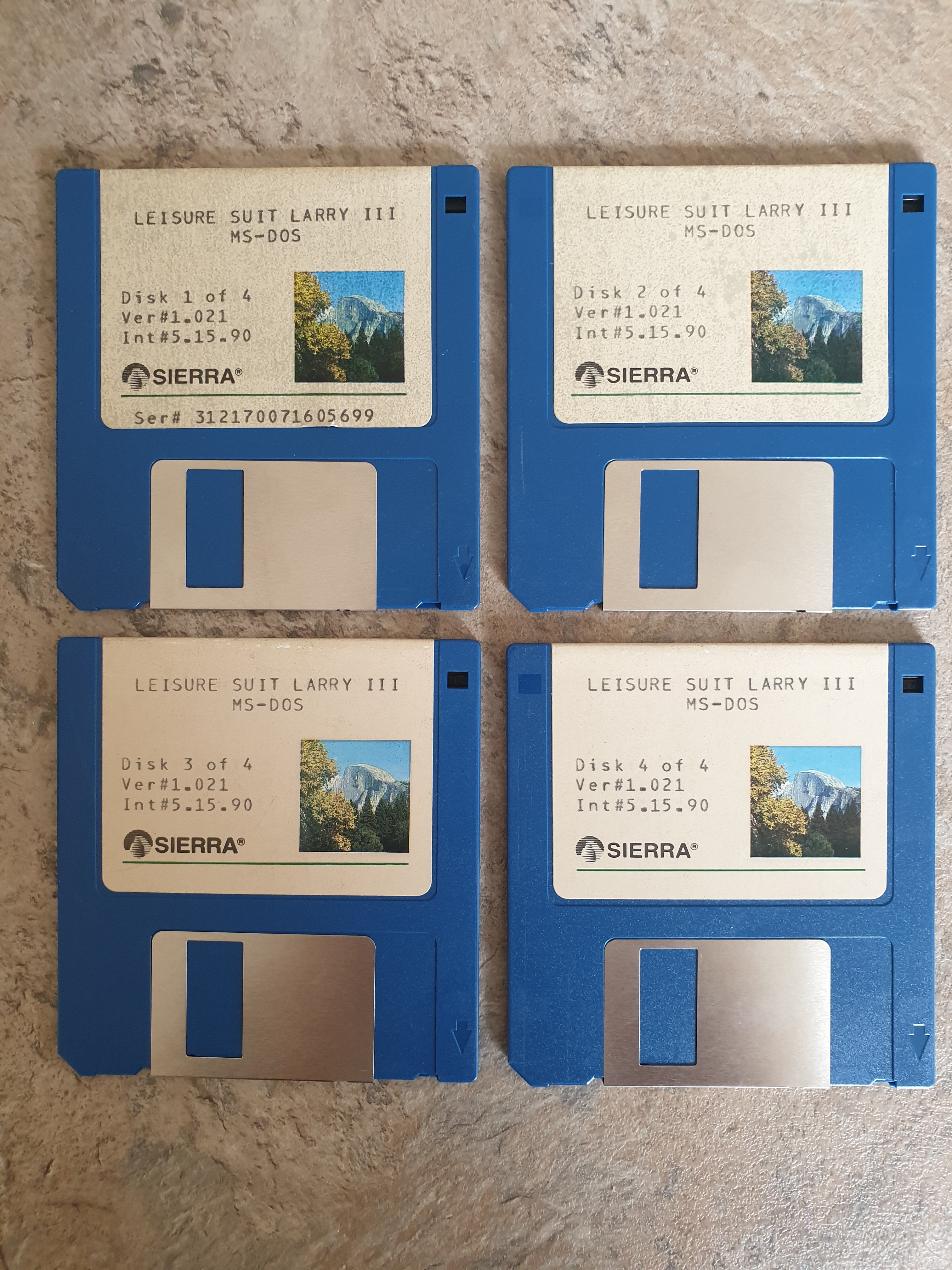
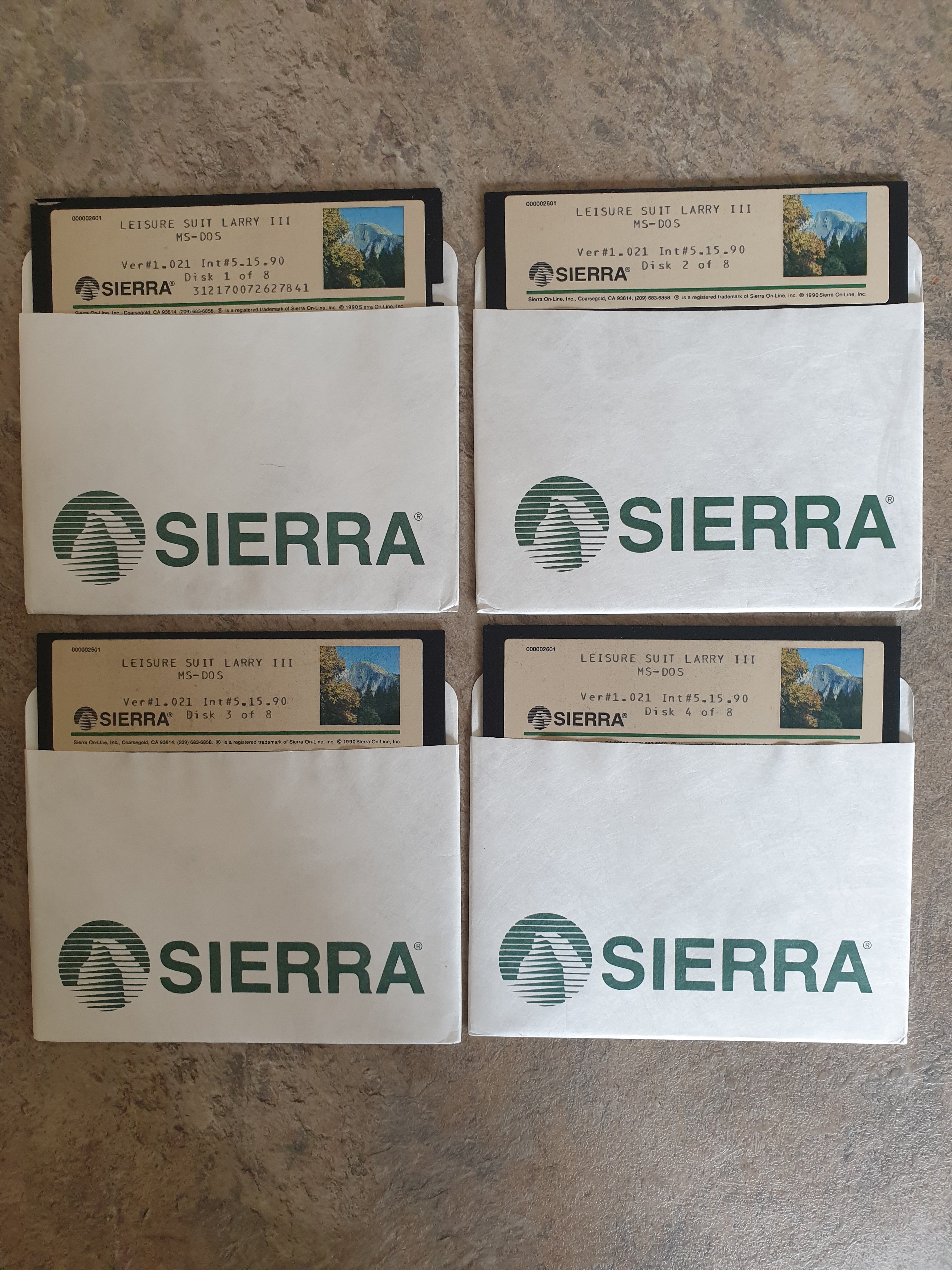
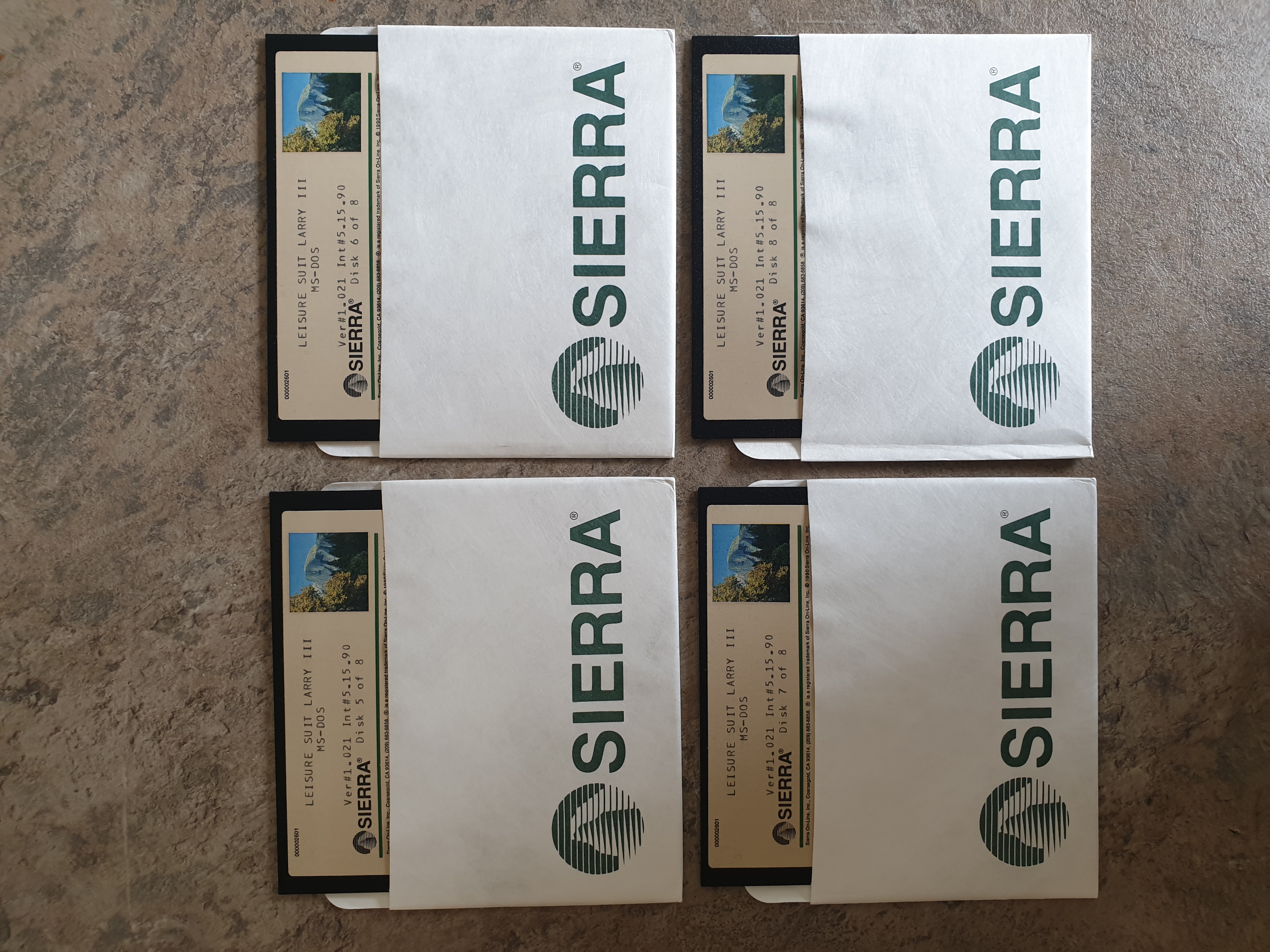
The floppy disks
Screenshots