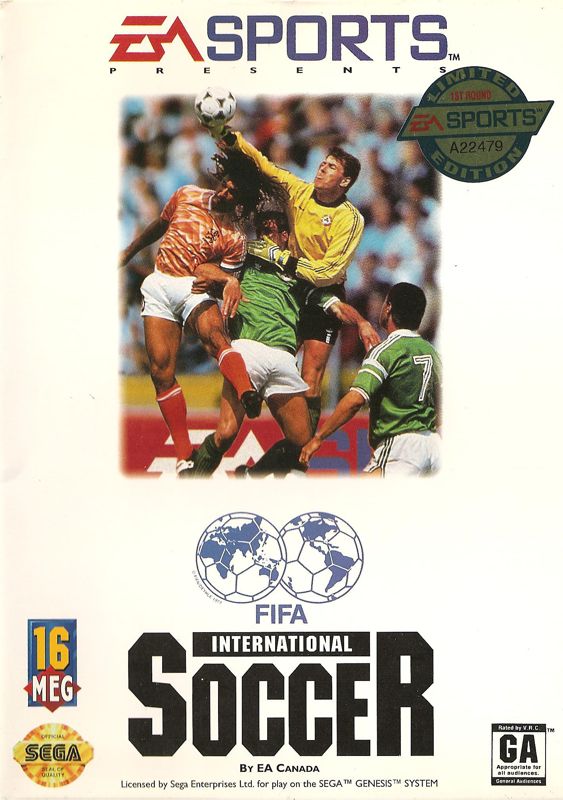
 FIFA International Soccer
Released: 1994
Published by: Electronic Arts
Developed by: The Creative Assembly
Author(s): Kevin Buckner, Tim Ansell, Adrian Panton, Clive Gratton, Will Hallsworth, HFC Music, Alan Ansell, Bill Lusty
Introduction
FIFA International Soccer first arrived in December 1993 for the Sega Megadrive (Genesis if you're in the US), and made it to the PC in July the following year. It's an action football game for one or two players, with the computer taking control of either team in one-player mode. You can even have the computer play both teams if you want to observe its strategies or just watch a demo.
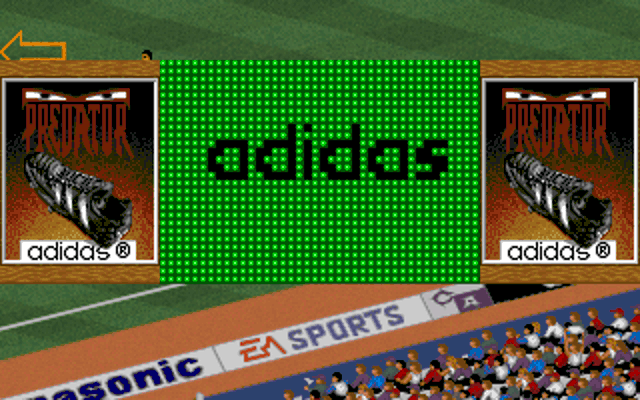
Intro sequence (left) and Gameplay (right)
The game pitches you against 47 other international football teams in any one of four playing modes: Exhibition, Tournament, Playoffs, and League. Exhibition is just a single friendly match and is the fastest way to get into the gameplay. Tournament mode runs through an entire World Cup with three group games followed by four follow-up games as you progress up the rankings. Playoffs/Knockout mode is a shortened version of Tournament which skips over the group stage games, starting you in the final 16. Finally, League mode puts your team in a group with seven other teams where you each play a match against each other.
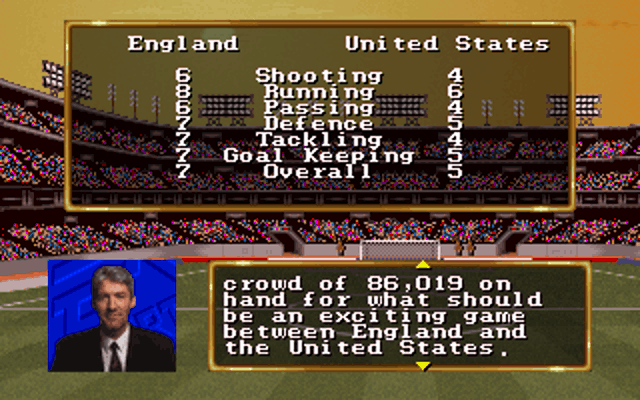
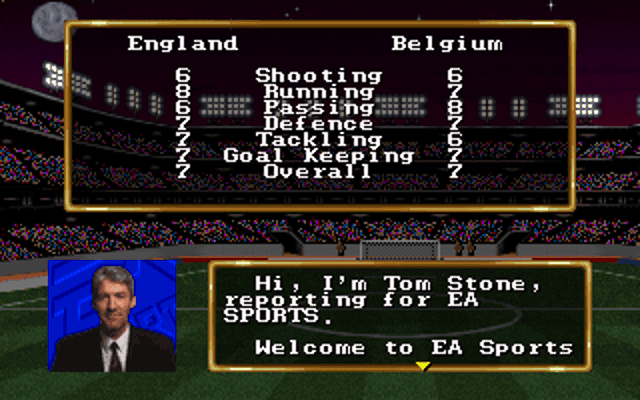
Before selecting an opponent (if in Exhibition mode) or about to play another team, the game shows you their rating in a variety of areas: shooting, running, passing, defence, tackling, goal keeping, and overall. It gives you an idea of what you might be up against, which is good as you can then select a team strategy that may help you win.
While you only have 11 players on the pitch, your squad for a game comprises 20 players and you can substitute players at any time during a match.
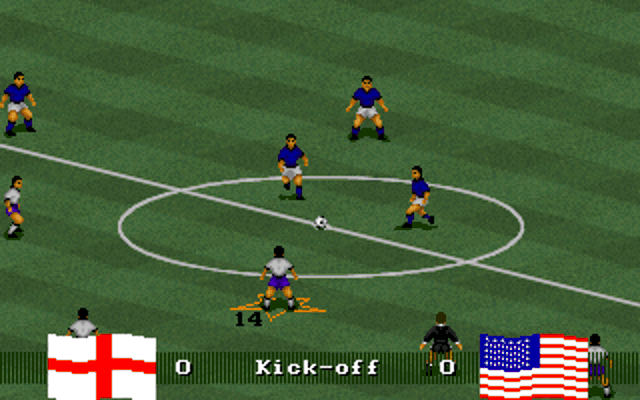
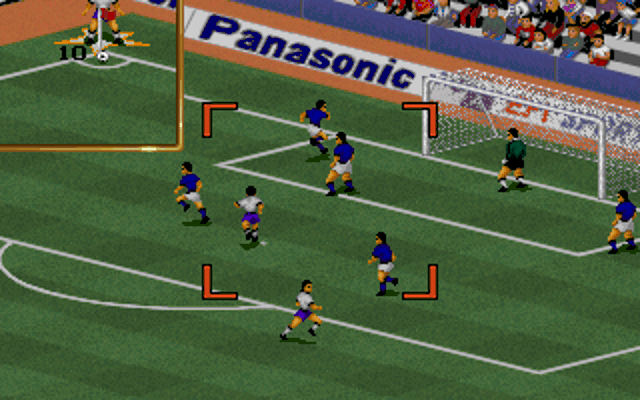
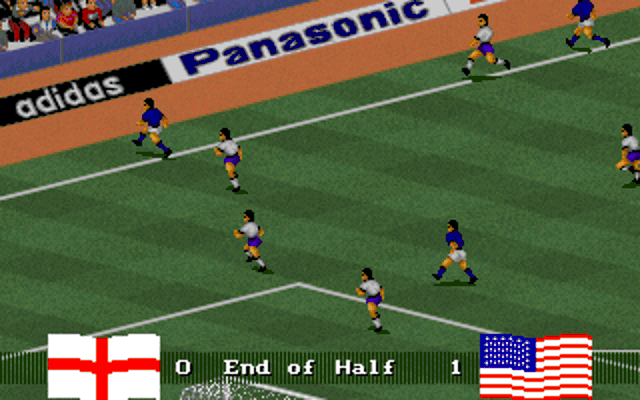
The graphics were considered excellent for the time, partly because of the isometric view which had not been done before in an action football game, but also with the players animations. The atmosphere was superb too with crowds cheering and chanting throughout the match. FIFA also provides a strategy angle to gameplay where you can choose not only your starting formation but also whether your team will play more defensively or all-out attack.
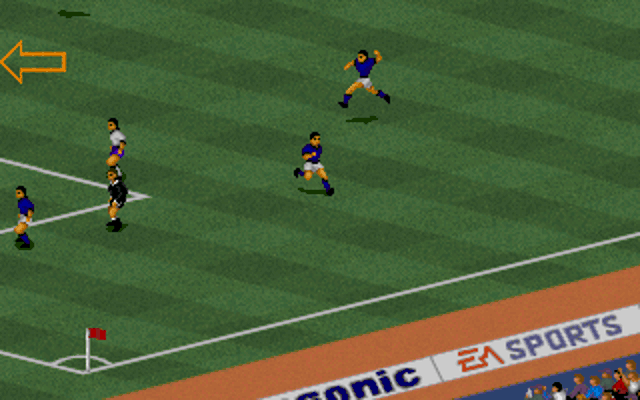
If you've played much later FIFA games this first version may come across as somewhat simplistic. You don't have the same degree of control or combo moves for the player you're controlling. Space kicks the ball and Enter changes your currently active player. If your active player is off the viewing area an arrow will appear on the edge of the screen to tell you where he is.
EA didn't get a complete licence to use actual international team or player names, so each team is just called by its country, and the player names are fictional or were part of the game's development.
A CD-ROM edition of FIFA International Soccer was released soon after the floppy disk release, added a running commentary by Tony Gubba during gameplay, a player name editor, CD audio, and an FMV intro. This version required 8 MB of RAM and a double-speed CD-ROM drive.
FIFA International Soccer had some competition in 1994. US Gold released Tiertex' World Cup USA '94 months before EA could get the DOS version out, and they had secured the full licence from FIFA so player names were accurate. The graphics style followed what came before: more of a top-down / helicopter view, but penalties were done in third-person view.
FIFA International Soccer was succeeded a year later with FIFA Soccer '95, though this was only made available for the Sega platform. On the PC, we had to wait until FIFA '96 to get a DOS version.
System Requirements
| System Requirements | 386DX-25 CPU (486DX2-66 or early Pentium recommended), 4 MB of RAM (8 MB for running commentary on CD-ROM version), DOS 5 or higher Graphics support: VGA only Audio support: Ad Lib/Ad Lib Gold, Sound Blaster/SB2.0/Pro/16/AWE32, ProAudio Spectrum/PAS16, Wave Blaster, Roland LAPCI, Roland SCC-1, SFX Classic 3000 Peripheral support: Keyboard, analogue joystick |
|---|---|
| Original Media | Three 3.5" DS/HD (1.44 MB) floppy diskettes or One CD-ROM. |
| Installed Size (MB) | 7.1 MB (floppy disk version) |
From where can it be run?
The game must be installed to your hard disk. If using floppy disk images you can simply copy the contents of all floppy disks into a subdirectory on your hard disk and run INSTALL.BAT from there. There is no need to use SUBST to simulate a floppy drive letter.
Copy Protection
FIFA International Soccer has no copy protection.
How to Setup
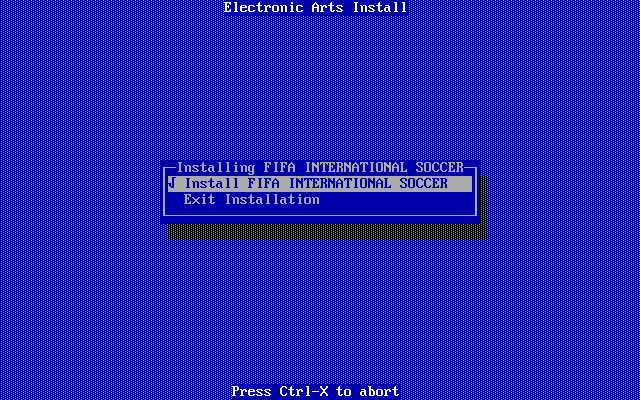
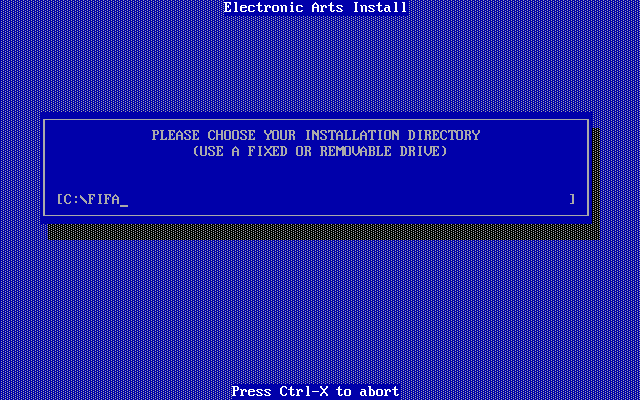
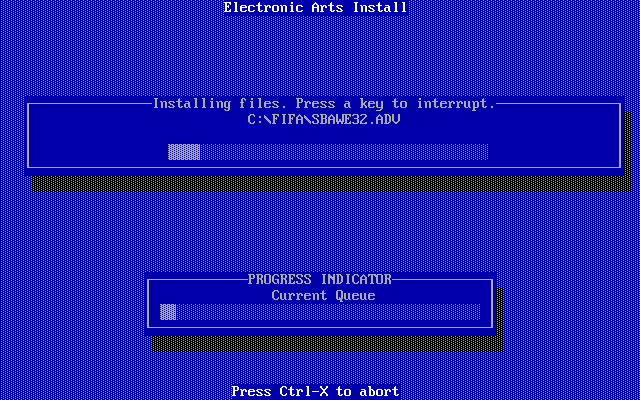
Insert the first floppy disk, run INSTALL.BAT and follow the on-screen prompts:
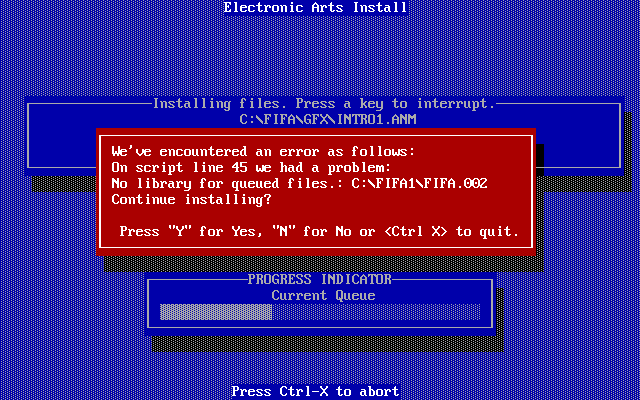
If the installer cannot locate a file it's trying to copy, you will see this error:
After the installer has completed copying/unpacking all the files, the Sound Configuration utility is automatically run (though you can configure this at any time by running CONFIG.EXE from the installed game directory):
To run the game, execute FIFA.EXE.
Problems
Symptom: The installer hangs with the blue screen but no options are shown.
Cause: You're running it on a machine that's too fast.
Resolution: Slow down your PC to something closer to a 486DX2/66.
Symptom: I get a Fatal Error TNT.10118: Can't load EXP file: C:\FIFA\FIFA.EXE. Insufficient physical memory available
Cause: This can occur if running the game in DOSBox.
Resolution: Make sure you are running the game with fixed cycles and set the cputype to 386_prefetch or pentium_slow.
Symptom: I get a Fatal Error TNT.10118: Can't load EXP file: C:\FIFA\FIFA.EXE. File format invalid
Cause: You're running it on a machine that's too fast. Yes, it sounds like an odd error message for such things, but just try it.
Resolution: Slow down your PC to something closer to a 486DX2/66.
Keys
FIFA can be played using a variety of keyboard combinations, or with an analogue joystick or game pad. Playing on keys is bit clunky as it can be for any isometric-style game. I personally recommend you use a short-throw analogue joystick, for example, a CH Mach I.
To Quit the Game
Press ESC while in-game to bring up the menu, navigate to the bottom ("Quit to DOS") and hit Enter. Then confirm by move left to 'Yes' and hit Enter again.
Supporting Documents
- Game manual (PDF)
- Reference Card (missing)
Additional Files, Drivers & Utilities
I have no additional files or utilities for FIFA International Soccer.
Save Games
If playing in Tournament, Playoff/Knockout or League mode, you can save the game only at the end of a match. At the menu, choose 'Save Game', choose any of the 20 save game slots, give it a name, and hit Enter to save.
You can also save replays to disk at any time.
To load from a saved game, select 'Load from Play Mode' from the Game Setup screen and choose the saved game you wish to load.
Versions of the game known to exist
| Version | Date | Comments |
|---|---|---|
| Demo | Early 1994 | Playable one-player demo - single short match only. |
| 1.0 | 12th July 1994 | Initial public release. |
| 1.1? | Early 1995? | CD-ROM release, also known as the Special Edition. |
Original Floppy Disk Contents
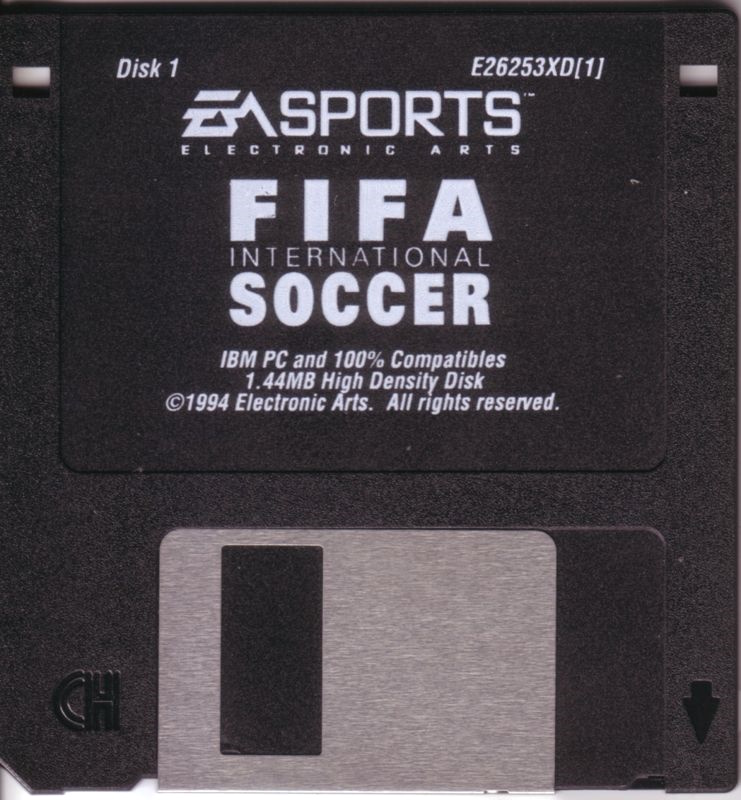
The floppy disks have a volume label of "FIFA_1", "FIFA_2", and "FIFA_3". Here are each disk's contents:
Disk 1 of 3 (3.5" DS/HD floppy diskette)
Directory of A:\ DISK ID 32 12-07-1994 14:54 |
|
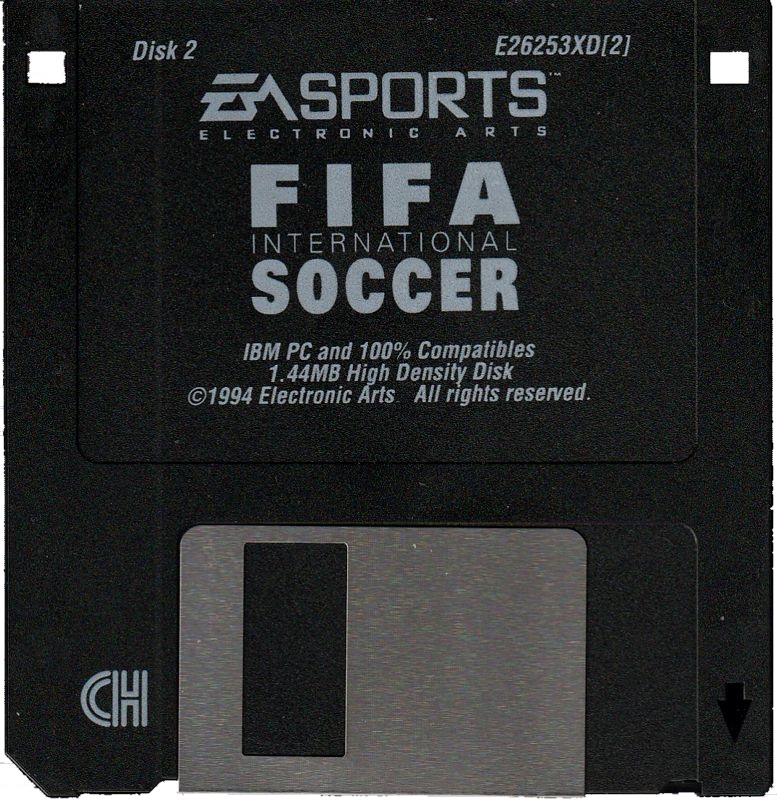
Disk 2 of 3 (3.5" DS/HD floppy diskette)
Directory of A:\ DISK ID 32 12-07-1994 14:56 |
 |
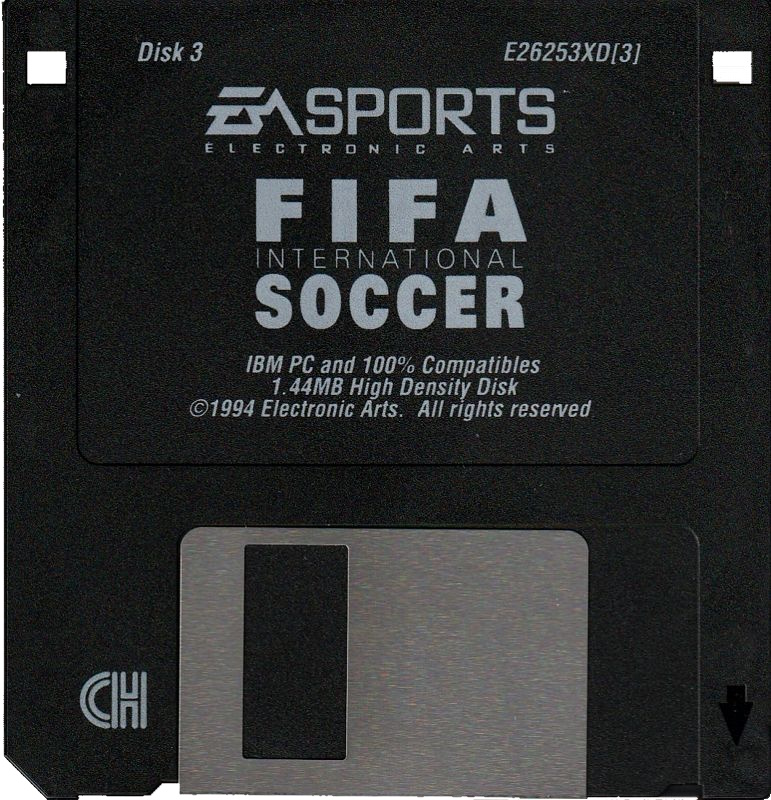
Disk 3 of 3 (3.5" DS/HD floppy diskette)
Directory of A:\ DISK ID 32 12-07-1994 14:59 |
 |
Installed Directory Contents
Once installed, the following directory structure exists in the game directory (which by default is C:\FIFA):
Directory of C:\FIFA GFX <DIR> 25-06-2026 9:38 ADLIB <DIR> 25-06-2026 9:39 |
Directory of C:\FIFA\MUSIC\GS |
Screenshots

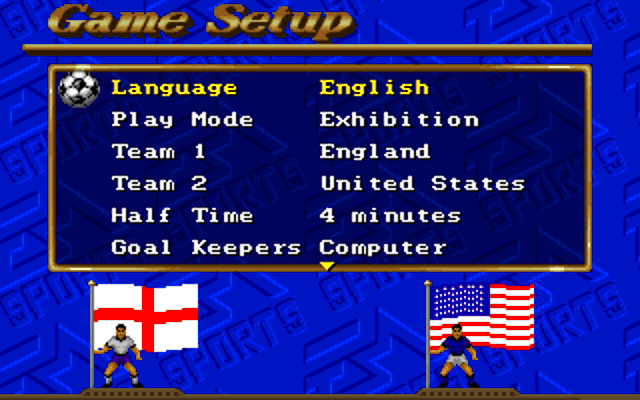
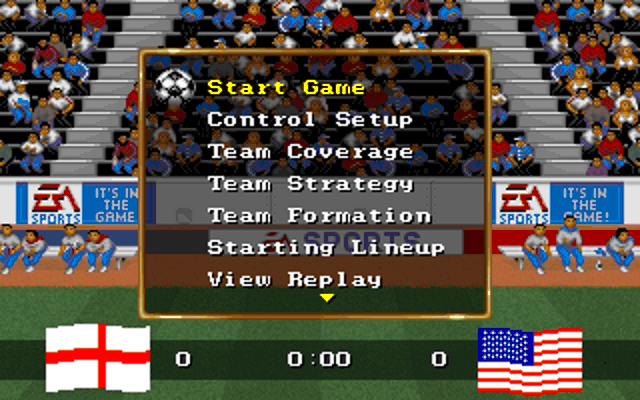
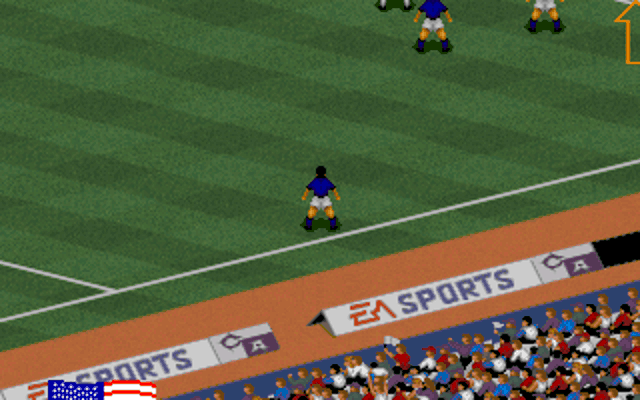
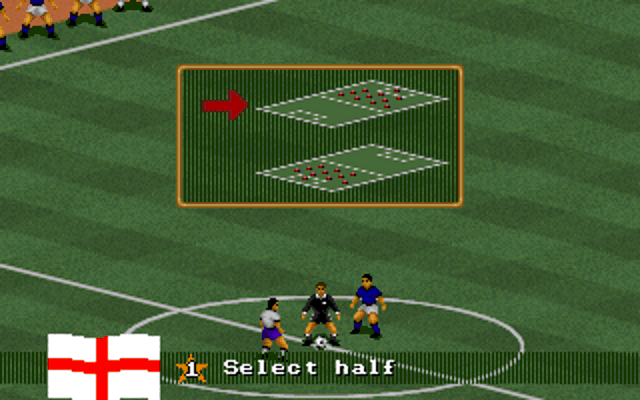
Game Review
Ok, I'll start by saying I never had this game back in 1994. My football gaming history had a bit of a gap. From Commodore Soccer (C64) in 1982 to Match Day (ZX Spectrum), then to Kick Off 2 and Sensible Soccer (Amiga), and then... nothing until the PlayStation version of FIFA '96 (which at the time was amazing). So let's just say I'm coming to this game with zero rose-tinted glasses and worse.. an impression of FIFA games being both visually stunning and having great technical playability.
I've now been playing this original version for a few hours, and I must say, I quite like it. Sure, it lacks the graphical fidelity of newer titles and it's certainly lacking in special moves for your players, but it still has a charm. The game runs in 320 x 200 256-colour VGA, making it a little blocky, but then most games were still using this screen resolution in 1994. It's more than adequate though, and the decision the developers made to go with an isometric viewpoint was definitely a good one over the top-down or birds-eye view of other football games. When choosing your controller setup, a white arrow next to the keyboard or joystick icon shows whether you want to play in isometric mode (an 'up' action will be angled so he's running up the pitch) or real mode (an 'up' action will physically move the player directly up the screen).
Audio options are excellent, and with the addition of digitised speech and crowd chanting and booing, these all serve to immerse you well into the game.
I found the game pretty hard - in my first four Exhibition matches I only won one of them. Having started with keyboard controls it didn't take me long to get frustrated with the limited controls. I moved to my old but trusty Mach I joystick (which I highly recommend for this game), and I was instantly a better player, though it was still a challenge to beat even much lesser-skilled opponents. There's just two fire buttons which limits your movement options: when not in posession, one fire button changes who is your active player and the other performs a sliding tackle. When in posession, one does a short pass and the other kicks a long ball. These kicks often don't go where you intended. The short passes are arguably too short with no option to press and hold for different amounts of power, and the long shots are almost always toward the goal.
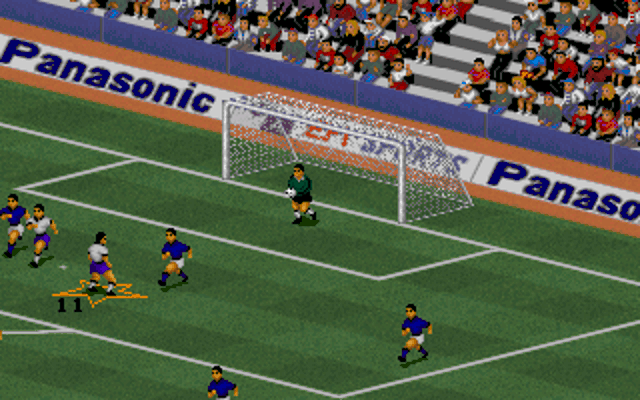
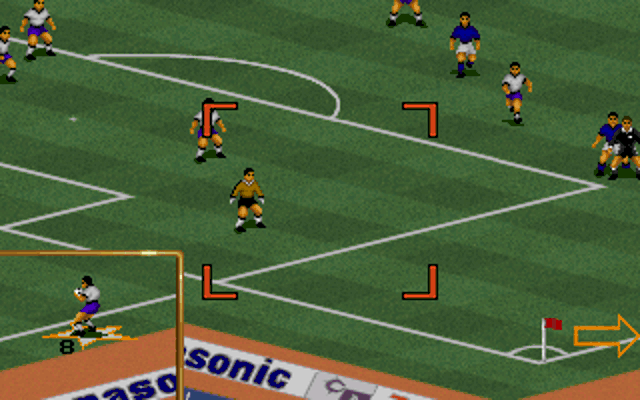
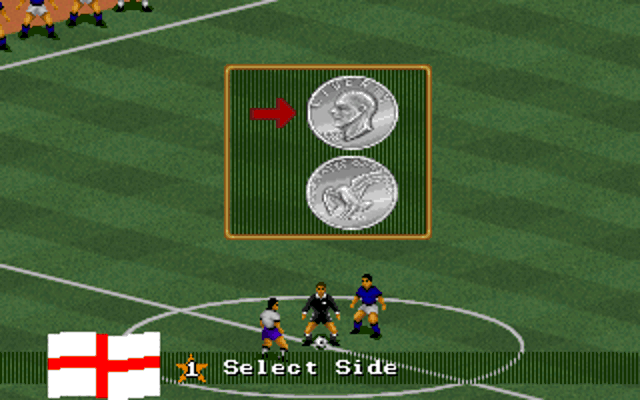
Your computer-controlled team's AI is pretty basic. They will follow the strategy rules you've set, but aren't particularly effective when you're pushing up the field to provide an assist.
I can confirm the floppy disk version does have the bug where you can stand in front of the other team's goalkeeper and hit the fire button as he's releasing the ball. Your player will jump or intercept the ball and shoot for the net, scoring you an easy goal. The CD-ROM version doesn't have this bug. FIFA International Soccer does have some aspects that lived on in later versions: attempting to score head-on with the keeper never works. My strategy in those later games was to do a one-two with another striker or do a shimmy before shooting. In this game, it's better to shoot from the far left or far right; the angle of the shot makes it much more difficult for the keeper to save it.
The game has loads of options to set up your perfect team with player selections/substitutions, computer-controlled player coverage (areas of the pitch that defenders/midfielders/strikers will use), team strategy (defensive, attacking, etc), and team formation (4-4-2, 5-3-2, etc). You can also choose from grass or artificial grass, as well as weather (hot, dry, damp or drenched) - both these options affect how the ball travels and bounces.
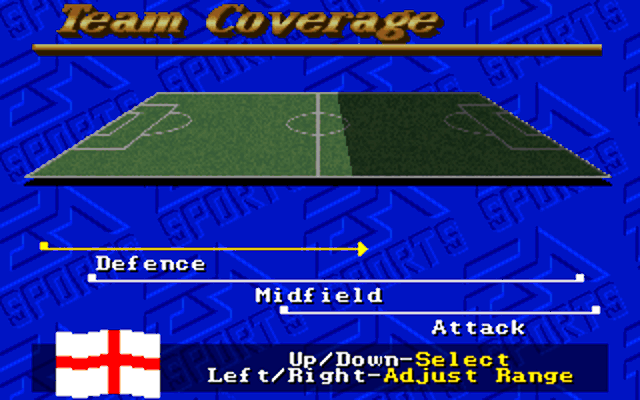
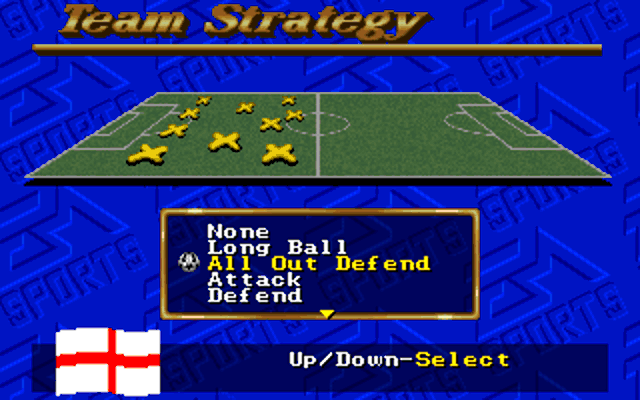
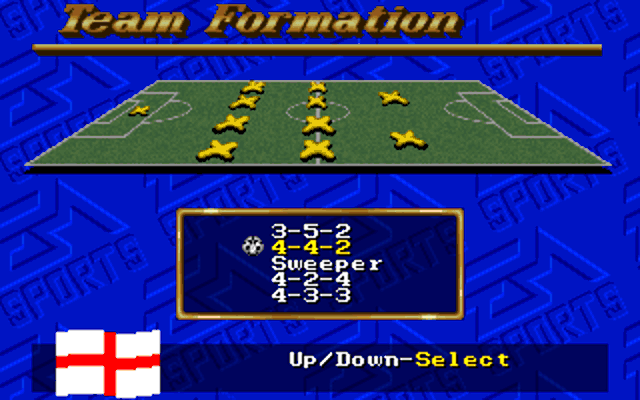
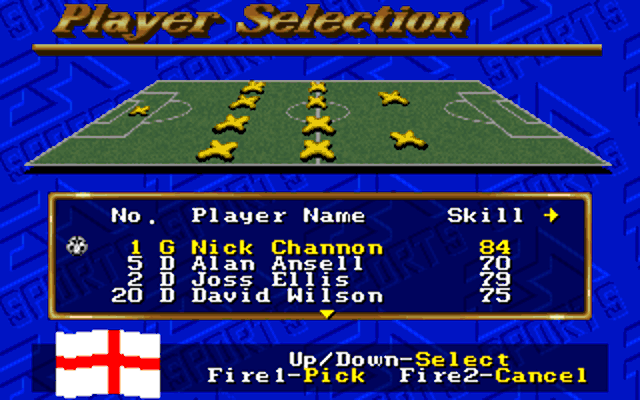
The team configuration options
In summary, I loved the range of options the game provided from a strategy front and the fact you can have two human players on the same side or opposing sides. Sadly though, the whole thing is let down by ultimately lacklustre gameplay, something critical for a sports game. Yes it looks and sounds great, but the controls and lack of moves make this frustrating to play.
Sound: The game audio is excellent, with as many sound cards supported as you would like to see. The game has a mix of music and digitised sound that complement each other well. The crowd almost constantly make a noise and somewhat reflect what's going on on the pitch. 7/10
Gameplay: This is where I personally feel the game is disappointing. If only they supported more than two joystick buttons, e.g. a gamepad, and added just a few more kicking/defending options... Without this, you're left feeling more than a bit out of control which leads to a belief there was some randomness or luck in what you did to achieve the win. 6/10
Lastability: With four game modes to choose from, and a broad variety of other ways to change the type of game you're playing, there's plenty here to come back to. Switch off computer-controlled goalkeepers, enable the offside rule, enable more harsh fouls, the list goes on. The ability to save action replays for later viewing is a nice addition, plus the fact you can save your progress during a long-running tournament, which was far from a standard feature in 1994. 7/10
OVERALL: 7/10